Zen is heavily leaning into the “Arc alternative” narrative, and the company is further improving workspace management. Automatic tab routing is finally coming to Zen.
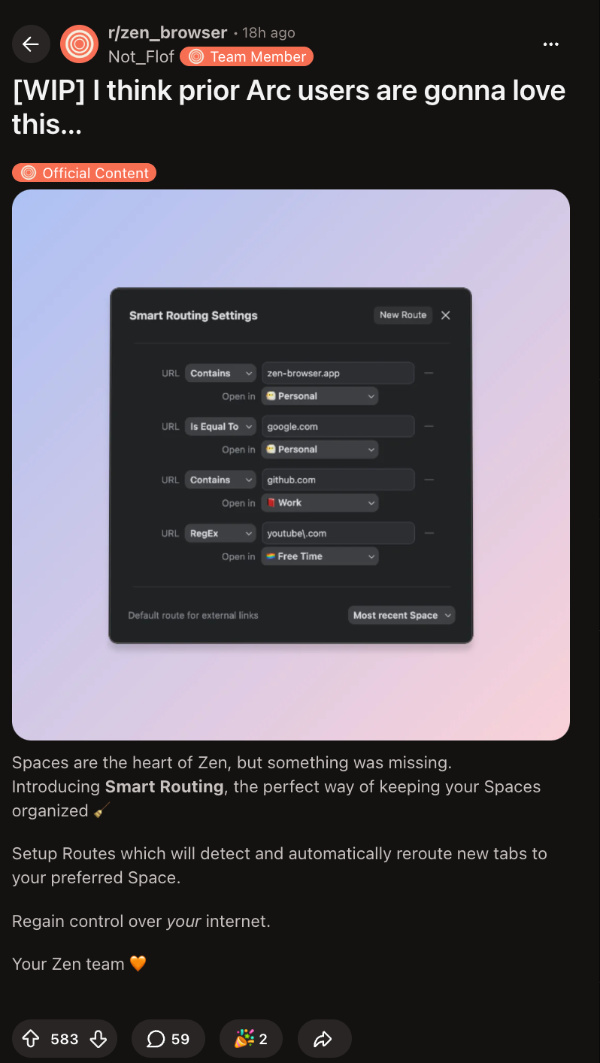
It’s either called Smart Routing, Control Flow, or… Air Traffic Control, depending on the version. Basically, it lets users create rules that automatically direct new tabs and links to the assigned workspace.
For example, any link containing “google.com” or “sheets.google” can open directly in the selected workspace, instead of opening in your current one. It supports three matching types: Contains, Equals To, and advanced Regex.
You don’t need to manually keep moving your tabs between spaces anymore, which makes browsing organized. This is a beloved feature on the Arc browser.
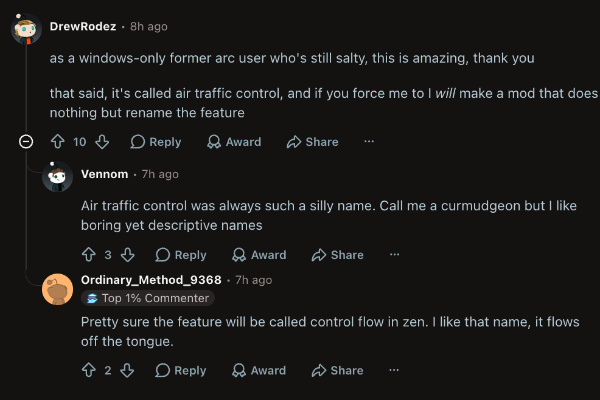
It was officially introduced via a Reddit post by a Zen team member. It includes a screenshot of the new interface, and the community also reacted with enthusiasm. Some wanted the name “Air Traffic Control” to change, since it sounds a bit weird and out of place.
I’ve checked for this feature on the latest version of Zen. However, it’s probably still in beta, or it’s a phased rollout, since I was unable to find it.
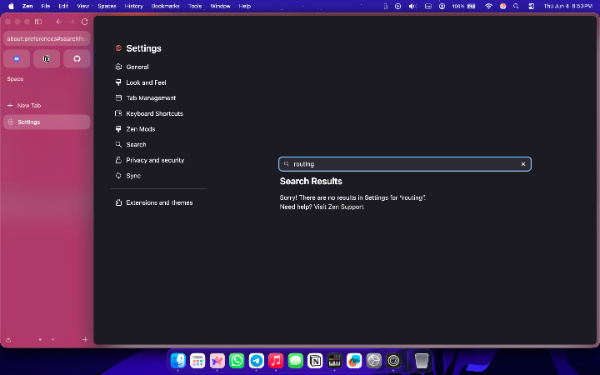
You can find a screenshot of the latest changelog below, which also doesn’t mention the feature.

In a reply to the main post, the Zen team member replied that RegEx support would be a native feature “very soon.” However, it’s unclear whether the reply was talking about the smart tab routing feature itself. Meanwhile, you can watch out for updates to the browser.

Overall, it’s a good productivity feature; better late than never. In other Zen news, the browser will soon let you share your Boosts (customizations) with others. We covered that here.
Disclaimer: The Featured image was generated with AI.


Sudhanshu K
305 Posts
I have been a consumer technology enthusiast for over 5 years. Thanks to my experience in software beta testing and product reviews, I've understood and learnt a lot about what bugs and issues bother people, and I spend time trying to simplify their solutions. I cover smartphones, software, social media, apps, AI, and most consumer tech gadgets. Actively pursuing a Computer Science bachelor’s degree. I'm mostly active on Twitter/X (@TechWhirlUlt), drop a DM or tag me if you want to share info or connect!
Next article View Article