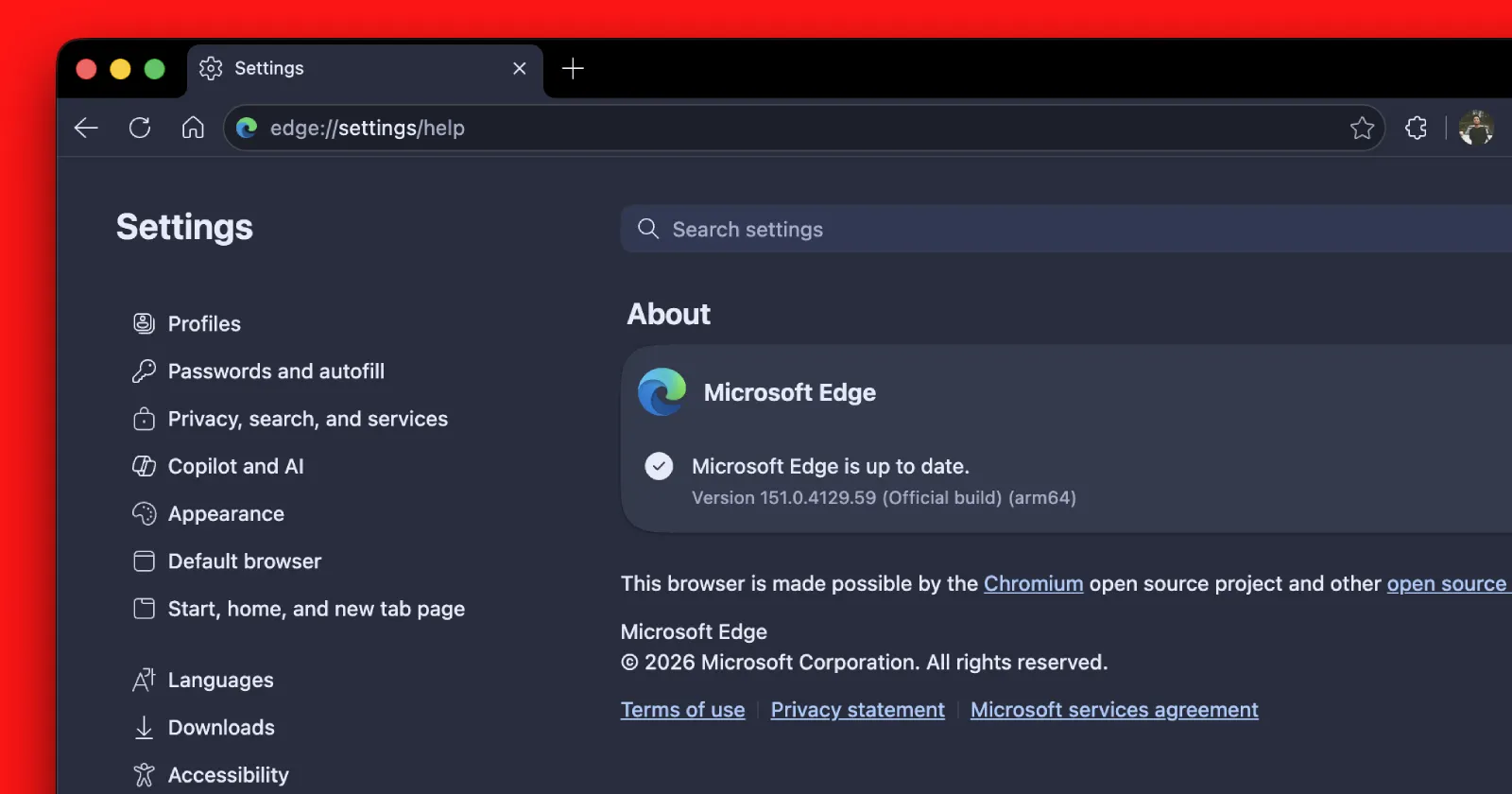
Somewhere north of 200 separate security flaws just got patched in a single Microsoft Edge update, and if you use the browser, this is your cue to check the version number.
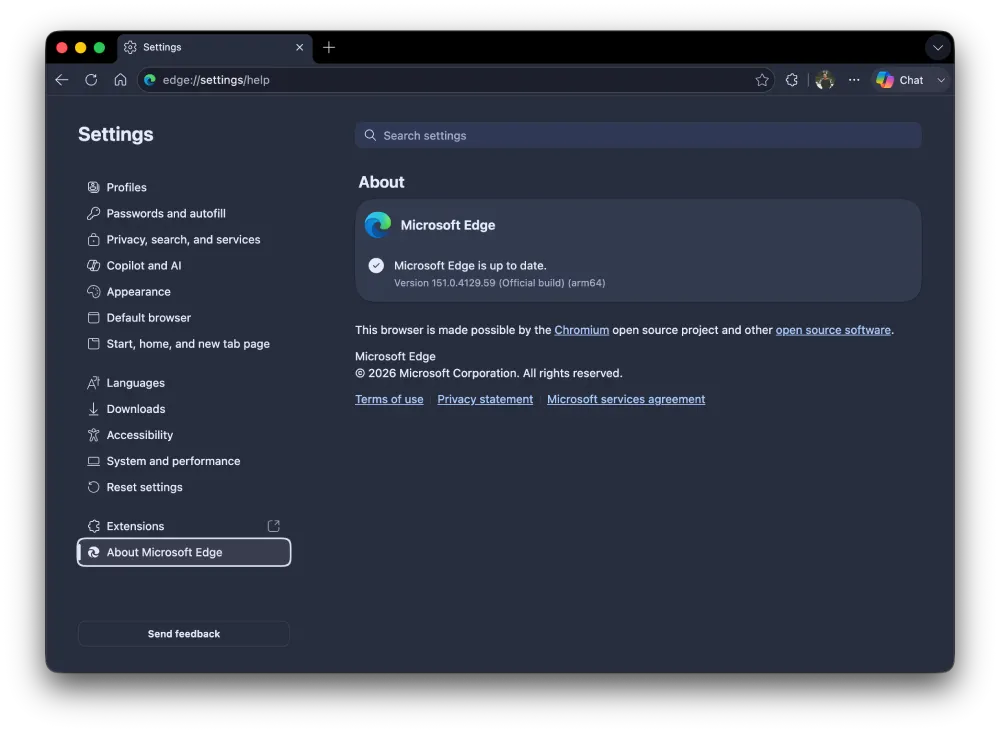
The fixes are bundled into Edge 151.0.4129.59, flagged in a security bulletin from Hong Kong’s CERT team dated August 3. More than 200 CVEs, the tracking numbers researchers assign to individual vulnerabilities, all cleared in one go. Anything older than 151.0.4129.59 is missing the lot.
Back in early July, we put the spotlight on version 150.0.4078.48 when it landed with a pile of remote code execution and data leak fixes, and roughly two weeks later another round arrived in 150.0.4078.83 carrying 20-plus more. This latest batch dwarfs both.
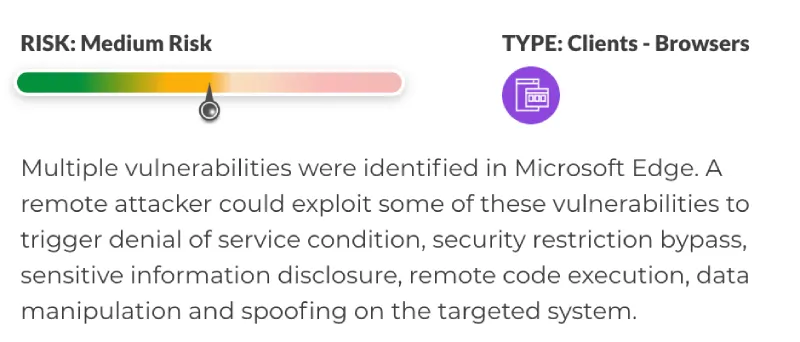
What can these bugs actually do? The bulletin lists the usual grim menu. Remote code execution, which lets an attacker run their own code on your machine and is about as bad as it sounds. Information disclosure, where private data leaks out. Spoofing, denial of service that can crash the browser, security feature bypass, and data manipulation.
You don’t need to know which CVE does what. The main thing here is that the update fixes all the vulnerabilities in a single go.
That said, HKCERT rates the overall risk as Medium, not the top tier, and there’s no mention anywhere of these flaws being exploited in the wild.
To check your version, open Edge, click the three-dot menu, go to Help and feedback, then About Microsoft Edge. It’ll look for an update on its own and pull down the newest build. Restart the browser afterward so the fixes actually take hold. Edge usually updates itself in the background, but “usually” is doing some work in that sentence, so it’s worth a look.
And while you’re digging around in Edge’s menus, you might notice the browser has other habits worth watching. We recently found a privacy toggle that quietly switches itself back on after you disable it. So patch the 200 holes first. Then go check whether that switch stayed where you left it.


Dwayne Cubbins
3103 Posts
I cover fast-moving stories across apps, online platforms, and everyday tech — phones, wearables, consoles, and whatever else people are fighting with this week. Bugs, rollouts, scams, policy enforcement, and the occasional internet-culture rabbit hole are all fair game. My goal is simple — make confusing tech news readable. When I'm not working, I'm working out or chilling with my dog. Got a tip? You can find me on X @dcubbins.
Next article View Article