
The Vivaldi 8.1 stable update is now live for public use on both iOS and Android. It’s a minor update that fixes bugs and is feature-light.
You can find an image of the iOS app’s changelog attached below. Earlier, there was a bug where attempting to log in or register an account used to cause the browser to crash. This version resolves that problem. Additionally, the other fix is related to tabs.
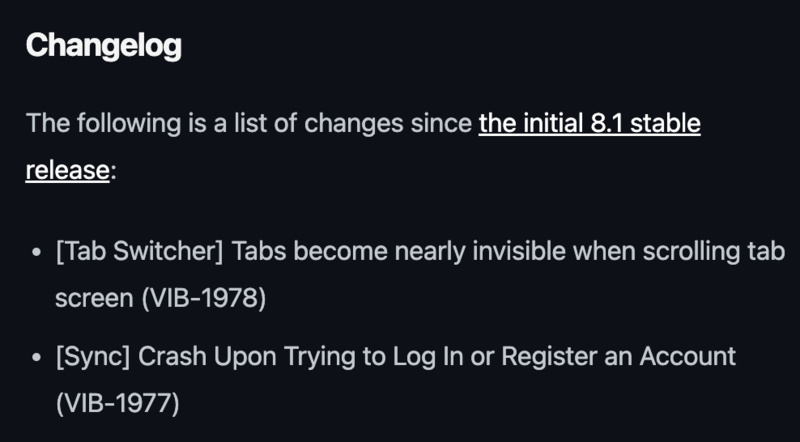
The tab switcher (which displays thumbnail previews of all your currently open tabs) used to have a bug earlier. When you scrolled up or down through these tab previews, the pictures of these tabs used to become “almost” invisible. They’d fade out, and it was just difficult to see.
This is a problem if you have a lot of tabs open, and the grid-view thumbnails fade out while you’re scrolling through them to find the tab you want. The previews are supposed to stay clear and easily viewable even while you scroll through them.
Because of this bug, as soon as you start scrolling, the thumbnails would lose color and brightness, or become faded, which makes the titles, favicons, and page content difficult to read. This no longer occurs on v8.1 on iOS, and tab previews remain visible even while you scroll through the grid view.
Furthermore, there’s a “Minor update 2” for Android as well.
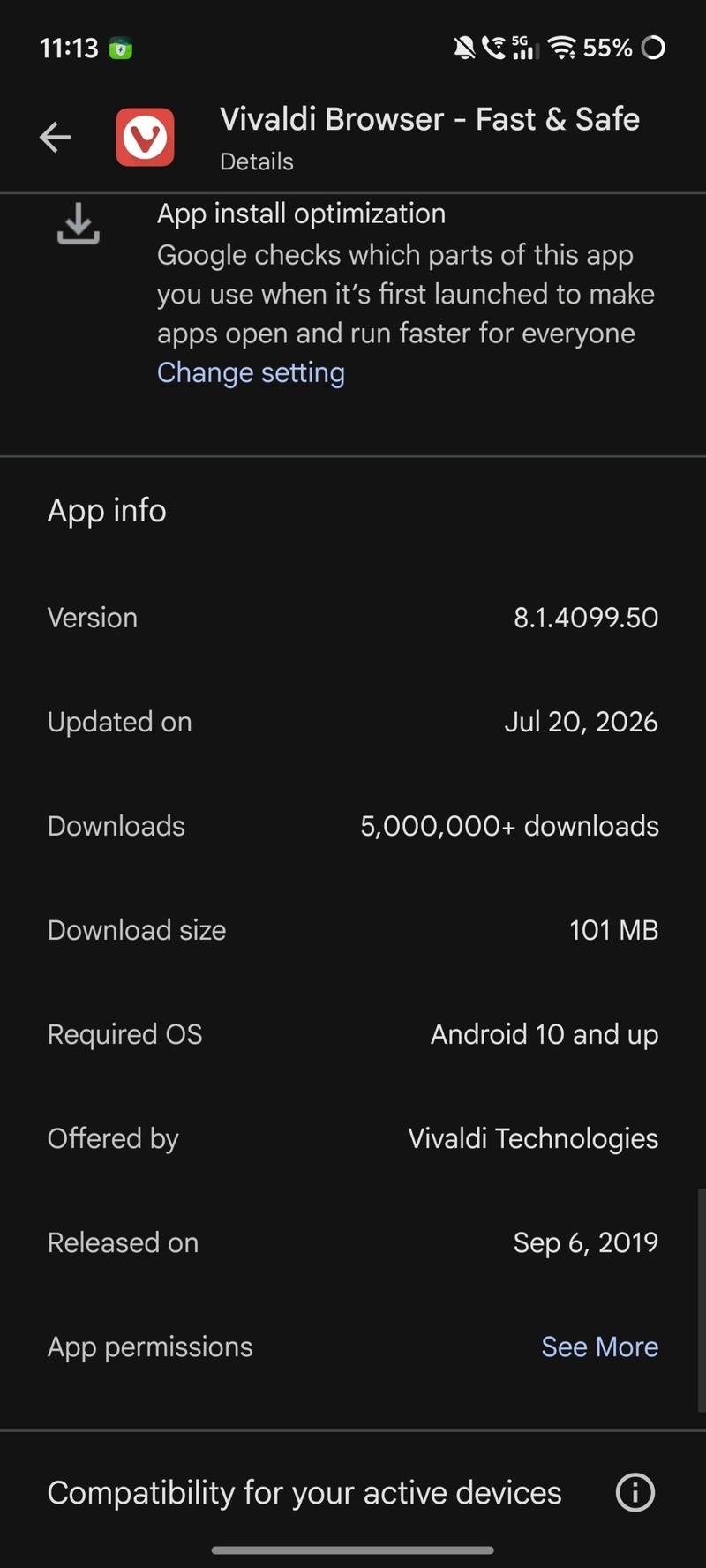
You can take a look at the changelog below.
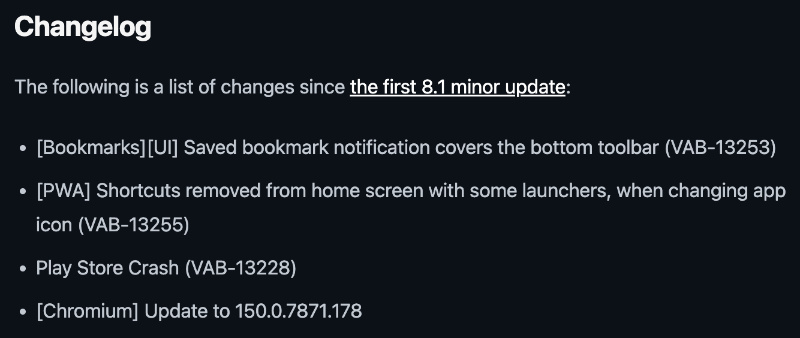
The first fix is about Bookmarks. When you save a bookmark, a little message pops up at the bottom of the screen. That message used to show up on top of the bottom toolbar buttons, which hid all of those buttons (Back, Forward, Home, etc). This no longer occurs.
Furthermore, PWAs were bugged out earlier. If you change the icon of the Vivaldi browser, the PWA icons used to be hidden from the home screen and app drawer, forcing people to re-add them. This has been fixed as well.
Another issue with Vivaldi crashing when you interacted with it through the Play Store has been addressed. Finally, Chromium has been updated to v150.0.7871.178. This brings security features.
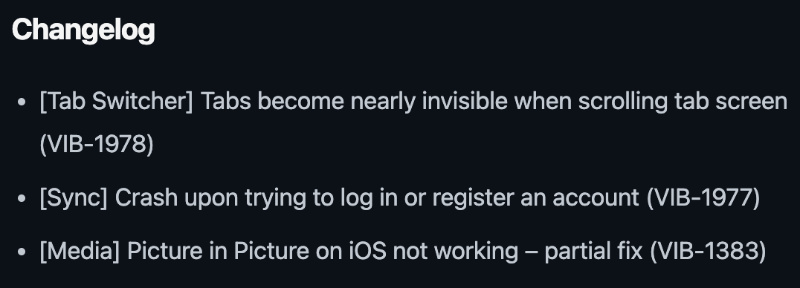
It’s not just the stable versions that got updates. The snapshot version 4108.4 also got an extra notable fix: Picture-in-Picture mode wasn’t working on iOS properly, and now that has been “partially addressed.” However, the other two bugs mentioned have already been covered above: About tabs and the account crashes.
While these changes are modest, the snapshot version of Vivaldi 8.2 includes a long list of changes. More on that here.
If you haven’t already updated, you can do it through the App Store or Play Store depending on which platform you’re on.
In other Vivaldi news, the entire browser’s customization interface (on desktop) is secretly just a Chromium extension. We covered that here.


Sudhanshu K
297 Posts
I have been a consumer technology enthusiast for over 5 years. Thanks to my experience in software beta testing and product reviews, I've understood and learnt a lot about what bugs and issues bother people, and I spend time trying to simplify their solutions. I cover smartphones, software, social media, apps, AI, and most consumer tech gadgets. Actively pursuing a Computer Science bachelor’s degree. I'm mostly active on Twitter/X (@TechWhirlUlt), drop a DM or tag me if you want to share info or connect!
Next article View Article