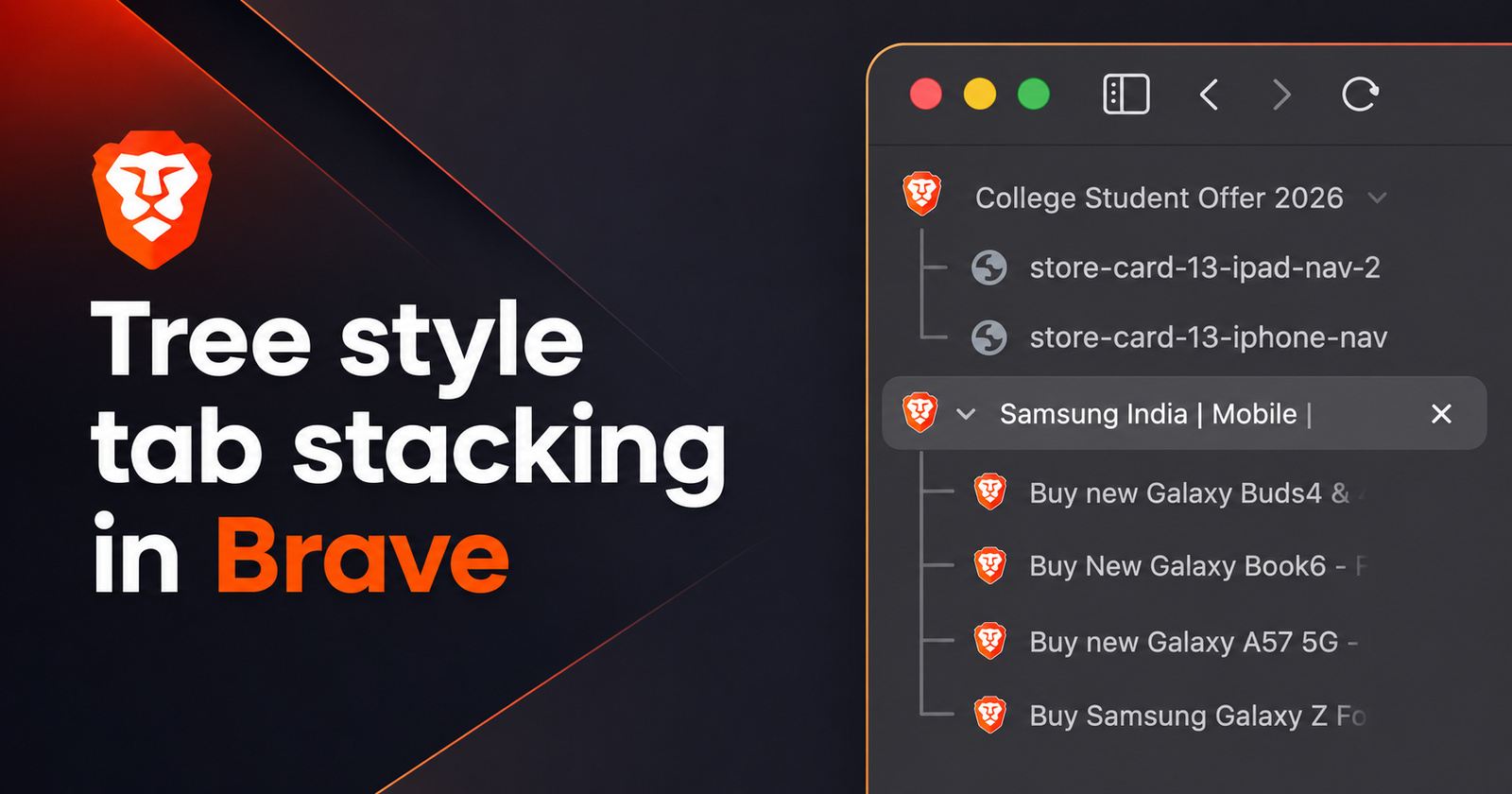
Brave is now rolling out version 1.92.141 for both Brave and Brave Origin. The update focuses on polishing the experience, since it’s largely just bug fixes.
The changelog (for both Brave and Origin) was posted officially in the Brave Community. You can view a screenshot of the bug fixes below.
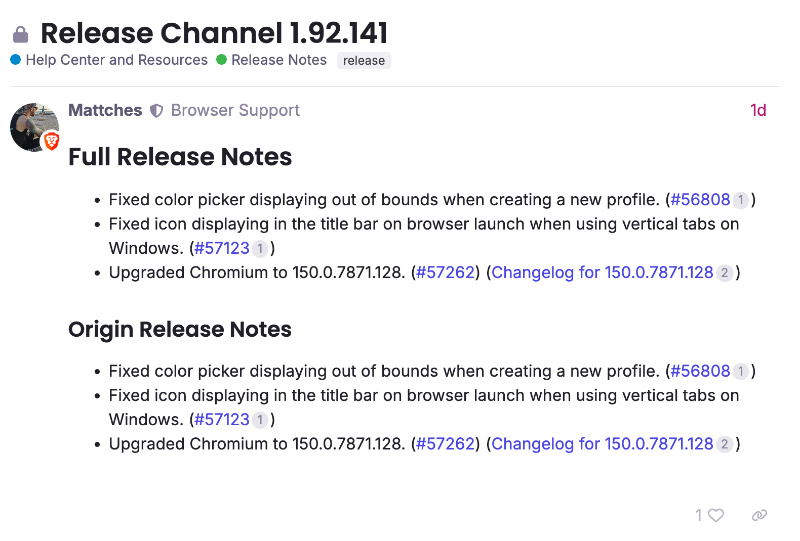
This is a list of the problems the company has addressed with this release:
- Fixed a problem with the color picker tool: When creating a new user profile in the browser, the color selection box sometimes appeared outside the screen or in the wrong place. This issue has now been fixed, so choosing a color profile no longer has such issues.
- Fixed an annoying icon glitch on Windows: On Windows systems, when using vertical tabs, the Brave icon used to get stuck in the title bar right after launching the browser. Now, this has been fixed. For users who use vertical tabs, this was a much-needed improvement.
- Updated to a newer version of Chromium: The core engine has been updated to version 150.0.7871.128, which brings better security, performance, and the latest fixes.
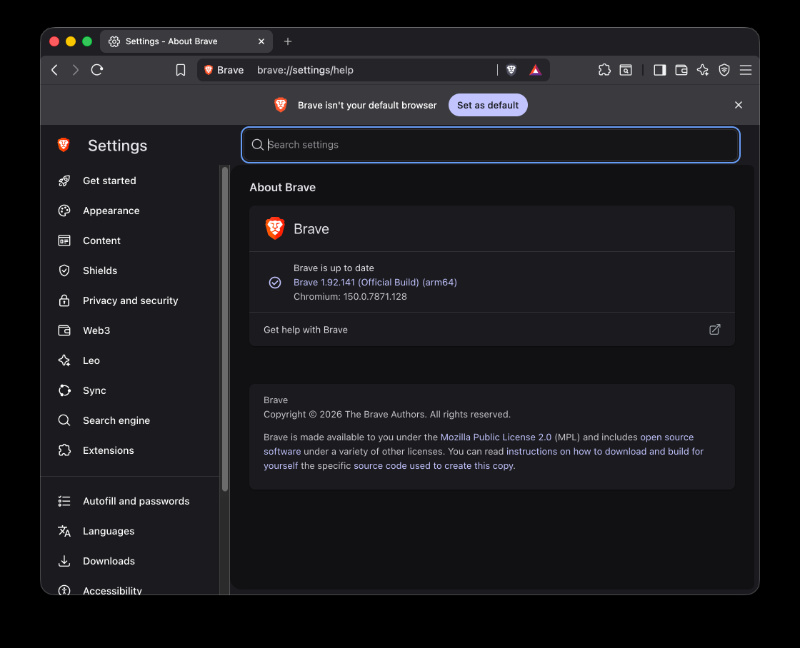
If your browser hasn’t automatically updated to the latest version yet, you can head to Settings -> About Brave, and wait for the browser to finish updating. Following this, you’ll need to restart your browser.
I’ve checked for this update myself, and sure enough, it began updating immediately to v1.92.141 after opening the About section.
In comparison to the previous update, v1.92.140 (which we detailed here), this one isn’t as feature-heavy. It’s largely just bug fixes and an update to Chromium.
In other Brave news, the New Tab pages also got fresh new wallpapers. More on that here.


Sudhanshu K
307 Posts
I have been a consumer technology enthusiast for over 5 years. Thanks to my experience in software beta testing and product reviews, I've understood and learnt a lot about what bugs and issues bother people, and I spend time trying to simplify their solutions. I cover smartphones, software, social media, apps, AI, and most consumer tech gadgets. Actively pursuing a Computer Science bachelor’s degree. I'm mostly active on Twitter/X (@TechWhirlUlt), drop a DM or tag me if you want to share info or connect!
Next article View Article