





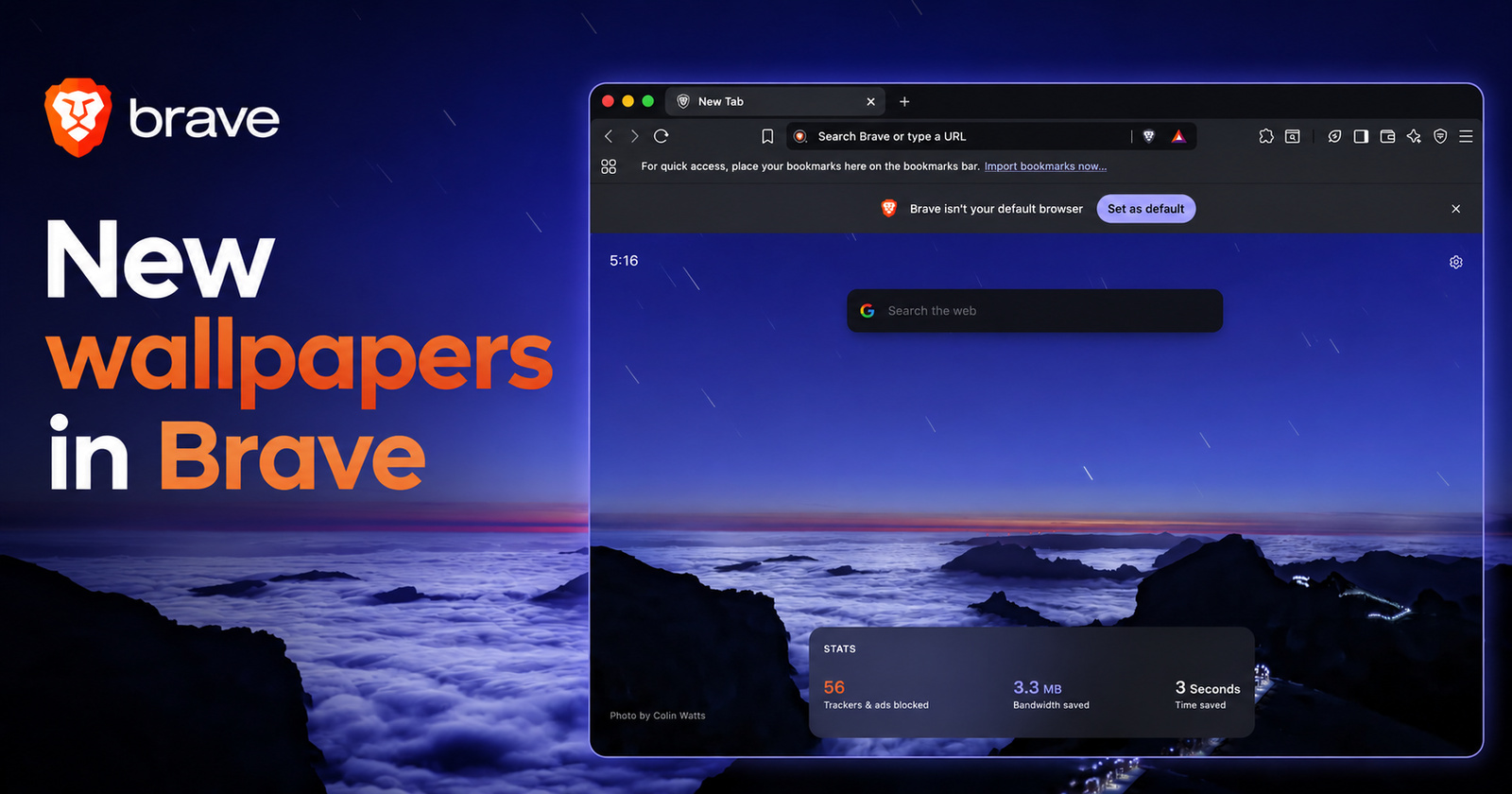
We've rolled out a fresh set of images for Brave's new tab pages! 😍
— Brave (@brave) July 13, 2026
Check out some of the new backgrounds in this thread... pic.twitter.com/JXMjMeJ4NY
Brave has rolled out a fresh collection of wallpapers (background images) for its new tab pages.
It was shared directly by Brave’s official X account, featuring screenshots of the wallpapers in action. The wallpapers were added to both desktop and mobile; the images come from photographers who sent in their work for consideration.
While the wallpapers aren’t animated or live, they’re still excellently composed static pictures. They rotate randomly with each new tab if you enable the “Brave backgrounds” option in the customization settings. The company went on to thank contributors for providing these wallpapers and confirmed that all of them are already live and available to use.
If you’re on the desktop version, you can enable these backgrounds by opening a new tab, clicking the gear icon in the top right, and then toggling “Show background image” on. From the list of available options, make sure to pick “Brave backgrounds.”
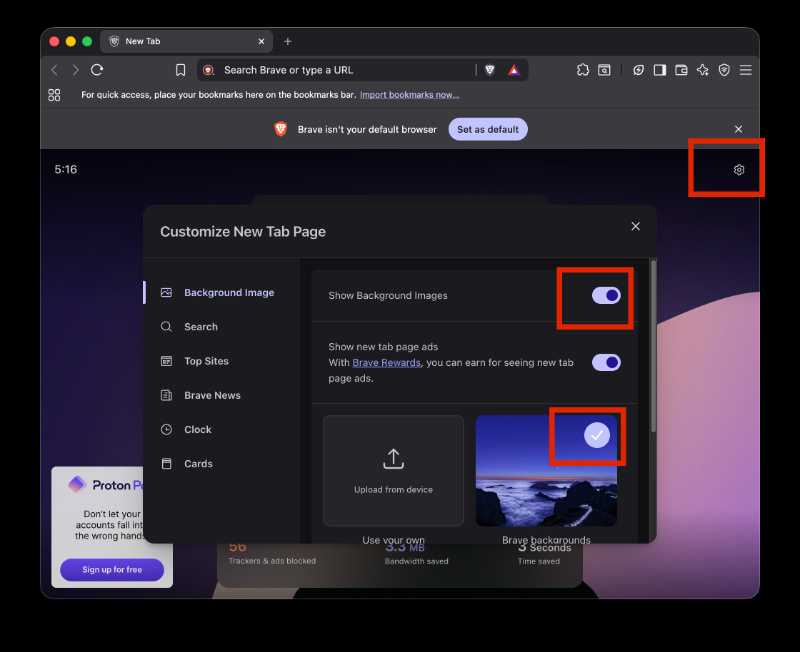
Sure enough, I did get the new wallpapers in my rotation, and they change each time I refresh the New Tab page.
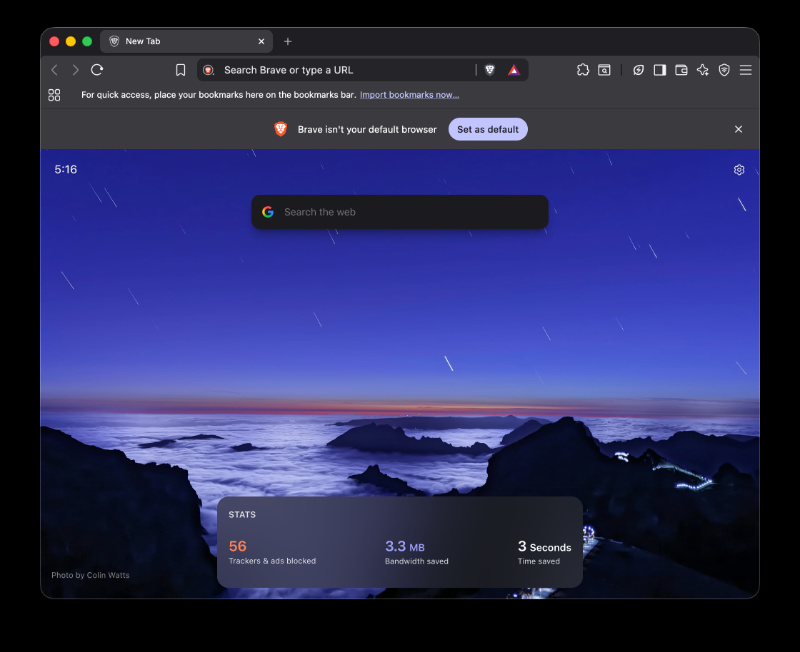
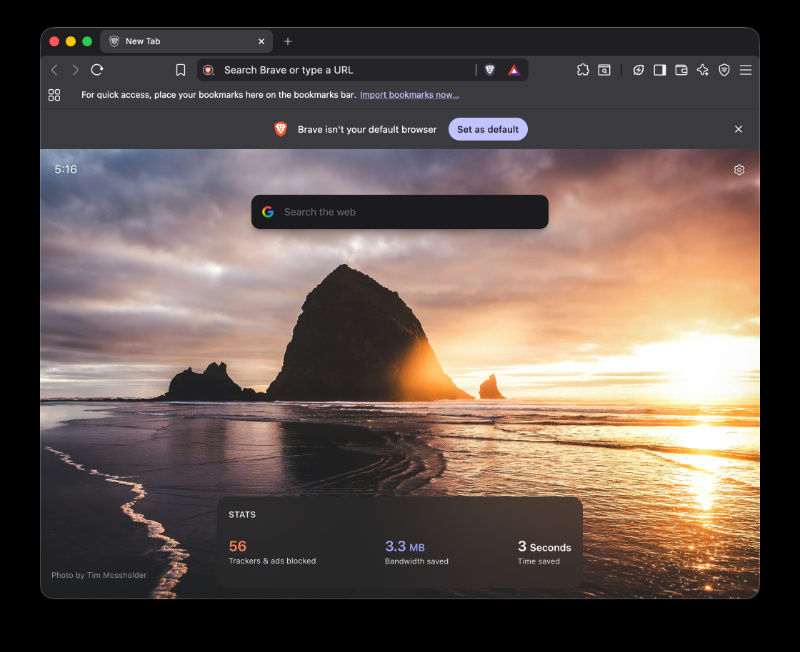
On the mobile version, it’s a similar process. Go to Settings -> Display -> New Tab Page. From here, toggle “Show background images” on, and pick Brave backgrounds.
Reception to the wallpapers appears to be positive, with users appreciating the quality and look of the new wallpapers.
In addition, Brave also encouraged other creators to share their work. If someone wants their own image features on New Tab pages, photographers/artists can submit their work for review following the official guidelines linked here. It goes into details about the submission process, resolution requirements, and more.
In other Brave news, its native Search feature got an upgrade recently, with over 12,000 bang shortcuts. These are present in the auto shortcut menu. More on that here.

We stand out from the tech-media crowd because we break news stories; we mainly bring you stuff that you won’t find anywhere in the mainstream tech media. Our stories have been picked up by some of the world’s most popular websites and media outlets—more info is available here.

Sudhanshu K
323 Posts
I have been a consumer technology enthusiast for over 5 years. Thanks to my experience in software beta testing and product reviews, I've understood and learnt a lot about what bugs and issues bother people, and I spend time trying to simplify their solutions. I cover smartphones, software, social media, apps, AI, and most consumer tech gadgets. Actively pursuing a Computer Science bachelor’s degree. I'm mostly active on Twitter/X (@TechWhirlUlt), drop a DM or tag me if you want to share info or connect!
Next article View Article
Brave 1.92.140 brings back disabled extensions, fixes Container tab permissions, and tidies up tab groups
Brave just pushed out version 1.92.140 on desktop, and if you’ve been following the whole Manifest V2 saga, this one clears up a mess that’s been...
Jul 16, 2026 1 Min Read