





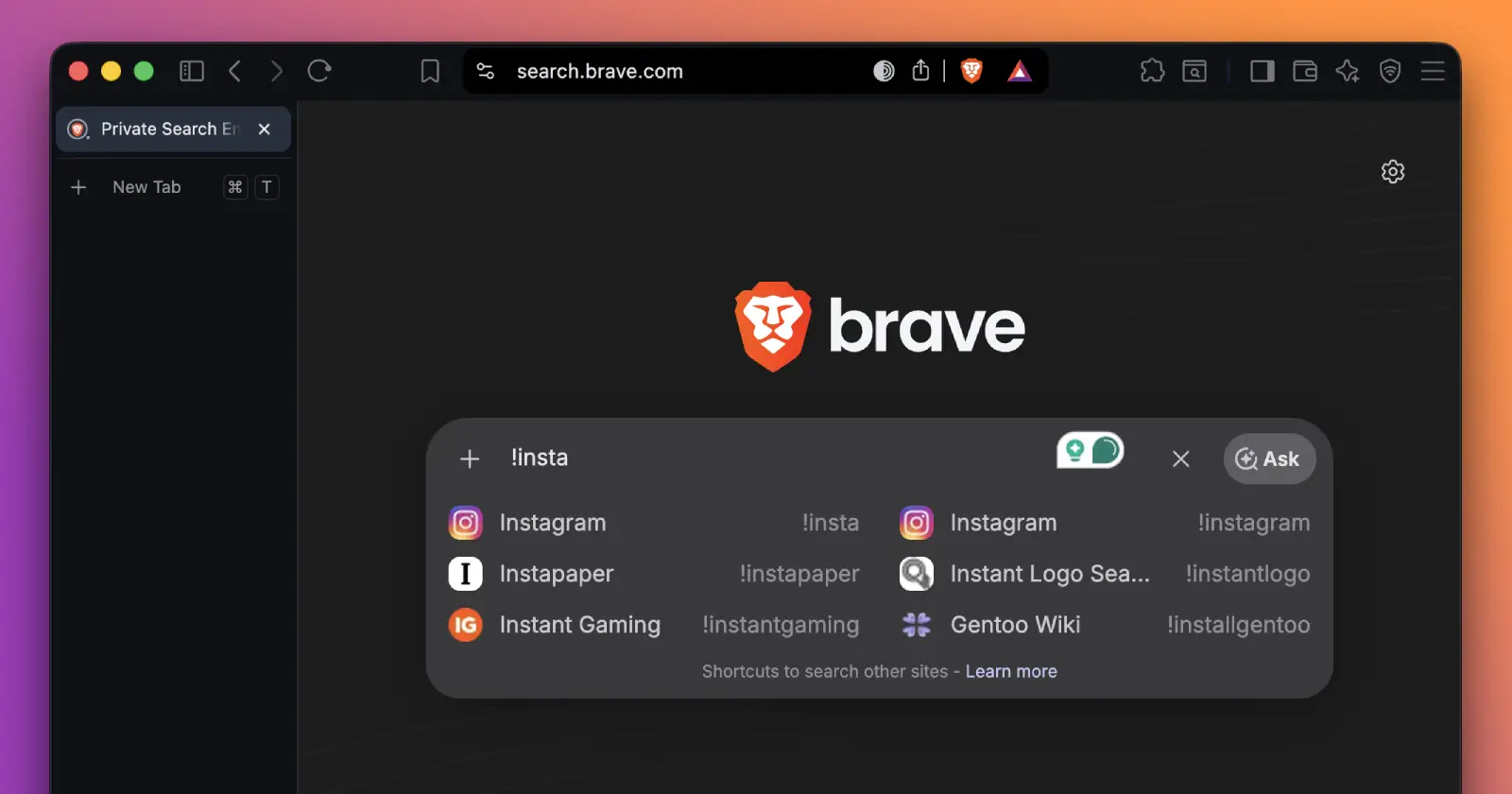
We've made it easier to search specific sites through Brave Search!
— Brave (@brave) July 11, 2026
Brave Search now includes search bangs in its suggestions so you can quickly find these shortcuts.
You can also browse the full list of 12,000+ bangs supported on Brave Search here: https://t.co/3hM8JSVyCF pic.twitter.com/puWX3vXqV1
Brave has made one of its lesser-known search features a lot easier to use.
The company has updated Brave Search so it now suggests bangs as you type. Instead of remembering the exact shortcut for a website, you can simply type an exclamation mark and Brave will show matching options in the search suggestions.
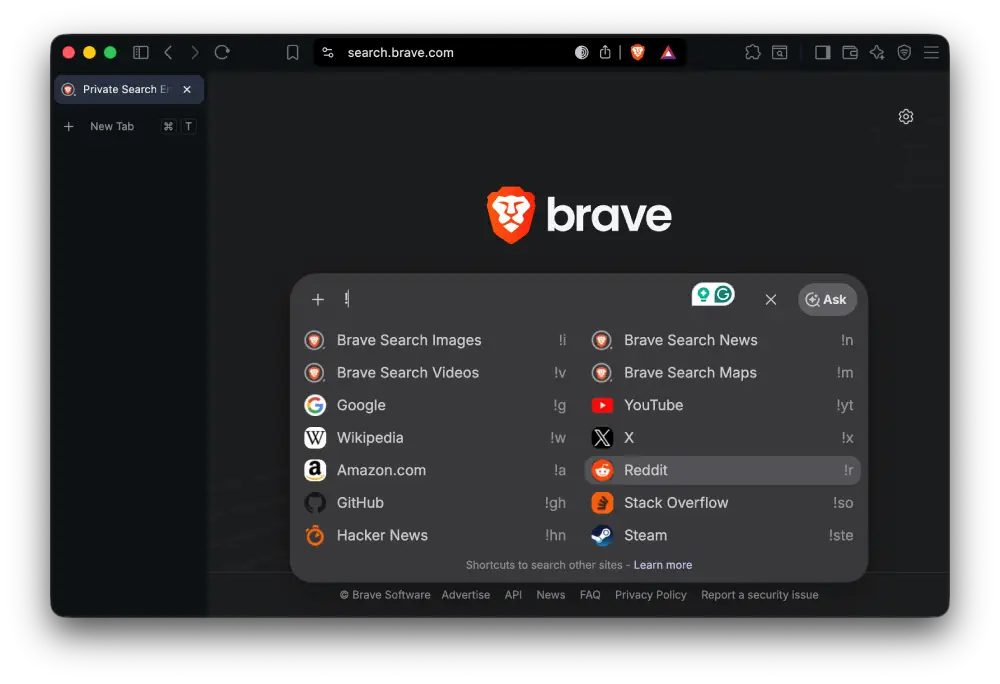
If you’ve never used bangs before, they’re basically shortcuts that send your search straight to a specific website. For example, typing !w searches Wikipedia, while !yt searches YouTube instead of showing Brave Search results first.
The feature itself isn’t new. Brave has supported bangs for years, but many people never knew they existed. Unless you came across Brave’s documentation or another user’s recommendation, there wasn’t much to tell you they were available.
That changes with this update.
Now, as soon as you type ! into the search box, Brave starts suggesting popular bangs in a dropdown. In a short demo shared by the company, a user types !steam, selects the suggestion, enters a game’s name, and is taken directly to Steam’s search results without stopping on a Brave Search page.
Brave says the search engine supports more than 12,000 bangs, covering everything from shopping sites and developer resources to video platforms and online encyclopedias. Showing suggestions makes that huge library much more accessible instead of expecting people to memorize hundreds of shortcuts.
The replies to Brave’s announcement were almost as interesting as the update itself. Quite a few longtime users said they already relied on bangs every day, but there were also plenty of people asking what they were or admitting they had never heard of them before. That probably explains why Brave decided to surface the feature inside search rather than leaving it tucked away for advanced users.
It’s a small change, but it’ll be useful for new users to get the hang of using the feature. You no longer need to remember whether the shortcut for a site is !gh, !g, or something else. Type an exclamation mark, pick the suggestion you want, and continue your search.
This isn’t the only recent change we’ve seen from Brave. The company has also been expanding the services behind its search ecosystem. Earlier this month, it introduced its own Places Search API as a lower-cost alternative to Google Maps for developers. You can read more about that in our previous coverage here.

We stand out from the tech-media crowd because we break news stories; we mainly bring you stuff that you won’t find anywhere in the mainstream tech media. Our stories have been picked up by some of the world’s most popular websites and media outlets—more info is available here.

Dwayne Cubbins
3103 Posts
I cover fast-moving stories across apps, online platforms, and everyday tech — phones, wearables, consoles, and whatever else people are fighting with this week. Bugs, rollouts, scams, policy enforcement, and the occasional internet-culture rabbit hole are all fair game. My goal is simple — make confusing tech news readable. When I'm not working, I'm working out or chilling with my dog. Got a tip? You can find me on X @dcubbins.
Next article View Article
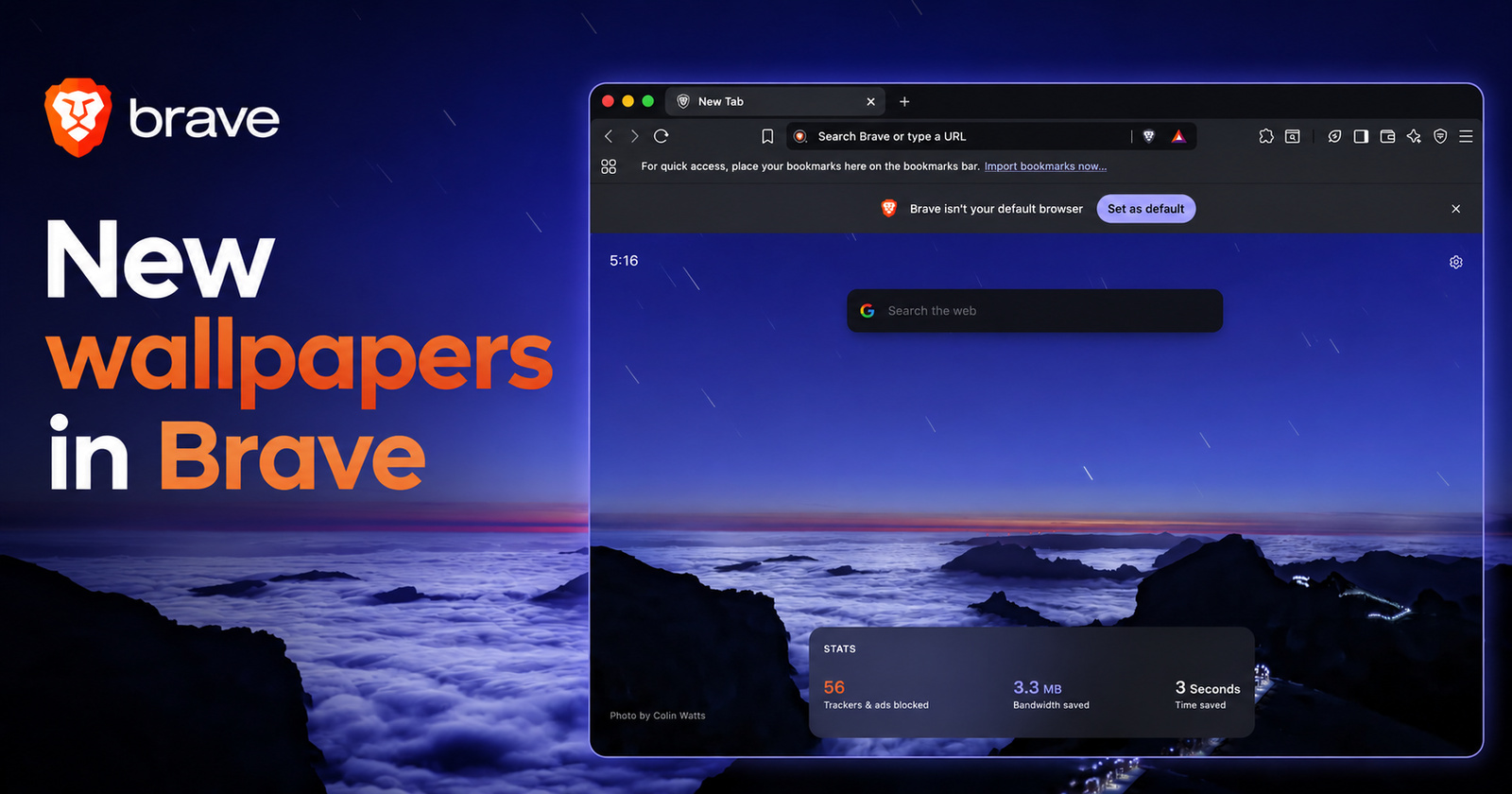
Brave has rolled out fresh new wallpapers for the browser's New Tab pages
Brave has rolled out a fresh collection of wallpapers (background images) for its new tab pages.
It was shared directly by Brave’s official X account, featuring screenshots of the...
Jul 14, 2026 1 Min Read