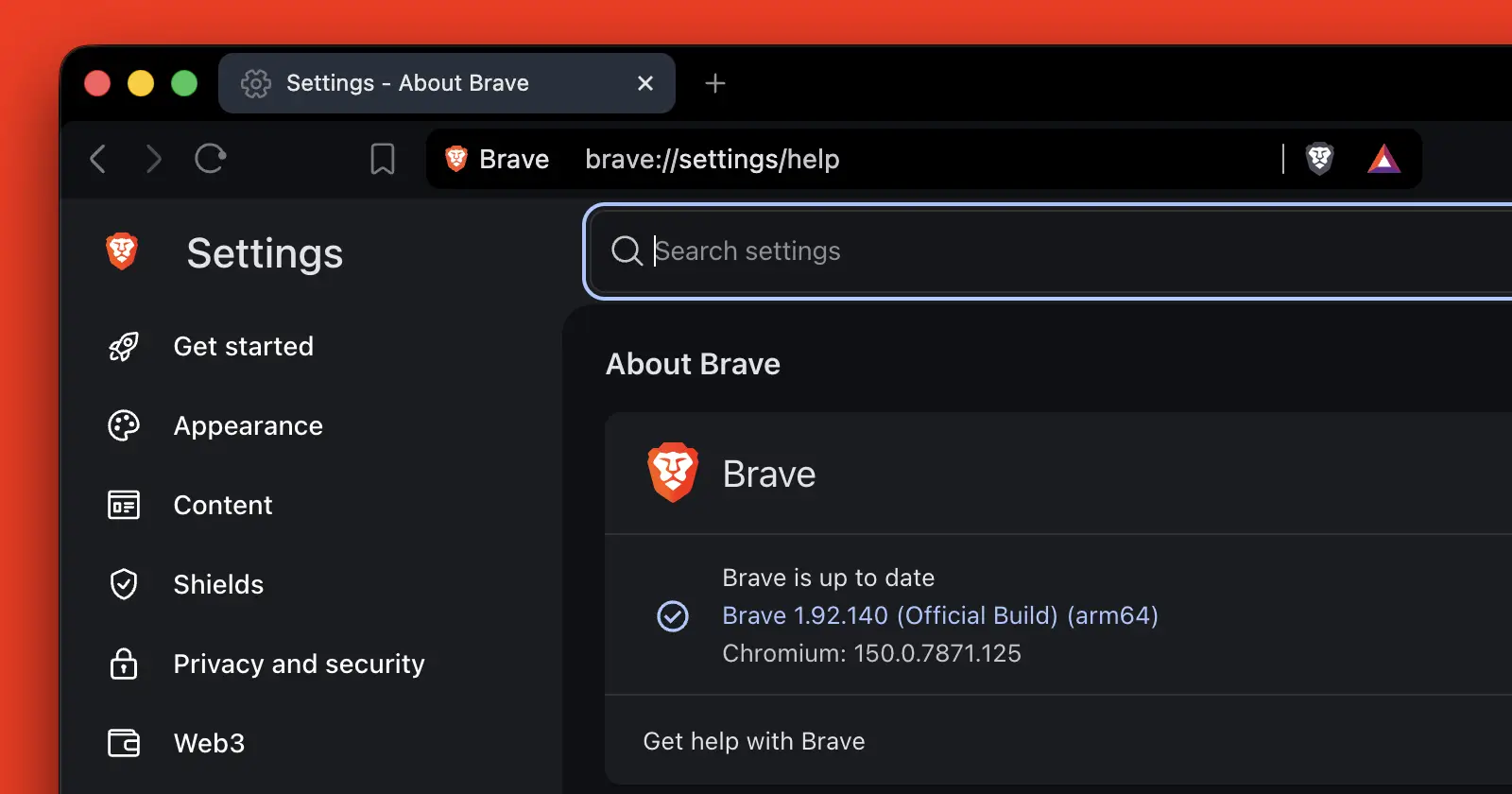
Brave just pushed out version 1.92.140 on desktop, and if you’ve been following the whole Manifest V2 saga, this one clears up a mess that’s been dragging on for weeks.
The headline change is that Brave has stopped disabling old Manifest V2 extensions. A while back, we spotted these extensions vanishing in the beta build, and that problem eventually carried over into the stable version before Brave confirmed it wasn’t dropping them.
Now the fix is properly baked in. In plain terms, if you had an MV2 extension that Brave switched off on you, updating to 1.92.140 turns it back on, and it won’t get switched off again every time you restart the browser.
As the company put it in the GitHub issue, the goal is to “not deprecate Manifest V2 extensions while they are still available on the Web Store,” which right now means through August 31, 2026. So this isn’t Brave permanently committing to old extensions. Instead, they’re simply leaving things in place until Google nukes them from the Web Store next month.
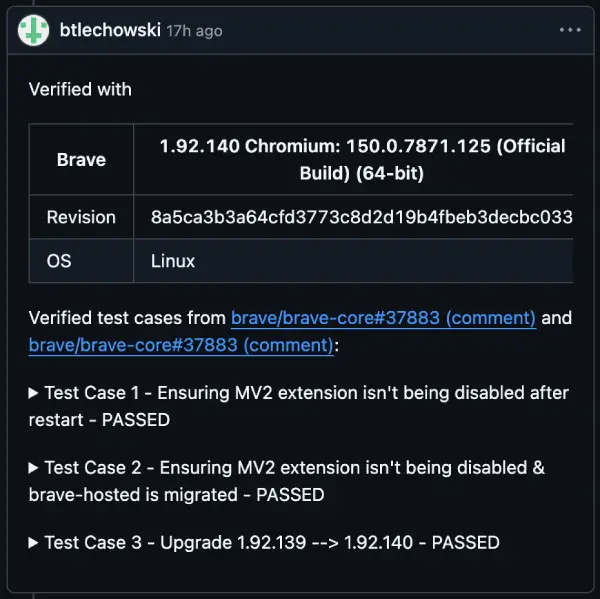
There’s a small catch worth knowing. If you install something like uBlock Origin, Brave now quietly swaps it for its own version. One of the developers on the issue explained that extensions “that have a brave-hosted extension should be migrated,” while ones without a Brave-hosted equivalent, like AdNauseam, just keep running as normal. The team tested this by installing extensions, restarting a bunch of times, and upgrading from the older 1.92.139 build to make sure nothing got knocked out again.
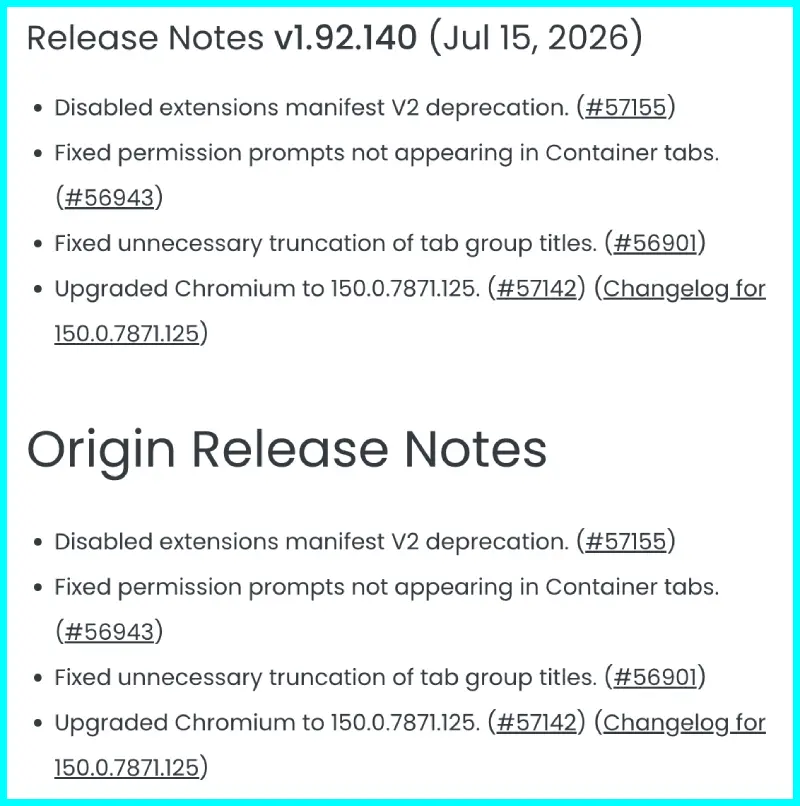
The update isn’t only about extensions, though. Brave also fixed a bug where permission prompts weren’t showing up in Container tabs. For those who missed it, Containers were released just a couple of weeks ago, so a broken permission prompt on a brand-new feature was a rough first impression.
On top of that, tab group titles were getting cut off for no good reason, and that’s been sorted too.
Lastly, they’ve also bumped up the Chromium base to v150.0.7871.125. Note that the same improvements and tweaks apply to Brave Origin as well.
If your browser hasn’t automatically been updated, you can manually grab it by heading to Settings > About Brave. Then wait for the browser to scan for the latest build and install it. Restart when done.


Dwayne Cubbins
3111 Posts
I cover fast-moving stories across apps, online platforms, and everyday tech — phones, wearables, consoles, and whatever else people are fighting with this week. Bugs, rollouts, scams, policy enforcement, and the occasional internet-culture rabbit hole are all fair game. My goal is simple — make confusing tech news readable. When I'm not working, I'm working out or chilling with my dog. Got a tip? You can find me on X @dcubbins.
Next article View Article