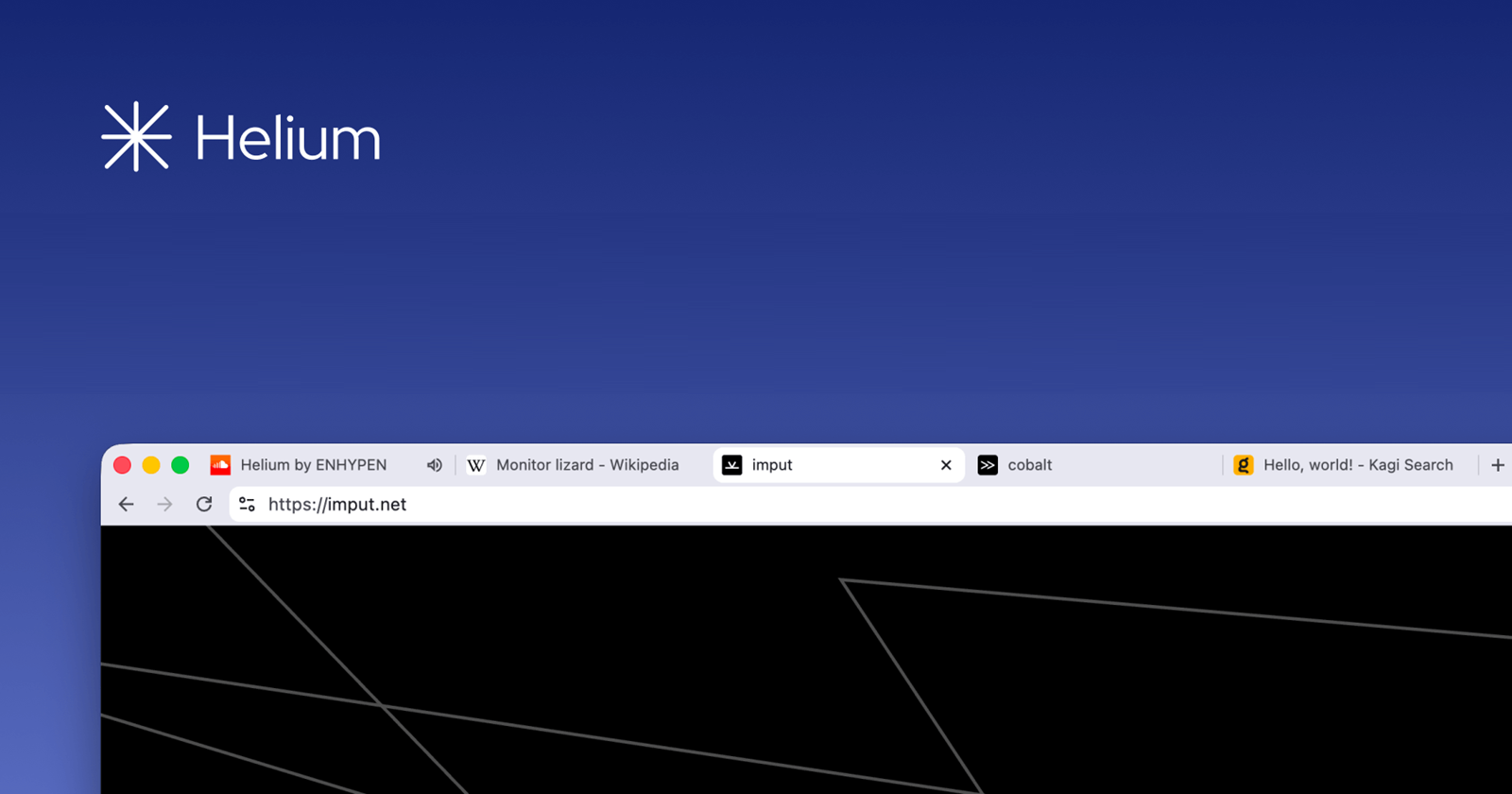
The Helium Browser team is continuing its rapid release cadence with the rollout of version 0.14.4, a relatively small but meaningful update that builds on the recent Chromium 150 migration while introducing a handful of usability improvements and bug fixes. This release brings a major headline feature, polishes the browser experience for macOS users, and keeps Helium in sync with the latest Chromium security and stability improvements.
The most notable addition in Helium Browser 0.14.4 is support for Google reverse image search directly from the browser’s search functionality. The update also introduces experimental native frame materials for macOS, giving users an early look at deeper integration with Apple’s desktop design language.
Alongside these additions, the update includes several fixes across the interface and settings pages. These include a fix for an issue where the V8 settings page could appear empty, adjustments to floating vertical tabs behavior, UI separator refinements, and a couple of translation improvements for German and Simplified Chinese users.
Helium Browser 0.14.4 changelog:
According to the official changelog, version 0.14.4 includes the following changes:
- Updated to Chromium 150.0.7871.100, up from version 150.0.7871.46
- Updated ungoogled-Chromium to 150.0.7871.100
- Added experimental native frame materials for macOS
- Added Google reverse image search URL
- Fixed an issue where the V8 settings page could be empty
- Improved floating vertical tabs behavior when detached
- Removed rounded corners on the attached side of UI separators
- Updated German and Simplified Chinese translations
Helium Browser 0.14.4 update builds on a busy month of updates
The latest release continues a steady stream of improvements delivered throughout the 0.14 branch.
Earlier this month, Helium Browser 0.14.3 focused on interface refinements, including fixes for toolbar layout updates when window states change, corrected vertical tab alert indicator positioning, improved bookmark bar visibility options, and a fix for bookmark offsets when vertical tabs are hidden.
Just before that, version 0.14.2 primarily served as a maintenance release, rebasing the browser on Chromium 150.0.7871.46 and refreshing the project’s ungoogled-Chromium patches while also addressing build issues affecting ASAN and UBSAN configurations. These releases followed the browser’s jump to the Chromium 150 codebase, with each subsequent update focusing on stability, usability, and incremental refinements rather than introducing sweeping new features.
The development pace also builds on the significant improvements introduced in June, among them support for native offline selection translation on macOS, allowing users to translate selected text without relying on an internet connection. That update also expanded the browser’s platform integration for Apple users while improving the overall browsing experience. Another Helium release also introduced shortcut and keyboard customization, automatic updates, and several other quality-of-life improvements, giving users greater control over how they interact with the browser.


Hillary Keverenge
2723 Posts
Tech has been my playground for over a decade. While the Android journey began early, it truly took flight with the revolutionary Lollipop update. Since then, it's been a parade of Android devices (with a sprinkle of iOS), culminating in a mostly happy marriage with Google's smart home ecosystem. Expect insightful articles and explorations of the ever-evolving world of Android and Google products coupled with occasional rants on the Nest smart home ecosystem.
Next article View Article