Firefox has just released version 152.0.5, and it fixes many bugs and issues with the browser crashing. However, it’s feature-light, and nothing notably new has been added.
The changelog for this update was posted officially on the Firefox page, and the release notes just include one major change regarding payment methods.
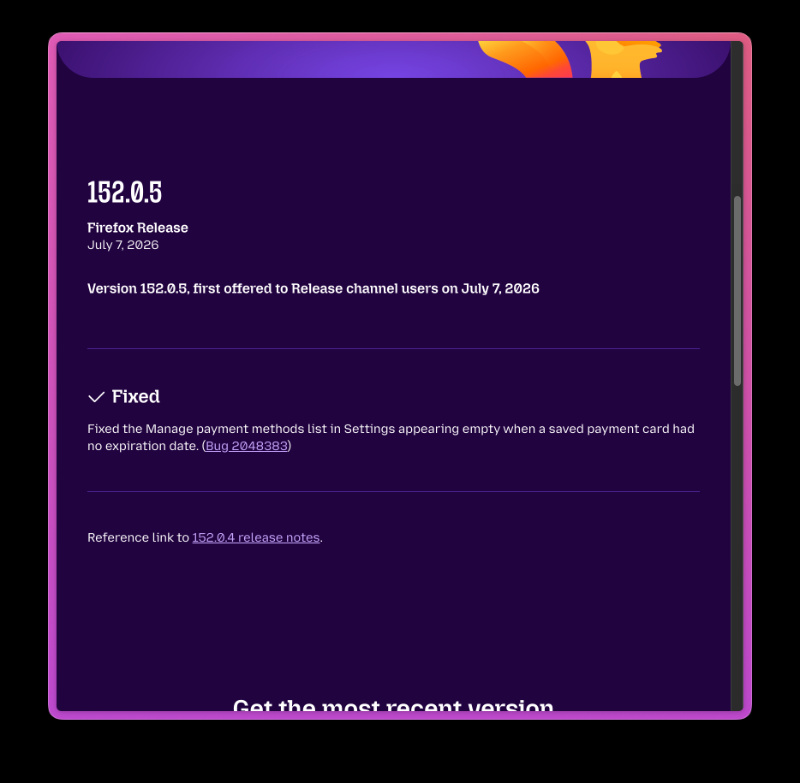
This is the major fix with the v152.0.5 update: If you had saved a payment card in the browser’s autofill settings (that didn’t have an expiration date), the entire “Manage payment methods” list in Settings would appear completely empty. It would appear empty even if you had other cards saved, which didn’t make sense.
Even if you had other valid cards saved, it wouldn’t display the entire list. Users could still use the saved cards on websites, but viewing and managing the entire list wasn’t possible. Bug 2048383 fixes this, so the list now displays properly, regardless of missing expiration dates.
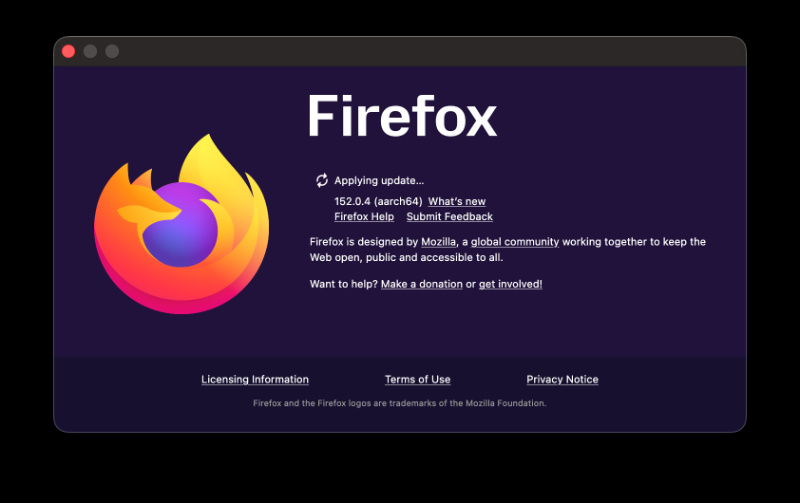
I’ve checked for the update myself, and sure enough, it shows up immediately in the About section.
The pushlog details further bug fixes. You can view the entire list of fixes from here. The most important ones are:
- Firefox now closes all matching tabs, including ones that haven’t loaded yet.
- Horizontal swipes were earlier blocked in the toolbar; now that’s solved.
- Various issues with crashing were fixed (when sharing downloads on Android, for example).
- Potential crashes on the Android home screen will be prevented.
- A flag for the expanded toolbar feature.
- Also fixes a download management issue. When you have the “Delete downloads from history only” setting enabled, Firefox used to incorrectly delete the actual downloaded file from your disk in some cases. The fix ensures that a completed download still says safe on your hard drive.
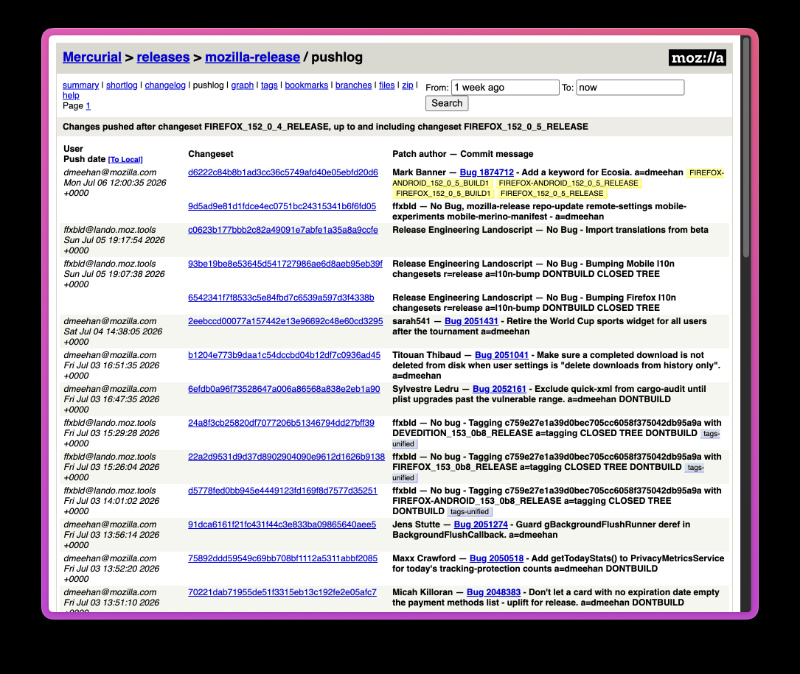
Additionally, the World Cup widget on the home screen (which was introduced with v152) will be retired for all users after the tournament ends on July 19.
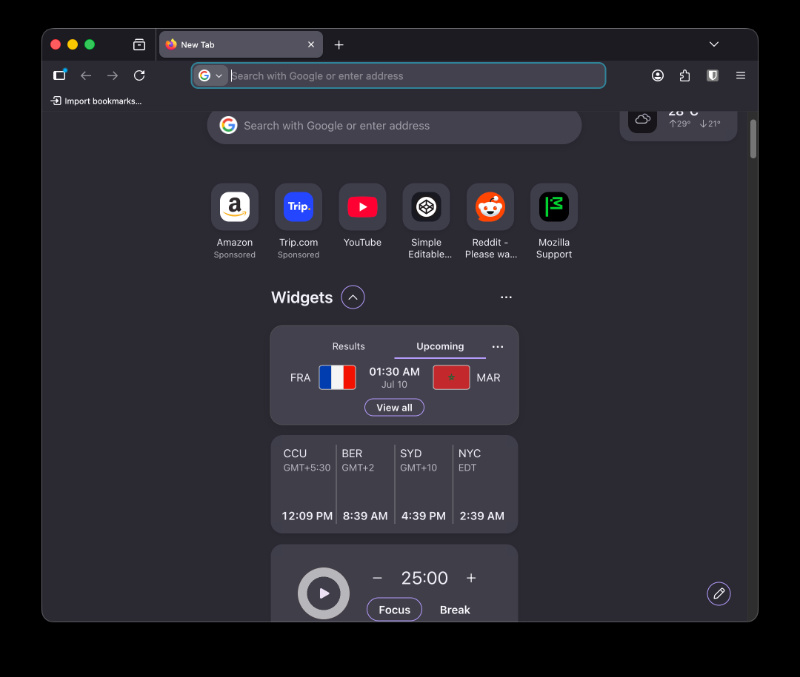
Speaking of future releases, Firefox 153 is in its 9th beta and is scheduled for release on 21st July; it includes several changes, including a major sidebar downgrade and HDR support.
In other Firefox news, the browser now has a “Manage AI” shortcut so you can easily control your AI features. We covered that here.


Sudhanshu K
310 Posts
I have been a consumer technology enthusiast for over 5 years. Thanks to my experience in software beta testing and product reviews, I've understood and learnt a lot about what bugs and issues bother people, and I spend time trying to simplify their solutions. I cover smartphones, software, social media, apps, AI, and most consumer tech gadgets. Actively pursuing a Computer Science bachelor’s degree. I'm mostly active on Twitter/X (@TechWhirlUlt), drop a DM or tag me if you want to share info or connect!
Next article View Article