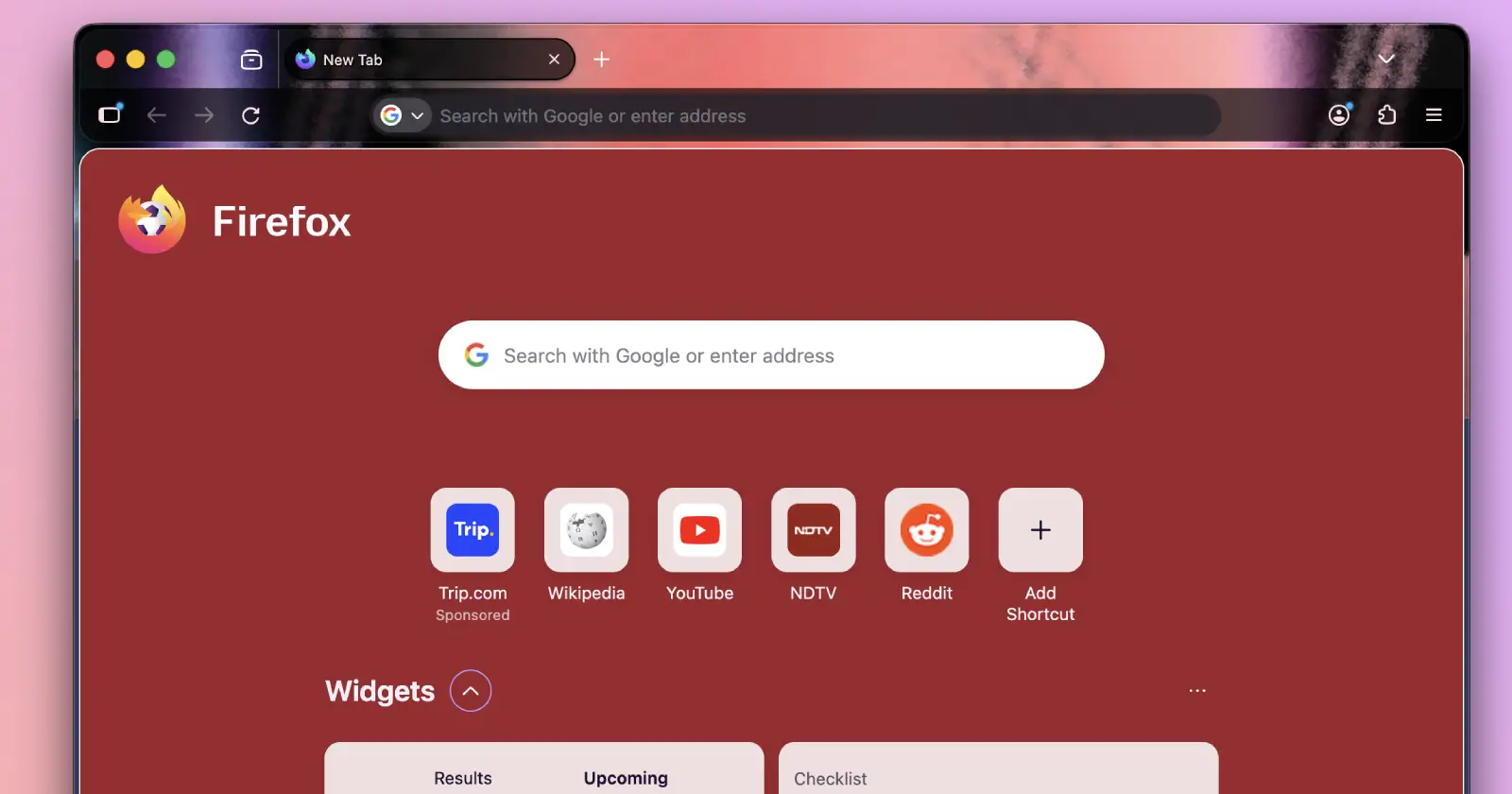
Firefox 153 beta just went live with a mix of practical tools and experimental features. Mozilla is pushing for better visual fidelity on Windows while simultaneously teasing a major UI overhaul called Nova.
Before we highlight what’s new, keep in mind that the beta channel updates three times a week, so the feature list here might shift before the final release. Users can test new capabilities like QR code sharing and a built-in color picker right away.
HDR and new tools in beta
At this point, most Firefox-exclusive users probably didn’t even realize that they’re still missing out on HDR support, but it looks like things are about to get better. The Firefox 153 beta finally adds support for it, but it targets specific hardware configurations.
You need a Windows 10 or 11 machine running an AMD or NVIDIA GPU. Intel laptops paired with NVIDIA graphics cards don’t get the feature yet, though that support is coming. Users must enable HDR mode in their Windows display settings to see the difference.
The release notes warn that HDR videos might look brighter in Firefox than in other browsers. Mozilla plans to fix this brightness issue in a future update alongside performance optimizations. This support marks a big step for media consumption on the browser.
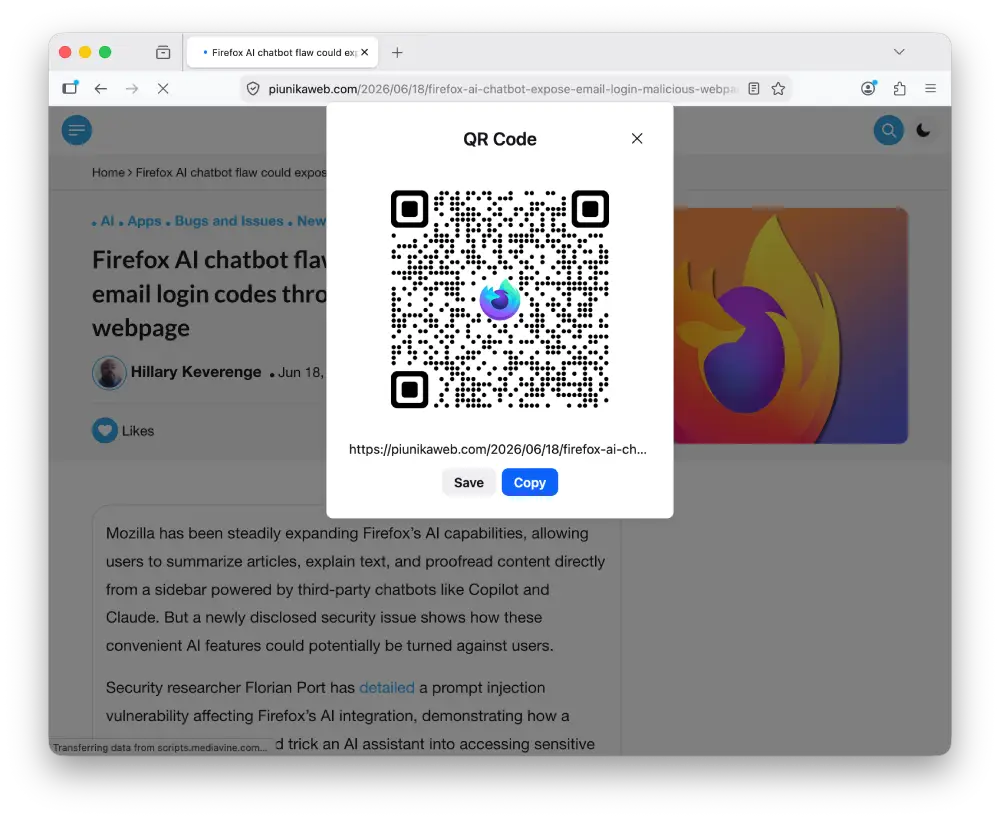
Beyond HDR, the update adds a QR code generator for tabs. Right-click any tab and choose Share to generate a code for printed materials. macOS users can access this menu from the address bar too.
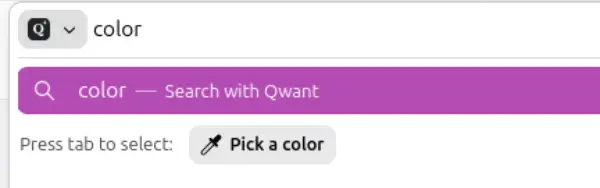
A new quick action lets you type “pick color” in the address bar to grab a color from any pixel on the screen. This acts as a native eyedropper tool.
PDF handling has also picked up some useful new improvements with image insertion and merging capabilities. You can drop an image into a PDF or drag a second file into the sidebar to combine documents. The location permission icon now glows red whenever a site accesses your coordinates. This indicator even shows up on search results pages where it used to hide.
Transparency delayed in Nova plan
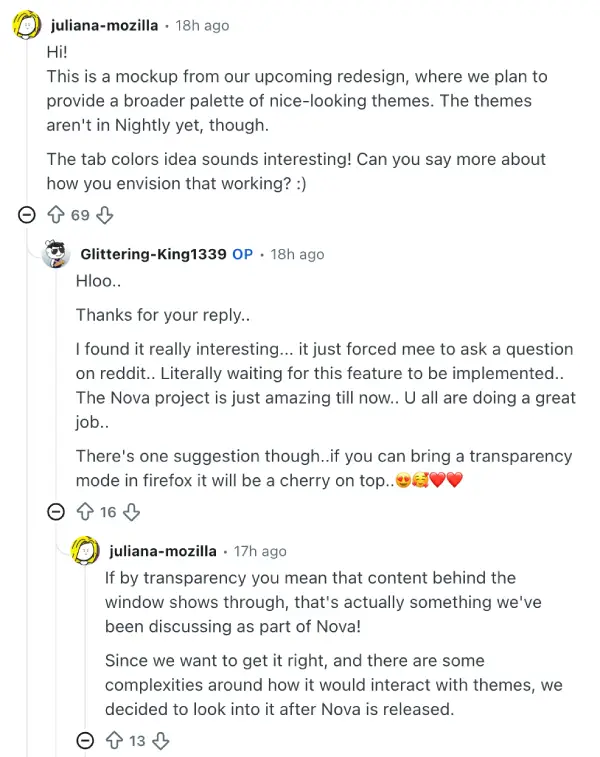
In a recent Reddit thread asking for colored tabs and a window transparency mode, a Mozilla team member confirmed this feature is part of the Nova project but won’t launch with the initial release.
The team member cited complexities in how transparency interacts with custom themes as the main blocker. So they decided to prioritize getting the core redesign right first. Transparency work will happen after the initial launch.
Some users on Windows 11 can already simulate a similar look using a hidden setting. Enabling widget.windows.mica with an Auto theme creates a soft blur effect. Tweaking widget.windows.mica.toplevel-backdrop to 2 increases the blur intensity. This isn’t true transparency, but it gets close for those who can’t wait.
Mozilla hints that a broader palette of themes is coming with Nova, though specific tab coloring options aren’t confirmed for the first release. Extensions like Adaptive Tab Bar Colour already handle per-domain colors, but built-in support beats them all.
Of course, we’ll see how much of this wishlist Mozilla actually ships once the redesign goes wide. In the meantime, you can check out our full coverage on Firefox’s 2026 roadmap, which includes plans for dedicated browser spaces and built-in VPN support on smartphones.
Also, while the beta adds features, Mozilla also patched critical flaws in the latest ESR updates for enterprise and legacy systems. A separate vulnerability in the AI chatbot integration recently showed how malicious pages could trick the assistant into leaking login codes. More on that here.


Dwayne Cubbins
3064 Posts
I cover fast-moving stories across apps, online platforms, and everyday tech — phones, wearables, consoles, and whatever else people are fighting with this week. Bugs, rollouts, scams, policy enforcement, and the occasional internet-culture rabbit hole are all fair game. My goal is simple — make confusing tech news readable. When I'm not working, I'm working out or chilling with my dog. Got a tip? You can find me on X @dcubbins.
Next article View Article