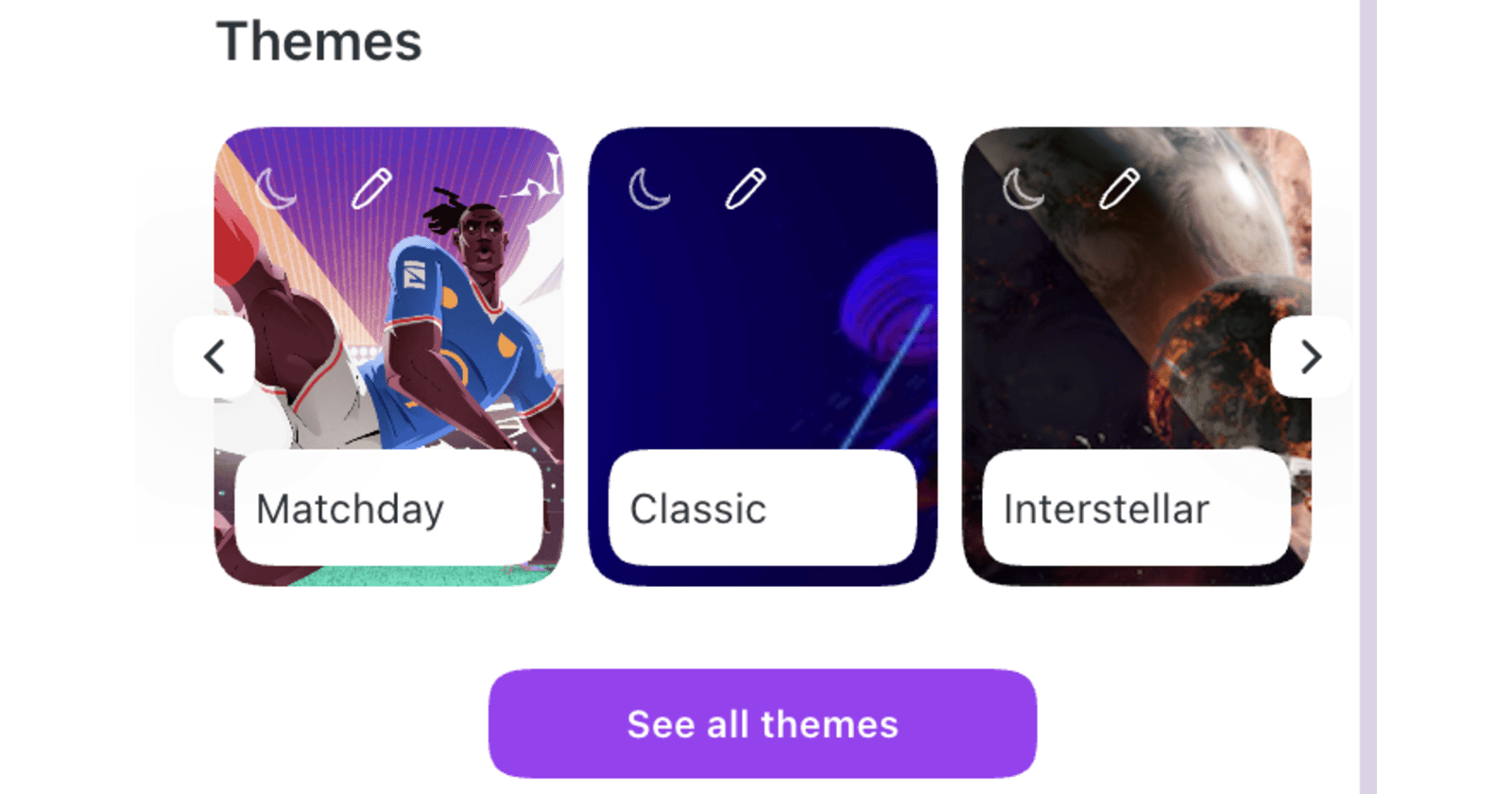
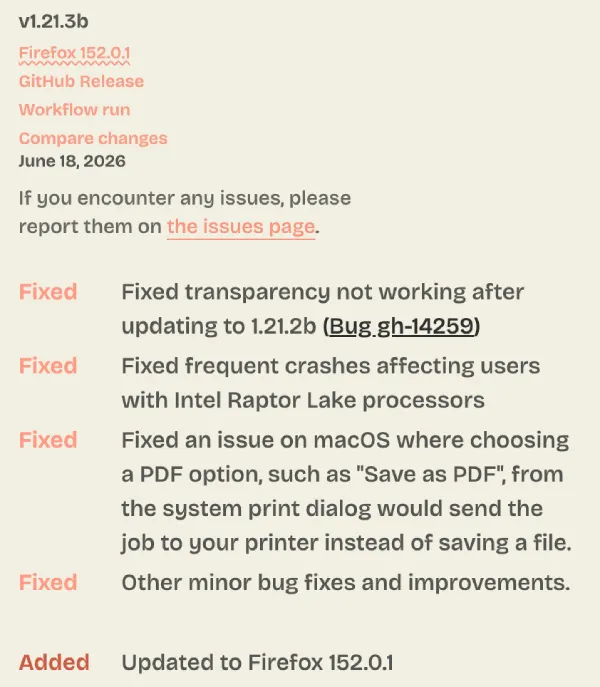
Zen Browser just dropped version 1.21.3b to fix the broken window transparency. The previous update wiped out the Mica effect for Windows users and replaced it with a flat opaque gray background.
People noticed the missing visual flair after installing version 1.21.2b. The Zen Browser subreddit filled up with posts asking where the transparency went. Some users thought they accidentally changed their appearance settings or broke a custom theme.
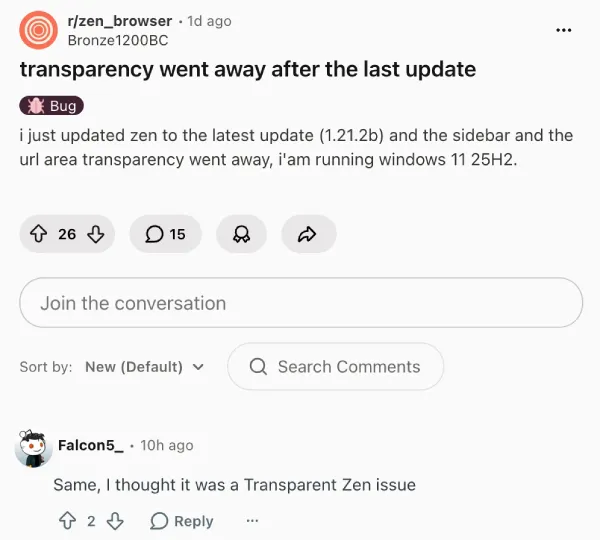
Others worried the developers intentionally removed the feature to improve performance on lower-end machines. But that wasn’t the case.
Instead, a few users figured out that the update simply flipped a backend switch off by mistake. You could go into the advanced settings menu by typing about config in the address bar to fix it yourself. Searching for the word mica and toggling the value back to true solved the problem instantly. You only had to restart the browser to make the blur effect stick.
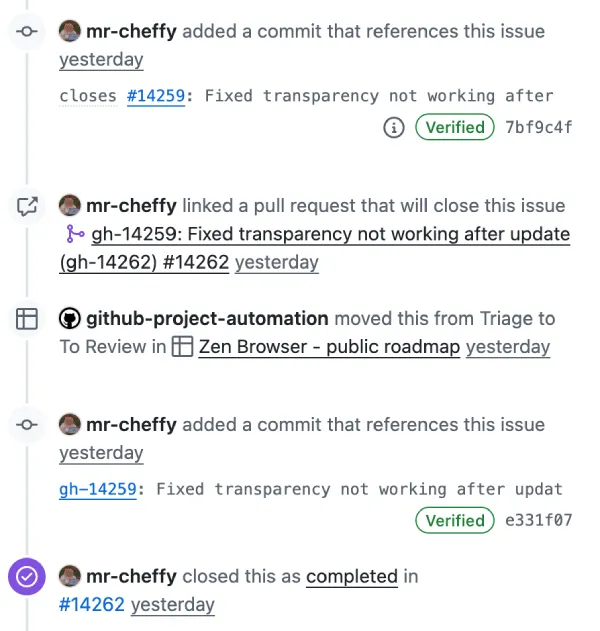
The development team caught the issue on GitHub and took action right away. Developer mr-cheffy tracked down the problem and pushed a patch to the main branch within a day. Version 1.21.3b restores the expected transparency automatically. You don’t need to dig into the hidden settings anymore.
Zen continues to move at a relentless pace. The independent project just crossed an estimated 500,000 active users last week. That massive milestone coincided with another major update bringing smart tab routing to help people organize their scattered workspaces.
This new hotfix also sneaks in a couple of other technical corrections. The team patched a frequent crash affecting computers running Intel Raptor Lake processors. Mac users get a fix for a frustrating bug that sent PDF files directly to the printer instead of saving them locally when using the system print dialog.
These are the same fixes that we highlighed earlier today as they arrived with the Firefox 152.0.1 update as well.
You can grab the 1.21.3b update right now. The browser will usually prompt you to install it the next time you open a new window. You can also force the download by checking the release notes section in the main settings.


Dwayne Cubbins
2881 Posts
I cover fast-moving stories across apps, online platforms, and everyday tech — phones, wearables, consoles, and whatever else people are fighting with this week. Bugs, rollouts, scams, policy enforcement, and the occasional internet-culture rabbit hole are all fair game. My goal is simple — make confusing tech news readable. When I'm not working, I'm working out or chilling with my dog. Got a tip? You can find me on X @dcubbins.
Next article View Article