Mozilla just pushed out Firefox 152.0.1, and two user groups should look forward to it. The update squashes a nasty crash bug hitting Intel Raptor Lake processors and fixes a weird macOS issue where the system print dialog sends jobs to the printer instead of saving files. So if you’ve been having these issues with Firefox, install the patch right away.
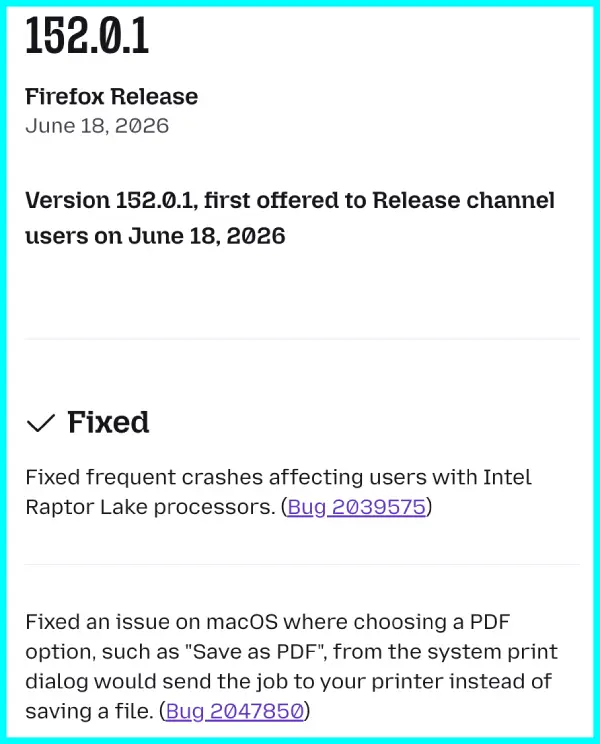
The crash fix targets a specific hardware problem. Recent builds have been sending some users with Intel Raptor Lake chips into frequent restarts. This release closes that loop and stabilizes things for that crowd.
Mac users face a different but equally annoying bug. Selecting “Save as PDF” from the system print dialog now actually saves the file instead of blindly sending it to whatever printer is connected. That feels like a no-brainer, but it was broken in the previous version.
There’s nothing much else new with the update in my brief testing of it on Mac, which is normal for a small point release.
The new version comes shortly after Mozilla revealed its 2026 roadmap. That plan includes ideas for keyboard shortcuts, PDF editing inside the browser, and even an internal VPN for smartphones. We covered some of those details in our recent explainer on Firefox’s 2026 roadmap features.
It also follows a report from researchers who found a flaw in the AI chatbot integration that lets a malicious webpage trick the assistant into sending verification codes to attackers. Mozilla already patched that issue before 152.0.1 launched.
The company is also working on HDR support for Windows users in Firefox 153 beta, though that rollout is still in testing.
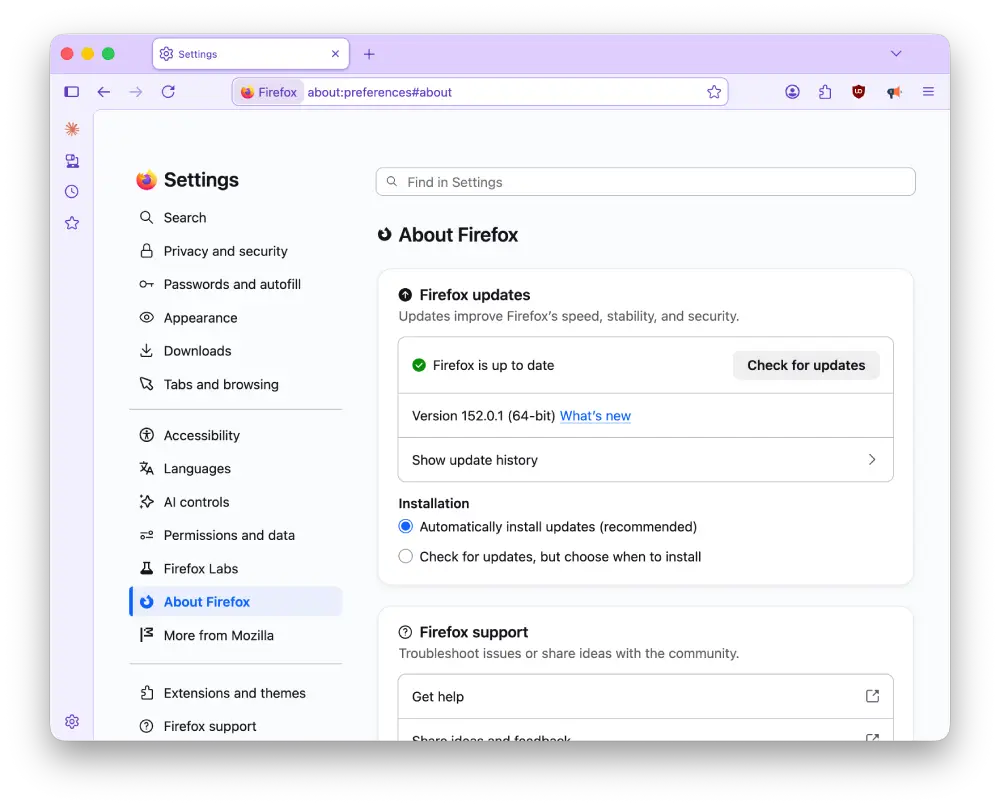
That said, if your browser hasn’t automatically updated to the latest version, go to Settings > About Firefox and click the Check for updates button.


Dwayne Cubbins
3040 Posts
I cover fast-moving stories across apps, online platforms, and everyday tech — phones, wearables, consoles, and whatever else people are fighting with this week. Bugs, rollouts, scams, policy enforcement, and the occasional internet-culture rabbit hole are all fair game. My goal is simple — make confusing tech news readable. When I'm not working, I'm working out or chilling with my dog. Got a tip? You can find me on X @dcubbins.
Next article View Article