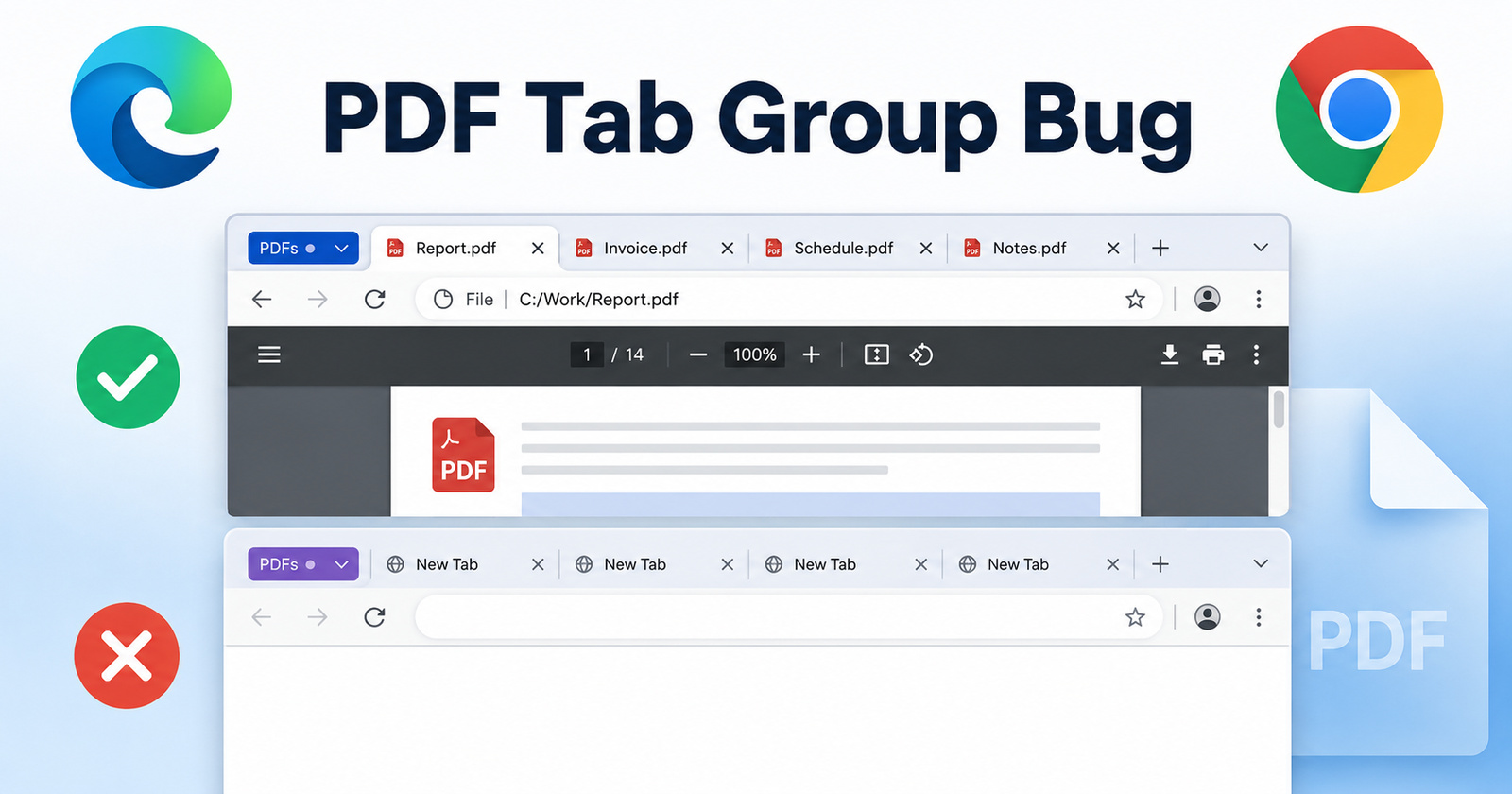
Microsoft Edge and Chrome users are facing issues with PDFs saved inside tab groups. They no longer restore properly when you restart the browser or wake your computer from sleep. Instead of reopening the documents within tab groups, they show up as blank “New Tab” pages. Thankfully, a fix is already in the works and should reach users soon.
You can find many reports of this in the r/MicrosoftEdge subreddit, Microsoft forums, and the Chromium Issue Tracker. Users described how carefully organized PDF groups randomly disappeared after shutdowns. There are similar complaints for Chrome as well, since both of them run on Chromium.
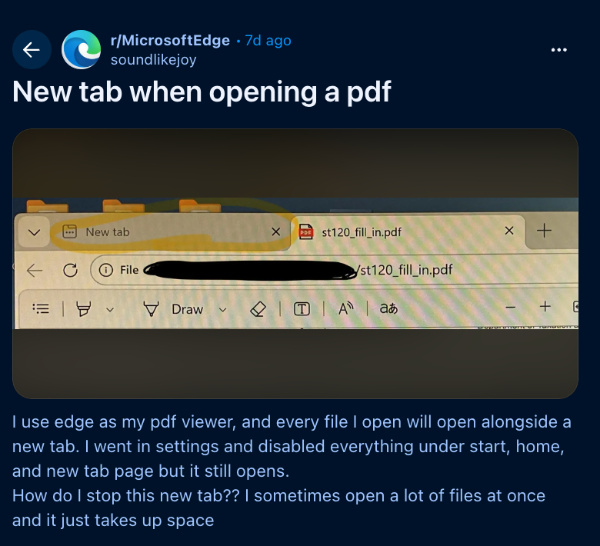
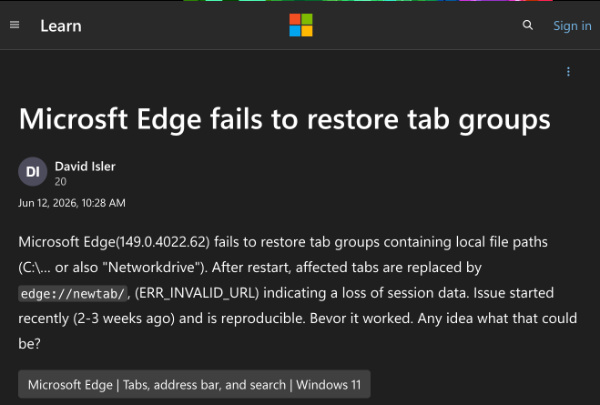
I tested this myself with a few downloaded PDFs grouped together, on the latest version of Microsoft Edge. Sure enough, after closing and reopening Edge, all the PDF tabs in the group turned into empty pages on the latest version.
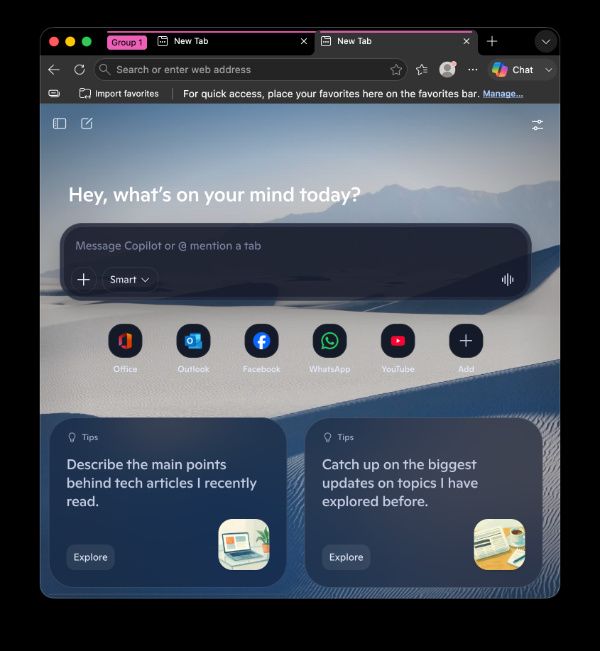
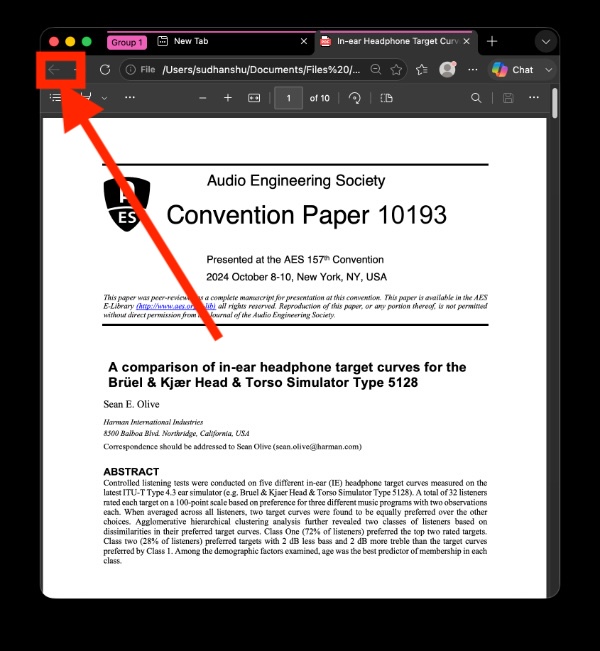
Fortunately, I’ve found some easy workarounds. Simply click the back button on the affected tab, and the PDF should return right away. Another option is to temporarily avoid grouping PDFs until a fix rolls out, or to switch to an alternative PDF viewer for the time being.
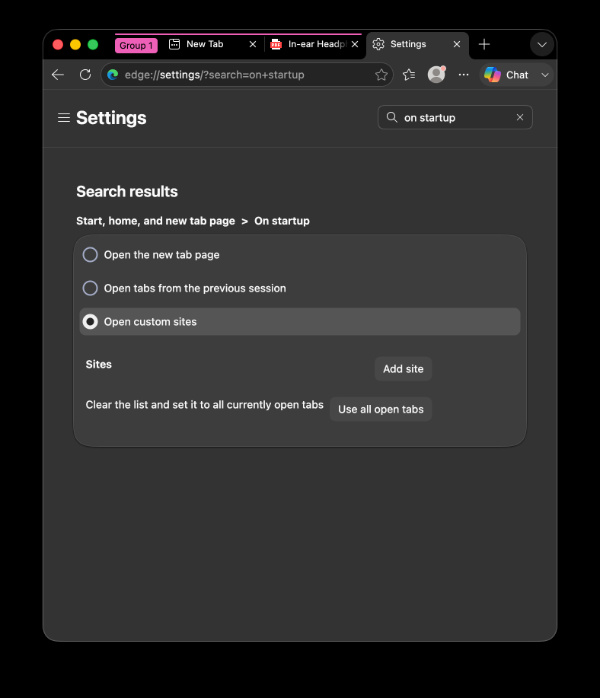
You can also try changing the “On startup” setting from Edge/Chrome settings. Set it to “Open custom sites” (the default is Open the new tab page), and external content should load as expected. I can confirm that this workaround helps, and several comments online affirm this as well.
Speaking of the fix, the issue has been acknowledged in Chromium Issues Tracker, confirming that it affects local file storage in tab groups. The root cause is a regression/bug with Chromium, and the developers are already working on it. The latest version of Chromium has already solved the problem.
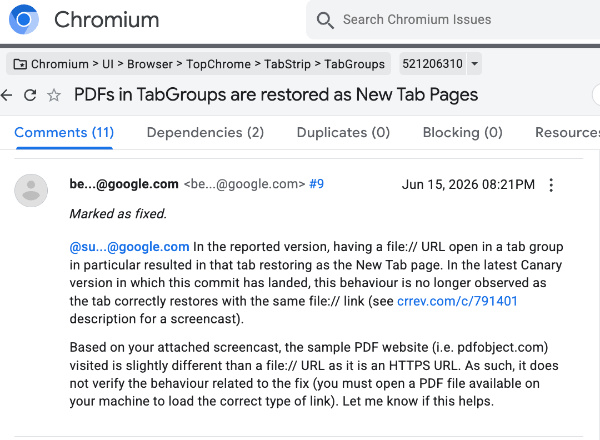
Most users should see a fix rolling out in the next few days. Meanwhile, keep an eye on the latest updates to your browser.
In other Google Chrome news, the right-click menu is getting a simplified new design soon. We covered that here.
Additionally, Microsoft Edge on iOS recently got the 2026 World Cup themes, and you can read about that here.
Disclaimer: The Featured image was generated with AI.


Sudhanshu K
124 Posts
I have been a consumer technology enthusiast for over 5 years. Thanks to my experience in software beta testing and product reviews, I've understood and learnt a lot about what bugs and issues bother people, and I spend time trying to simplify their solutions. I cover smartphones, software, social media, apps, AI, and most consumer tech gadgets. Actively pursuing a Computer Science bachelor’s degree. I'm mostly active on Twitter/X (@TechWhirlUlt), drop a DM or tag me if you want to share info or connect!
Next article View Article