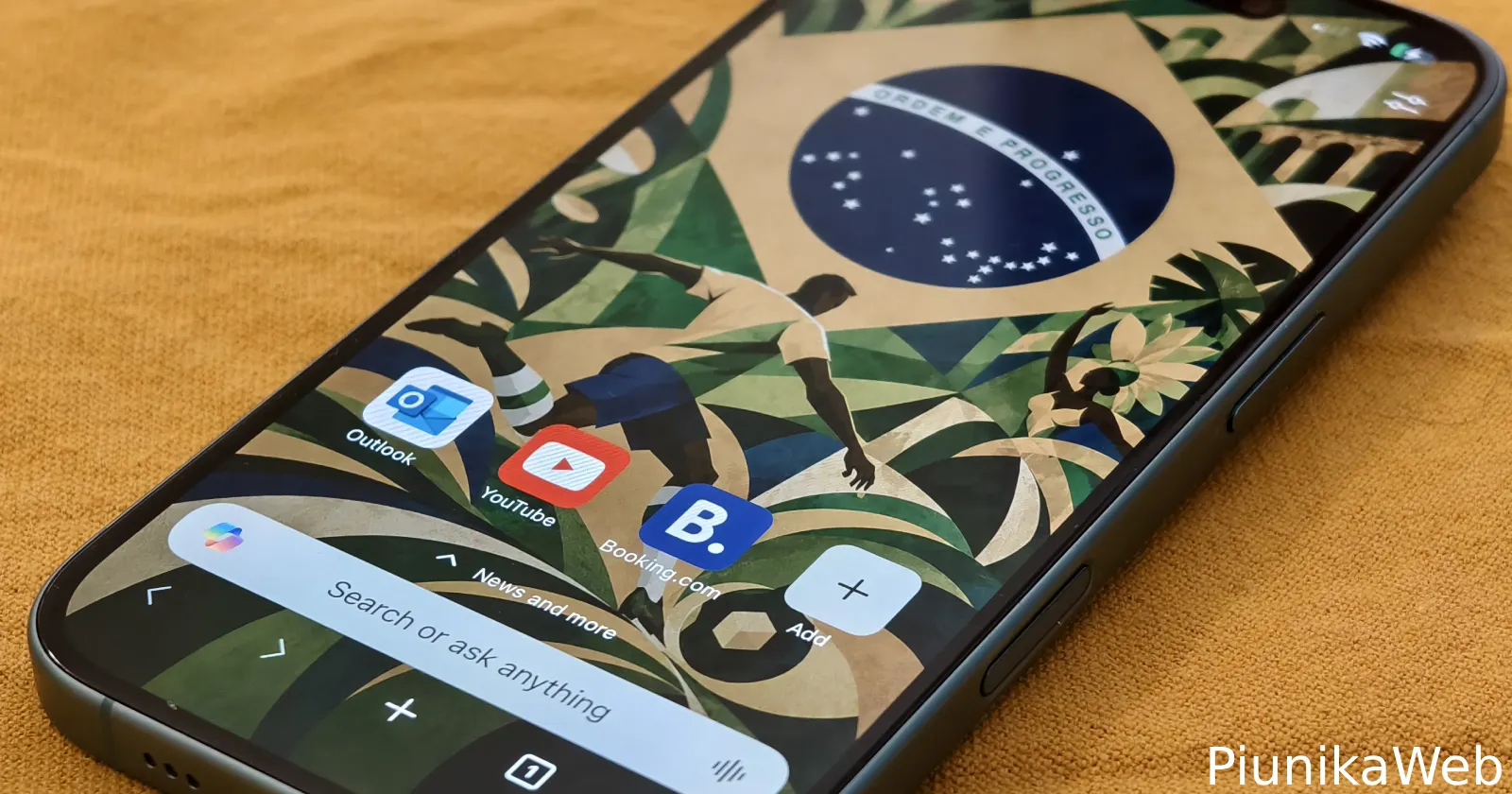
Microsoft Edge on iOS now includes a collection of World Cup 2026 themes, but Microsoft isn’t giving them away quite as freely as it first appears.
I installed the latest Edge update and spent some time poking around the new feature. Edge lets users browse AI-generated wallpapers based on participating countries, preview them on a mock home screen, and even see how many other fans are “cheering” for each team. The themes themselves actually look pretty good.
But the catch showed up the moment I tried to unlock one.
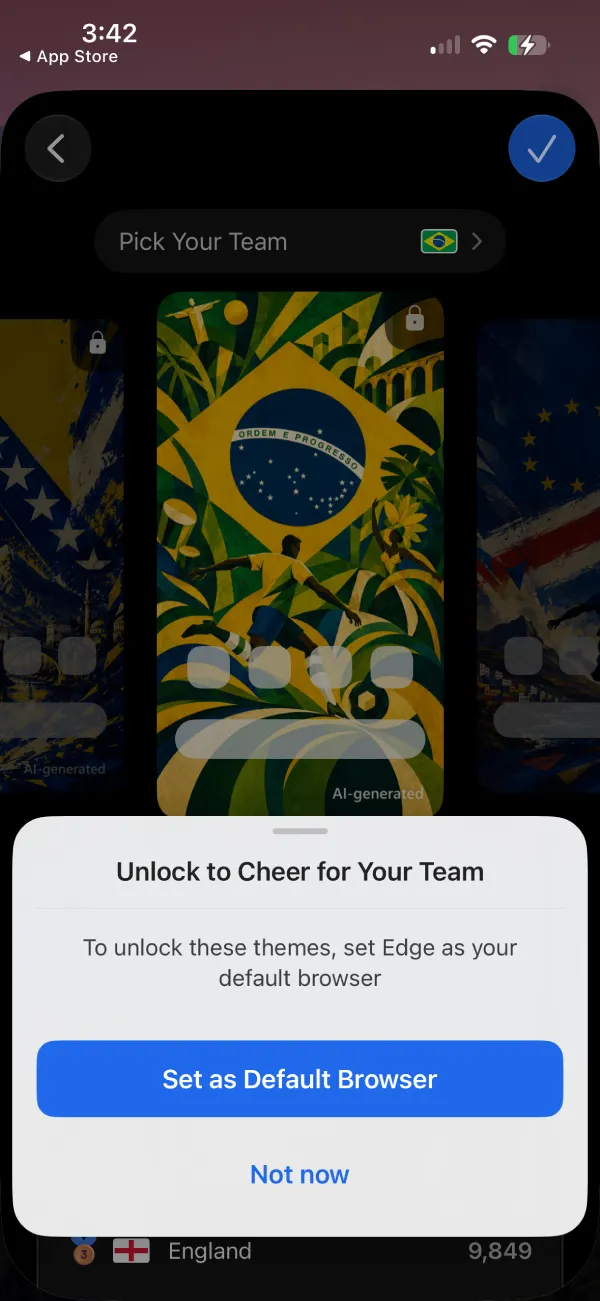
Microsoft wants users to make Edge their default browser before they can apply many of the World Cup themes. Tap a team, hit the unlock button, and Edge immediately pushes you to set it as the default browser. So it’s clear that this is a sneaky attempt to turn World Cup excitement into browser adoption.
The feature appears to be rolling out as part of Edge version 149.4022.68 on iOS. Microsoft’s release notes mention new World Cup themes that let users “pick your team and make Edge yours,” with wallpapers, colors, and styles that match a chosen squad.
When users tap the ‘Page settings’ button on the top right corner of the start page and go to the ‘Theme’ settings, a new World Cup banner appears inside the theme section, inviting users to cheer for their favorite team. Edge then presents a carousel of themed wallpapers covering countries like Canada, Brazil, Mexico, England, Spain, and others. Each wallpaper uses a colorful poster-like design inspired by the selected nation.
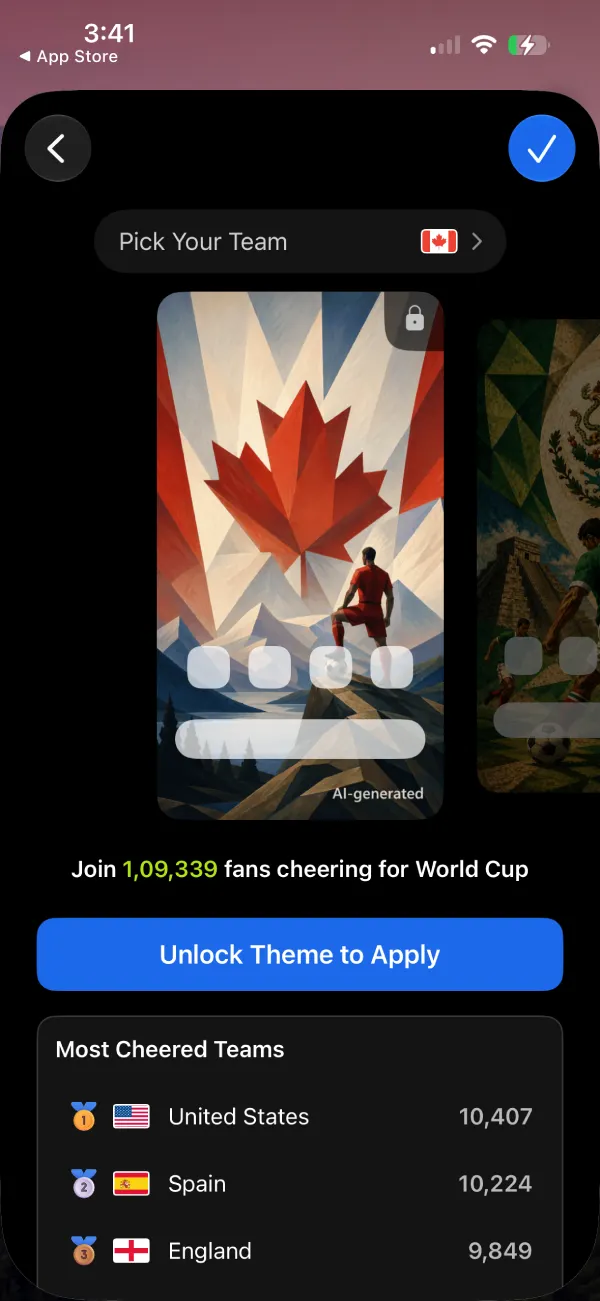
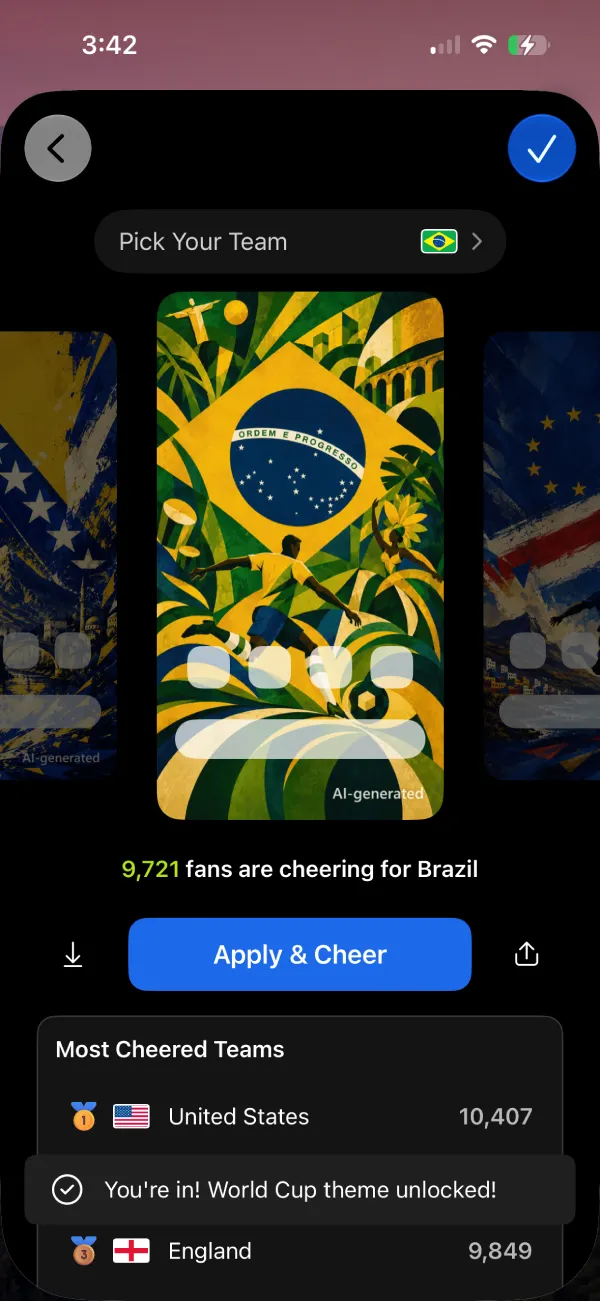
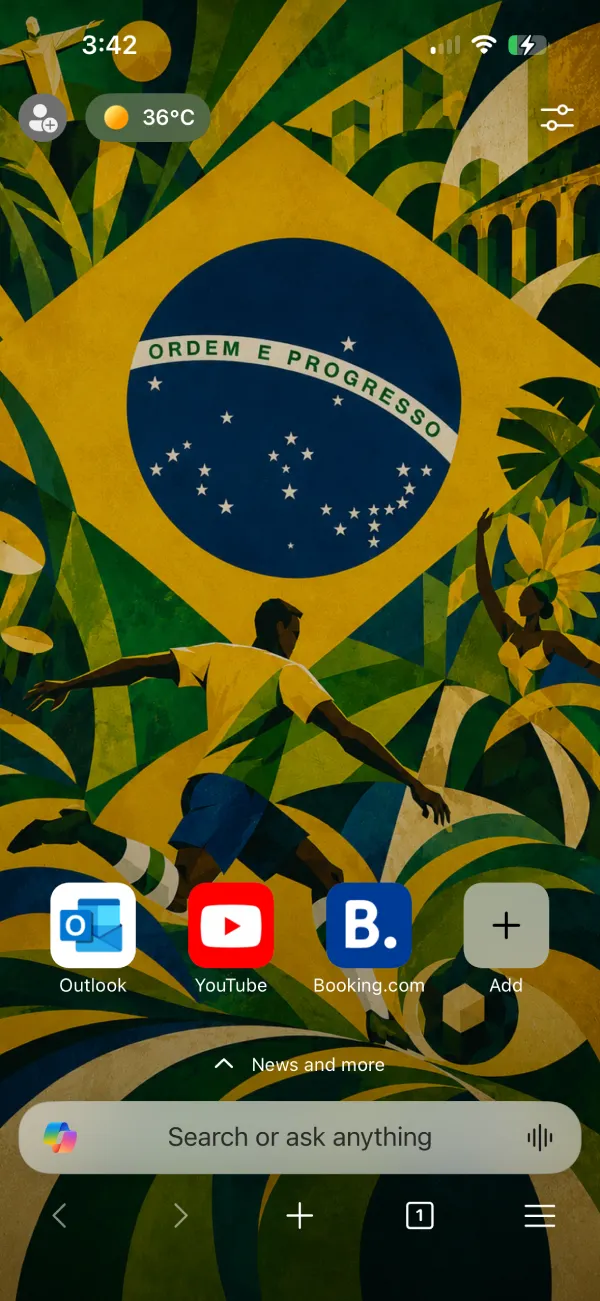
I picked Brazil during testing and was greeted with a large prompt asking me to set Edge as my default browser to unlock the theme. After doing so, the wallpaper became available, and Edge displayed a confirmation message announcing that the World Cup theme had been unlocked.
The whole thing feels a bit unnecessary.
A wallpaper is one of the most basic customization features a browser can offer. Microsoft could have simply made the themes available to everyone running Edge and still generated plenty of engagement around the World Cup. Instead, it chose to put the feature behind a requirement that has little to do with football and everything to do with growing browser market share.
Interestingly, when I reset my theme to see if I could pick another, the World Cup themes went missing from the list. I could not find any obvious way to bring back the carousel or the Brazil theme that I had picked initially. Here are screenshots of the Theme settings for reference:
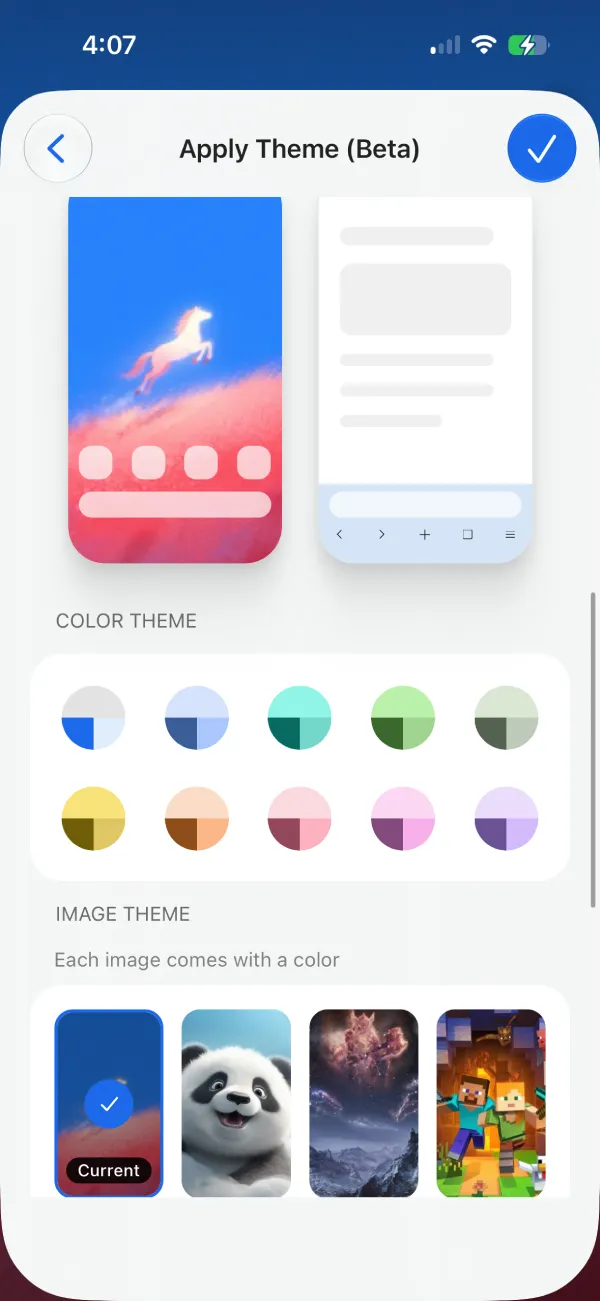
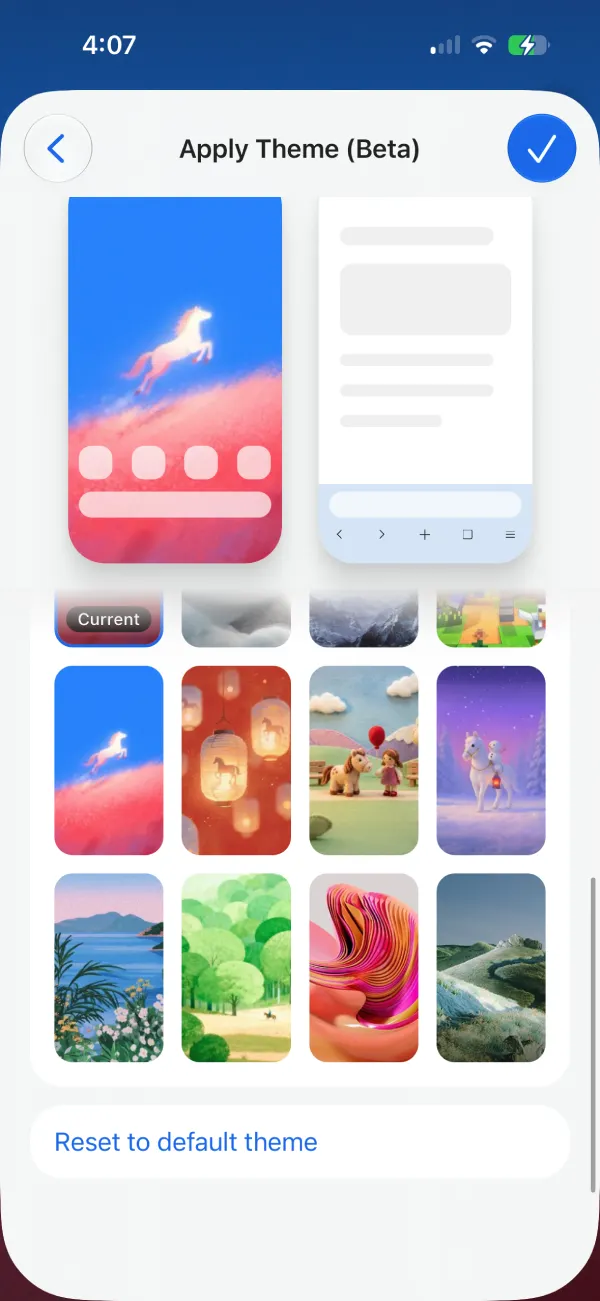
I’m not certain if this is a bug or if Microsoft intended it as a one-time use theme only. Either way, it’s confusing.
That said, Microsoft isn’t the only browser maker trying to capitalize on World Cup interest ahead of the tournament. Firefox recently introduced several World Cup-themed additions, including wallpapers and widgets. Opera has also jumped into the trend with a dedicated World Cup tracker as part of its mobile browser redesign, while Brave recently added an interactive FIFA widget directly to Brave Search.
Edge’s approach stands out because it’s the only one I’ve seen so far that turns a wallpaper into a bargaining chip.
The themes themselves are fine, though with Microsoft’s budget, I’d expect them to hire actual artists rather than cheap out and use AI-generated images. Especially since they’re forcing users to set Edge as the default browser for these themes.
At the time of this writing, the feature has only arrived on iOS. But I suspect it’ll reach the Android app soon and will function more or less in the same way.


Dwayne Cubbins
3088 Posts
I cover fast-moving stories across apps, online platforms, and everyday tech — phones, wearables, consoles, and whatever else people are fighting with this week. Bugs, rollouts, scams, policy enforcement, and the occasional internet-culture rabbit hole are all fair game. My goal is simple — make confusing tech news readable. When I'm not working, I'm working out or chilling with my dog. Got a tip? You can find me on X @dcubbins.
Next article View Article