Vivaldi browser users on iPhones might have recently noticed that the built-in ad blocker has not been working properly, especially when trying to watch YouTube videos.
I tested this on my end too with the latest stable version of Vivaldi, and can confirm that the issue is real. The ad blocker works fine for general web browsing — it blocked ads across regular sites without any issues in my testing — but the moment you open a YouTube video, ads play through completely unblocked. So it’s not a total failure, just a very specific and annoying one.

Vivaldi has acknowledged the bug and is already working on a fix. A new snapshot build dropped on June 11, and the changelog lists the ad blocking issue directly under its internal tracker ID (VIB-1904).
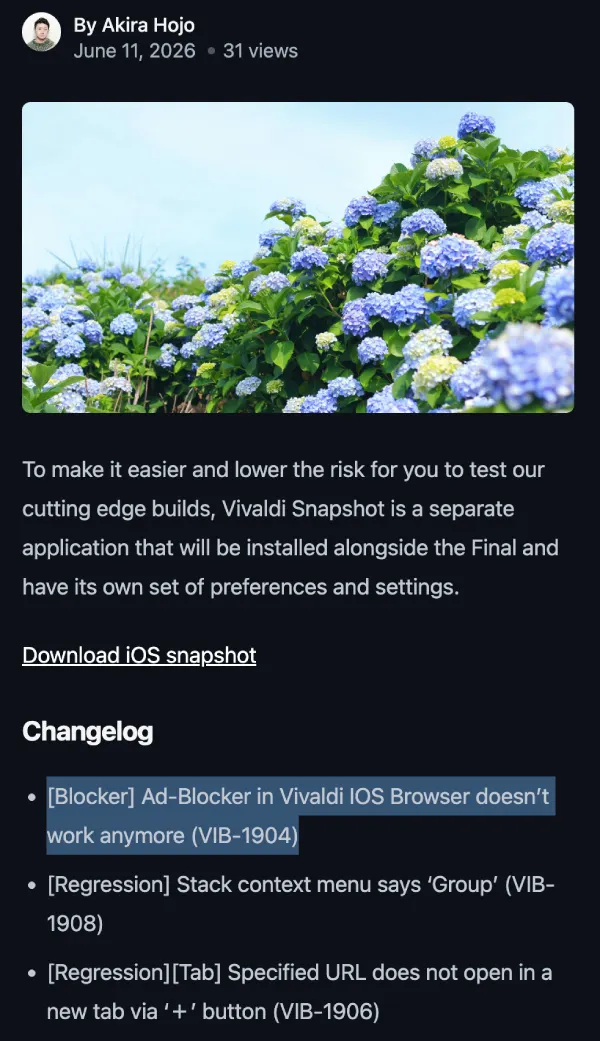
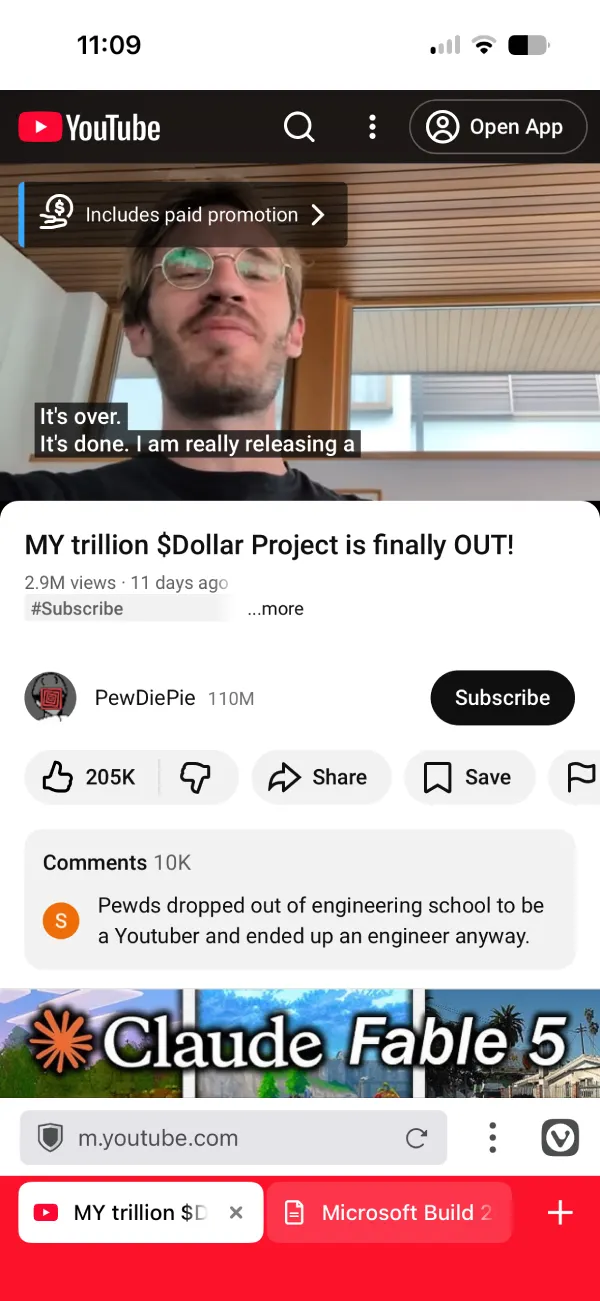
I installed the TestFlight snapshot to check. Tested multiple YouTube videos, and none of them showed ads. The fix appears to be working. This is still a snapshot, so it hasn’t gone out to regular users yet, but the fact that it’s already in a testflight build means a stable release shouldn’t be too far off.
No official ETA has been given, but that’s typical for snapshot releases. Still, it’s likely that we’ll see the fix in the stable channel sooner rather than later.
The same snapshot also patches a couple of tab-related regressions. One bug caused the stack context menu to display “Group” instead of the correct label, and another stopped URLs from opening in a new tab when tapping the “+” button. These are small issues, but issues nonetheless. So any fixes are welcome.
This follows the release of Vivaldi 8.0, which introduced a few quality-of-life improvements for iOS, though a majority of the other productivity features arrived in the Android version.
The browser has also been positioning itself as a privacy-focused alternative to mainstream options, which makes a broken ad blocker on YouTube a mess they need to fix ASAP. YouTube ads are exactly the kind of thing users expect a privacy browser to handle.
If you’re on the stable build and waiting for the fix, it’s coming. If you want it now, the TestFlight snapshot is available and it does work.


Dwayne Cubbins
3060 Posts
I cover fast-moving stories across apps, online platforms, and everyday tech — phones, wearables, consoles, and whatever else people are fighting with this week. Bugs, rollouts, scams, policy enforcement, and the occasional internet-culture rabbit hole are all fair game. My goal is simple — make confusing tech news readable. When I'm not working, I'm working out or chilling with my dog. Got a tip? You can find me on X @dcubbins.
Next article View Article