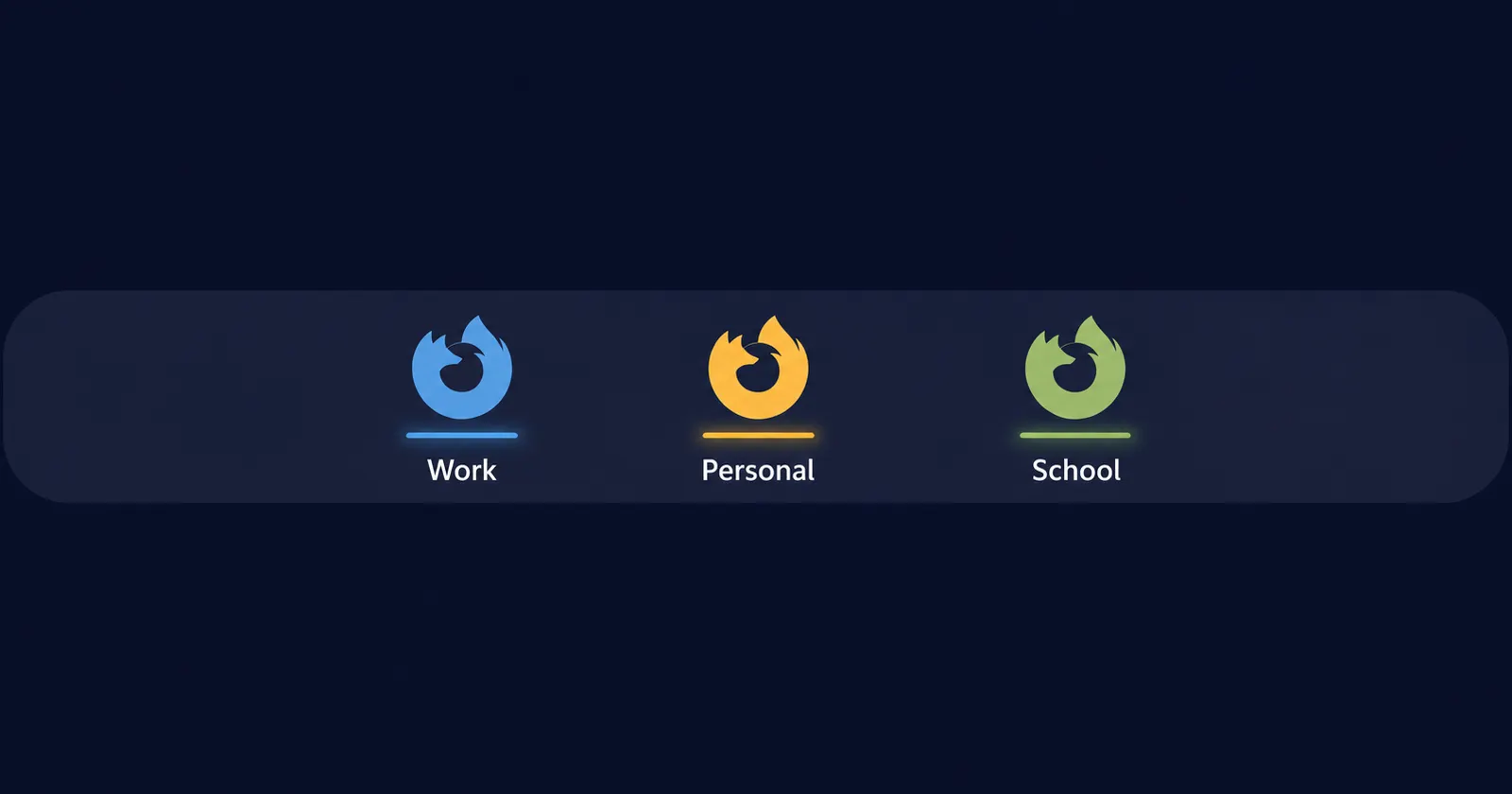
Right now, Windows users who run multiple Firefox profiles are stuck with a frustrating choice. Either all their profiles pile under a single taskbar icon and switching between them is a guessing game, or they toggle taskbar.grouping.useprofile to true and end up with six identical Firefox logos cluttering the taskbar. Neither option is actually usable for someone bouncing between a work profile, a home profile, and a school one throughout the day.
Mac users, however, don’t have this problem. Firefox on macOS already lets you pin separate profiles as distinct Dock entries, so switching between them is clean and obvious. You can check out the screenshot I took on my Mac below for reference:
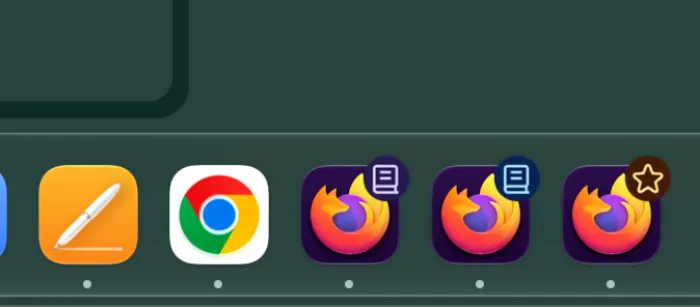
Each Firefox icon represents a different profile. Windows has been left behind on this one.
Two separate Reddit threads in r/firefox surfaced the frustration recently, and in both, a Mozilla employee named drubino-mozilla stepped in to confirm things are moving. “We’re working on it… should happen ‘soon’, though I don’t have an ETA to give right off,” they wrote in one thread.
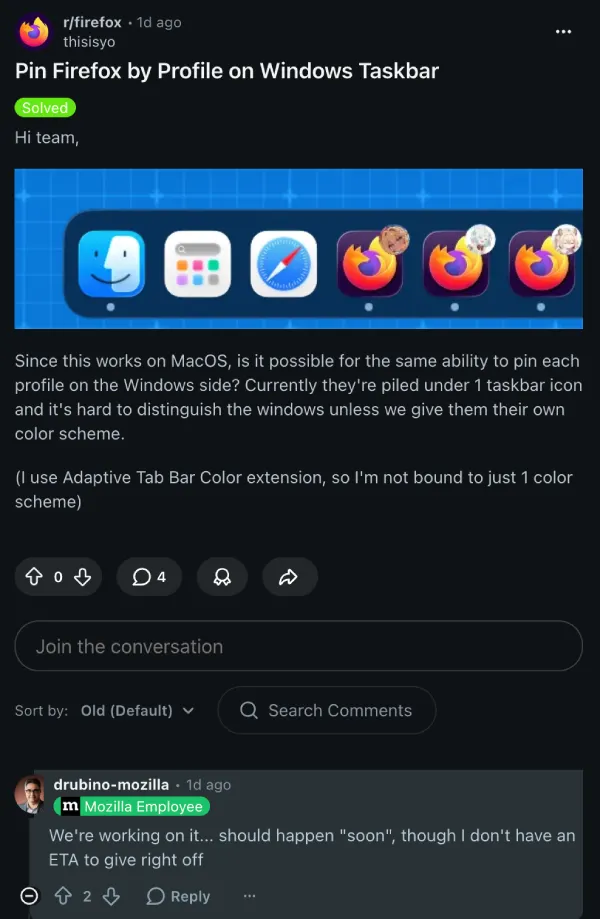
In the other, posted about ten days earlier, the same employee said they’ve been working on a spec and currently consider it a high priority.
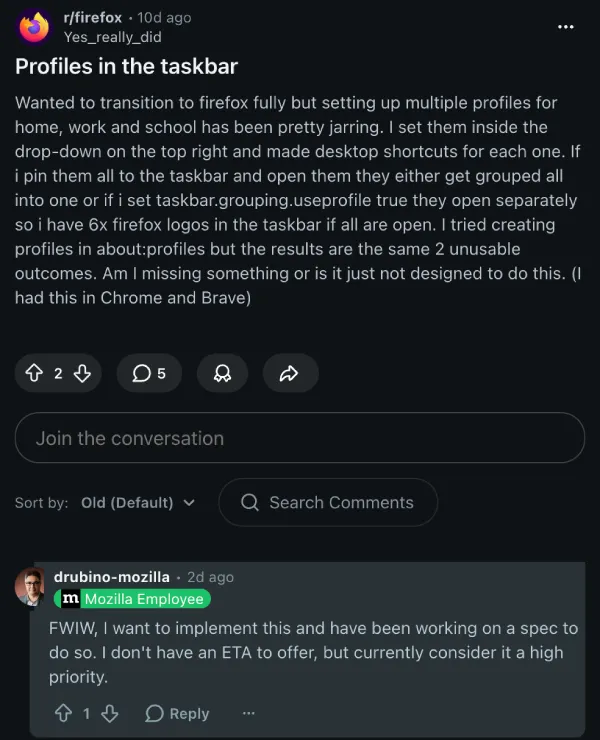
There’s no ETA on when this feature will actually make its way to the stable version of Firefox, but hopefully it shows up in the Nightly or Beta releases soon.
Someone in the thread pointed out that you can technically launch Firefox with a specific profile using command-line flags, and that’s true. But as the original poster noted, most of that is tied to the older legacy profile system, not the newer one Mozilla introduced more recently. And it’s a workaround, not a feature. Plenty of people switching from Chrome or Brave to Firefox expect profile pinning to just work the way it does in those browsers, and right now it doesn’t.
That said, Firefox has also been working on other features to improve the overall user experience. They recently rolled out a built-in VPN with huge perks for the summer, including unlimited free usage. The browser also got widgets in the New Tab page, though they can still be toggled off as we highlighted in our guide earlier today.
Profile pinning on Windows would be a more fundamental fix than either of those, and one that directly affects how people use the browser day to day. We’ll keep an eye out for any further developments on this front and share updates accordingly.


Dwayne Cubbins
2916 Posts
I cover fast-moving stories across apps, online platforms, and everyday tech — phones, wearables, consoles, and whatever else people are fighting with this week. Bugs, rollouts, scams, policy enforcement, and the occasional internet-culture rabbit hole are all fair game. My goal is simple — make confusing tech news readable. When I'm not working, I'm working out or chilling with my dog. Got a tip? You can find me on X @dcubbins.
Next article View Article