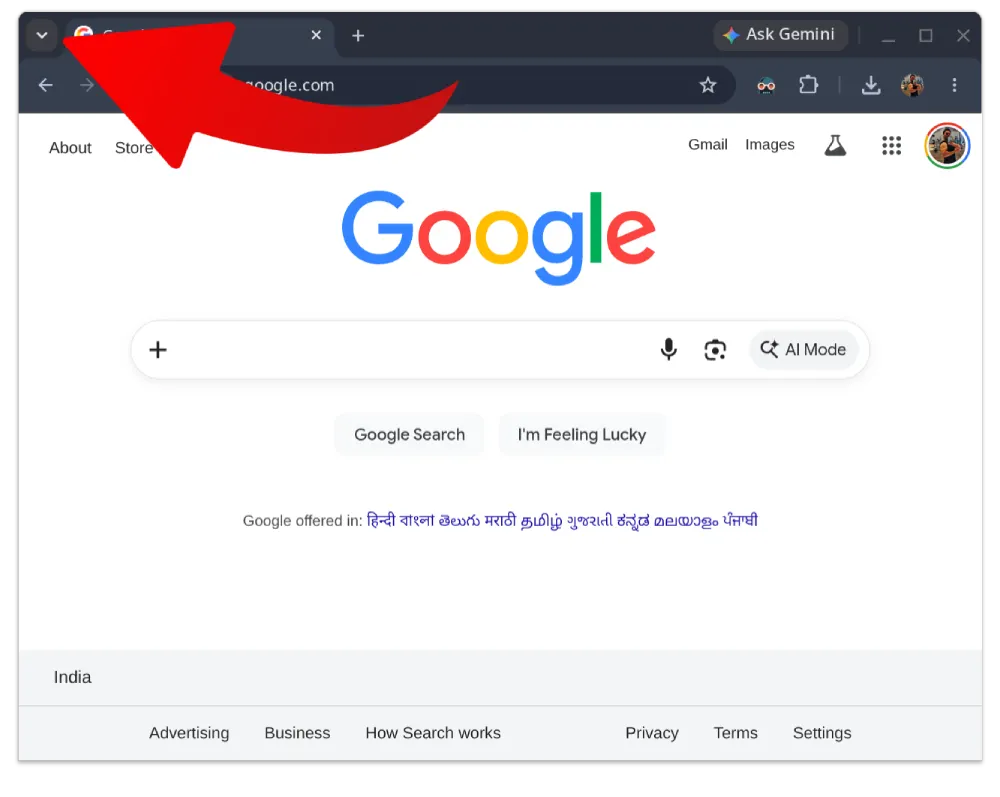
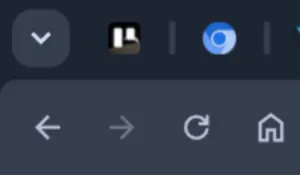
Google has moved the Tab Search button around a few times in the past, and most recently, it fixed itself on the left side of the tab strip, after previously being placed at the right-side corner instead.
But now, it seems like the developers are done experimenting with the placement of the Tab Search button, at least for the foreseeable future.
If you were hoping for a simple toggle to move it back, you are out of luck. A Google employee just shut down a feature request asking for exactly that. Google confirms Chrome won’t let you move the Tab Search icon back to the right. The left-side alignment is officially intended behavior.
Users are not happy about this. People have been venting on Reddit for weeks. The forced move to the top left corner messes with years of ingrained muscle memory.
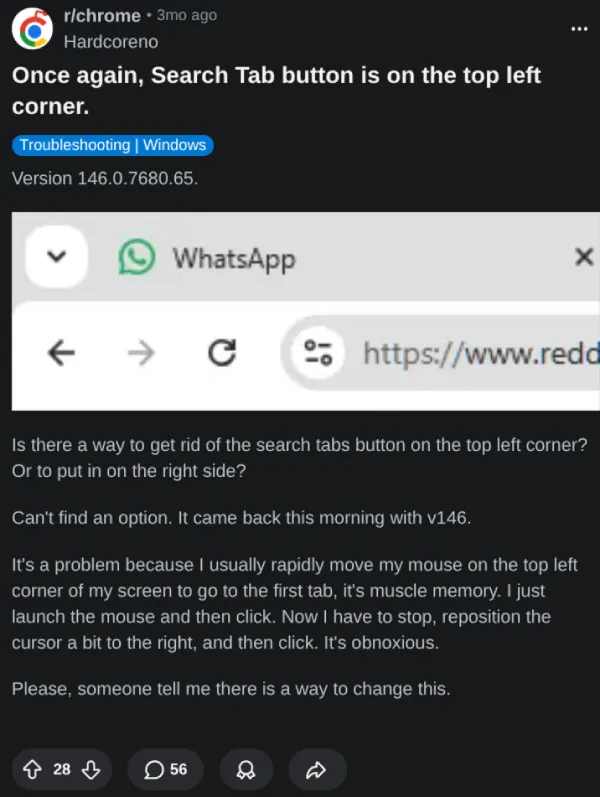
I can relate to the frustration. If you often pin tabs, you automatically move the cursor to the left corner. And with the placement of the Tab Search there, more often than not, you end up clicking the button instead of opening the pinned tab you actually wanted.
One frustrated user named Aykut took the issue straight to the Chromium issue tracker a few days ago. They pointed out that the new left-aligned UI actively blocks critical webpage content whenever you open the dropdown. They begged developers to bring back the right-side dock.
But the decision has already been made. A Google engineer marked the request as “Won’t Fix” and closed the thread. They stated clearly that they aren’t planning on allowing users to modify the tab search position.
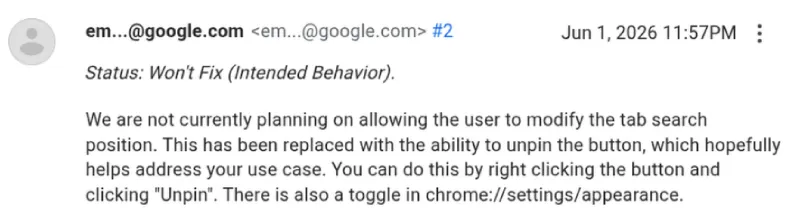
Instead of giving users placement options, Google is offering a different compromise. You can just hide the button completely. This is a relatively new feature that got added to Chrome, and we covered the details here. You simply right-click the empty space in the tab strip and select the unpin option. It vanishes instantly.
But hiding a feature isn’t the same as fixing a broken workflow. Power users rely heavily on Tab Search to dig through dozens of open tabs. They just want it on the right side next to the minimize button where it belongs. The fact that Google confirms Chrome won’t let you move the Tab Search icon back to the right feels like a stubborn and unnecessary design choice.
So your options are incredibly limited right now. You can leave the icon on the far left and try to retrain your brain not to click it by accident. Or you can unpin it completely and rely entirely on keyboard shortcuts to search your tabs. Neither option is great if you genuinely liked the old layout.
That said, Chrome is at least working to add individual sidepanel controls, which you can read more about in our report from a few days ago. Users will also be able to toggle off the Gemini Skills feature that was recently added, without disabling other AI features.


Dwayne Cubbins
3064 Posts
I cover fast-moving stories across apps, online platforms, and everyday tech — phones, wearables, consoles, and whatever else people are fighting with this week. Bugs, rollouts, scams, policy enforcement, and the occasional internet-culture rabbit hole are all fair game. My goal is simple — make confusing tech news readable. When I'm not working, I'm working out or chilling with my dog. Got a tip? You can find me on X @dcubbins.
Next article View Article