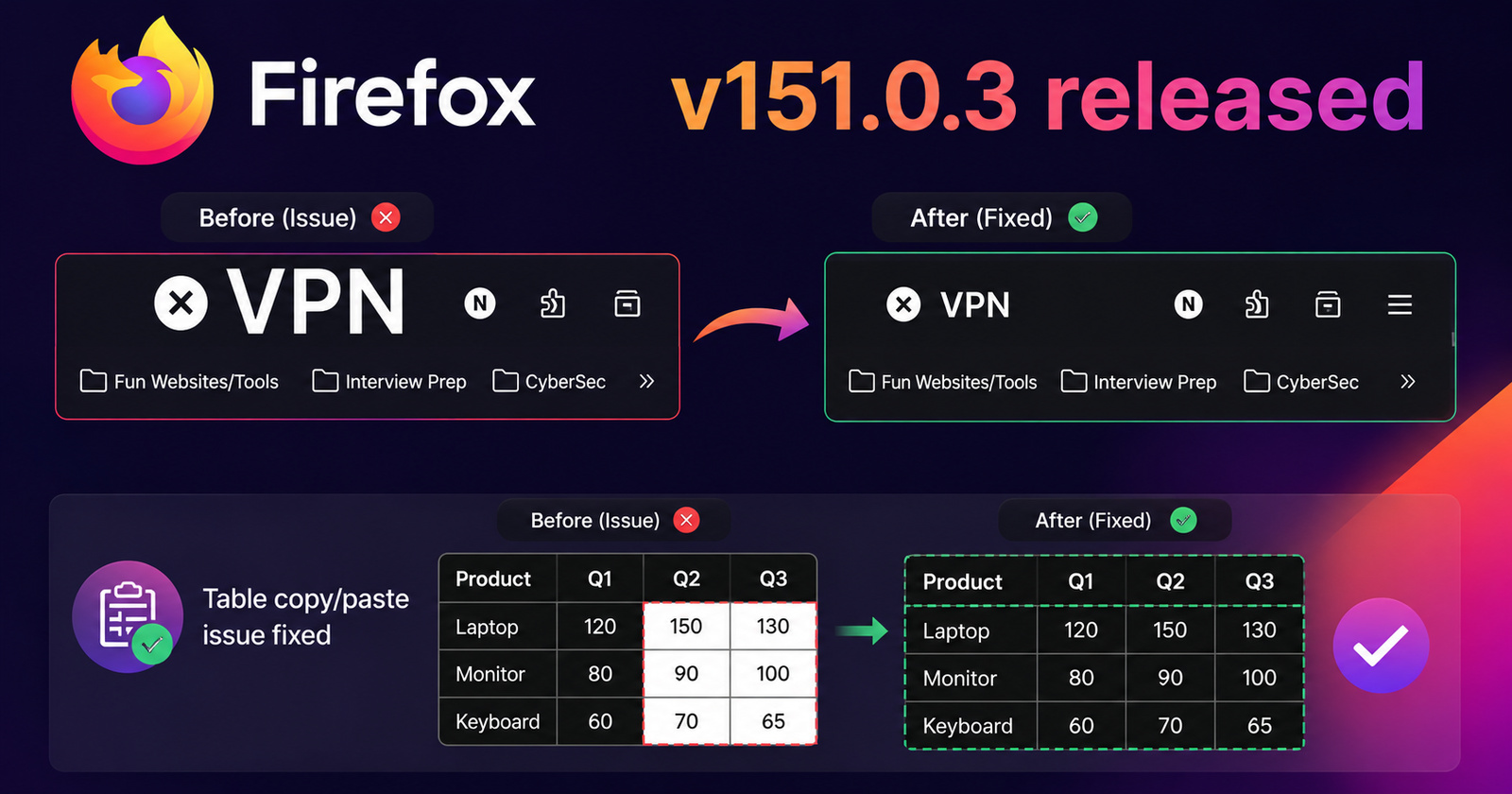
Firefox 151.0.3 is now available to the public. The changelog mentions that two bugs were patched — one is the selection and insertion of data into tables, and the other is the size of the VPN text in the browser header.
The changelog reads:
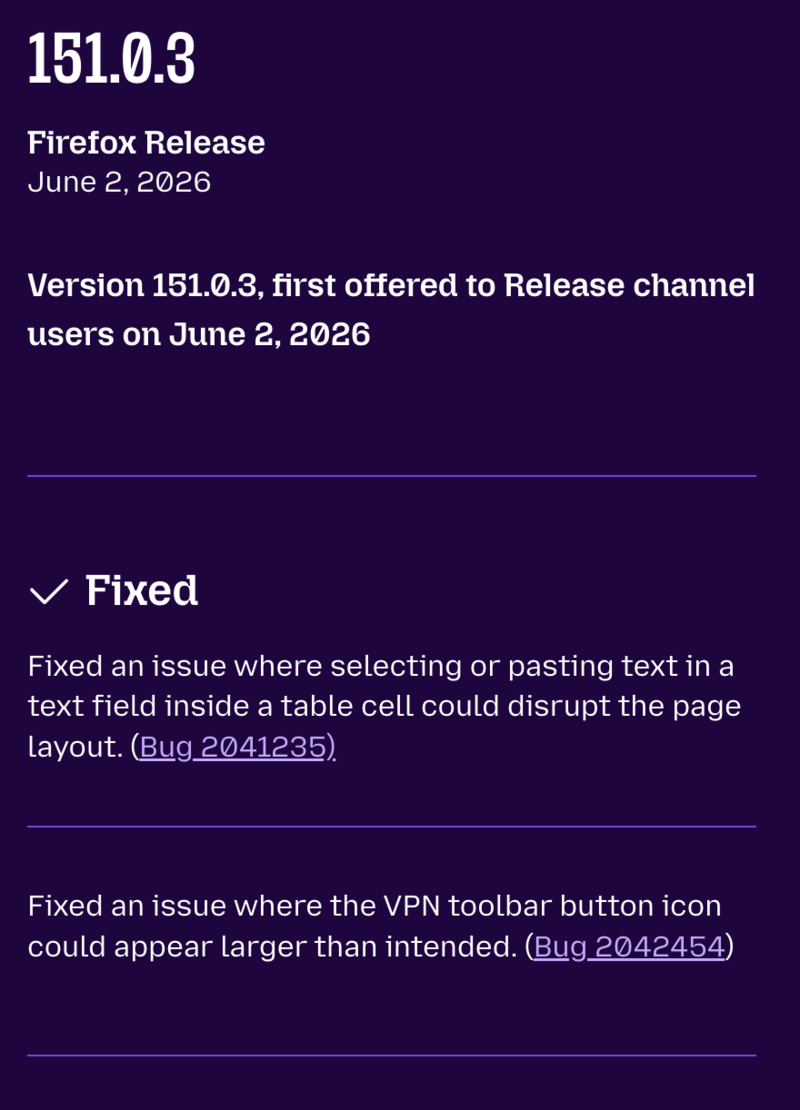
- Fixed an issue where selecting or pasting text in a text field inside a table cell could disrupt the page layout. (Bug 2041235)
- Fixed an issue where the VPN toolbar button icon could appear larger than intended. (Bug 2042454)
You can find the official release notes here.
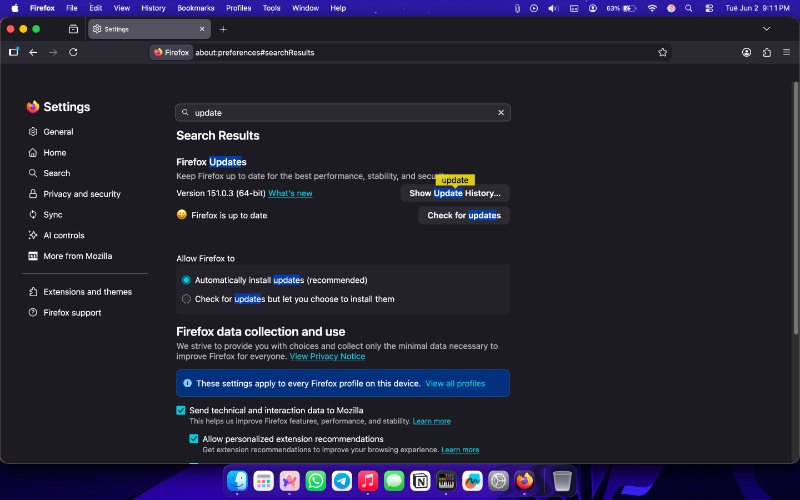
To update your Firefox browser to version 151.0.3, open Settings from the menu on the top right, and search for “Update.” You’ll find the Firefox Updates area, and you’ll need to hit Check for updates. Once the new version has been installed, restart your browser to apply the update.
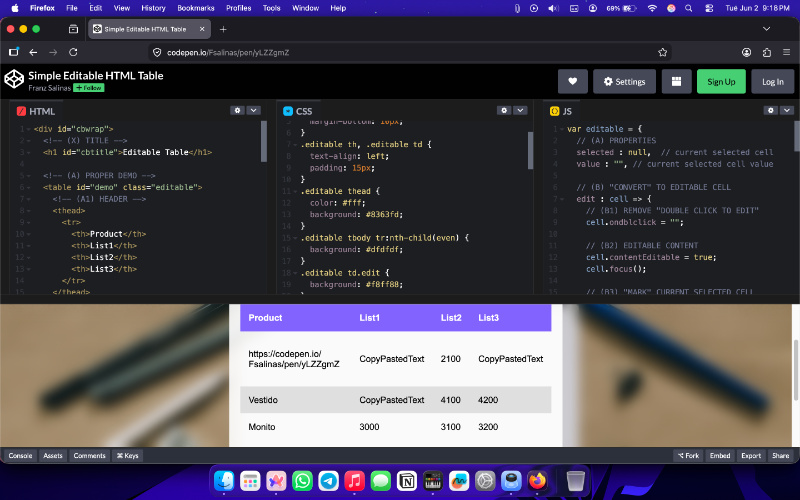
I’ve installed the update to check for these fixes, and sure enough, copying and pasting information into a table works perfectly fine, and doesn’t disrupt UI elements or break formatting. The table structure remains intact. There are no issues with the page layout as well.
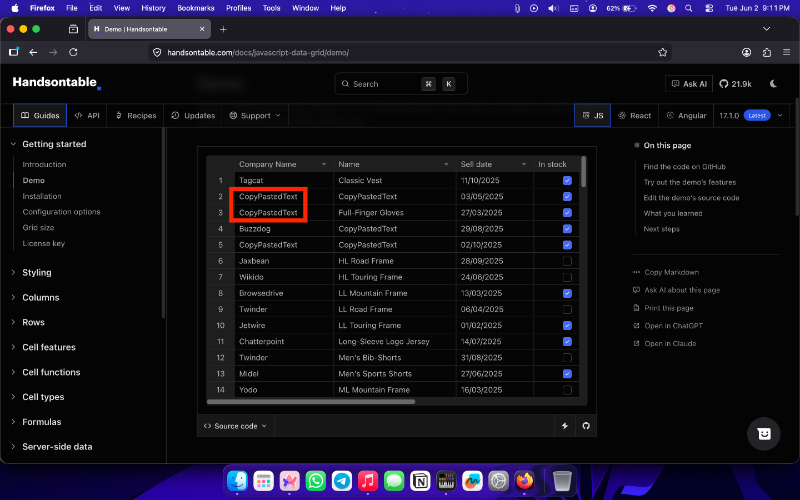
I’ve also tested it on websites where the sizes of tables adjust according to the data, and copy-pasting works without problems there as well.
Recently, we covered an issue where the VPN text appears abnormally large on the Firefox header. Users had to resort to workarounds such as dragging the VPN option out of the entire menu. Fortunately, this has now been fixed on the latest version, and the size of the text is back to normal.
The missing CSS variable that caused the issue has now been added. Users didn’t have to wait for Firefox v152 after all, since a tiny update to 151 itself has solved the issue. However, the teased Firefox update with the new desktop widgets and spacing improvements hasn’t made it yet.
In other Firefox news, Mozilla is testing out adaptive URL autofill. We covered that here. Do you like the classic Firefox sidebar? That’s going away next month. More on that here.
Disclaimer: The Featured image was generated with AI.


Sudhanshu K
321 Posts
I have been a consumer technology enthusiast for over 5 years. Thanks to my experience in software beta testing and product reviews, I've understood and learnt a lot about what bugs and issues bother people, and I spend time trying to simplify their solutions. I cover smartphones, software, social media, apps, AI, and most consumer tech gadgets. Actively pursuing a Computer Science bachelor’s degree. I'm mostly active on Twitter/X (@TechWhirlUlt), drop a DM or tag me if you want to share info or connect!
Next article View Article