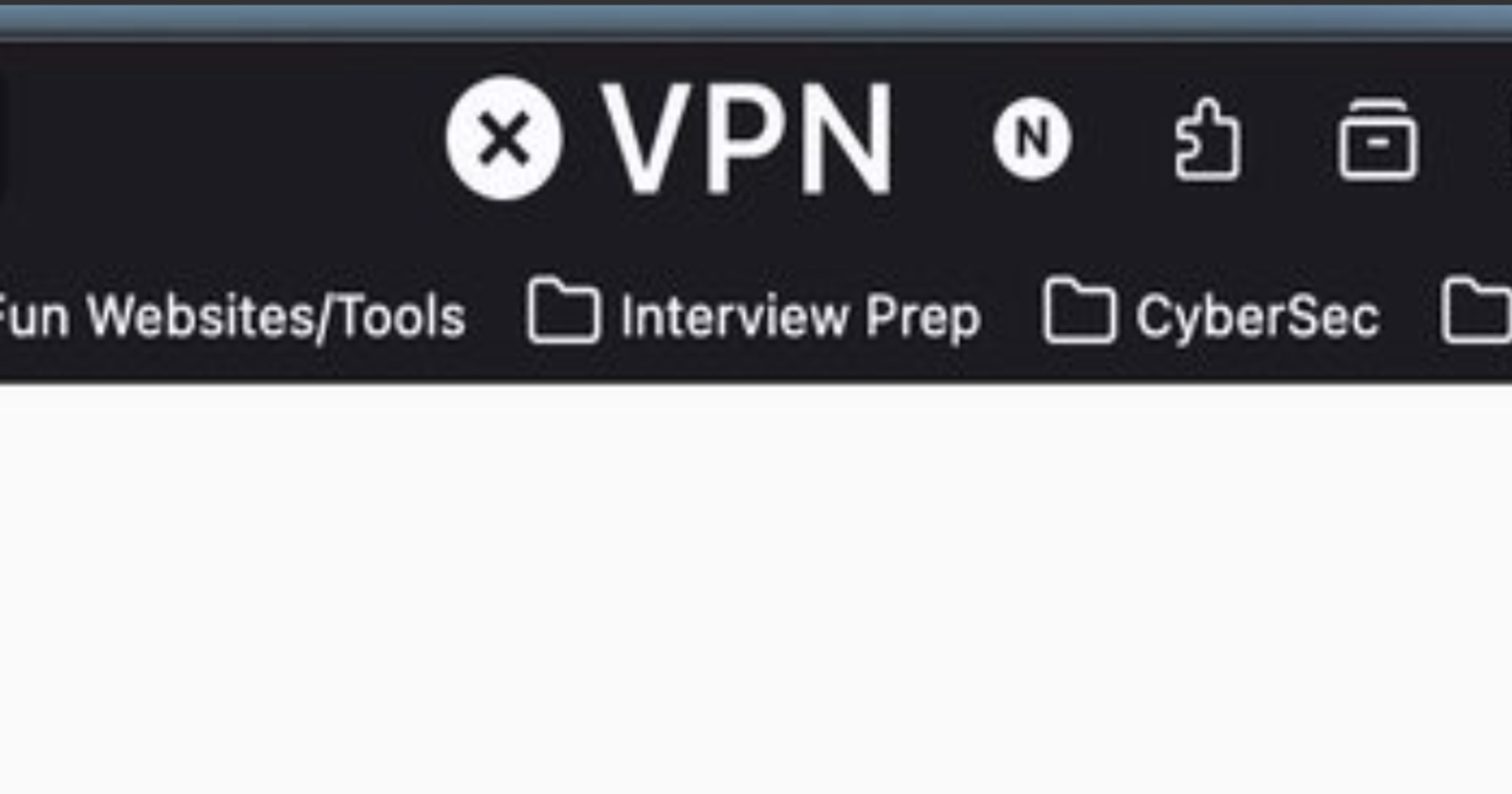
On the latest Firefox version, the size of the VPN button has become obnoxiously huge. It sits to the left of the extensions menu. Fortunately, Mozilla is aware of this problem and the team is actively looking into it.
There are many posts on Reddit and X about the “VPN” text appearing extremely huge in the browser header. People called it “unreasonably” big, and that it looks ridiculous.
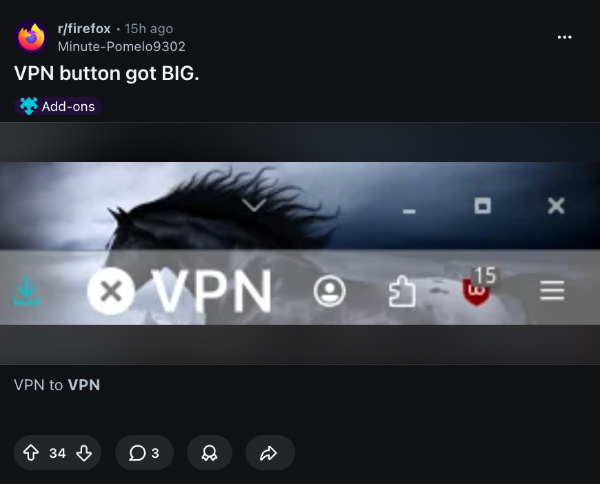
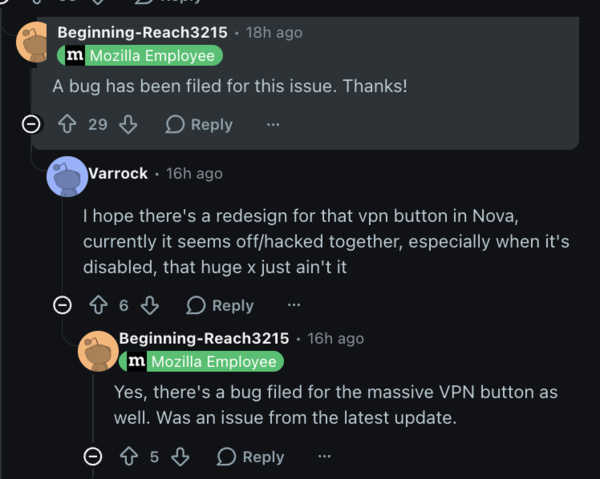
Responding to the complaints, a Mozilla employee officially acknowledged the issue through replies on Reddit. The bug has already been filed, and the team is working on it. Another Mozilla employee replied that something seemingly broke with the latest update; the Nightly version doesn’t have the issue with the VPN text.
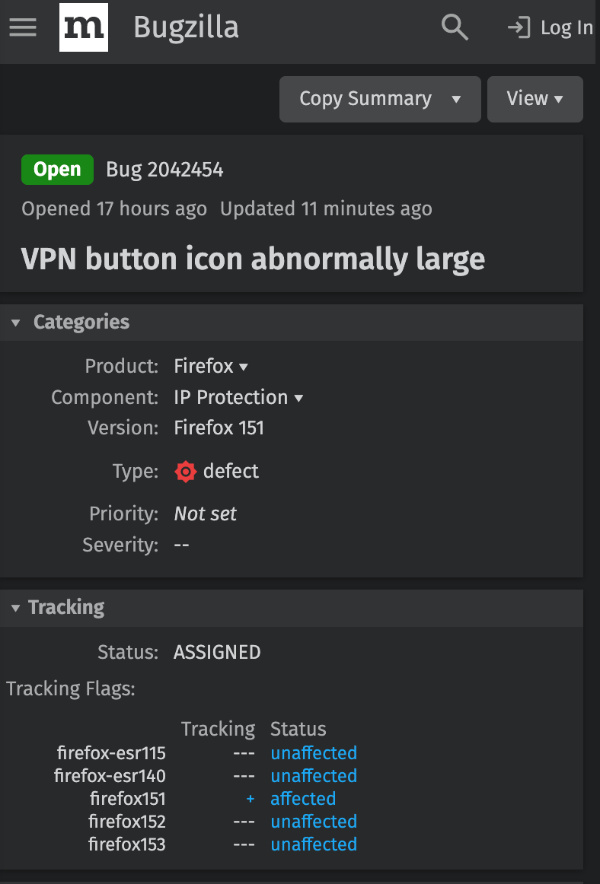
That lines up with Mozilla’s internal tracking as well. I’ve checked on Bugzilla and noticed that the tracking flags indicate the issue no longer affects Firefox 152 (beta) or Firefox 153 (Nightly). For those unfamiliar, Firefox Nightly is an even more unstable, “early adopter” Alpha version of Firefox. The beta version isn’t the same.
Meanwhile, on Mozilla Phabricator (a platform where Firefox developers submit patches for review), a patch has already been written, submitted, and approved. The patch should likely roll out to stable users once Firefox 152 is out of beta.
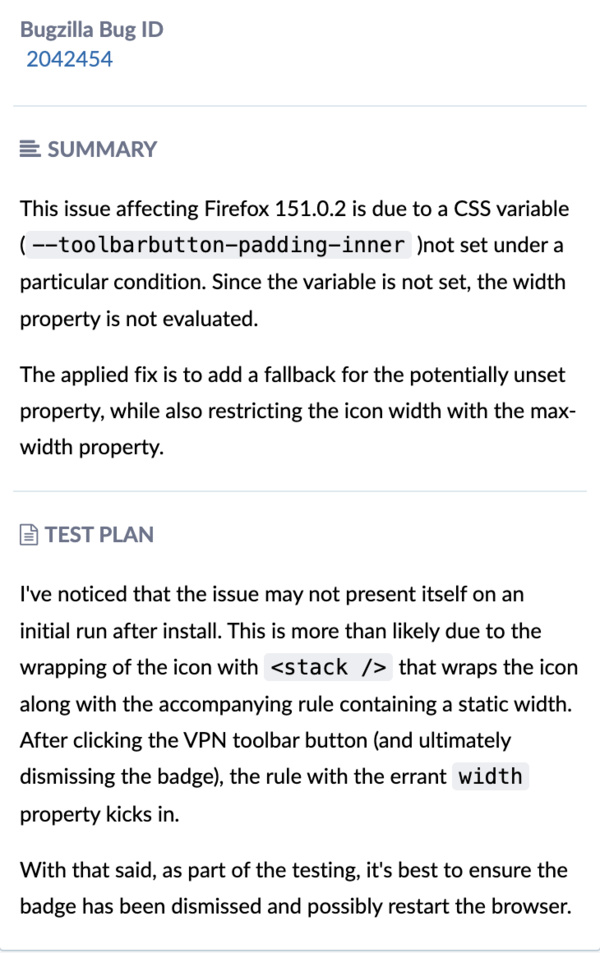
Mozilla’s bug trackers also reveal what caused the size issue in the first place. The reason for the problem was a missing CSS variable (–toolbarbutton-padding-inner). Since this variable wasn’t set, Firefox was unable to correctly calculate the width of the button, making it unusually large. Adding a default value for the missing variable and also limiting the max width solves the problem.
Until the fix rolls out, there’s also a simple workaround to remove the VPN button entirely.
- Right-click the address bar/header of Firefox.
- Choose the “Customize toolbar” option.
- Drag the VPN icon out of the toolbar.
- Click on “Done.”
After this, you’ll no longer see the VPN icon in the header.
The VPN text size isn’t the only UI issue with Firefox v151. A lot of people have reported that the logo is too big on the home screen and that the spacing is weird. We covered how you can revert these changes here.
Featured image credit: @eddy_builds/X


Sudhanshu K
301 Posts
I have been a consumer technology enthusiast for over 5 years. Thanks to my experience in software beta testing and product reviews, I've understood and learnt a lot about what bugs and issues bother people, and I spend time trying to simplify their solutions. I cover smartphones, software, social media, apps, AI, and most consumer tech gadgets. Actively pursuing a Computer Science bachelor’s degree. I'm mostly active on Twitter/X (@TechWhirlUlt), drop a DM or tag me if you want to share info or connect!
Next article View Article