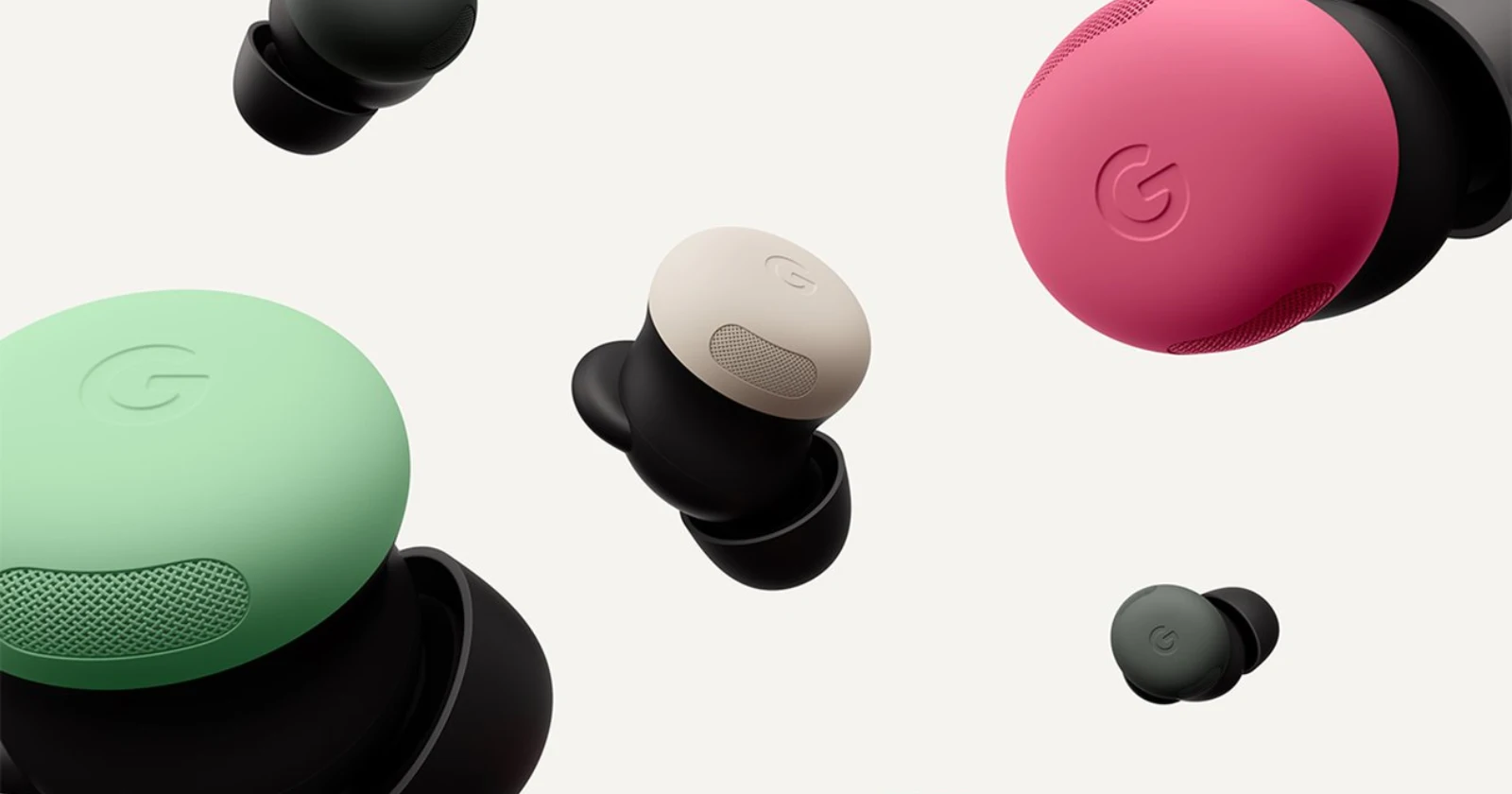
Google Pixel software drops usually squash more bugs than they create, but occasionally, a quirky UI glitch slips through the cracks. While tracking the fallout from the March 2026 update, I’ve noticed a growing number of Pixel users reporting an annoying, albeit minor, issue: the Active Noise Cancellation (ANC) and Transparency toggle is mysteriously vanishing from the expanded volume menu when connected to Pixel Buds Pro 2.
If you regularly use your physical volume keys to pull up the on-screen slider and hit the three-dot menu to tweak your audio settings, you might be met with a missing button. Instead of the usual trio of options (ANC, Spatial Audio, and Live Captions), the ANC toggle is either entirely absent or misbehaving.
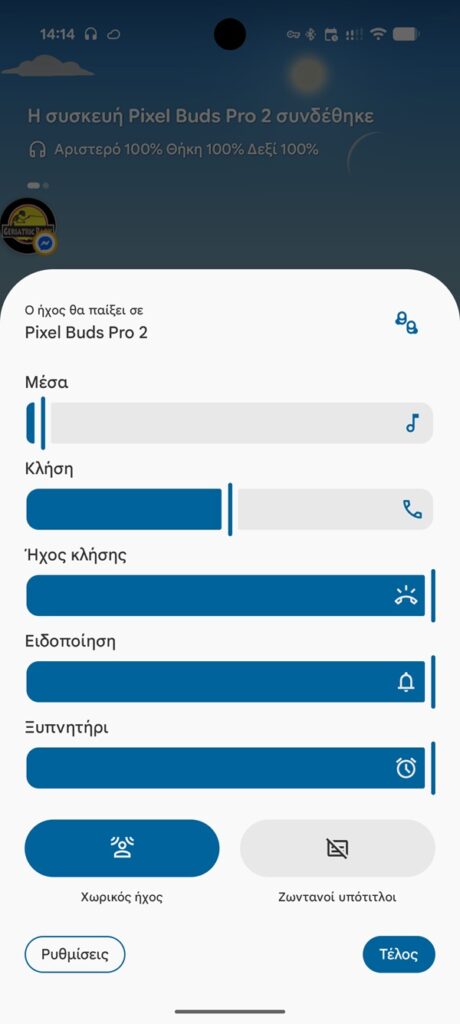
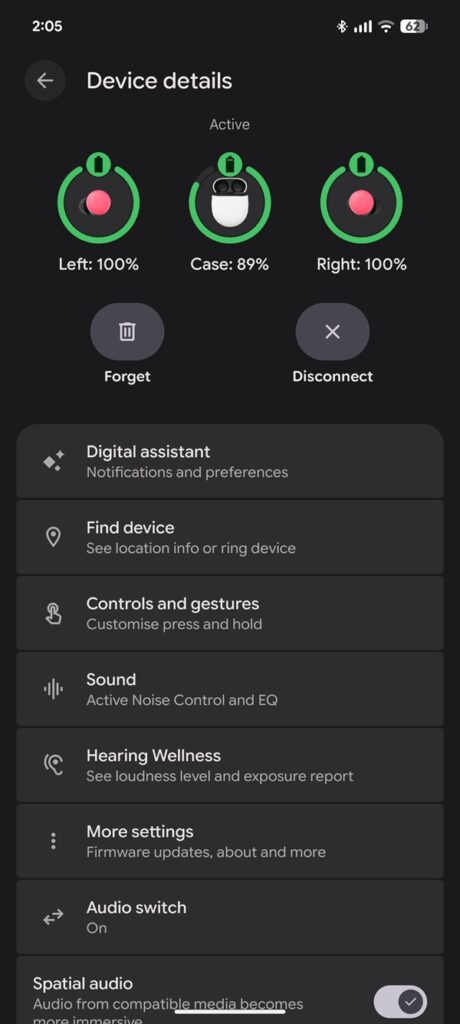
Some users report that the button occasionally appears, but tapping it simply brings up a blank white bar at the bottom of the screen before disappearing again. Interestingly, the issue isn’t uniform across the ecosystem. On the Pixel Tablet, the button remains present, but the resulting submenu is misaligned and off-center, pointing heavily toward a simple UI rendering bug rather than a core system failure.
Based on the reports I’ve combed through, the bug is affecting a range of modern hardware, including the Pixel 9 Pro, Pixel 9 Pro XL, Pixel 10 Pro XL, and the Pixel Fold. However, the Pixel Tablet isn’t affected, as seen in the screenshot below.
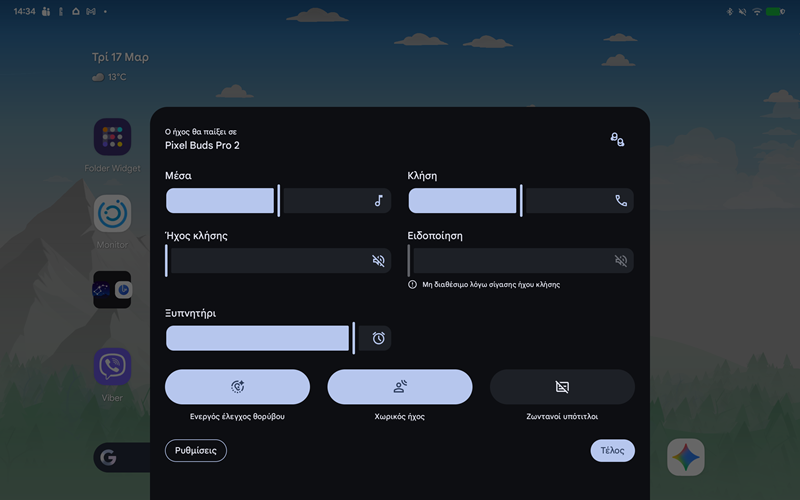
How to fix the missing Pixel Buds ANC toggle
Fortunately, this isn’t a critical failure. You can still control your ANC and Transparency modes using the physical tap-and-hold gestures directly on your Pixel Buds Pro 2.
However, if you want your volume menu back to normal, the community has found a few workarounds that seem to force the UI to correct itself. If you’re affected, try these steps:
- Place your Pixel Buds back in their charging case, close the lid, and then take them out and reconnect. For many, this instantly restores the toggle.
- Navigate to your phone’s settings, clear the cache for the Pixel Buds app, and restart your device.
- If all else fails, completely unpair your Pixel Buds Pro 2 from your Bluetooth settings and re-pair them to your phone.
Unfortunately, I don’t currently have a pair of Pixel Buds Pro 2 on my desk to try and force this glitch myself, but I’ll be keeping an eye on whether Google slips a quiet fix into an upcoming Play System update.
Is the Pixel Buds ANC toggle missing or misbehaving on your Pixel phone since the March 2026 update, or did one of these workarounds do the trick for you? Sound off in the comments and let us know.


Hillary Keverenge
2723 Posts
Tech has been my playground for over a decade. While the Android journey began early, it truly took flight with the revolutionary Lollipop update. Since then, it's been a parade of Android devices (with a sprinkle of iOS), culminating in a mostly happy marriage with Google's smart home ecosystem. Expect insightful articles and explorations of the ever-evolving world of Android and Google products coupled with occasional rants on the Nest smart home ecosystem.
Next article View Article