Google is bundling a hefty set of features into its March release, and while Android 16 QPR3 handles the under-the-hood tuning, this Feature Drop is where things get flashy. If you’re looking for the full platform and security breakdown, see our earlier coverage of the March Pixel update. This one is all about what you actually notice.
March 2026 Pixel Feature Drop: What’s new?
With the March 2026 Feature Drop, Google is pushing personalization, AI automation, and accessibility across recent Pixel devices, from the Pixel 6 series to the Pixel 10 Pro Fold.
Custom AI-generated icons arrive first. Pixel phones can now generate home screen icon styles using AI, with options like Scribbles, Cookies, Easel, Treasure, and Stardust. It’s essentially a system-wide visual remix without relying on third-party launchers. This is available on Pixel 6 and newer devices.
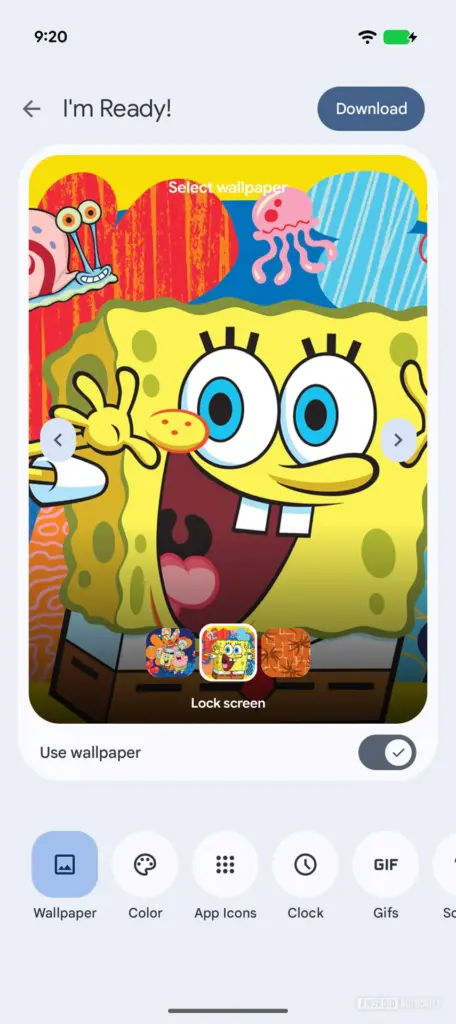
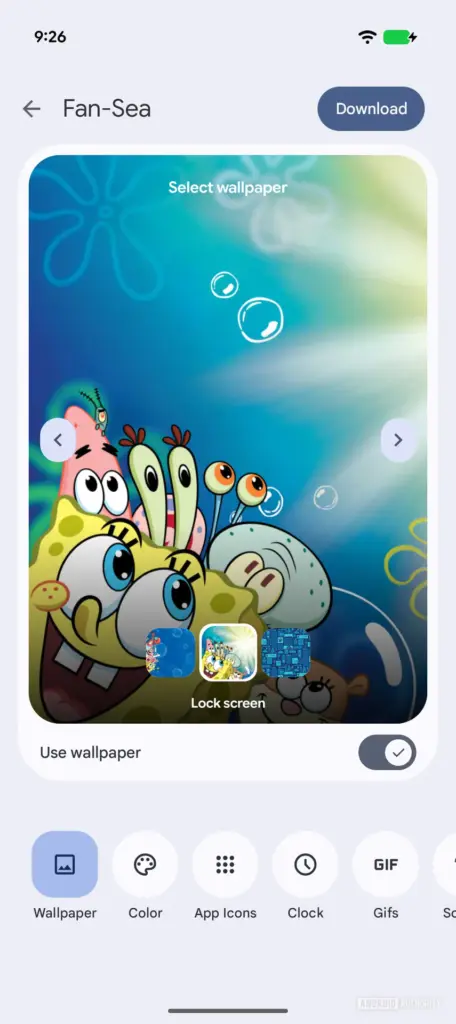
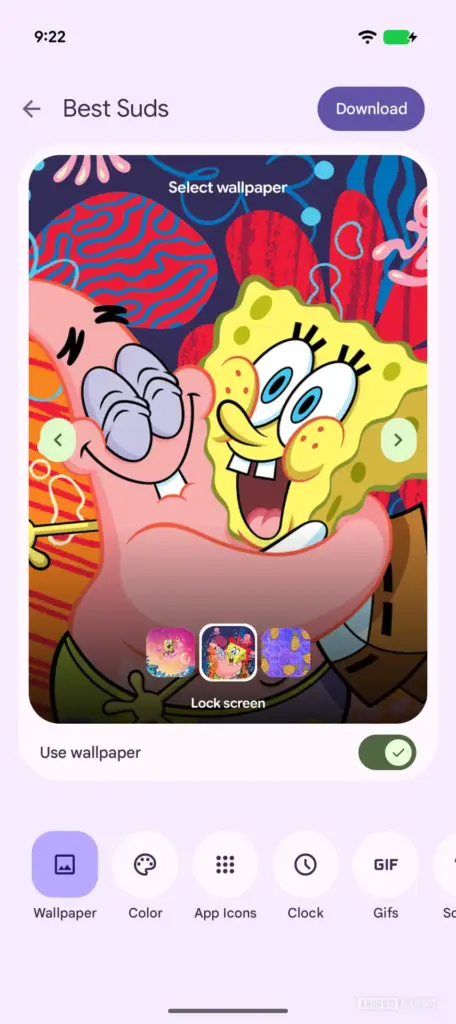
In the same personalization lane, SpongeBob SquarePants becomes the latest Pixel Theme pack, extending the cartoon collaboration to wallpapers, icons, and system sounds.
Pixel 10 gets ‘Comfort’ view
On the Pixel 10, Pixel 10 Pro, Pixel 10 Pro XL, and Pixel 10 Pro Fold, Google is introducing Comfort view. This refined display color filtering mode reduces visual stimulation from overly bright or saturated colors. The goal is straightforward: make the screen easier on sensitive eyes without resorting to blunt-force grayscale or extreme color shifts.
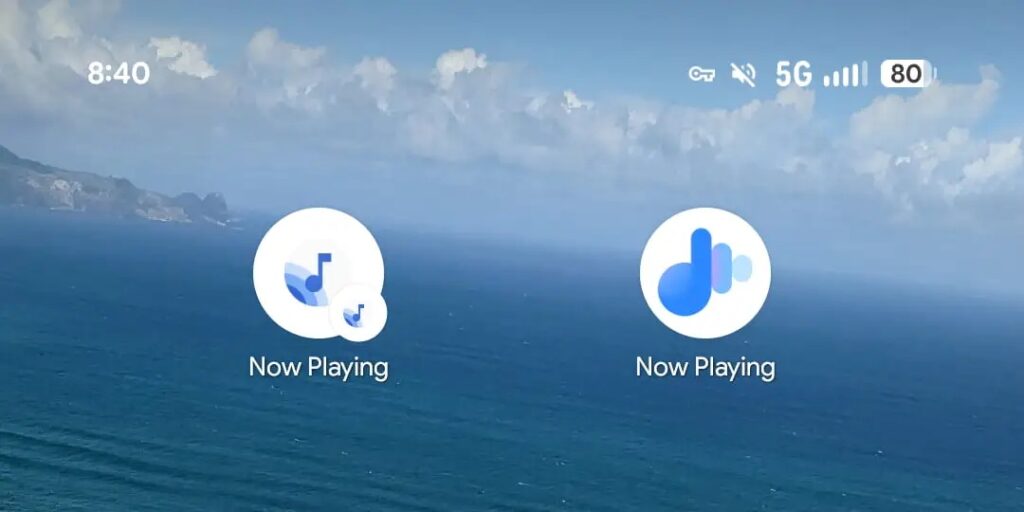
Now Playing is also getting a Material 3 Expressive redesign, aligning the ambient music recognition feature with Google’s evolving design language.
Magic Cue and smarter AI suggestions
Magic Cue is being upgraded with proactive restaurant recommendations inside conversations. If your friends are discussing dinner plans, your Pixel can surface a search suggestion based on the criteria mentioned in chat. This feature is limited to the Pixel 10 lineup.
Meanwhile, Gemini automation is expanding on the Pixel 10, Pixel 10 Pro, and Pixel 10 Pro XL. It can now book rides, order food, or purchase groceries by launching apps in a secure window and tapping, scrolling, and typing on your behalf. You can watch the process live or let it run in the background with notifications. It can be halted at any time, and final confirmation is always required before completing a transaction. Helpful, slightly unnerving, and very on-brand for 2026.
Circle to Search also gets Gemini 3 enhancements, enabling simultaneous identification of multiple objects within a screenshot.
At a Glance expands with Sports, Finance, and My Commute
At a Glance continues its quiet takeover of your lock and home screens.
Sports cards now show real-time scores based on teams you follow in Google Search. Finance adds end-of-day updates from top movers in your Google Finance watchlist. These additions are available on Pixel 6 and newer.
My Commute, available on Pixel 7 and newer, delivers real-time updates on departures, delays, and alternate routes. Expect alerts like significant train delays on your usual route before you step out the door. It’s practical, and frankly, long overdue.
Connected Cameras and desktop mode
The Connected Cameras feature introduced last year now works with supported camera apps and DSLRs using UVC-supported devices via cable. This expands external camera flexibility across Pixel 6 and newer devices.
On the productivity side, Android 16 QPR3 enables desktop-style windowing when you connect a compatible Pixel phone to an external monitor, keyboard, and mouse. This works on Pixel 8 phones and newer with USB DisplayPort out. The Pixel Tablet also gains desktop windowing, allowing users to arrange and resize windows more freely.
Feature expansions and regional rollouts
Several existing features are expanding availability. The Journal app’s AI-powered Reflection, Revisit Topics, and Mood ID are now available on the Pixel 9 series. Notification summaries now support Japanese on Pixel 9 and newer devices, excluding A-series models. Call Notes launches in India on Pixel 10 devices.
Scam Detection in the Phone by Google app expands to France, Italy, Spain, Mexico, Germany, and Japan. Using on-device AI, it detects suspicious in-call speech patterns and provides verbal and haptic feedback. This is available on Pixel 9 and newer, excluding A-series models.
Guided Frame, which offers enhanced scene descriptions for blind and low-vision users, is now available on Pixel 6 and newer.
Pixel Watch March 2026 Feature Drop
The Pixel Watch lineup is also receiving significant updates.
Express Pay enables NFC payments without manually opening the Google Wallet app. When your watch is unlocked, you can simply tap to pay in stores or for transit using your default card. This is available on Pixel Watch 2 and newer models.
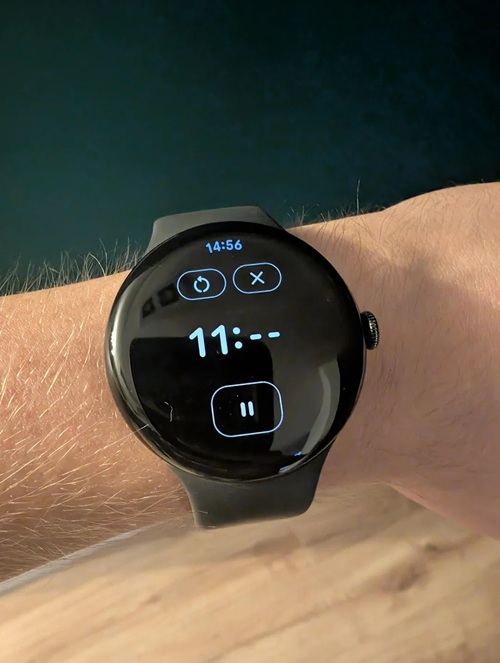
Phone separation alerts now notify you if you leave your phone behind, and your phone can automatically lock if the watch connection is lost. This works on Pixel 8 and newer phones paired with Pixel Watch 2 and newer.
Paired devices can now perform faster Identity Checks, with PIN-secured access supported on devices like the Pixel 8 Pro, Pixel 9 Pro, and Pixel Watch 3 and newer. One-handed gestures are rolling out to the Pixel Watch 3, allowing users to snooze alarms, manage timers, answer calls, take photos, and scroll notifications with simple wrist interactions.
On the safety front, Satellite SOS on the Pixel Watch 4 expands beyond the continental US to Hawaii, Alaska, Canada, and Europe, enabling emergency contact when out of cellular range. Finally, Pixel Watch 2 and newer models gain Android Earthquake Alerts even when not paired to a phone, providing a few seconds of warning before shaking begins.
This March Feature Drop is less about a single headline feature and more about layering AI, accessibility, and ecosystem cohesion across phones and watches. If the March system update was about stability and security, this Feature Drop is about making your Pixel feel unmistakably like a Pixel.


Hillary Keverenge
2723 Posts
Tech has been my playground for over a decade. While the Android journey began early, it truly took flight with the revolutionary Lollipop update. Since then, it's been a parade of Android devices (with a sprinkle of iOS), culminating in a mostly happy marriage with Google's smart home ecosystem. Expect insightful articles and explorations of the ever-evolving world of Android and Google products coupled with occasional rants on the Nest smart home ecosystem.
Next article View Article