Google’s March update cycle is here, and if you own a Pixel, congratulations, your phone or tablet just got a little more polished, whether you asked for it or not.
The company is now rolling out Android 16 QPR3 alongside the March 2026 security patch to a long list of devices, starting with the Pixel 6 series and stretching all the way to the Pixel 10 Pro Fold and even the latest Google Pixel 10a. In short, if your Pixel isn’t ancient, it’s probably covered.
Android 16 QPR3 brings interface tweaks, bug fixes, a fresh Feature Drop, and a desktop-style experience for those who insist on turning their phones into tiny computers.
Android 16 QPR3: What’s new on Pixel?
The headline change for some users will be the ability to remove At a Glance from the top of the home screen. Long-press on the home screen, head into Home settings, tap the At a Glance gear icon, and toggle off “Show on home screen.” After years of it being effectively glued in place, Google is finally letting people decide.
Pixel Launcher also gets subtle but noticeable refinements. Folder open and close animations have been updated, widget resizing behavior has been adjusted, and Themed icons have been rebranded to “Minimal.” There are additional UI tweaks in the Edit tiles page, and Recents now shows a “No recent items” screen when nothing is open, which is either a clean design or a quiet reminder that you closed everything five seconds ago.
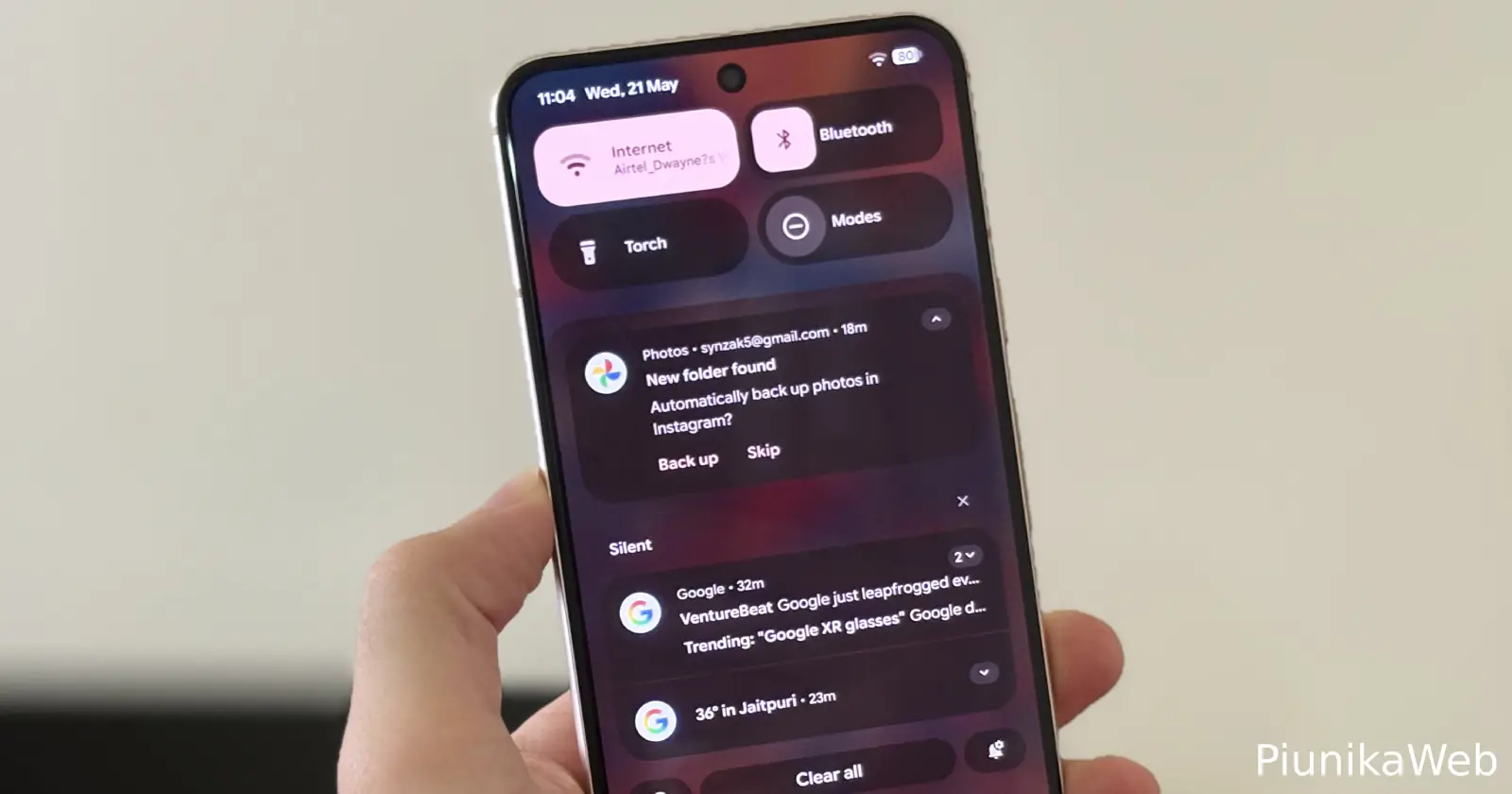
Quick Settings gains a practical addition: adjustable flashlight strength. In the 1×1 tile layout, long-pressing opens a vertical slider. With the 2×1 tile, tapping the right side exposes the control. It’s simple, overdue, and genuinely useful. Location status indicators have also been updated to show as a blue dot or chip, aligning with the Camera and Microphone privacy indicators for visual consistency.
The Settings app’s System page has been reorganized into clearer sections. Meanwhile, a new navigation option brings Samsung-style button ordering, letting users choose Recents, Home, Back instead of the traditional Back, Home, Recents layout. Muscle memory wars can now officially begin.
Desktop windowing comes to Google Pixel
One of the more significant additions is desktop windowing support when connecting a Google Pixel phone to an external monitor, keyboard, and mouse. Google is positioning this as a proper desktop-like experience, complete with windowed apps.
This functionality also arrives on the Pixel Tablet with Android 16 QPR3, further pushing Google’s large-screen ambitions. Whether this becomes a real productivity feature or just something people try once and forget is a separate question.
March 2026 security patch details
The March 2026 patch resolves 63 security issues in the 2026-03-01 bulletin and 66 in the 2026-03-05 bulletin. Vulnerabilities range from High to Critical severity. On top of that, Google’s dedicated Pixel bulletin lists additional security fixes specific to its devices.
All supported models are receiving build number CP1A.260305.016 globally, including devices from the Pixel 6 through the Pixel 10 Pro lineup.
Pixel March 2026 bug fixes address 16 key issues
Beyond new features, this update focuses heavily on stability. Google outlines fixes across Audio, Camera, Display & Graphics, Framework, Telephony, and User Interface.
Audio fixes address delayed speaker icon display and occasional audio crashes across supported devices. Camera stability has been improved on newer models, resolving an issue that could cause the camera service to crash.
Display and graphics improvements are more substantial on the latest generation. On the Pixel 10 series, Google fixed screen freezing issues that could render the device temporarily unusable, corrected fuzzy or incorrect display behavior, and optimized the OpenCL driver to improve GPU performance and benchmark scores. System crashes affecting overall Android stability have also been addressed on recent models.
Framework updates resolve UI freezes, temporary unresponsiveness tied to background processing of Android intelligence features, startup crashes, and incorrect battery status reporting, especially when using wireless charging on newer devices.
Telephony fixes target unexpected instability that could lead to temporary cellular service loss, alongside broader improvements to network stability and performance under certain conditions.
On the UI side, Google resolved an issue where apps could get stuck after quickly switching from Recents to Home, as well as a delay when opening the audio output selector while music was playing in the background.
If you’re on a recent Pixel, especially from the 9 or 10 series, this update reads like a quiet but meaningful tune-up. Install it. Your GPU, your battery stats, and possibly your wireless connection will thank you, even if you never notice why things feel slightly less broken.
Below is the full changelog:
What’s included
The March 2026 update includes bug fixes and improvements for Pixel users – see below for details
Audio
- Fix for a delay in displaying the speaker icon when adjusting audio settings*[1]
- Fix for issue occasionally causing audio crashes*[1]
Camera
- Fix for an issue that caused the camera service to crash, improving overall camera stability*[2]
Display & Graphics
- Fix for an issue causing system crashes and impacting overall Android stability*[2]
- Fix for device screen freezing that occasionally renders the phone unusable*[3]
- Fix for issues causing occasional fuzzy or incorrect display behavior*[3]
- Fix for the issue where the background blur briefly disappeared in the All Apps screen during search*[1]
- Improvement for Pixel 10 GPU performance by optimizing the OpenCL driver to reduce overhead and increase benchmark scores*[3]
Framework
- Fix for an issue that could cause the UI to freeze in certain conditions*[2]
- Fix for an issue that could cause a temporary freeze or unresponsiveness related to background processing of Android intelligence features*[1]
- Fix for an issue that could cause the device to crash when certain services start up*[1]
- Fix for issues where the device incorrectly reported battery status (e.g., abnormal temperature or missing battery), particularly when using a wireless charger*[3]
Telephony
- Fix for unexpected device instability that could cause temporary loss of cellular service*[2]
- General improvements for network connection stability and performance in certain conditions*[2]
User Interface
- Fix for an issue that could cause an application to get stuck after quickly using recent apps and navigating home*[2]
- Fix for the delay experienced when opening the audio output selector after playing music in the background*[1]
—————————————————————————————————————
Device Applicability
Fixes are available for all supported Pixel devices unless otherwise indicated below. Some fixes may be carrier/region specific.
*[1] Pixel 6, Pixel 6 Pro, Pixel 6a, Pixel 7, Pixel 7 Pro, Pixel 7a, Pixel 8, Pixel 8 Pro, Pixel 8a, Pixel Fold, Pixel Tablet, Pixel 9, Pixel 9 Pro, Pixel 9 Pro XL, Pixel 9 Pro Fold, Pixel 9a, Pixel 10, Pixel 10 Pro, Pixel 10 Pro XL, Pixel 10a
*[2] Pixel 9, Pixel 9 Pro, Pixel 9 Pro XL, Pixel 9 Pro Fold, Pixel 9a, Pixel 10, Pixel 10 Pro, Pixel 10 Pro XL, Pixel 10 Pro Fold
*[3] Pixel 10, Pixel 10 Pro, Pixel 10 Pro XL, Pixel 10 Pro Fold


Hillary Keverenge
2723 Posts
Tech has been my playground for over a decade. While the Android journey began early, it truly took flight with the revolutionary Lollipop update. Since then, it's been a parade of Android devices (with a sprinkle of iOS), culminating in a mostly happy marriage with Google's smart home ecosystem. Expect insightful articles and explorations of the ever-evolving world of Android and Google products coupled with occasional rants on the Nest smart home ecosystem.
Next article View Article