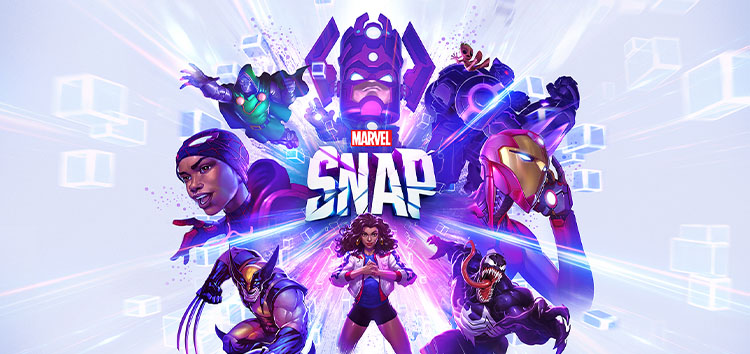
Available on mobile and PC, Marvel Snap is an interesting take on the collectible card game genre. It features many beloved characters from the Marvel universe that can be used during battles against others.
However, just like every other game, it’s not immune to occasional bugs and issues. We previously covered a story where the game kept showing the ‘Aw, Snap’ error due to a server outage.
And now, it appears that a recent update has broken the game for some PC players that downloaded it through Steam.
Marvel Snap crashing on PC
The developers recently released an update that brought several balance changes and bug fixes. However, some report (1,2,3,4,5,6) that Marvel Snap is constantly crashing on PC after installing the latest patch.

According to players, the game experiences severe crashing issues when certain cards are played during battles. Due to this, the game may shut down in the middle of the round preventing players from completing the match.
This is incredibly frustrating as it leads to a loss of progress and hinders the overall gaming experience. Players have mentioned that the game crashes especially when cards are played on Cloning Vats.
anyone else have their game crash when Mystique is played on cloning vats?
Source
Wolvie + Hulkbuster on Cloning Vats crashes game into a error loop, Just FYI.
Source
Cloning Vats are basically cards that allow you to copy any other card of your choice. Unfortunately, playing any card on Cloning Vats now breaks the game for some.
Going by reports, it seems that cards like Mystique are the most by the issue. It’s worth noting that Cloning Vats are not the only cause for the ongoing crashing problems.
Gamers are experiencing such issues even on completely random occasions since the last update. It appears that the animations are broken as well.

When players try to reconnect, the animation plays and the game crashes once again making them stuck in an endless crashing loop.
The only way to get out of the loop is to wait on the main menu for 15 minutes until the ‘reconnect’ button changes to ‘Play’. Unfortunately, there aren’t any workarounds to fix the crashing issues at the moment.
You have to stay on the main menu for 15min, then the button “reconnect” will change for a “play” button
Source
The developers are yet to officially acknowledge the problem either. We’ll keep an eye on this matter and update this story to reflect noteworthy developments.
Featured image source: Marvel Snap.
PiunikaWeb started as purely an investigative tech journalism website with main focus on ‘breaking’ or ‘exclusive’ news. In no time, our stories got picked up by the likes of Forbes, Foxnews, Gizmodo, TechCrunch, Engadget, The Verge, Macrumors, and many others. Want to know more about us? Head here.
Tags
Marvel Snap Marvel Snap crashing after latest update Marvel Snap crashing on cloning vats Marvel Snap crashing on PC Marvel Snap crashing on Steam
Jaspreet Singh
119 Posts
I have always been passionate about smartphones, cameras, computers and basically everything technology related. Writing content for PW allows me to express that nerd inside me and talk about things i love.
Next article View Article