


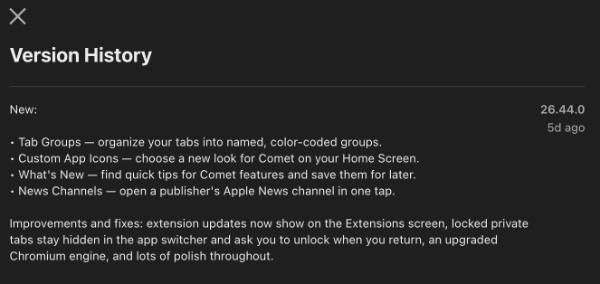
The latest v26.44.0 update to the Comet browser on iOS focuses on customization, and also some convenience improvements. It brings four major new features, including Tab Groups, custom app icons, and more. Furthermore, you get privacy improvements and an updated Chromium engine.
You can find a screenshot of the changelog below, and these Release Notes were published on Apple’s App Store.
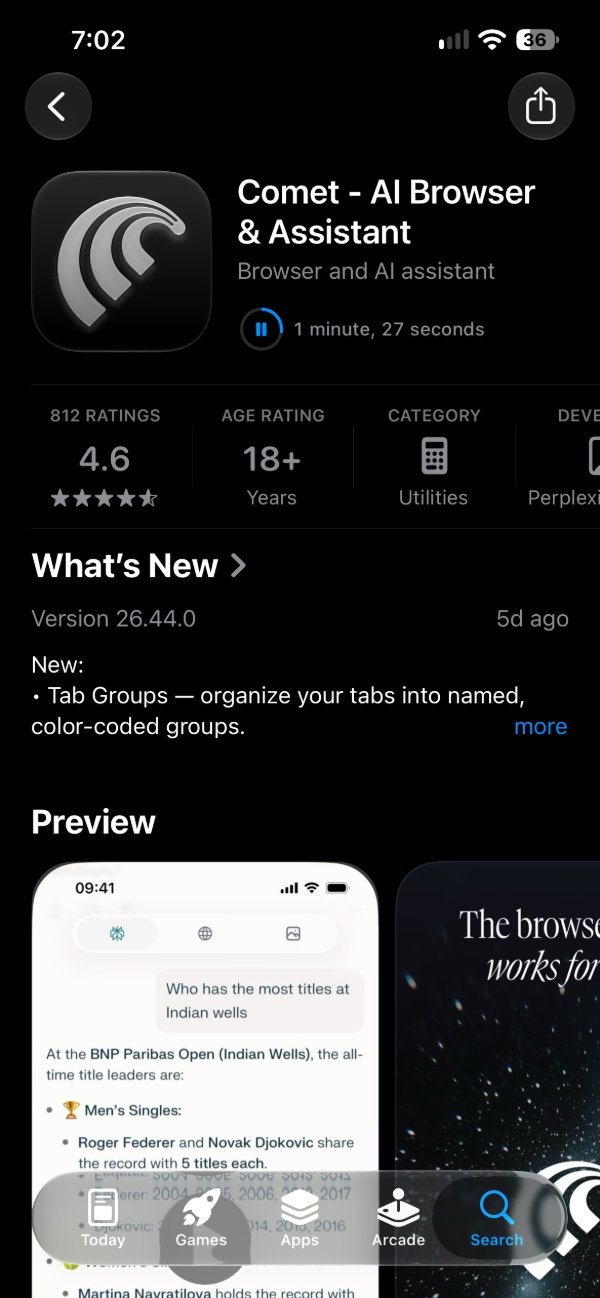
I updated to the latest version to test out what’s new, and one of the main changes is about Tab Groups. Comet lets users organize their open tabs into separate groups. You can add custom names and color codes as well, and this will make it easier to manage multiple browsing sessions. You don’t have to continuously scroll through a long list of tabs.
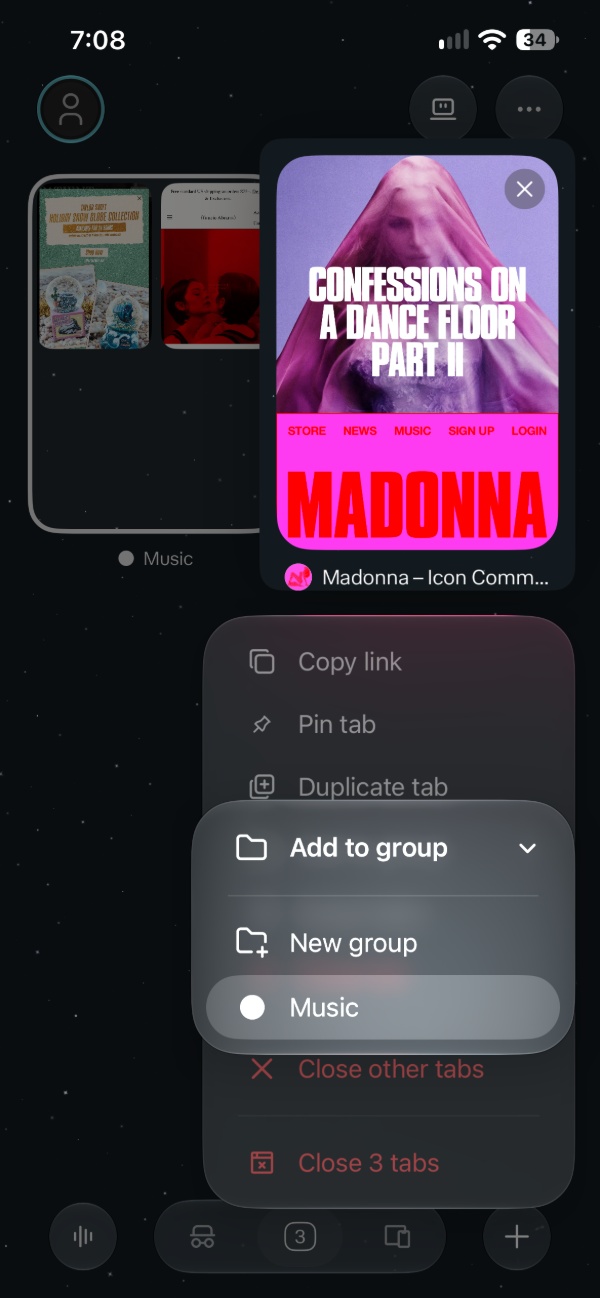
For example, users can put work-related websites in one group, while entertainment tabs are in another group. To make it easier to identify, you can use names and colors. To create a group, just enter the Tab Switcher and long-press on any tab. You’ll find the “Add tab to new group” option. From there, you just have to name the tab group.
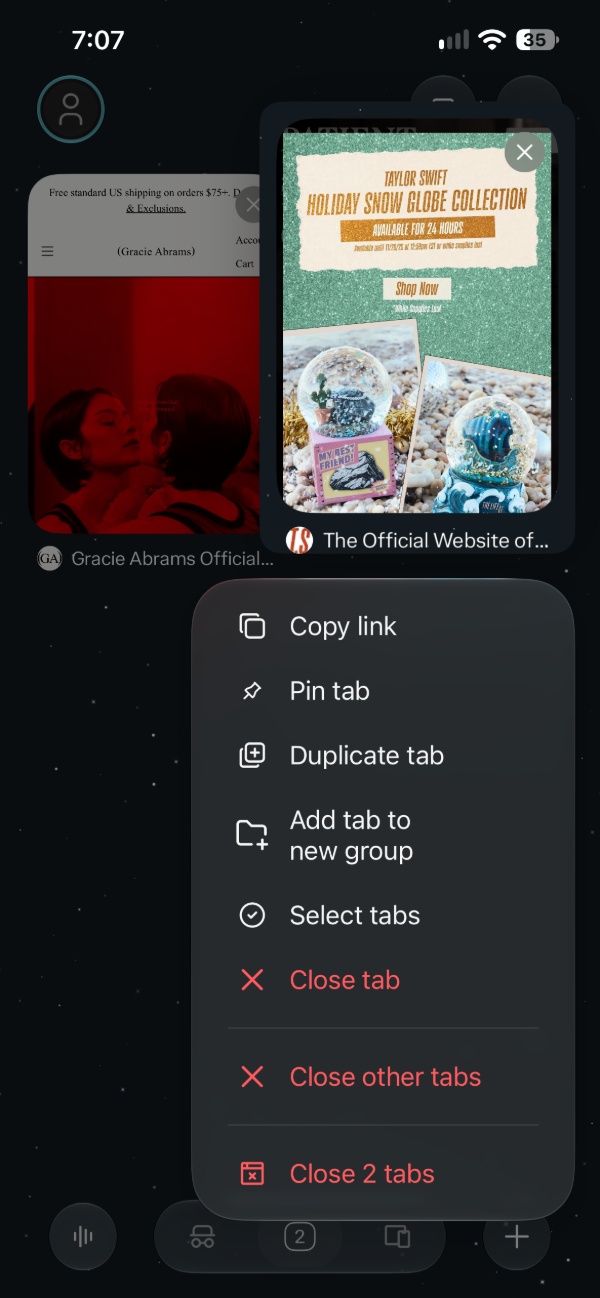
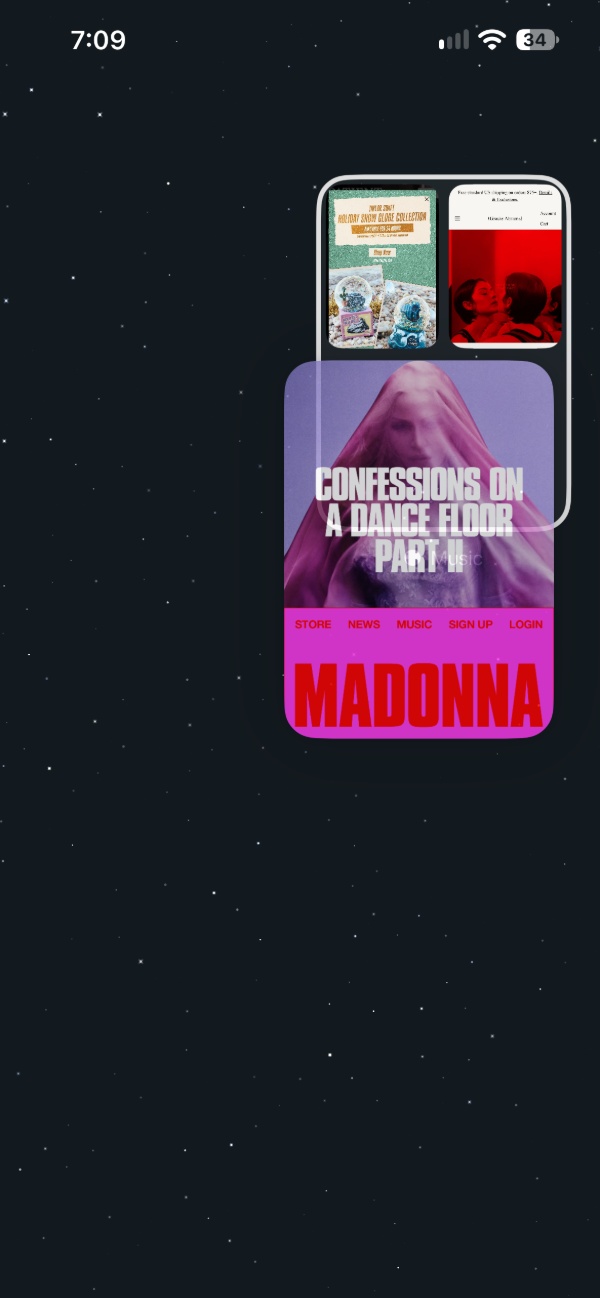
To add a tab to the group, you just long-press on an existing tab and either drag it to the tab group, or select the “Add to group” button. The movements and animations are fairly intuitive and natural, so you can easily get the hang of them.
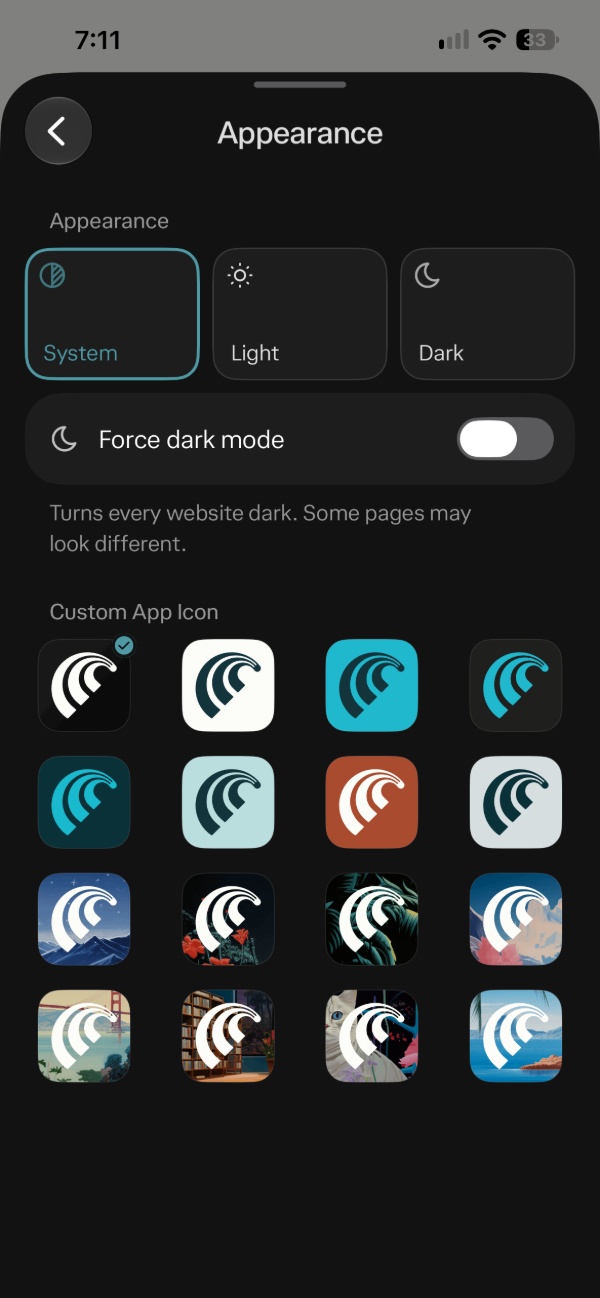
Next up, this update adds custom app icons. Instead of sticking to one default icon, you can now choose a different app icon to display on your iPhone’s Home Screen. The icons are a mix of solid colors and various interesting backgrounds. This can be found under the “Appearance” section in Settings.
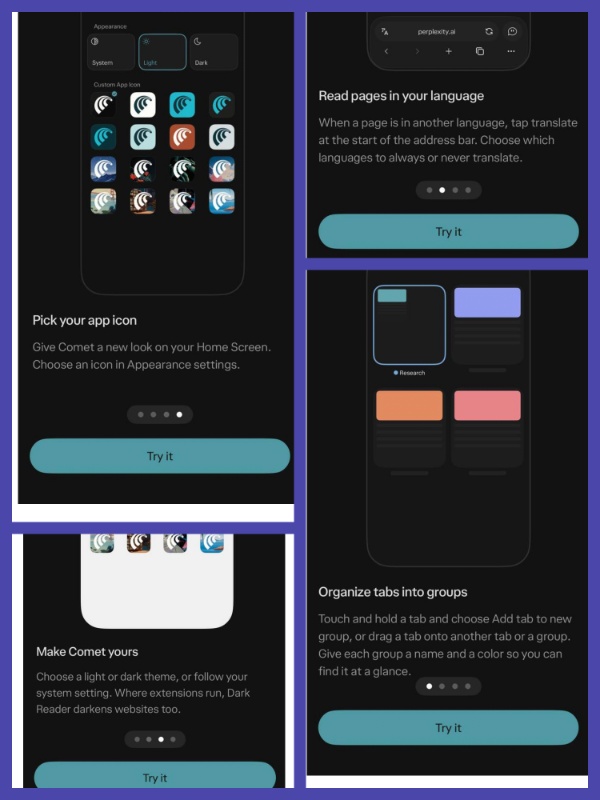
The update also introduces a dedicated “What’s New” section, where users can discover tips about Comet’s features. The image below shows the section for the current update. You can find this in the Settings section.
Furthermore, Comet is making it simpler to follow publishers through News channels. Users can open a publisher’s Apple News channel with a single tap. Beyond these new features, the update brings smaller improvements like extension updates appearing directly on the Extensions screen.
The handling of locked private tabs is better now, since these tabs will remain hidden when users open the iOS app switcher. The content won’t appear in the app preview. When users return to the browser, Comet asks them to unlock the private tabs too.
Finally, this version also includes an update to the Chromium engine for security updates. You can grab this update from the App Store.


Sudhanshu K
397 Posts
I have been a consumer technology enthusiast for over 5 years. Thanks to my experience in software beta testing and product reviews, I've understood and learnt a lot about what bugs and issues bother people, and I spend time trying to simplify their solutions. I cover smartphones, software, social media, apps, AI, and most consumer tech gadgets. Actively pursuing a Computer Science bachelor’s degree. I'm mostly active on Twitter/X (@TechWhirlUlt), drop a DM or tag me if you want to share info or connect!