


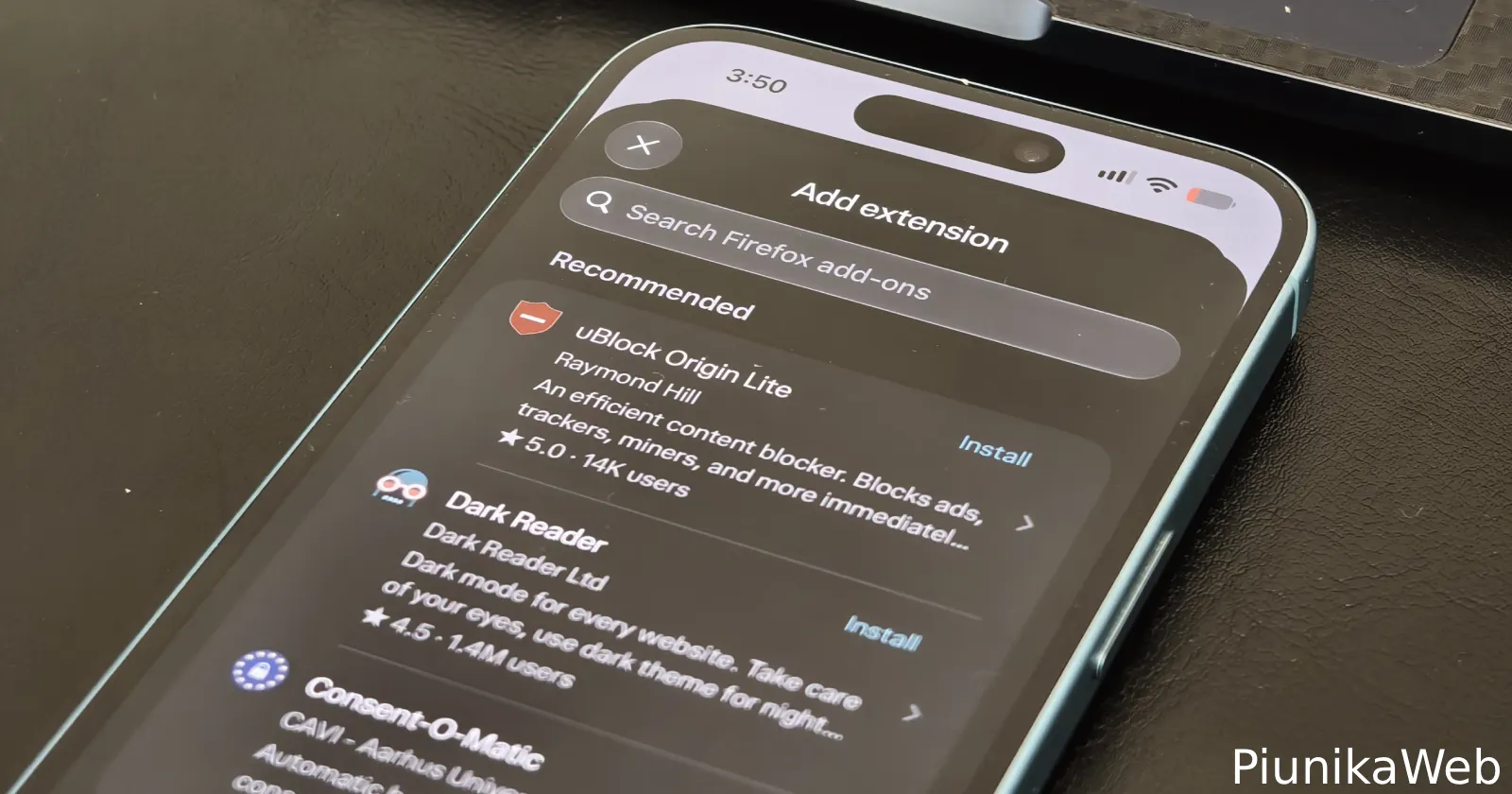
If you use Comet on iOS, then you’re in for a treat with the latest version of the browser. The new update is live as v26.42.0 on the App Store and adds built-in support for web extensions on iPhone and iPad.
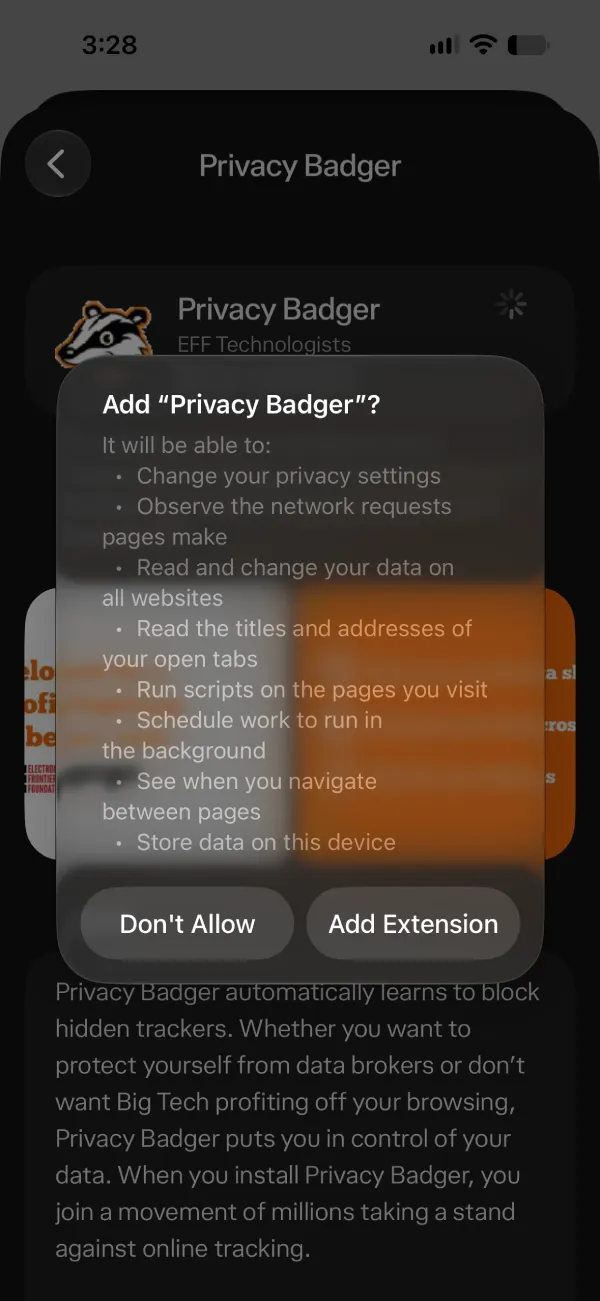
According to the official changelog, you can now “search, install, and remove add-ons from a built-in store with suggestions, from dark mode and privacy tools to crypto wallets.”
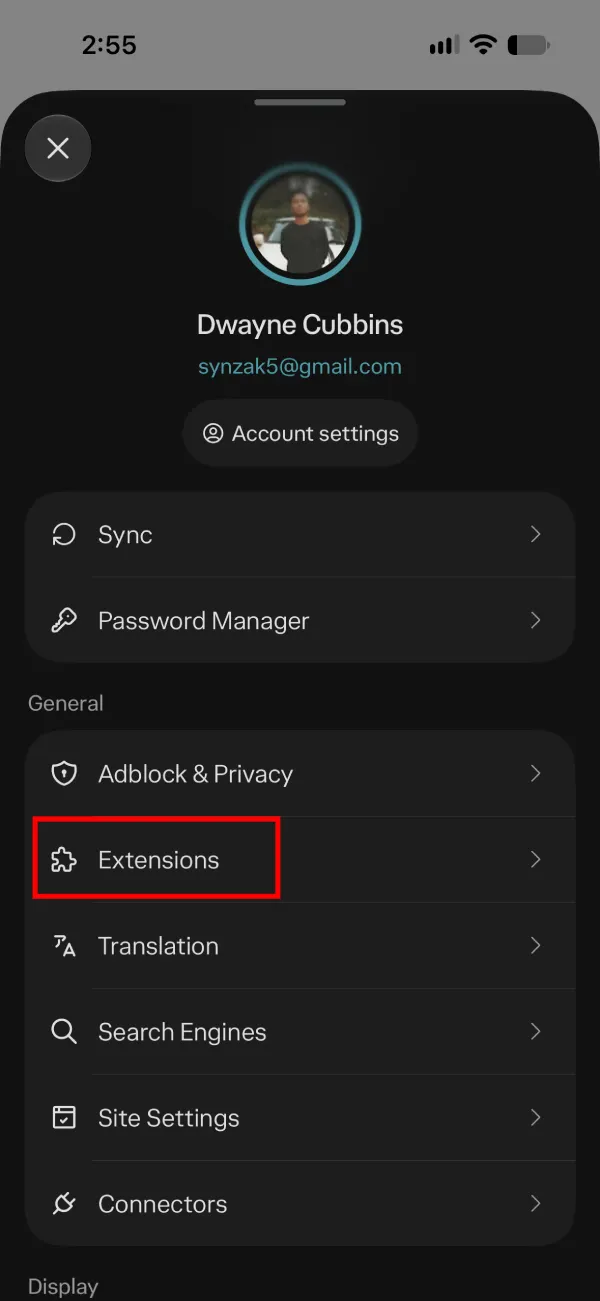
If you open the settings menu right under the Adblock and Privacy settings, there is a brand new Extensions tab waiting for you.
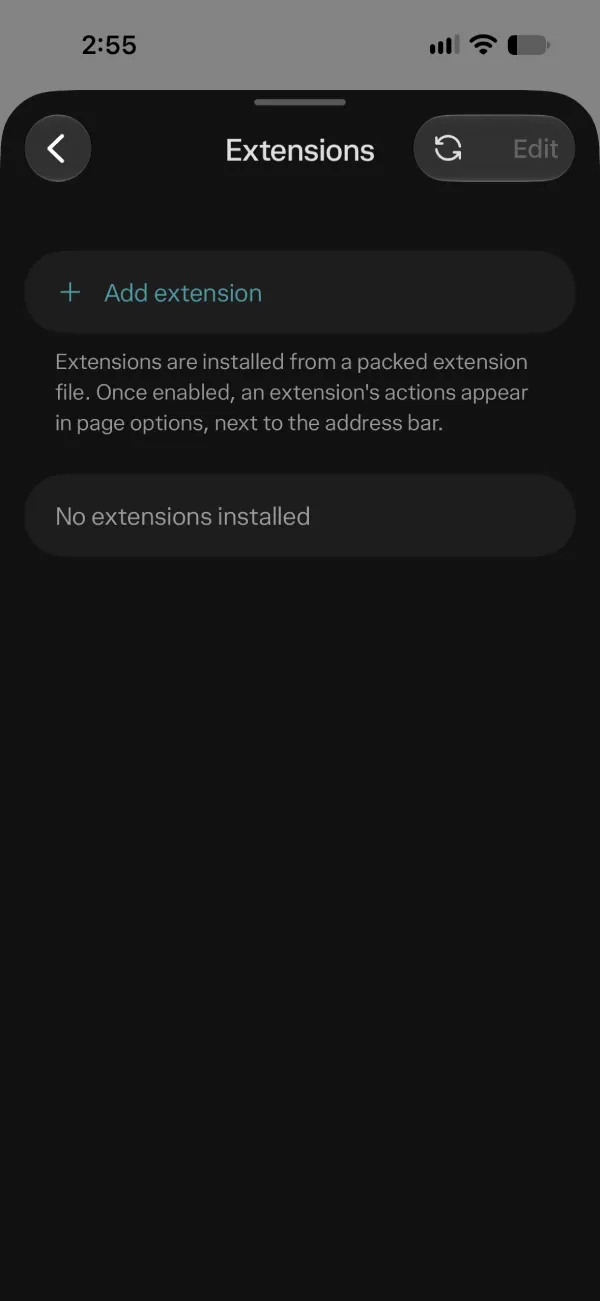
Tapping on the option to add an extension brings up a search bar that pulls directly from Firefox add-ons.
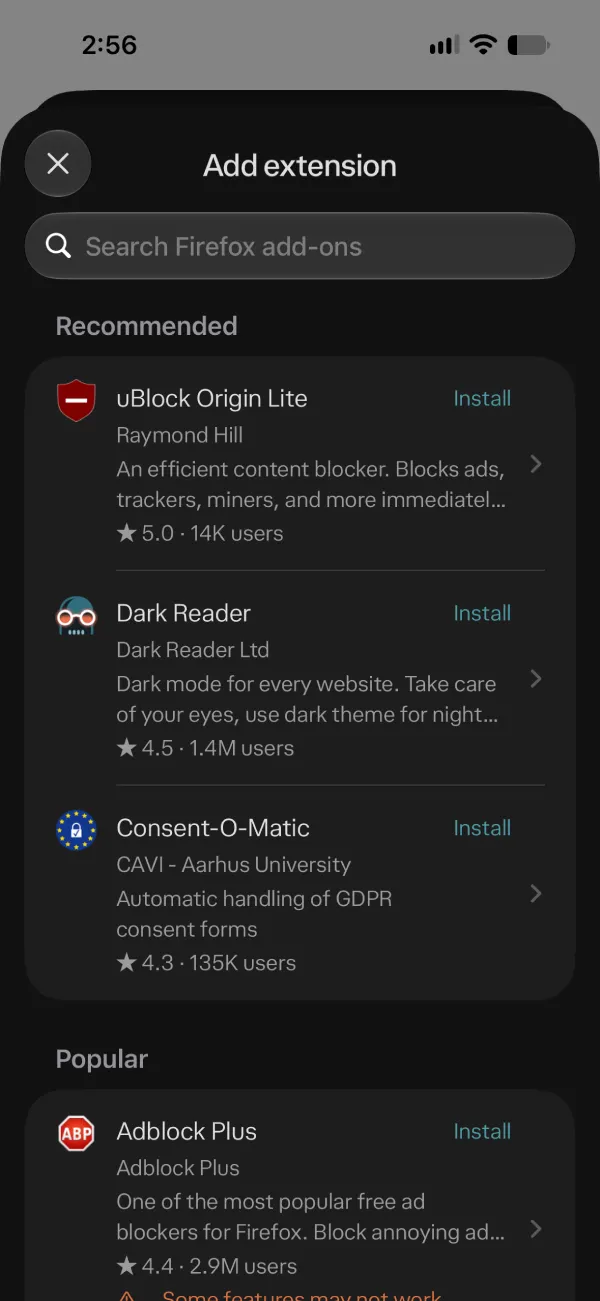
In my own testing with the new build, I noticed that the browser does not seem to support older MV2 extensions, so do not expect to be able to use the full version of uBlock Origin. Still, the built-in store has plenty of options to pick from, including uBlock Origin Lite, Dark Reader, and Consent-O-Matic, which should be just about enough for most users.
The storefront also shows user counts and ratings next to each tool, such as 1.4 million users for Dark Reader or 14,000 for uBlock Origin Lite. These figures come straight from Firefox’s add-ons store.
That said, even if you do not care about third-party add-ons, Comet already packs a pretty solid native shield after a September update that focused on breaking through anti-adblock notices and hiding cookie banners.
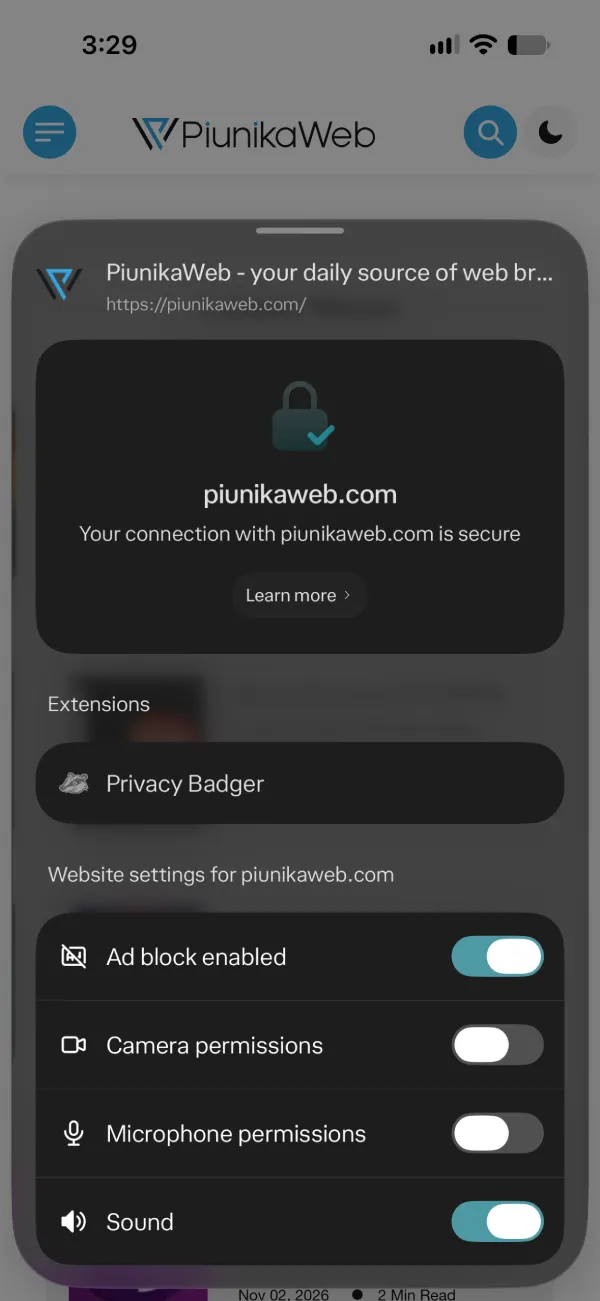
Once you enable an add-on, you’ll see the extension’s actions appear in page options, next to the address bar. This lets you toggle them without digging back through your settings.
Beyond the extension store, version 26.42.0 brings faster app launches, smoother video playback, an upgraded Chromium engine, and additional layout fixes following the recent optimization for iPhone Duo. The team has also fixed more bugs to help prevent unexpected crashes.


Dwayne Cubbins
3171 Posts
I cover fast-moving stories across apps, online platforms, and everyday tech — phones, wearables, consoles, and whatever else people are fighting with this week. Bugs, rollouts, scams, policy enforcement, and the occasional internet-culture rabbit hole are all fair game. My goal is simple — make confusing tech news readable. When I'm not working, I'm working out or chilling with my dog. Got a tip? You can find me on X @dcubbins.