


Vivaldi has rolled out three new Snapshot builds for desktop, Android, and iOS. These updates bring a handful of user-facing features alongside several bug fixes. Notably, Android users get another private search option (Kagi), and desktop users can switch between workspaces more easily. For iOS, the Snapshot focuses mainly on bug fixes and overall refinements.
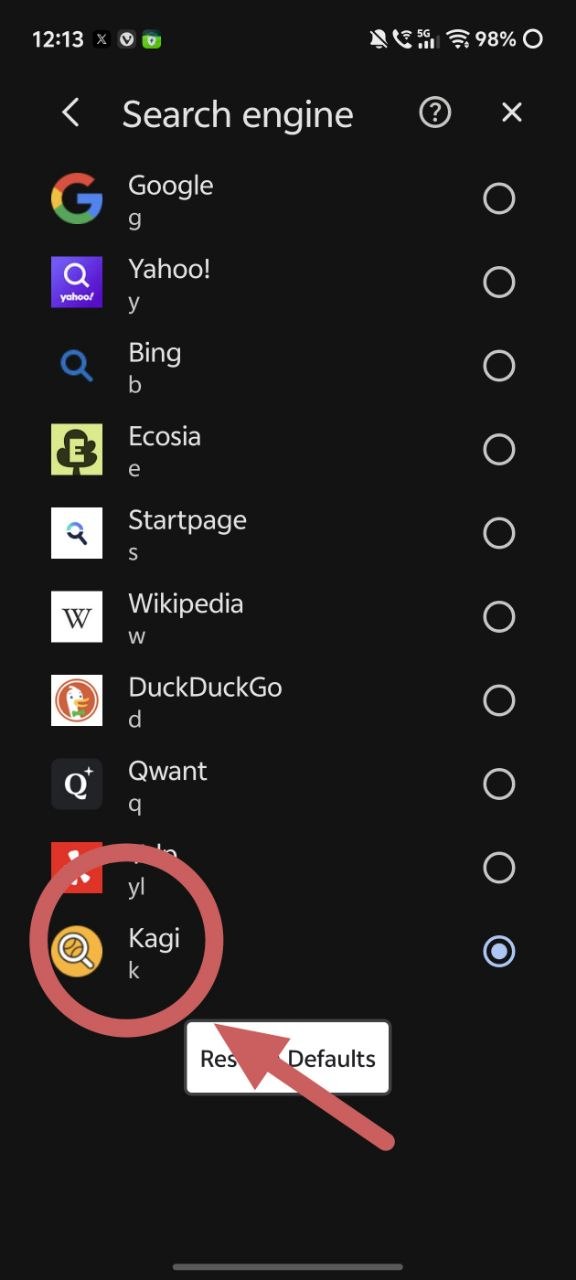
Beginning with Android, the latest Snapshot introduces Kagi Private Search as an additional search engine option. Kagi Search is ad-free, but users will need a paid subscription after the trial expires. Only the first hundred searches are free.
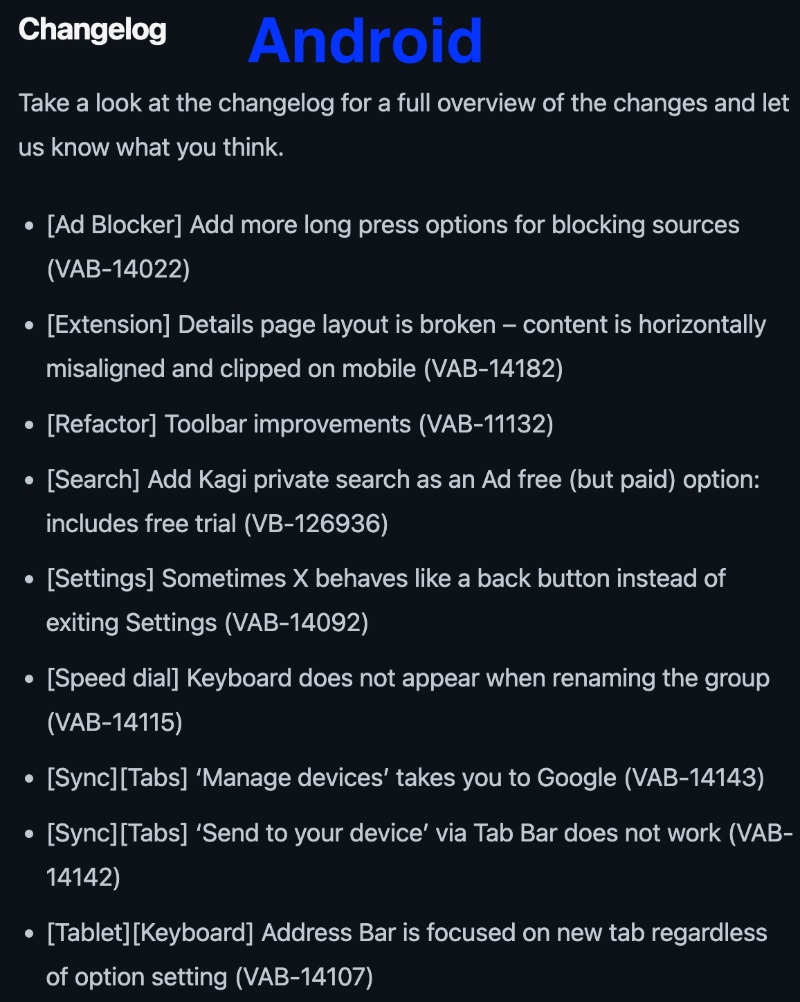
For further reference, a partial screenshot of the Android changelog has been attached below. You can find the entire Release Notes page here.
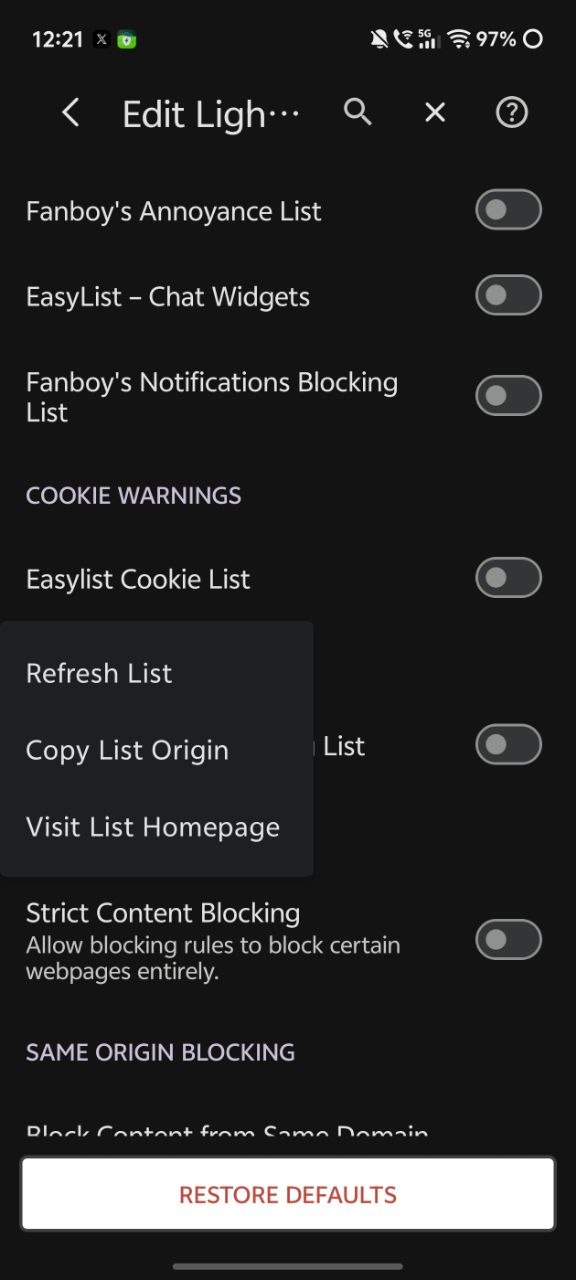
Next up, ad-blocking controls. Vivaldi has added additional long-press options for blocking sources, so users can interact with individual sources directly. It took a while for me to find this option. The option is actually within Ad and Tracker blocker in Settings. For any one of the levels, hit the pen icon (edit button). Then, long-press on any of the available options in the list to find the new additions. On the stable, long-pressing on any of the options in the list does nothing.
The rest of the changelog just mentions crash fixes and overall bug fixes.
Moving to the desktop version, the latest Snapshot introduces a small improvement for those who frequently jump between workspaces while using their browsers.
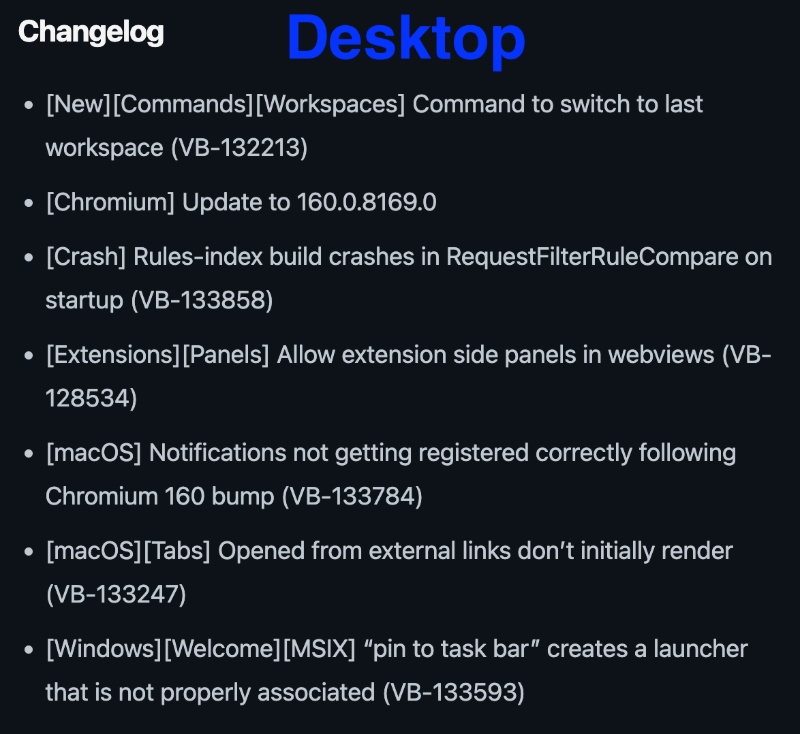
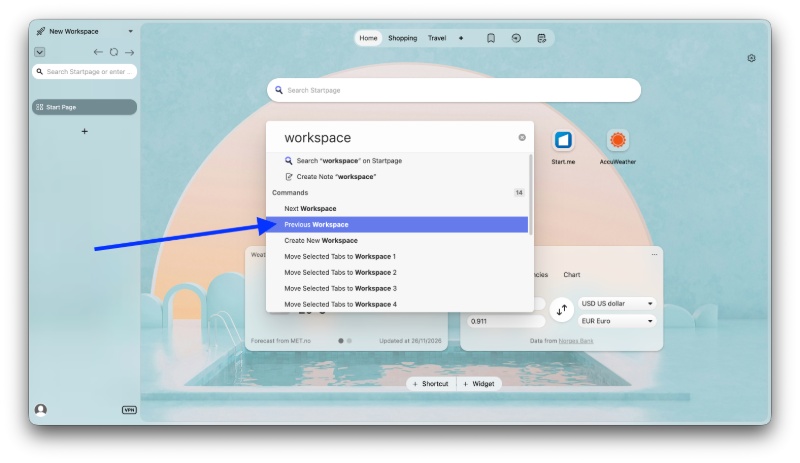
Switching to the last-used workspace is much easier now. Vivaldi offers a dedicated command to return to the previously used workspace. Instead of manually searching and selecting the workspace, this command can be used instead to make switching between sessions more convenient.
All you have to do is hit Command + E (on macOS) or F2 (on Windows). This should bring up the Search Bar interface. Here, type the keyword “Previous” and the option to switch to your previous workspace should show up directly.
Furthermore, the browser now allows extension side panels to work within webviews.
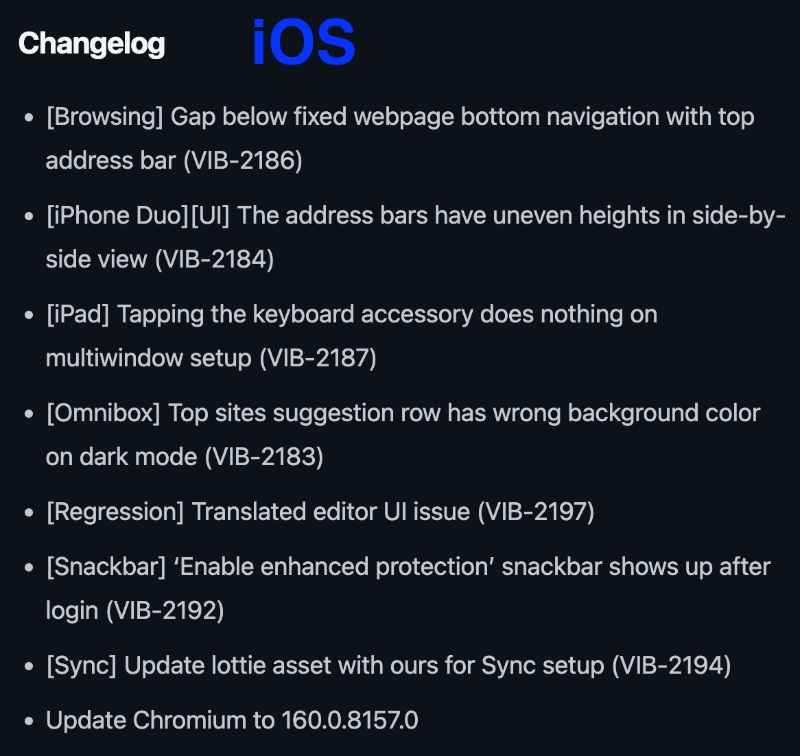
Finally, the iOS Snapshot doesn’t introduce any major or even minor new features. Instead, it addresses several inconsistencies with the UI and UX. It evens out the address bar heights for the side-by-side view on the iPhone Duo. This update also fixes problems with keyboard accessories on multi-window iPad setups and incorrect backgrounds for site suggestions in dark mode. There’s a bump to the underlying Chromium as well.
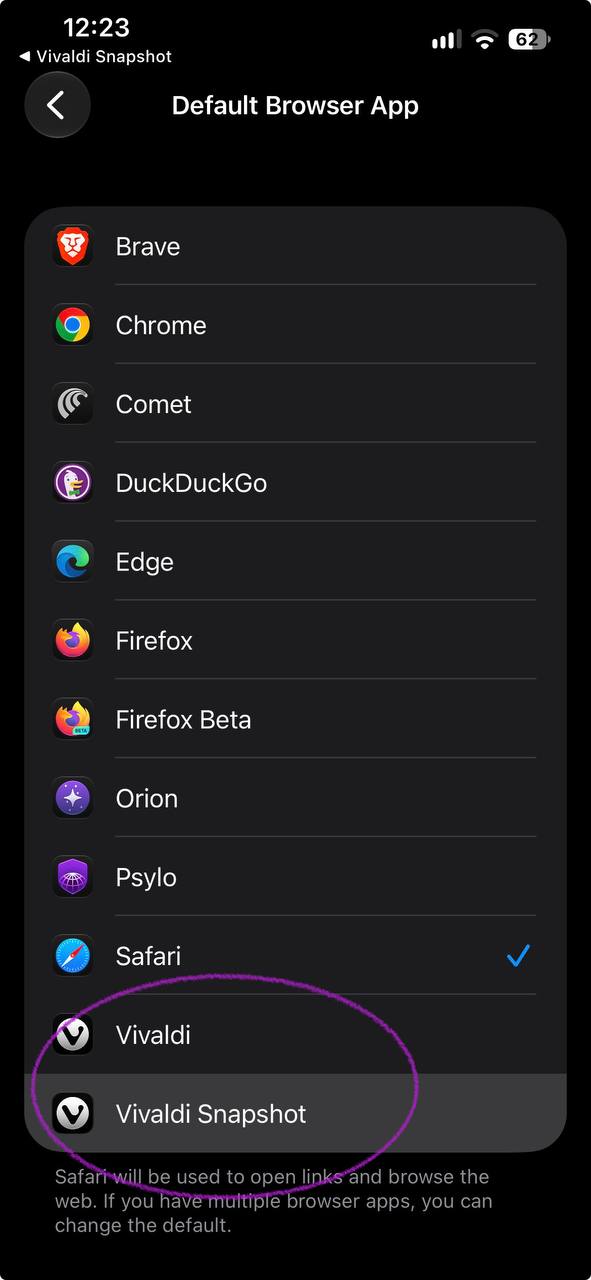
Almost forgot to mention this — you can set Vivaldi Snapshot as the default browser on iOS now, though this isn’t a major addition.
In case you’re unaware, a Snapshot version is a “preview” of upcoming fixes and updates. It shouldn’t be treated as a final release, since it’s prone to inconsistencies.
This article only covers the important changes, so if you want to read the entire changelog for these releases, the links are available below.
Android Snapshot
Desktop Snapshot
iOS Snapshot


Sudhanshu K
410 Posts
I have been a consumer technology enthusiast for over 5 years. Thanks to my experience in software beta testing and product reviews, I've understood and learnt a lot about what bugs and issues bother people, and I spend time trying to simplify their solutions. I cover smartphones, software, social media, apps, AI, and most consumer tech gadgets. Actively pursuing a Computer Science bachelor’s degree. I'm mostly active on Twitter/X (@TechWhirlUlt), drop a DM or tag me if you want to share info or connect!