


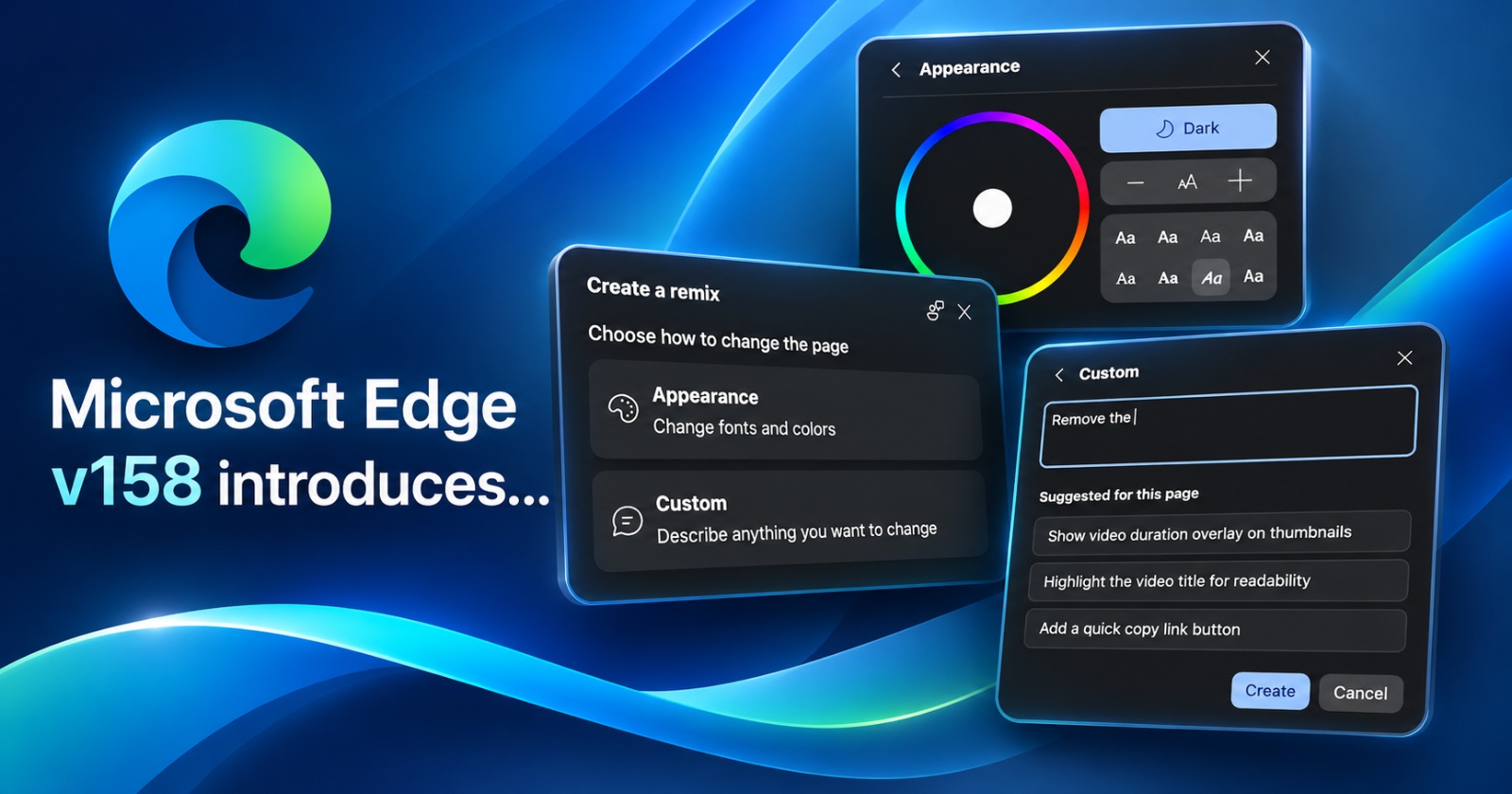
Microsoft recently released Edge v158 to the Stable channel, and it includes one really interesting feature that lets you customize webpages. It’s called Microsoft Edge Remix. For supported websites, there are built-in tools now that let you customize the look of a site, and you can also use prompts.
Using the Remix feature, users can use a prompt to describe their preferred website look. Furthermore, these changes are restricted to the specific browser profile they’ve been made in, so it doesn’t change the look for other profiles. If you want to pause the customizations or remove them, Microsoft also included dedicated controls for that.
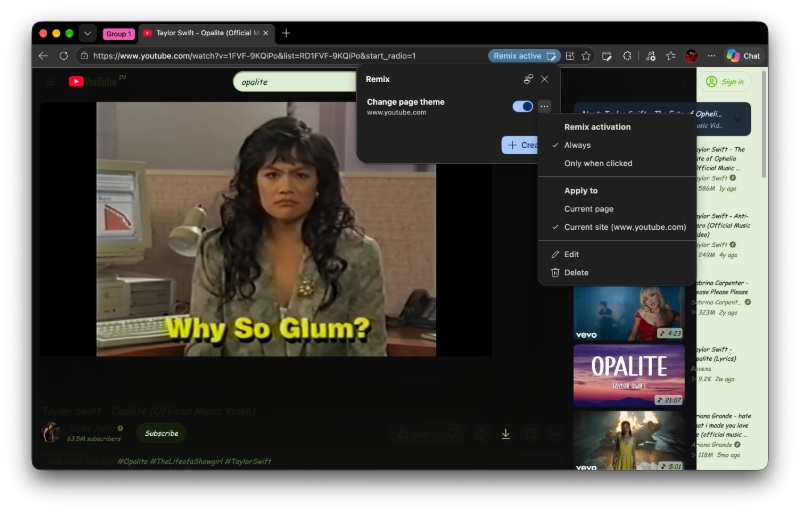
Overall, the feature seems to be a more feature-rich version of the Arc Boosts feature that we’ve been using for a while now. Edge’s implementation is more advanced, since it lets you use prompts to customize a site.
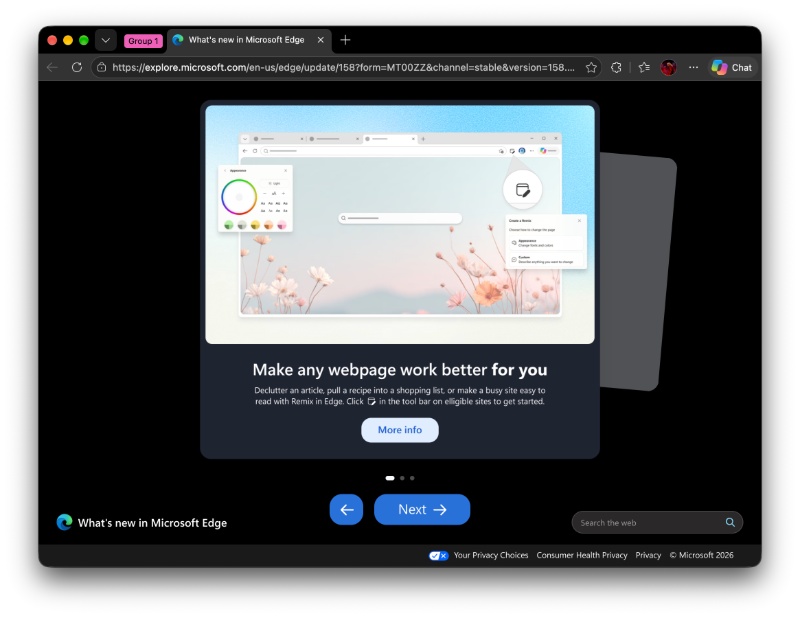
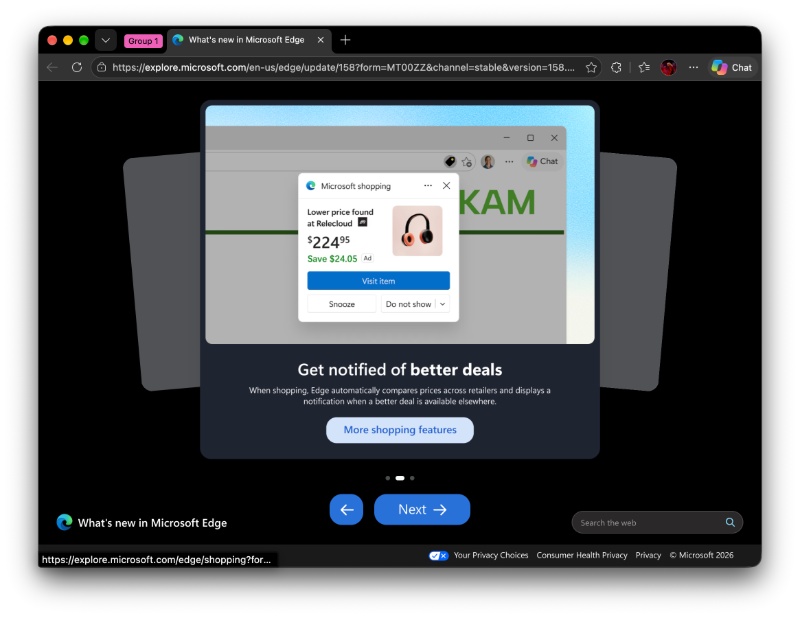
Immediately after updating, I noticed the “What’s new’ slideshow that showcased the major changes.
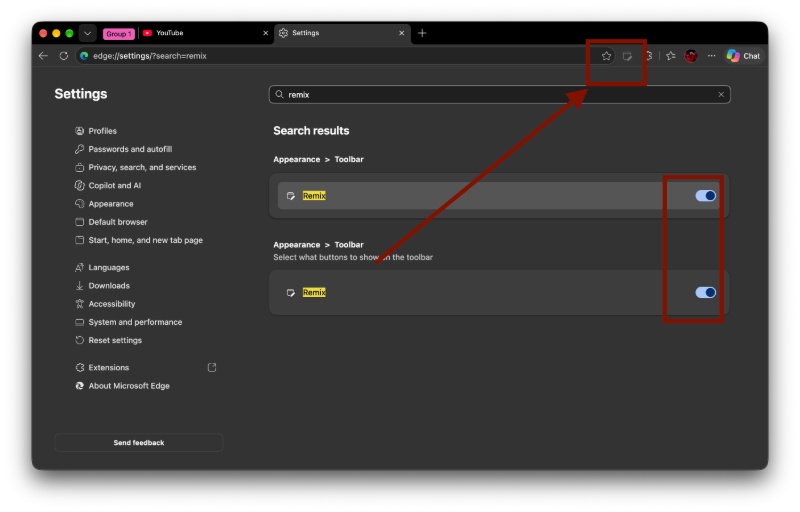
I couldn’t find the Remix shortcut directly, and I had to specifically enable the toggle from Settings. Once that’s done, the Remix button will show up in your address bar as a shortcut. The icon looks like a notepad with a pen at the bottom.
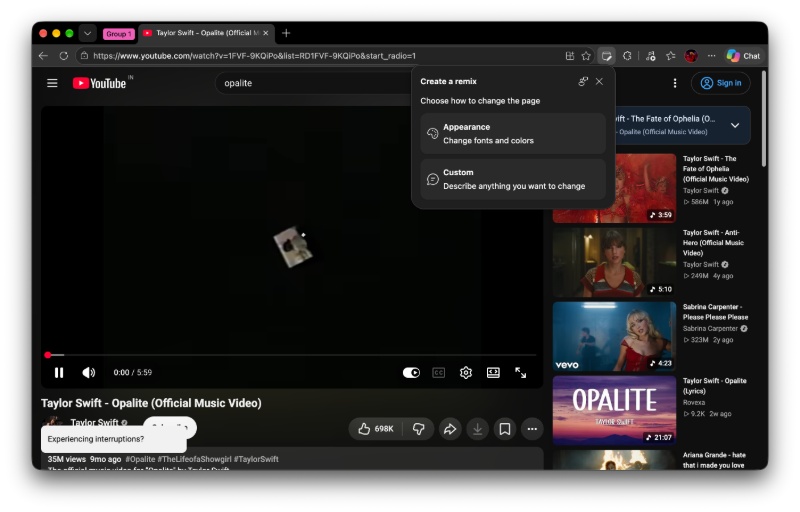
Microsoft hasn’t published a list of compatible websites, but I checked on YouTube, and I did get both the “Appearance” and “Custom” options.
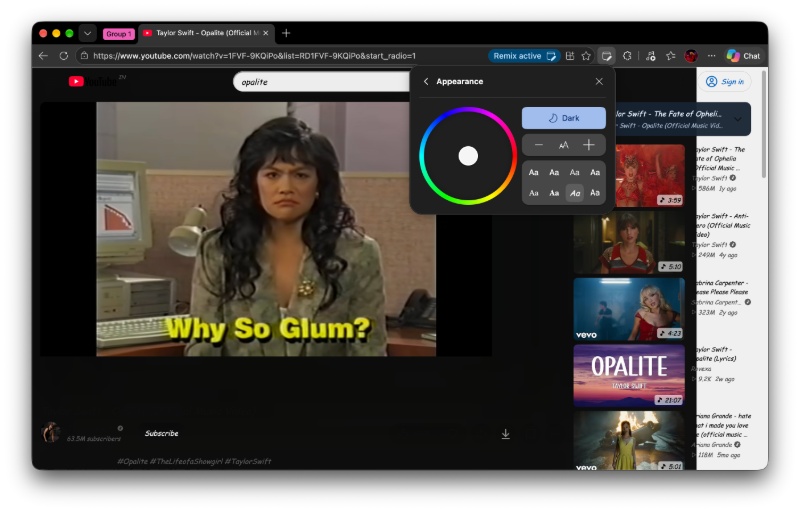
The Appearance option is just to change the background color and fonts, and it’s currently buggy as well. For example, it keeps clashing with my system preference for Dark/Light mode, and just looks awkward. This needs some refinement in the future. Personally, I miss the “Zap” feature from Arc, which lets me remove any element I select. It’s still technically doable through prompts, which I’ll explain in the next section.
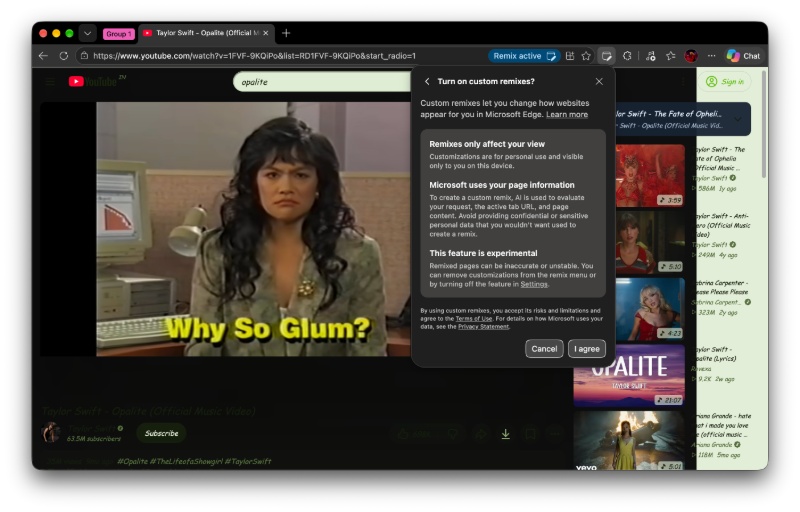
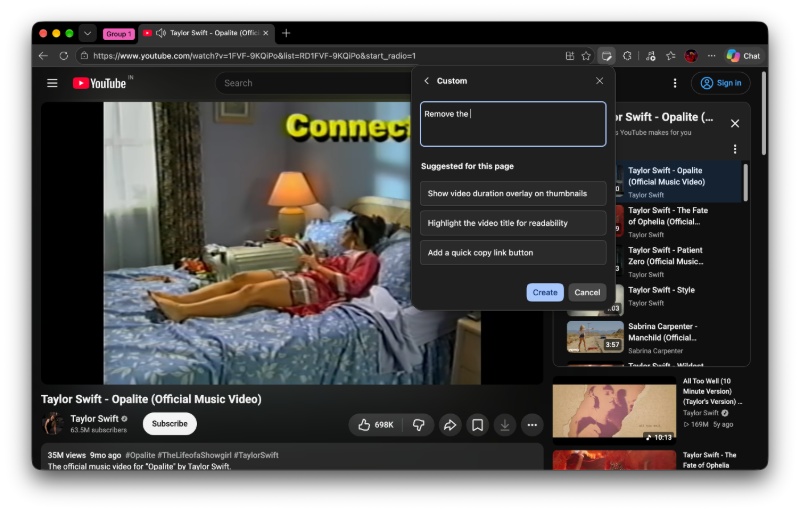
The “Custom” option does have several use cases and implementations, and as long as you don’t run into the hard-coded limits, the possibilities are endless.
For example, I’ve removed the description box, removed the suggested playlist on the right, and also added a specific “Copy clean link” button.
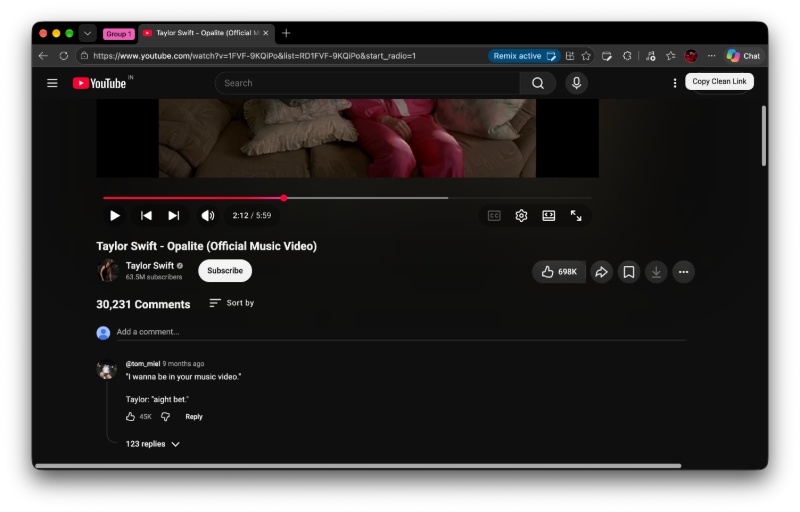
Depending on how creative you get, you can change the appearance of a website, remove elements, add buttons of your own, and drastically improve the functionality. You also get suggestions on what to add.
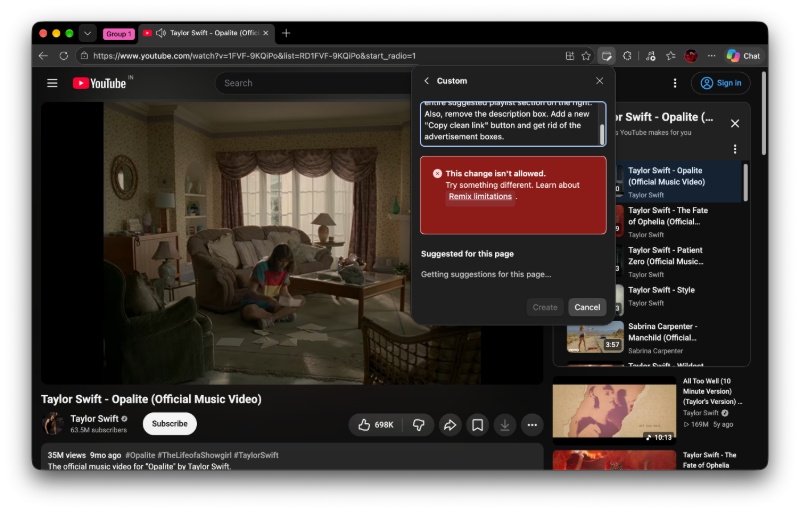
As for the hard-coded limits, removing advertisements is not allowed, for example. This feature is extremely fun to play around with.
Beyond website customization, Edge v158 also introduces a security improvement. Whenever you get notifications from malicious websites, Edge automatically unsubscribes you from them. How is it identified? Using Microsoft Defender SmartScreen. If something is identified as a scam or phishing attempt, Edge will stop the website from sending notifications. If you want to, there’s the option to review these websites manually and restore notification permissions via settings.
We previously covered the Scareware blocker feature here, if you want to read more.
Next up, Microsoft has also made workspace management better. Users can now switch between different workspaces within the same browser window instead of needing to open a different one. Moreover, you can pin frequently used workspaces for faster access. To identify which workspace is which, you can use custom emojis.
If many changes here are starting to sound familiar once again, it’s because they’re heavily inspired by Arc. The shutdown is closer than ever, and several browser companies are scrambling to add features to win Arc users over. I’m really impressed with the website customization in particular.
Another welcome addition with this update is Google account imports. Edge now lets users import passwords, bookmarks, browsing history, and autofill data from Google accounts directly through settings. This was only available during onboarding before, but it’s accessible anytime now. It’s worth noting that the feature is limited to Windows for now.
That’s about it for the major user-facing features. On the enterprise front, Microsoft has also introduced some security improvements like Extension Leak Controls and Protected Sessions. You can view the entire changelog here for further details on that.
Finally, Edge v158 marks the beginning of the retirement of Workspaces V1. It’s disabled by default now and is scheduled for complete removal in the next v159 version.


Sudhanshu K
402 Posts
I have been a consumer technology enthusiast for over 5 years. Thanks to my experience in software beta testing and product reviews, I've understood and learnt a lot about what bugs and issues bother people, and I spend time trying to simplify their solutions. I cover smartphones, software, social media, apps, AI, and most consumer tech gadgets. Actively pursuing a Computer Science bachelor’s degree. I'm mostly active on Twitter/X (@TechWhirlUlt), drop a DM or tag me if you want to share info or connect!