


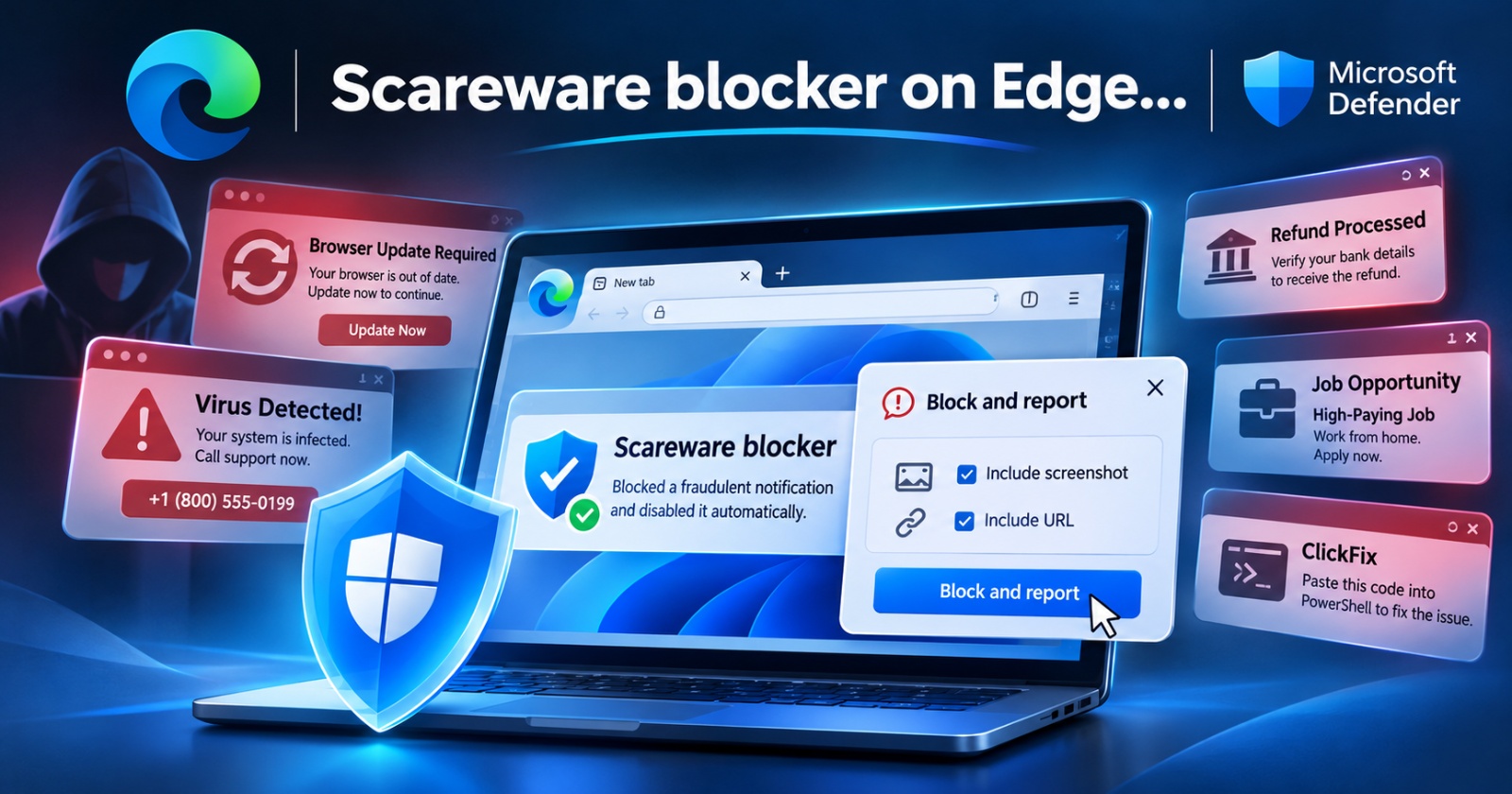
According to an official blog from Microsoft, the Scareware blocker on Edge has uncovered malicious notification abuse, protecting users from various scams.
The post from Microsoft also warns users about how attackers trick people through something as basic as browser notifications. Notifications are supposed to help you keep up with what’s going on in the browser tabs. Reminders, updates, and alerts are important features. However, some scammers take advantage of this feature and spam users with completely fake notifications in order to trick users.
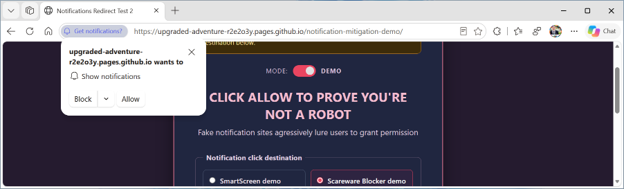
For instance, you could get a fake virus prompt or a fake security alert. Average netizens who aren’t in-the-know are likely to end up trusting it, which could either lead to the installation of viruses or technical support scams that steal credit card information, ultimately leading to monetary loss.
Here are some examples of what people can encounter:
- Fake browser update notifications/full-screen prompts: We recently covered a story about fake update prompts on Google Chrome. A real browser update will not “block” you from visiting websites or browsing the web. It’s also unlikely to interrupt your browsing and take up the whole screen, and is far less likely to use alarming language.
- “Virus on your system” style of notifications that sometimes block your keyboard and mouse: By abusing browser loop scripts, exploiting full-screen mode features, or by flooding CPU resources, some scammers try to block your input devices. In most cases, force-quitting the browser through Task Manager (or Activity Monitor), or performing a hard restart (with the power button) will clear this out. However, those who are unaware could be tricked into calling the fake support number.
- ClickFix/Copy-Paste attacks: Scammers can trick you into pasting malicious code into Windows PowerShell or Terminal, which inadvertently runs a script that compromises your device.
- Refund scams/Bank-related scams/Fake job scams.
- Scammers could perform targeted ransomware attacks and trick people into installing Trojan horse viruses through sophisticated phishing techniques.
If the user ends up choosing the “Allow” option in case of a fake notification, it gives the website permission to send multiple fake warnings. Even if the browser tab is closed, notifications can continue piling up. This is the sort of spam that Microsoft Edge’s Scareware blocker fights. Now, Microsoft is improving protections and also making it easier to report fraudulent activity.
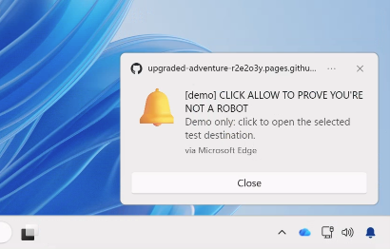
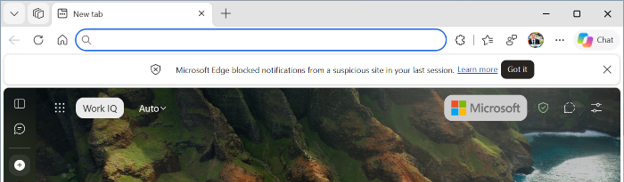
How exactly did the Scareware blocker help? The feature is enabled by default (on some PCs), and according to user-submitted reports, many scams start with a website notification. They keep drawing users back to pages that SmartScreen or the Scareware blocker could already detect (and flag). The feature attempts to block most of these notifications and pop-ups, while also detecting that some pop-ups are fake. Edge automatically disabled notifications from the site that sent such notifications.
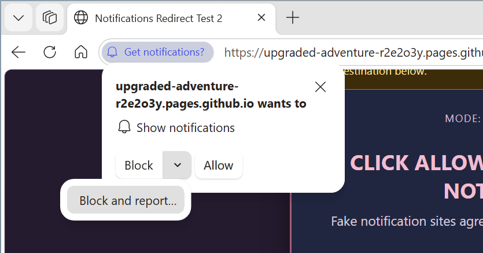
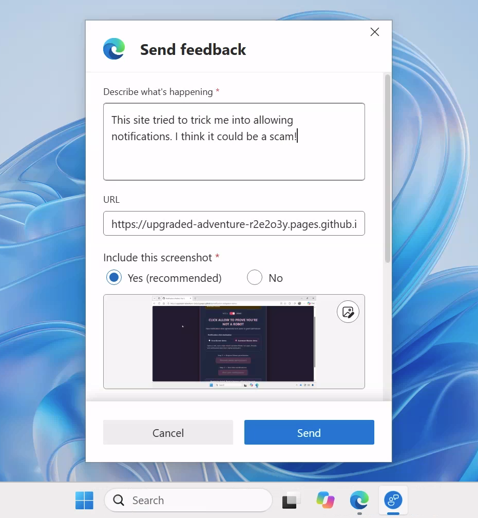
What’s new here is the feature to report the notification. The Edge browser includes an option that says “Block and report.” You can include important information such as screenshots and the URL of the fake page. This would help the company identify such fake reports more easily.
The entire blog post from Microsoft is available here. The images in this article have been obtained from the official blog as well.
Disclaimer: The Featured image was generated with AI.


Sudhanshu K
361 Posts
I have been a consumer technology enthusiast for over 5 years. Thanks to my experience in software beta testing and product reviews, I've understood and learnt a lot about what bugs and issues bother people, and I spend time trying to simplify their solutions. I cover smartphones, software, social media, apps, AI, and most consumer tech gadgets. Actively pursuing a Computer Science bachelor’s degree. I'm mostly active on Twitter/X (@TechWhirlUlt), drop a DM or tag me if you want to share info or connect!