



Orion Browser has received a new update for macOS; v1.1.4 brings many usability improvements, better image compatibility, and more. The update doesn’t focus on adding anything new, since it’s primarily focused on squashing bugs.
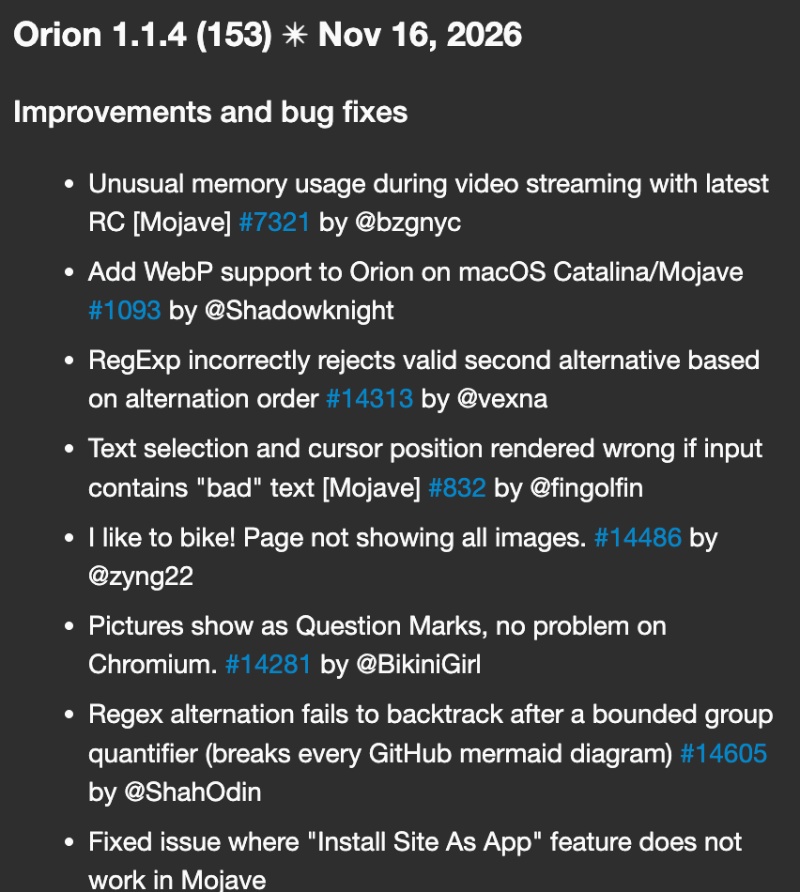
Don’t mistake that for the update being insignificant, though. The actual changelog consists of nearly 70 entries, and we’ve attached a partial screenshot of the Release Notes below.
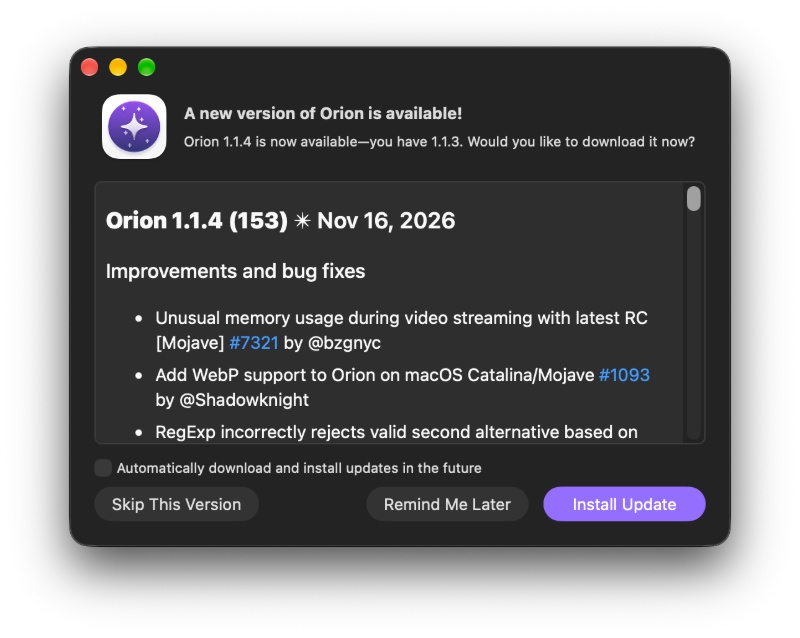
The update was immediately available after I opened the browser.
After browsing around, here are some major changes I’d consider important:
- Support for WebP images on older Macs: Orion browser now supports WebP images on two older versions of macOS: Mojave and Catalina. Earlier, users faced trouble viewing WebP images.
- The Tab Group switcher on the Sidebar has been improved.
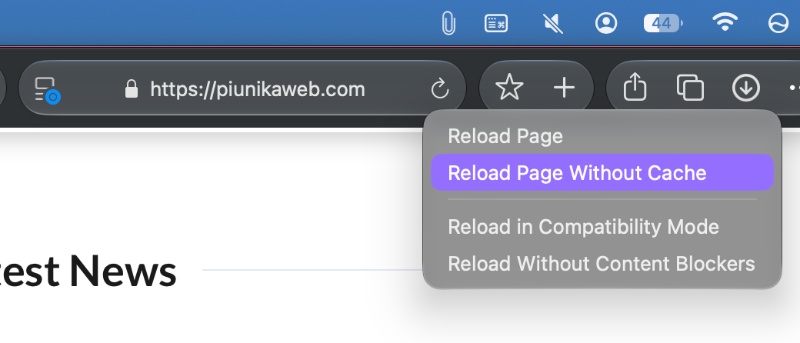
- You can now reload without cache: Through the reload button’s context menu, you will find a new “Reload without cache” option. This forces the browser to fetch fresh resources, so it won’t rely on previously stored data. This is particularly useful for fixing bugs and glitches. I found this option after right-clicking (or double-clicking) on the Refresh icon in the address bar.
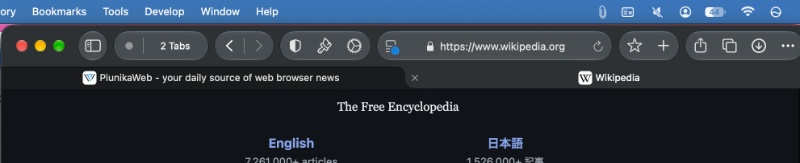
- The Tab Overview selection has been improved, and it’s now easier to identify which tab is currently selected. The selected tab appears in a lighter gray color, and the other open tabs are a dark, black-leaning color.
- Extensions now display icons better: Depending on the browser’s selected theme, the icons can change.
- Bookmarks Bar: The browser has better hover behavior for folders in the bookmarks bar.
- Audio & video capture have now been moved to the GPU process. The Release Notes don’t specify or claim a performance improvement directly, but it’s theoretically possible.
These improvements aside, there’s an extensive list of overall bug fixes and refinements. For example, original PDF files used to be deleted when users selected the Save-and-replace option. Another annoying issue was that YouTube tabs would start playing videos automatically after the MacBook was woken up from sleep mode.
Problems with a broken tab bar that prevented users from selecting or closing tabs have been addressed, and various compatibility issues with a banking website were solved. Furthermore, Outlook/MS365 issues were resolved.
That’s not all. In case you were facing issues with Facebook Reels and cover images, these problems have been fixed as well. If you’re interested in the entire changelog, you can find it in the official blog here.


Sudhanshu K
393 Posts
I have been a consumer technology enthusiast for over 5 years. Thanks to my experience in software beta testing and product reviews, I've understood and learnt a lot about what bugs and issues bother people, and I spend time trying to simplify their solutions. I cover smartphones, software, social media, apps, AI, and most consumer tech gadgets. Actively pursuing a Computer Science bachelor’s degree. I'm mostly active on Twitter/X (@TechWhirlUlt), drop a DM or tag me if you want to share info or connect!