


Psylo 1.4.0 is finally out! 🎉🤘
— Psylo: Privacy Browser & Proxy (@psylo_app) November 9, 2026
It’s our biggest update yet, bringing iPhone Duo support, full multi-window and multi-tab support, improved anti-fingerprinting, expanded settings, and a ton of smaller improvements
Full release notes in the reply 👇 pic.twitter.com/KKxBXwATpl
The v1.4.0 update has just arrived on the Psylo browser. It introduced a design update, improved privacy protections, support for the iPhone Duo, and more. The update also makes regular browsing more convenient with the tab restoration feature.
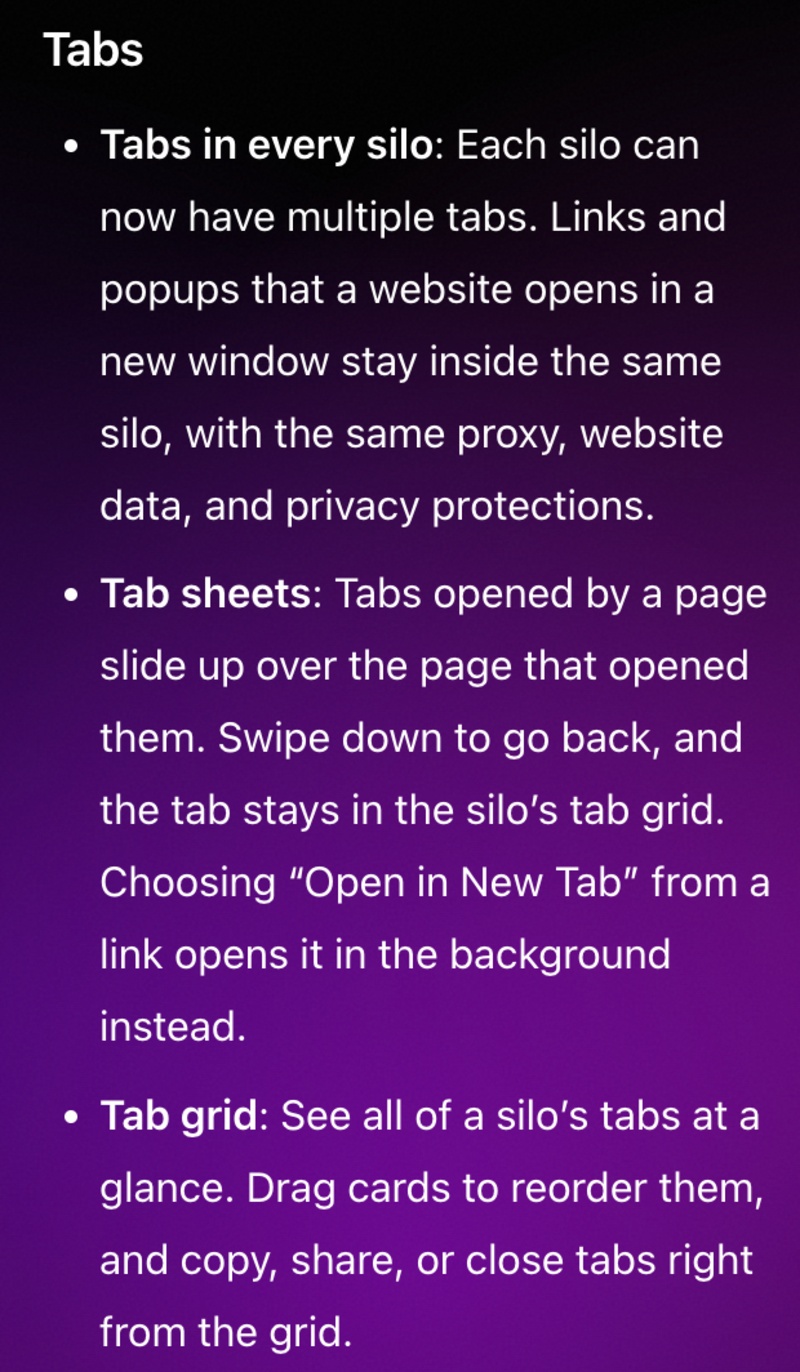
The official Release Notes were posted in a blog, and a screenshot has been attached below for your reference. The screenshot only shows some of the changes, since the actual list is rather long.
Expectedly, the v1.4.0 update showed up immediately on the App Store.
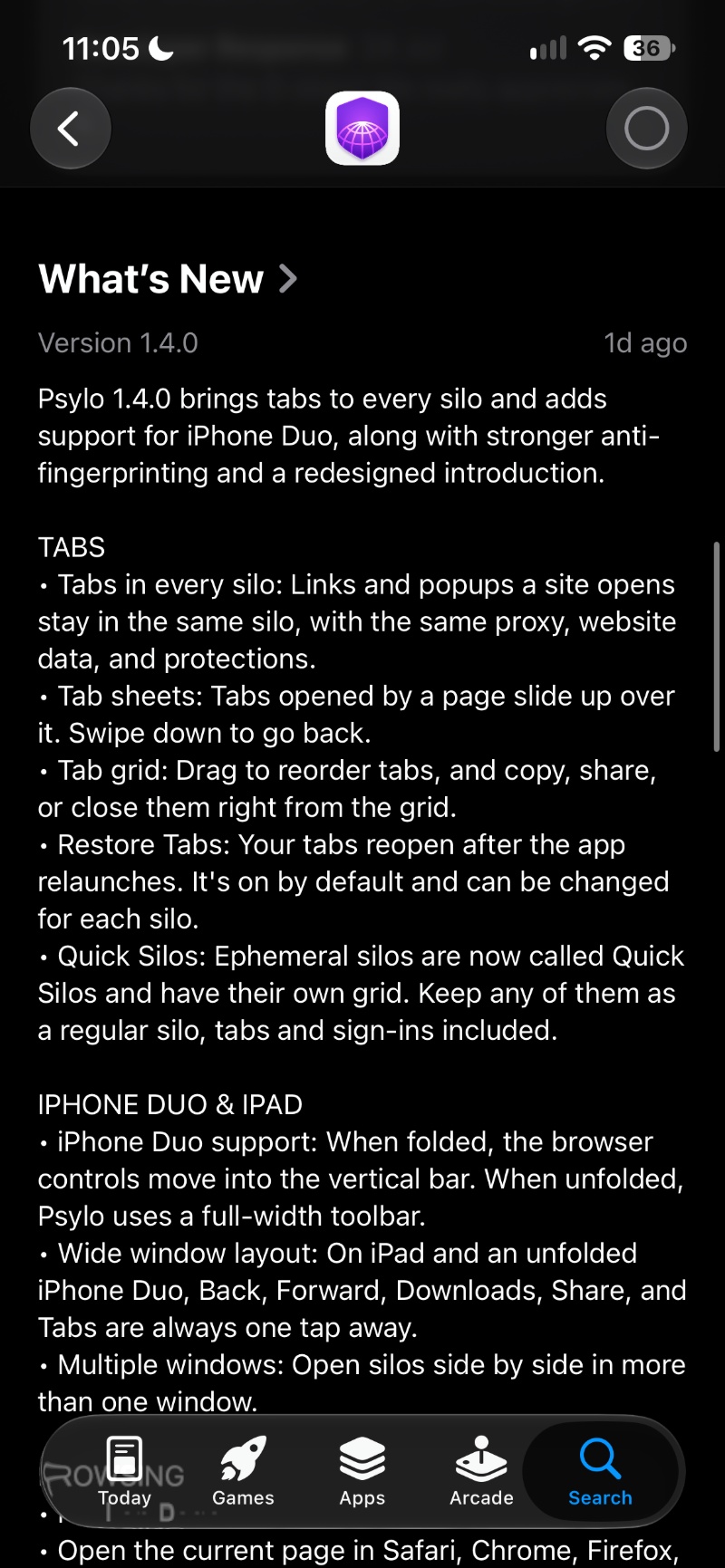
Here are some important features/changes that you’ll actually notice:
- Multiple tabs in every silo: Users can now open and manage multiple tabs within individual silos. For those unaware, a silo is basically an isolated browsing environment. It’s similar to Profiles, Workspaces, and Containers. Website data, cookie information, etc aren’t shared between different profiles. Similar to that, you can have different silos for work, entertainment, and more.
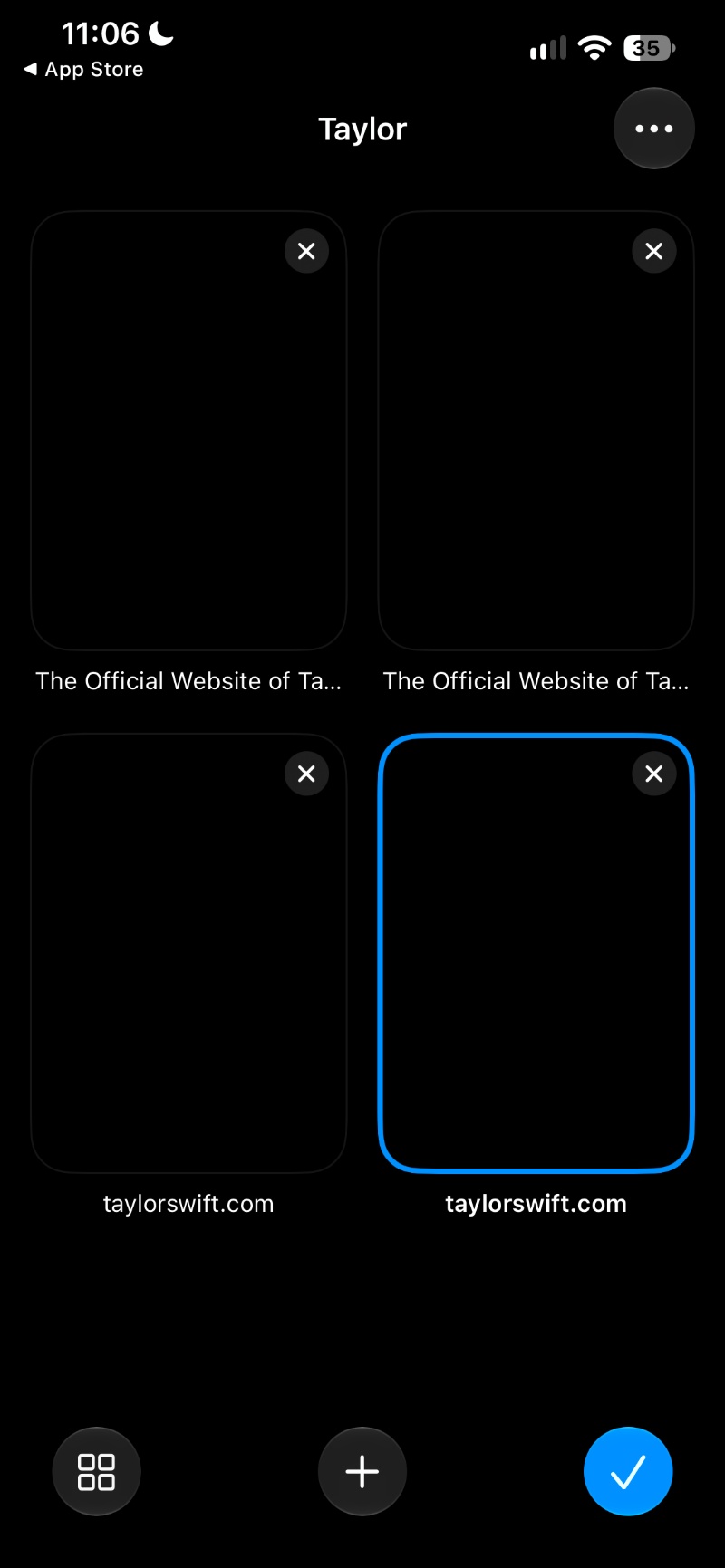
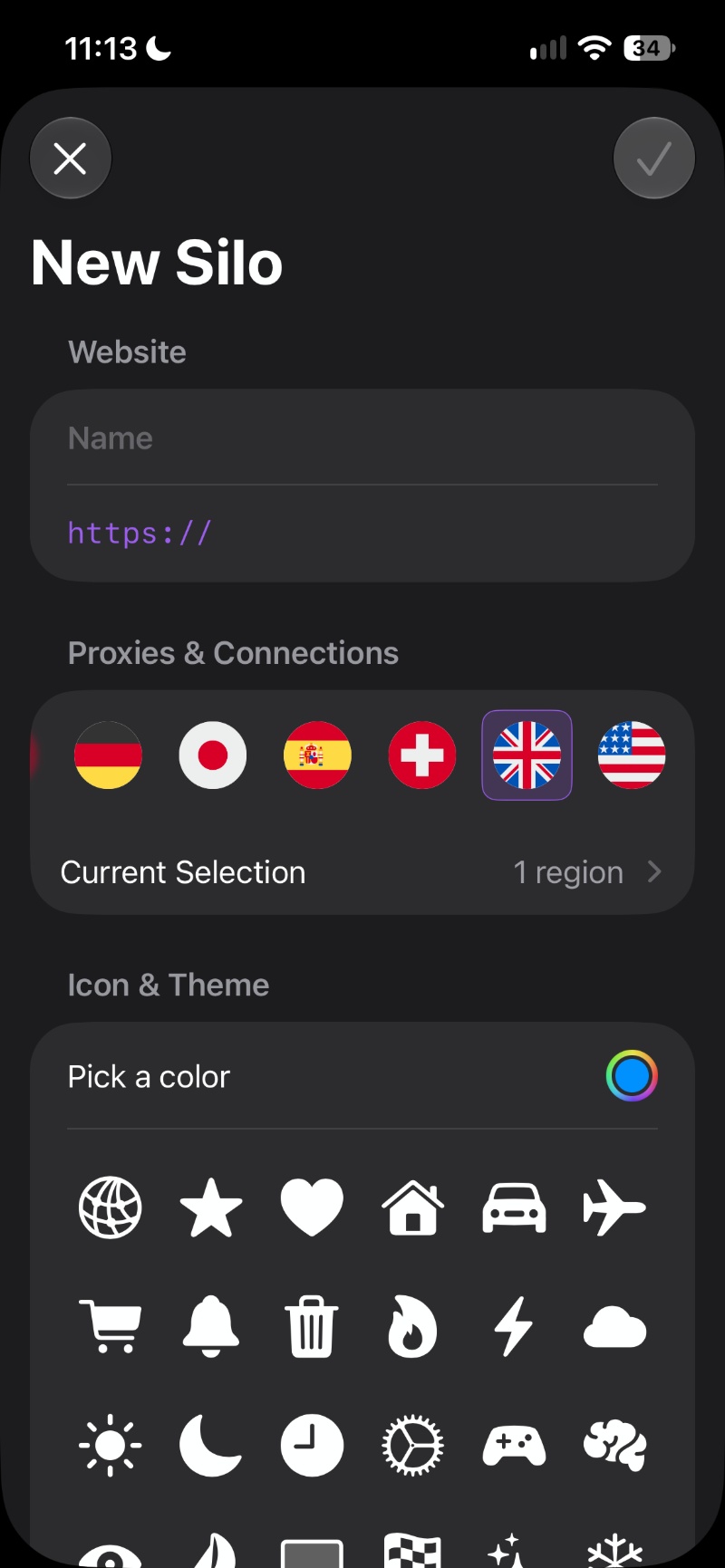
- New tab: A new tab grid displays all of the open tabs at a glance. Users can reorder, copy, share, or close tabs directly.
- Automatic tab restoration: Psylo now restores previously open tabs after restarting the app. The feature is enabled by default.
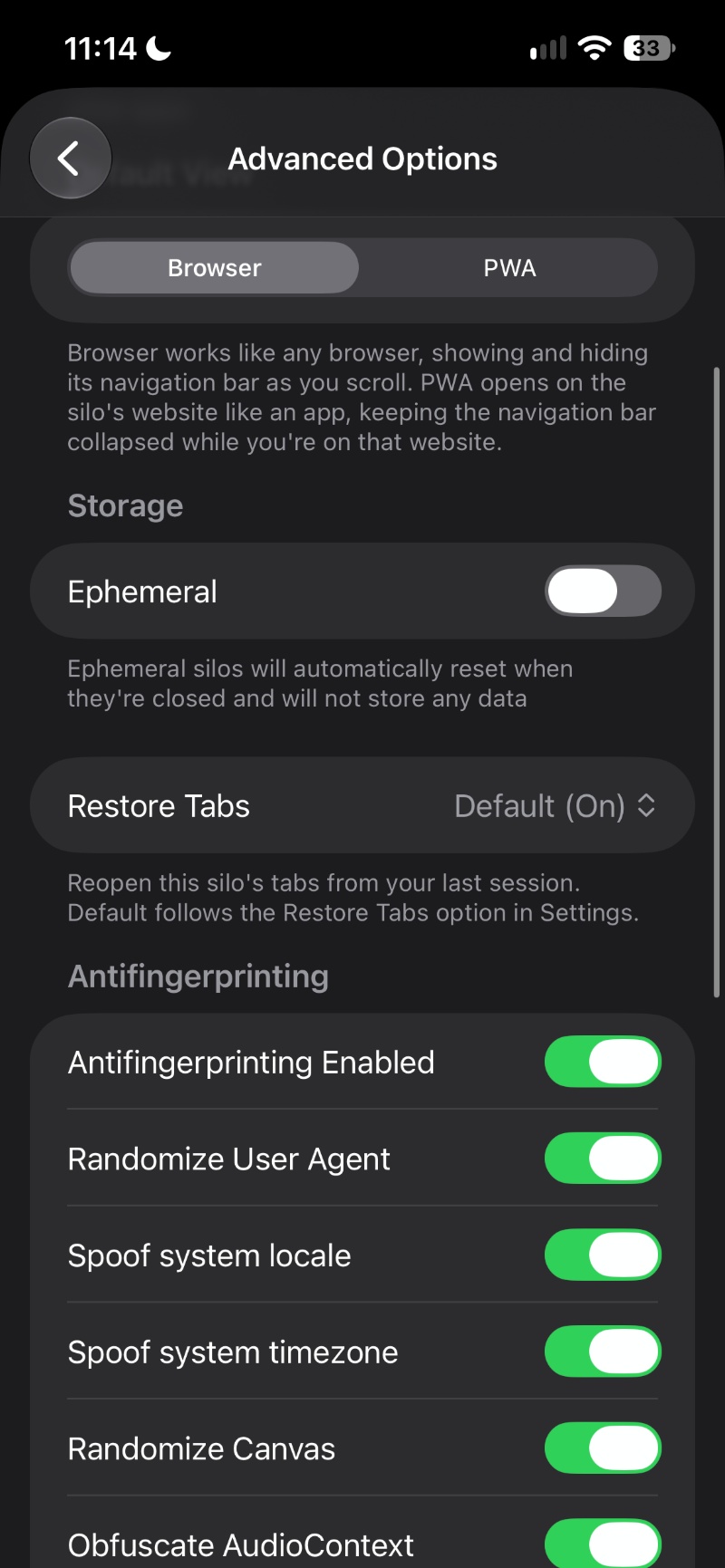
- More Silo improvements: Temporary browsing sessions now have their own tab grid. Users can also convert a Quick Silo into a regular silo. While it retains tabs and sign-ins, temporary website data is not.
- iPhone Duo: The browser’s interface now adapts to the iPhone Duo. The browser’s controls shift places when unfolded. Furthermore, iPad users also get improved multitasking.
- Improved anti-fingerprinting technology.
- More convenient browsing controls: Users can search webpages for specific text, open pages directly in Safari or other installed browsers, and access navigation controls more easily through a reorganized menu.
- Redesigned settings: Psylo now lets users configure default proxy settings, appearance, storage, and privacy protections for new silos.
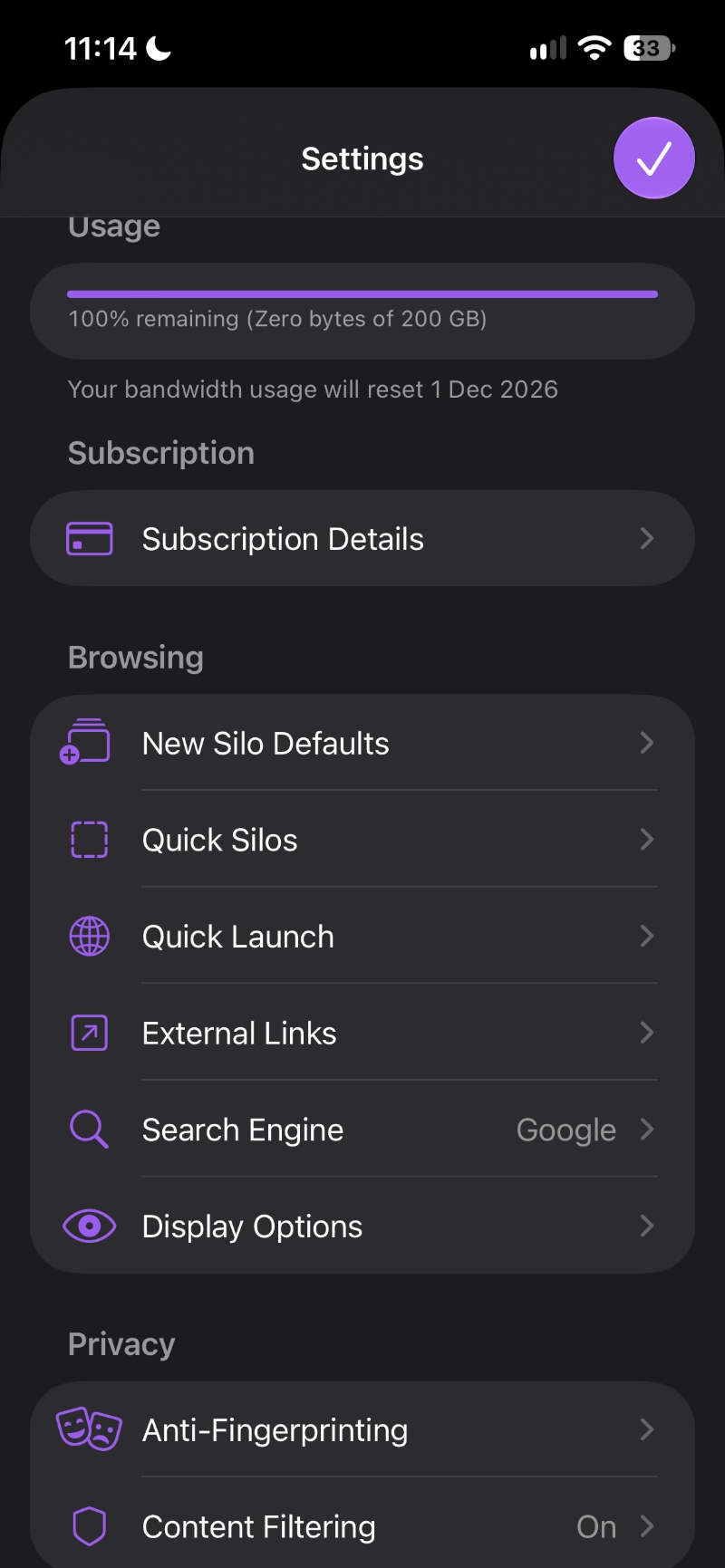
Note: This isn’t a complete list of all the new features. You can find the entire list of changes here. I have only picked out the ones I found important.
The company also posted about the update on X, and we have attached it below.

We stand out from the tech-media crowd because we break news stories; we mainly bring you stuff that you won’t find anywhere in the mainstream tech media. Our stories have been picked up by some of the world’s most popular websites and media outlets—more info is available here.

Sudhanshu K
373 Posts
I have been a consumer technology enthusiast for over 5 years. Thanks to my experience in software beta testing and product reviews, I've understood and learnt a lot about what bugs and issues bother people, and I spend time trying to simplify their solutions. I cover smartphones, software, social media, apps, AI, and most consumer tech gadgets. Actively pursuing a Computer Science bachelor’s degree. I'm mostly active on Twitter/X (@TechWhirlUlt), drop a DM or tag me if you want to share info or connect!