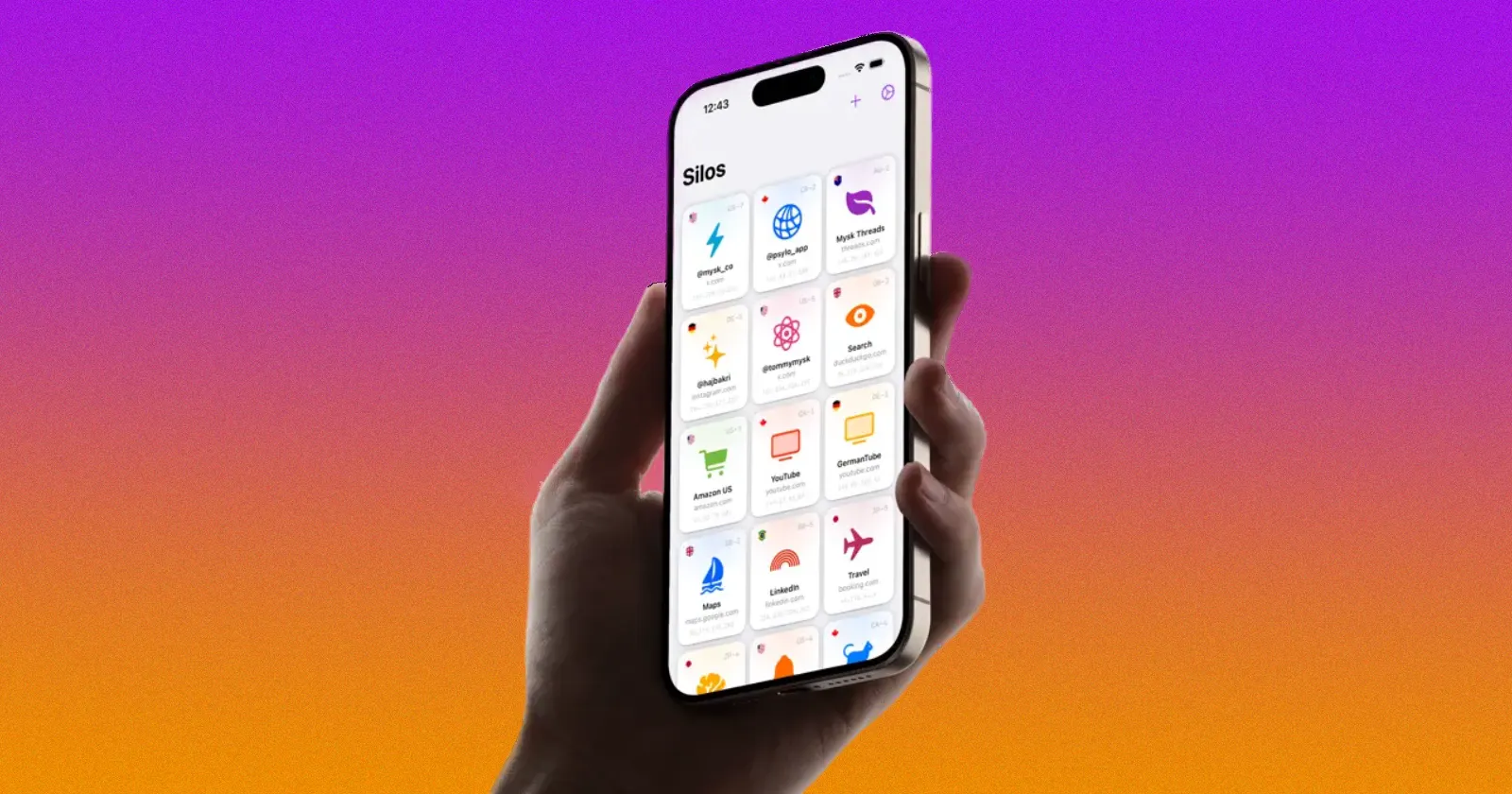
I only discovered Psylo yesterday, and it didn’t take long to realize this isn’t just another privacy browser. The app comes from Mysk, the Canada and Germany-based security research duo known for digging into privacy issues on Apple platforms. They also build their own privacy-focused apps, and Psylo is one of them.
Just as I began exploring the app, a fresh update went live on the App Store. Version 1.3.0 is now rolling out on iPhone and iPad with a focus on speed, stronger anti-fingerprinting, and a handful of quality-of-life improvements.
From my brief testing, the browser definitely feels snappier. Pages scroll more smoothly and moving around the interface feels a little more responsive than before. I still noticed some stuttering when quickly switching between Silos, especially with several of them open. But even so, I’m just nitpicking here. If you’re new to Psylo, think of Silos as browser Containers, similar to the feature that recently landed in Brave Browser. We covered that update in our earlier article.
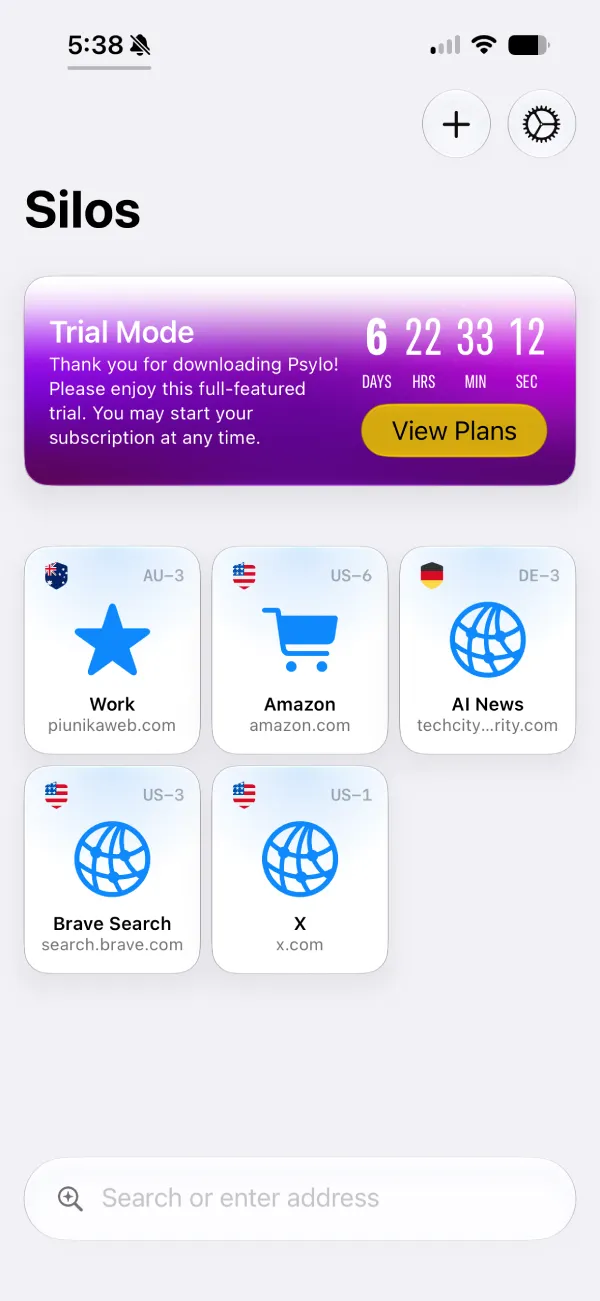
The release also expands Psylo’s anti-fingerprinting protections. Instead of only masking a few identifiers, the browser now covers more fingerprinting surfaces, including WebGL, AudioContext, font metrics, screen metrics, and several others. It also pushes language and timezone masking deeper into the browser stack, making it harder for websites to build a unique fingerprint based on your device.
One of the more practical changes is better compatibility with websites that rely on bot detection services such as Cloudflare Turnstile. Privacy browsers sometimes end up looking suspicious because they intentionally hide identifying information, which can lead to annoying “you’re a bot” prompts. Psylo says version 1.3.0 reduces those false detections without weakening its privacy protections.
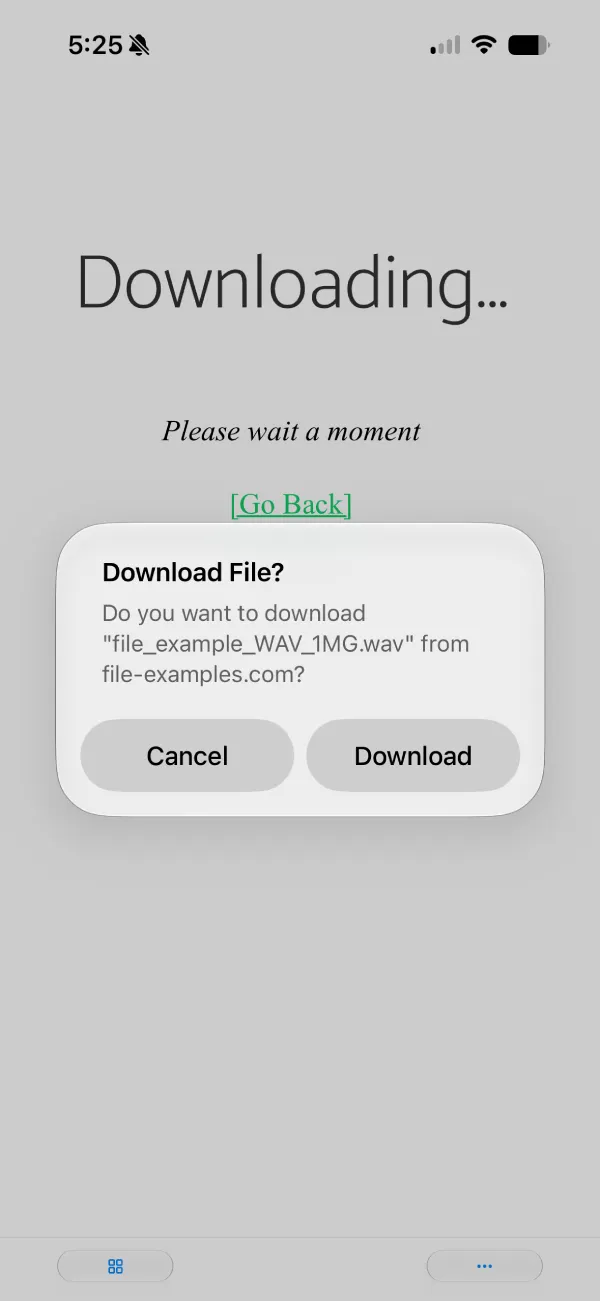
The update also adds a neat popup asking you to confirm or cancel before the browser even begins downloading any part of the file in the background.
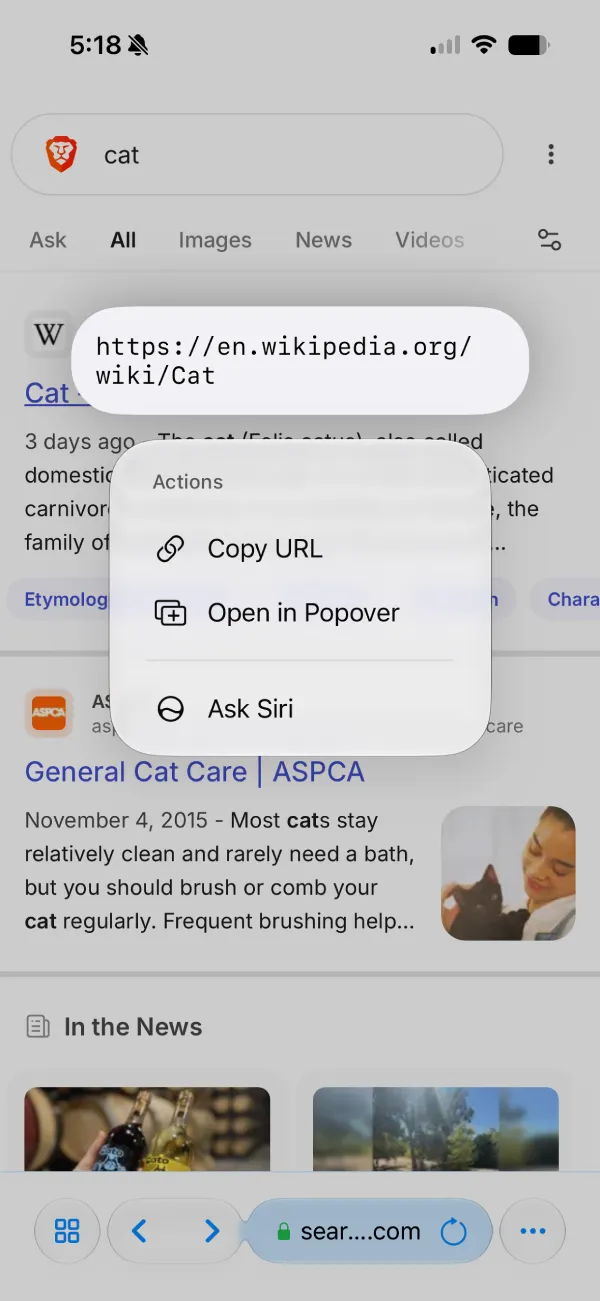
You can also long-press on a link to preview its destination before opening it, failed page loads now show a clearer error screen with a retry button, and there’s a new option to reload a Silo directly from its context menu.
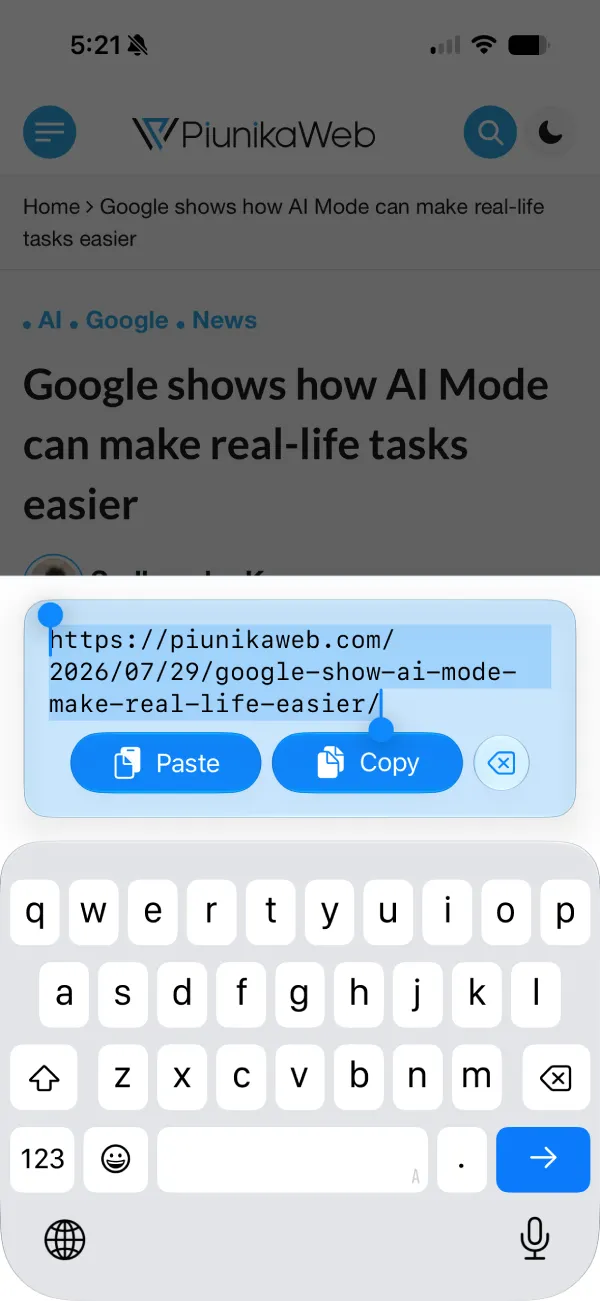
The address bar and Quick Launch have also picked up an easier-to-access “Paste & Go” shortcut through the context menu. It’s a handy addition if you regularly copy links from other apps.
Click/tap to read the full Psylo 1.3.0 release notes
Psylo 1.3.0 focuses on speed, stronger anti-fingerprinting, and a smoother day-to-day browsing experience. Thank you to everyone whose feedback helped shape these improvements.
- Faster cold launch: Your silos appear faster, while session refresh happens in the background as you begin browsing.
- Smoother silo grid: Scrolling through your silos is more responsive, especially if you have a large collection.
- Smoother browsing: Page scrolling and showing or hiding the keyboard feel more responsive, with fewer layout jumps.
- Low Power Mode optimizations: Glass effects are automatically reduced to keep Psylo feeling fast while Low Power Mode is enabled.
- Broader protection: Anti-fingerprinting now covers an even wider range of fingerprinting surfaces, including WebGL, AudioContext, font metrics, screen metrics, and more.
- Deeper locale & timezone masking: Language and timezone protection now extends deeper into the browser stack.
- Improved website compatibility: Better compatibility with websites that use bot-detection services such as Cloudflare Turnstile, reducing false “bot” detections without compromising privacy protections.
- Download confirmation: Review site-initiated downloads before they begin, with progress toasts and easier sharing or opening files in the Files app.
- Link previews: Long-press any link to preview its URL before opening or copying it.
- Improved error pages: Failed page loads now display a clearer error screen with a retry button.
- Reload from the silo list: Reload a silo directly from its context menu without opening it first.
- Paste & Go: The address bar and Quick Launch now make Paste & Go easier to access through the context menu.
Psylo doesn’t collect any app analytics, so your feedback is the only way we know what’s working and what isn’t. If you’re enjoying Psylo, leaving a review on the App Store is one of the best ways to support the project and help us continue building new privacy-focused features.
Mysk summed up the release by saying, “Psylo 1.3.0 focuses on speed, stronger anti-fingerprinting, and a smoother day-to-day browsing experience.” The developers also noted that Psylo doesn’t collect analytics, so user feedback and App Store reviews are the main ways they measure what’s working and what still needs improvement.


Dwayne Cubbins
3062 Posts
I cover fast-moving stories across apps, online platforms, and everyday tech — phones, wearables, consoles, and whatever else people are fighting with this week. Bugs, rollouts, scams, policy enforcement, and the occasional internet-culture rabbit hole are all fair game. My goal is simple — make confusing tech news readable. When I'm not working, I'm working out or chilling with my dog. Got a tip? You can find me on X @dcubbins.
Next article View Article