


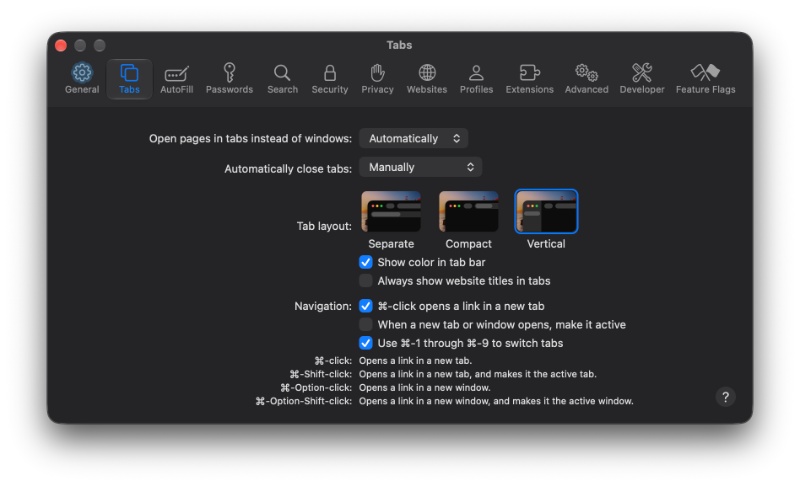
Apple is finally addressing two major frustrations with Safari. With the iOS 27.3 (and macOS 27.3, iPadOS 27.3) updates, Safari will get the option to use vertical tabs, which drastically improves tab management and organization. Furthermore, the dark mode is getting smarter. These changes are currently live in the latest betas, alongside new Siri AI controls for managing browser tabs.
Vertical Tabs is a highly overdue addition among the list of new features. Instead of squeezing multiple open websites into a cramped horizontal strip, Safari can now display tabs along the left side of the window. The layout shows website icons by default to conserve some space, but users can resize the sidebar to reveal full page titles. Apple’s Safari is probably the last mainstream browser to adopt vertical tabs.
Note: Vertical Tabs are likely exclusive to the iPhone Duo, and all iPads/Macs compatible with the latest beta. Candy-bar iPhones are not very likely to get the feature, since vertical tabs don’t really make sense in a rectangular, candy-bar style form factor.
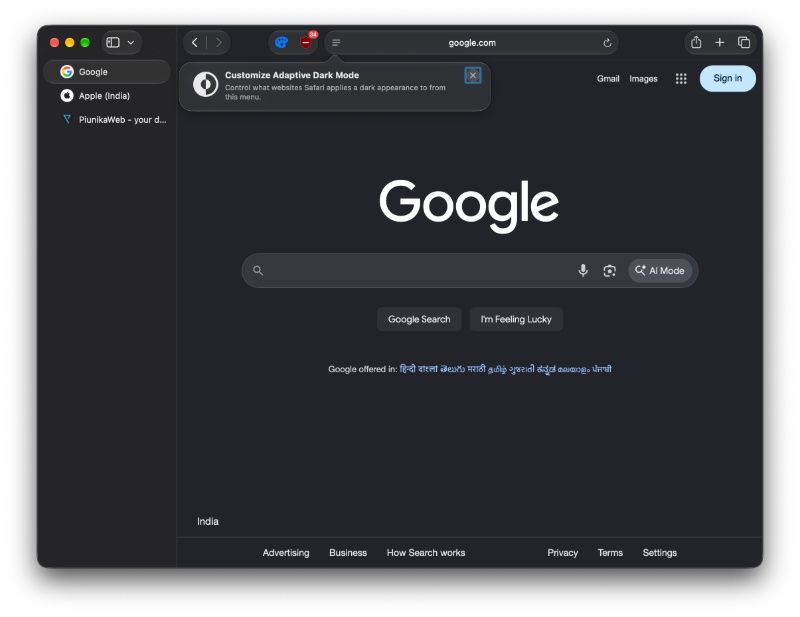
The screenshot below represents the Vertical tab strip when the tab icons are expanded. The previous screenshot was with the tab information collapsed.
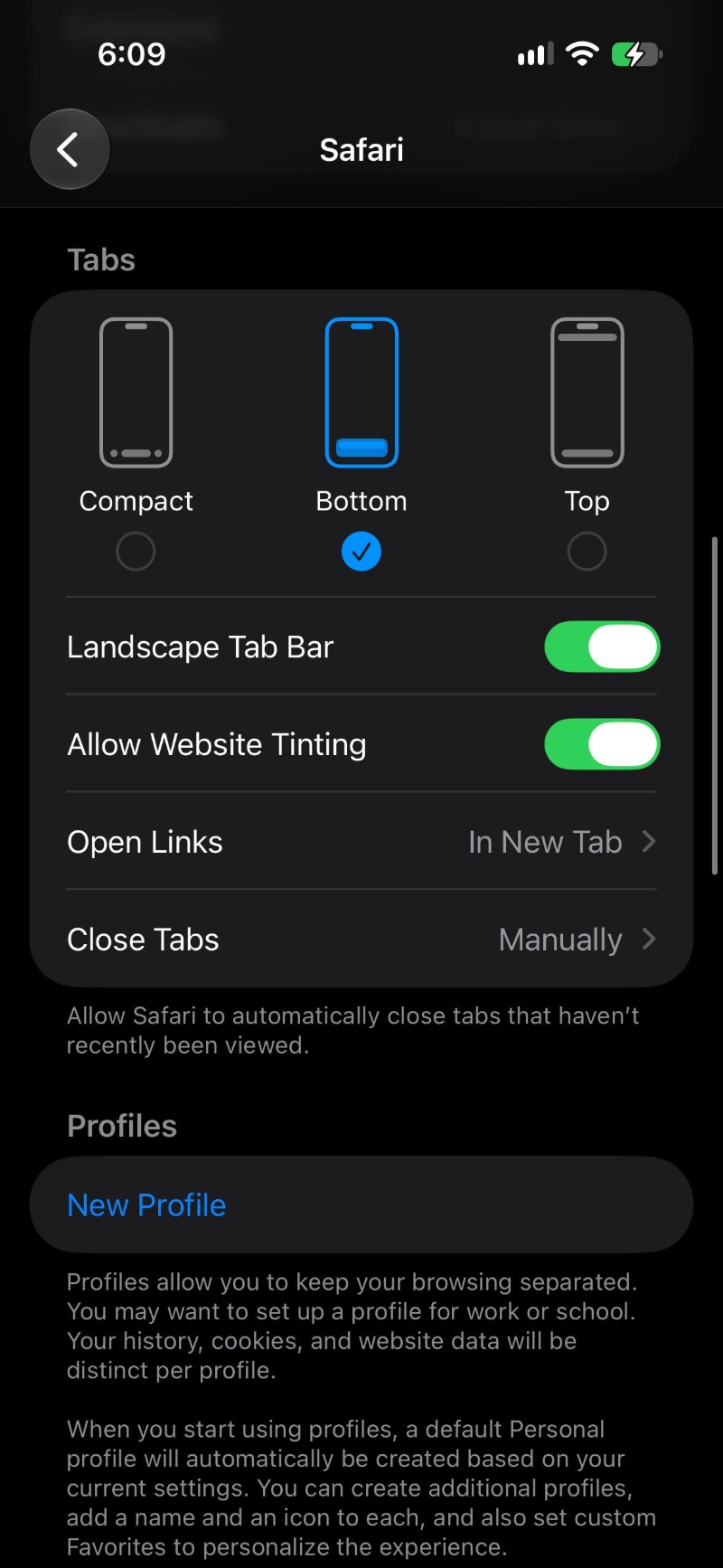
To enable it, iPhone Duo users can open Settings, head to Apps, select Safari, and look for the Vertical Tabs option. The screenshot below shows the Settings page on an iPhone 16, but the option to enable Vertical Tabs should be in the same place.
Mac and iPad users can enable the feature through Safari’s View menu. It also works with Tab Groups, allowing users to keep various sessions separated.
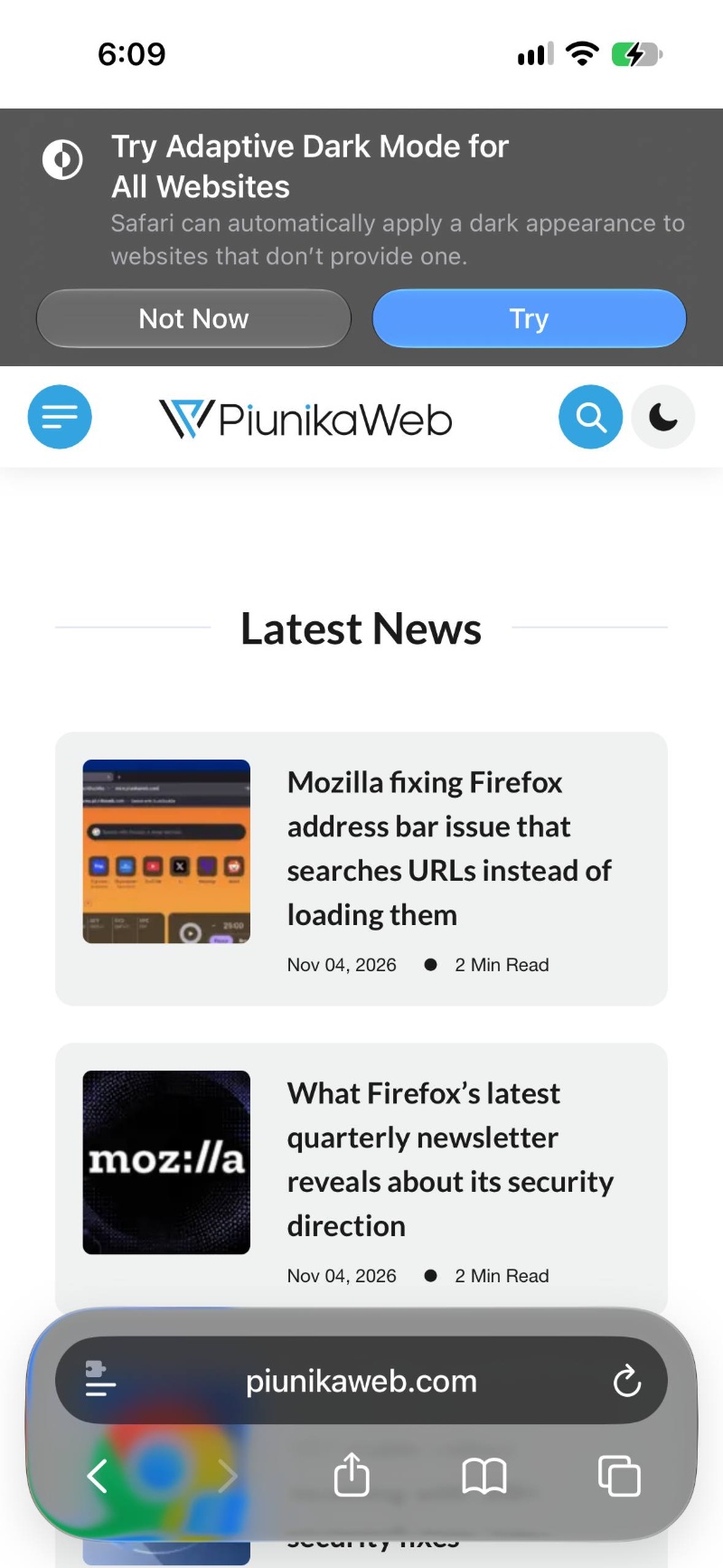
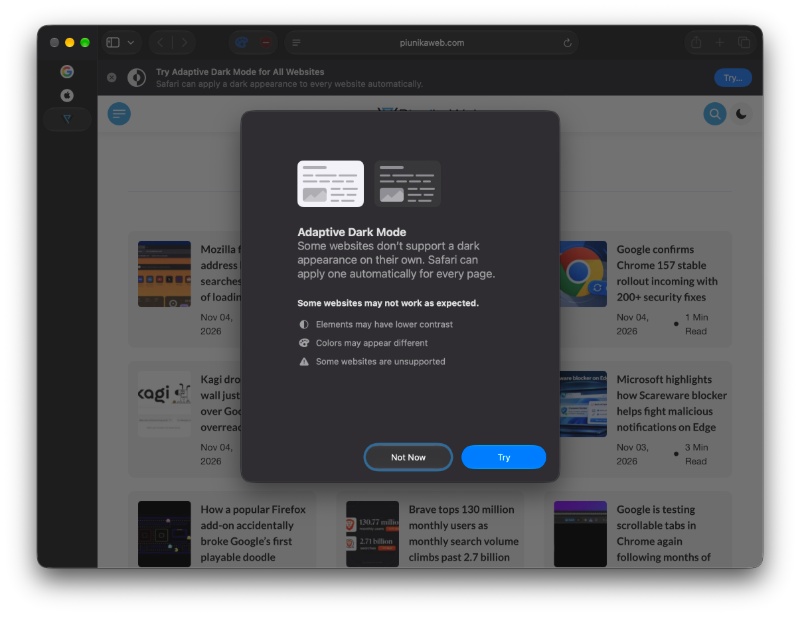
Safari’s second addition is about websites that don’t properly support Dark Mode. Adaptive Dark Mode can automatically convert light mode websites into the dark mode equivalent. Users no longer have to stare at glaring white backgrounds while the rest of the browser’s UI is in dark mode. In fact, Chrome is testing a similar feature to separate the browser’s color theme from the webpages.
If you open a website that’s in Light Mode while the system (UI) has the dark theme selected, the option will show up.
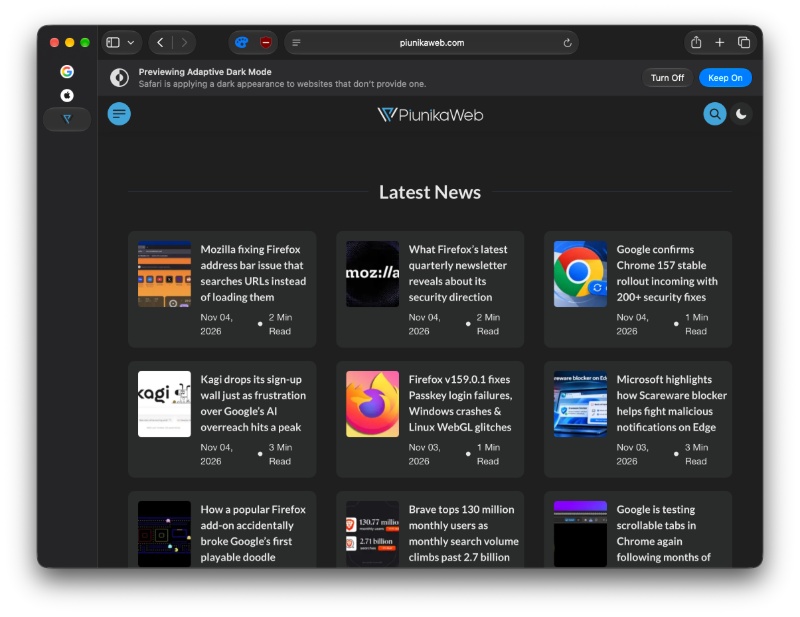
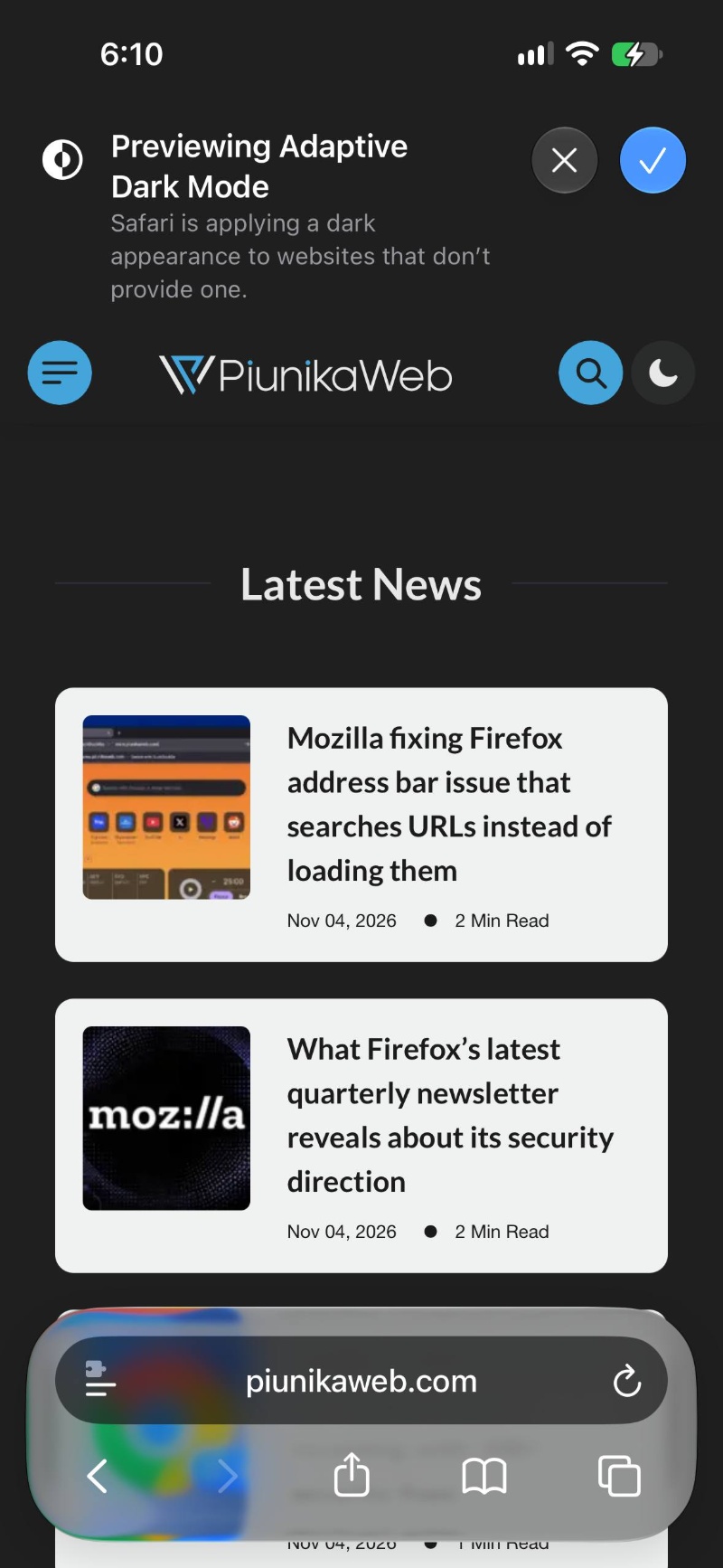
The feature also shows a preview of how the page will look once dark mode has been enabled.
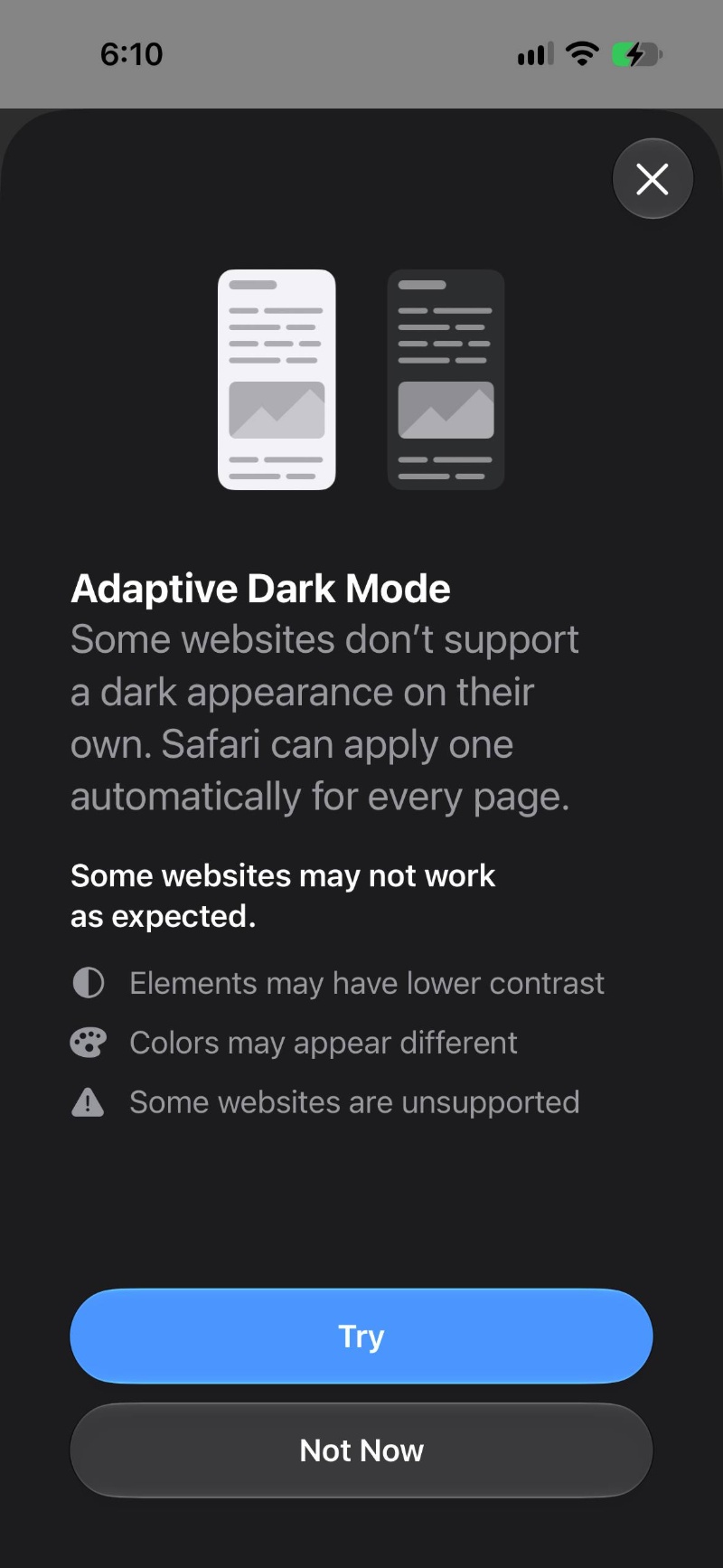
Additionally, when Dark Mode is enabled and you open a website on Safari that doesn’t support it, the new option will appear. Tapping it generates a dark mode version of the page.
The same feature is available for macOS and iPadOS as well, and it behaves in the same way.
Moreover, Apple is expanding Siri AI’s browser capabilities. Users can ask Siri to move, sort, organize, and close tabs, while additional controls extend to browser history. Improvements to webpage awareness, including information beyond currently visible content, have been planned for a future update.
For now, these additions are available in Apple’s developer betas. The iOS 27.3, iPadOS 27.3, and macOS 27.3 updates are expected to hit the public channel in December, so these features are around a month away for general users.


Sudhanshu K
364 Posts
I have been a consumer technology enthusiast for over 5 years. Thanks to my experience in software beta testing and product reviews, I've understood and learnt a lot about what bugs and issues bother people, and I spend time trying to simplify their solutions. I cover smartphones, software, social media, apps, AI, and most consumer tech gadgets. Actively pursuing a Computer Science bachelor’s degree. I'm mostly active on Twitter/X (@TechWhirlUlt), drop a DM or tag me if you want to share info or connect!