


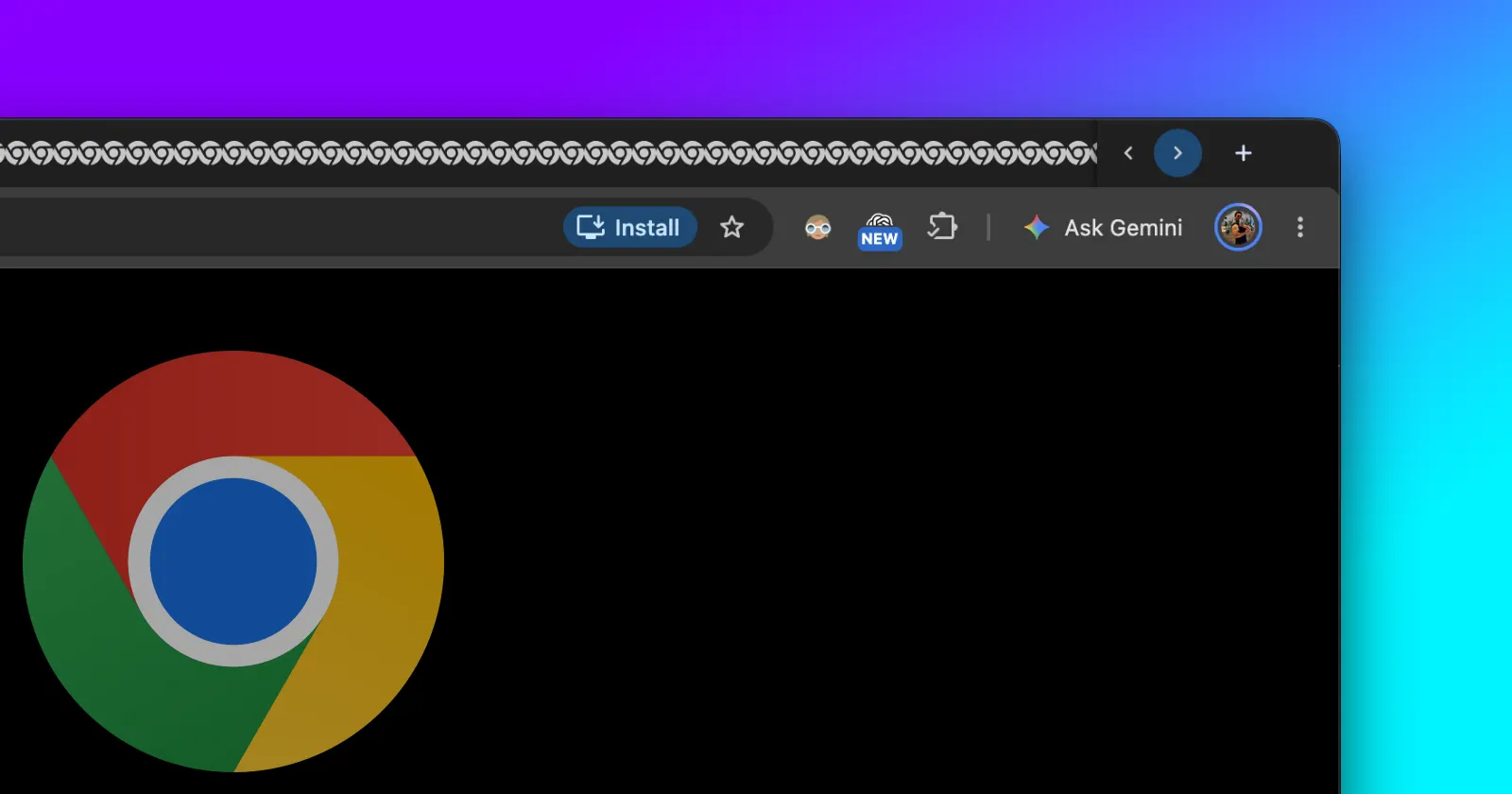
Google has finally rolled out a working version of horizontal tab scrolling in Chrome Canary, as mentioned in a new Google Chrome Community announcement shared by the team.
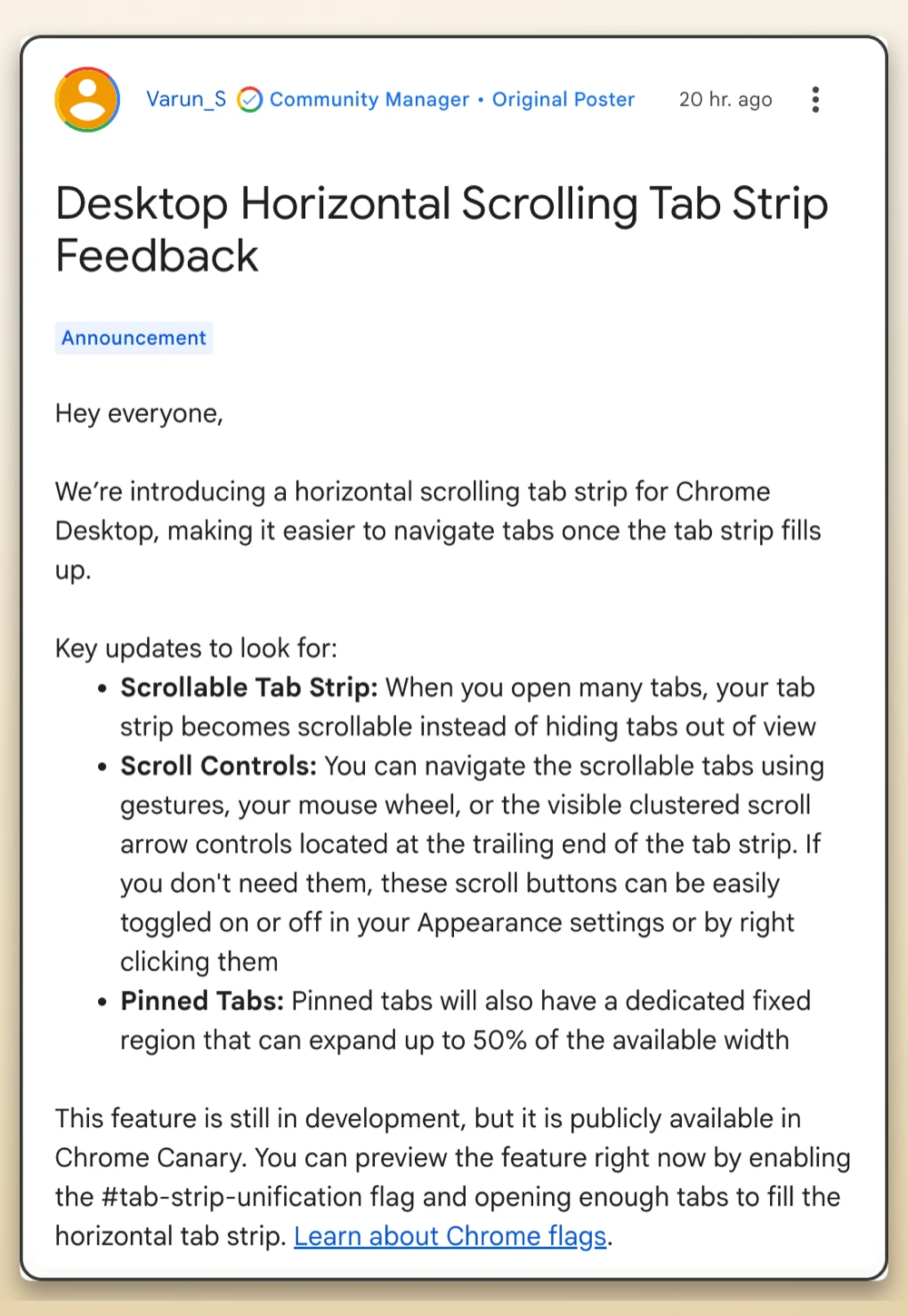
If you’re someone who keeps dozens of tabs open at once, you probably know how frustrating Chrome has felt for much of the year. Tabs keep shrinking into tiny slivers until you can barely see the site icons. Things got especially frustrating back in January, when Chrome and Brave removed the old tab-scrolling flag, prompting plenty of people to consider switching to Firefox or Vivaldi.
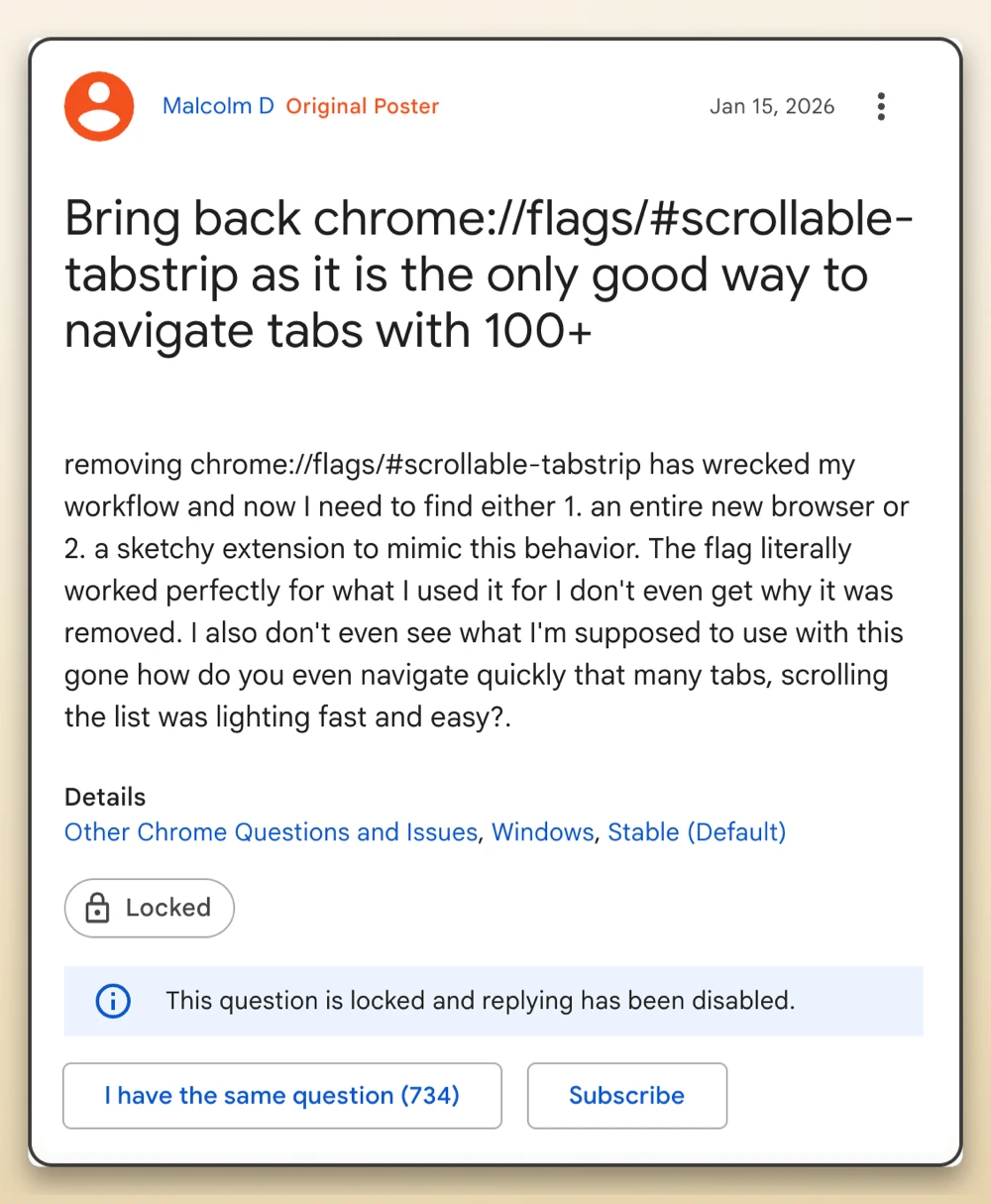
Back then, one frustrated user took to the official forums and wrote that the removal “wrecked my workflow and now I need to find either 1. an entirely new browser or 2. a sketchy extension to mimic this behavior.” That thread has since gotten over 700 votes from people who agree with the sentiment.
Now you can actually test the replacement by downloading Chrome Canary and turning on the #tab-strip-unification flag.

We gave it a quick spin on our end, and it worked right out of the gate once we opened enough tabs to fill up the top bar.
Instead of hiding your extra tabs or squishing them into oblivion, the strip stays readable and lets you glide through your open pages using a mouse wheel or trackpad gestures. There are also two little arrow buttons sitting on the right side of the tab bar if you prefer clicking through, though you can easily hide them by right-clicking if they get in your way.

Pinned tabs got a smart upgrade here too since they now stay locked in their own spot on the left, expanding up to half the width of your screen before regular tabs start scrolling past them.
After the initial uproar in January, Google promised that tab scrolling would return once engineers rebuilt the whole system from scratch. They originally aimed for the first half of the year, and while they missed that window, we started seeing early signs of the new scroll buttons in August before the feature finally came together.
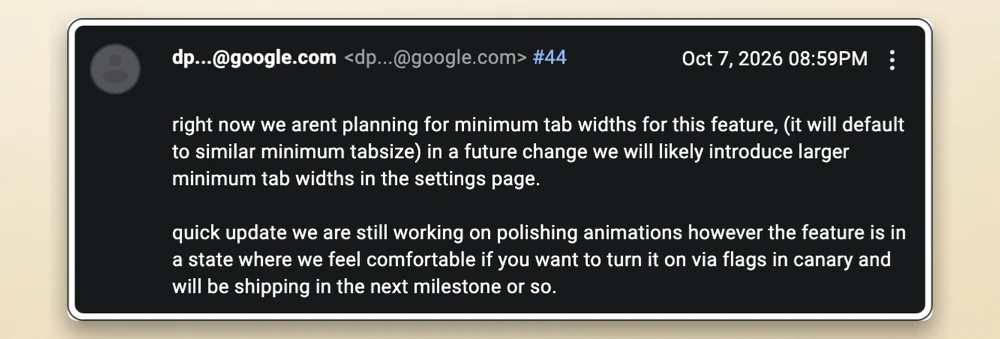
Digging through the Chromium Issue Tracker offers a clearer picture of how challenging the transition was behind the scenes. Engineers shared that the old flag was causing crashes as they worked on new features like split tabs. One developer recently noted that, although custom tab widths aren’t available just yet, “larger minimum tab widths in the settings page” are planned for a future update.


Dwayne Cubbins
3173 Posts
I cover fast-moving stories across apps, online platforms, and everyday tech — phones, wearables, consoles, and whatever else people are fighting with this week. Bugs, rollouts, scams, policy enforcement, and the occasional internet-culture rabbit hole are all fair game. My goal is simple — make confusing tech news readable. When I'm not working, I'm working out or chilling with my dog. Got a tip? You can find me on X @dcubbins.