



Firefox v159.0.1 just reached the stable channel a few hours ago. It’s a minor maintenance update that focuses on fixing passkey sign-in problems, Windows crashes, Linux graphics glitches, and several smaller interface issues. Mozilla has also included security fixes, as expected.
The official changelog from Mozilla’s blog lists 8 main changes. For your reference, a partial screenshot has been attached below.
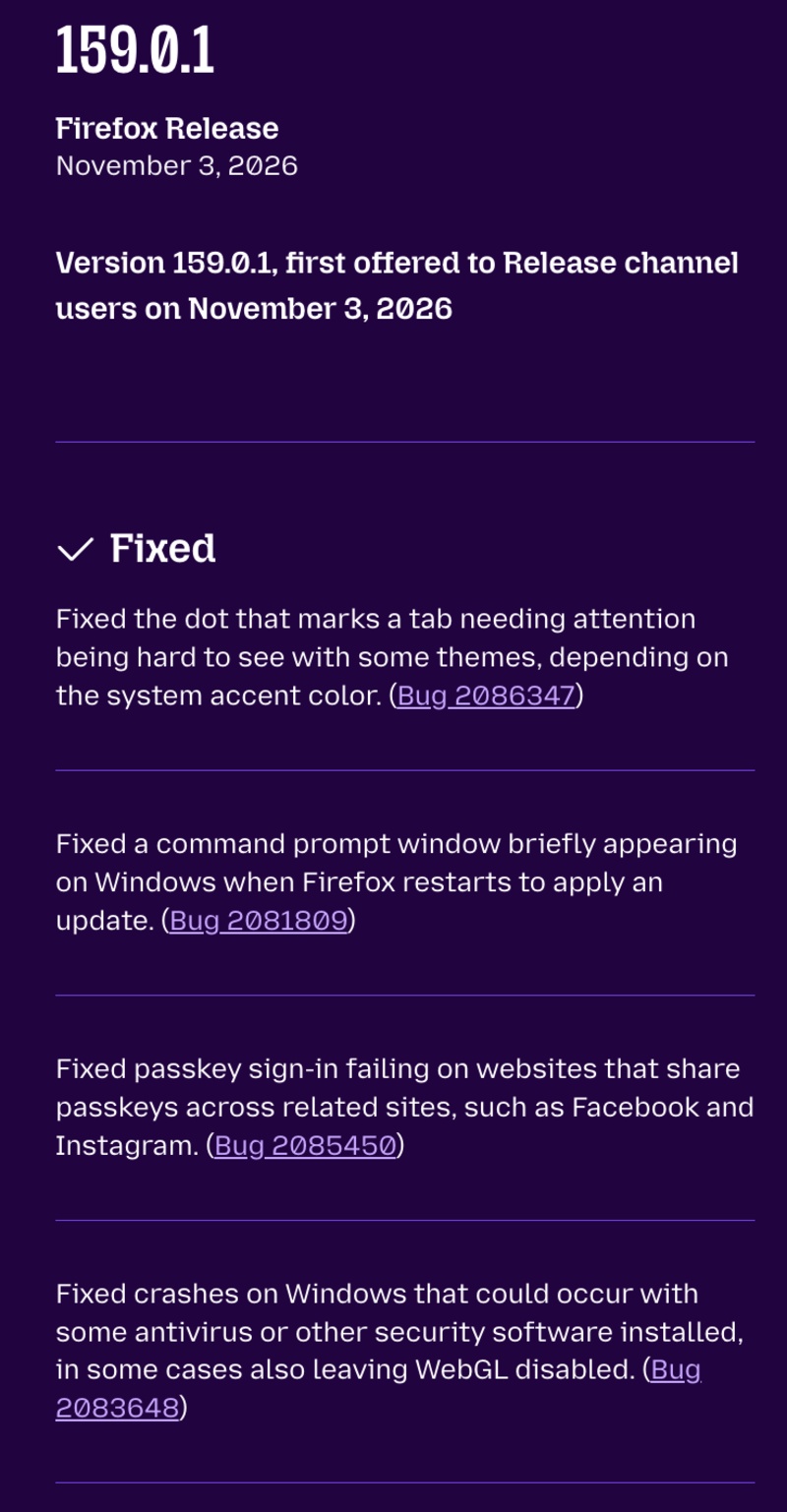
Here’s a list of the major changes introduced with this update:
- The small dot indicating that a tab needs attention was difficult to see with certain themes and accent colors. Mozilla has fixed the visibility of that. You should be able to view the attention indicator without any issues.
- Windows users used to see a Command Prompt window briefly when Firefox restarted to install an update. This has been fixed, and the CMD window will no longer appear.
- Passkey authentication: Some websites simply refused to correctly authenticate via Passkeys, such as Instagram. It’ll work correctly now.
- Firefox used to crash on Windows when certain antivirus or other security programs were installed.
- Some Linux websites using WebGL displayed red and blue colors incorrectly, which affected video-call backgrounds. The rendering problems have been addressed.
- Firefox now reflects Cuba’s decision to continue observing daylight saving time beyond November 1, 2026.
- Some descriptions in Settings, including security warnings, used to split words awkwardly. The text rendering has been improved now.
- Firefox v159.0.1 also includes an important security fix.
Apart from the list of mentioned changes in the changelog, I was unable to find anything else that’s noteworthy. The overall menus and options in Settings haven’t changed, and the UI looks pretty much the same.
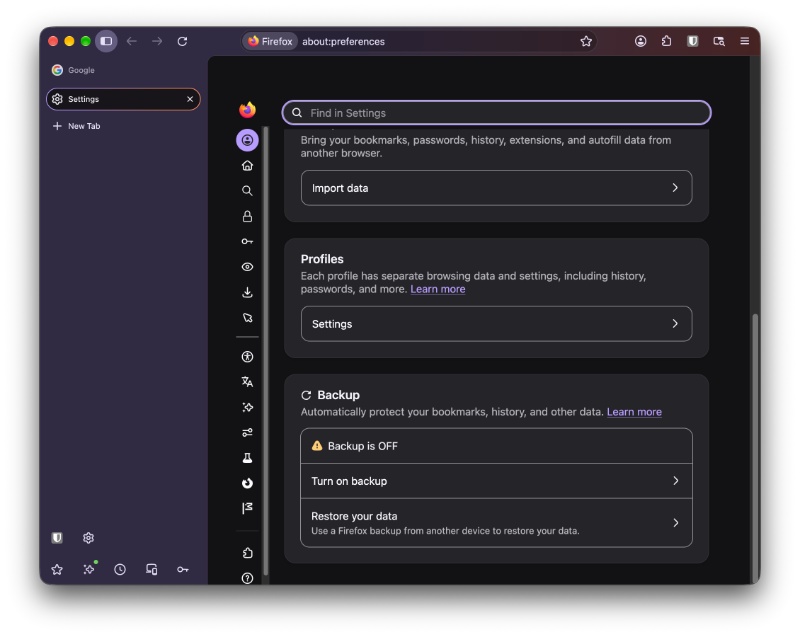
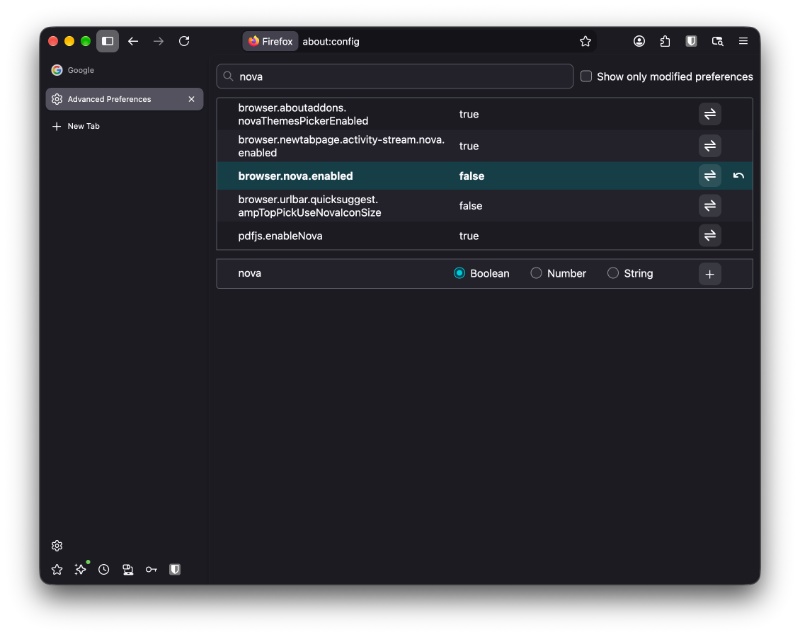
If you’re worried about the toggle to turn Nova off, it’s still present even in v159.0.1. They haven’t removed it yet, though they’re planning to.
You can find the official blog that mentions the Release Notes here.


Sudhanshu K
362 Posts
I have been a consumer technology enthusiast for over 5 years. Thanks to my experience in software beta testing and product reviews, I've understood and learnt a lot about what bugs and issues bother people, and I spend time trying to simplify their solutions. I cover smartphones, software, social media, apps, AI, and most consumer tech gadgets. Actively pursuing a Computer Science bachelor’s degree. I'm mostly active on Twitter/X (@TechWhirlUlt), drop a DM or tag me if you want to share info or connect!