


The snapshot version for Vivaldi v8.3 has arrived on Android. It focuses on polishing everyday use and builds on top of existing features to improve them, instead of introducing anything major.
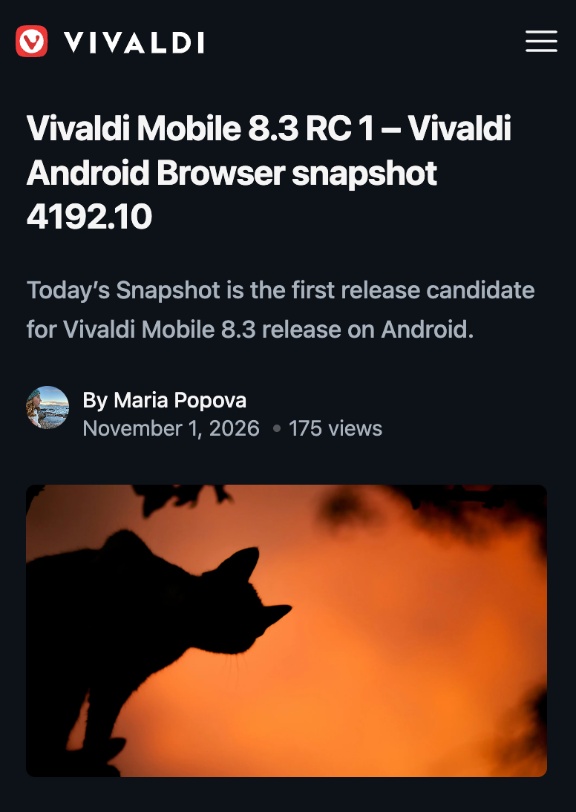
The official blog mentions that it’s the first Release Candidate for version 8.3.
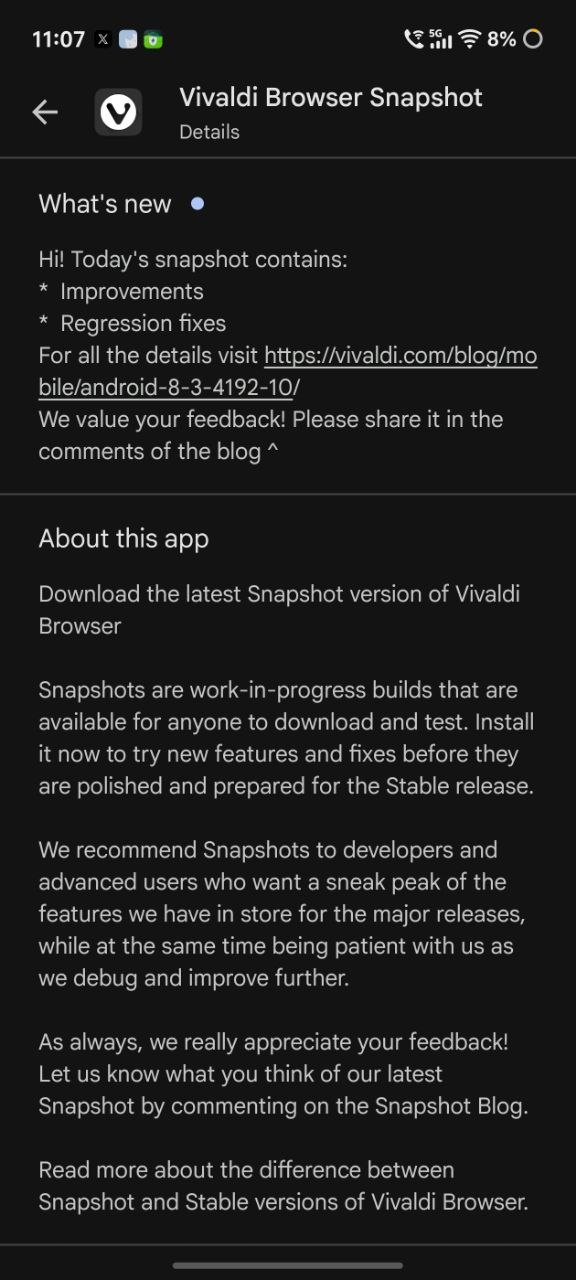
The Google Play Store page mentions regression fixes and improvements for v8.3, and the update was immediately available as soon as I opened the “Vivaldi Browser Snapshot” page.
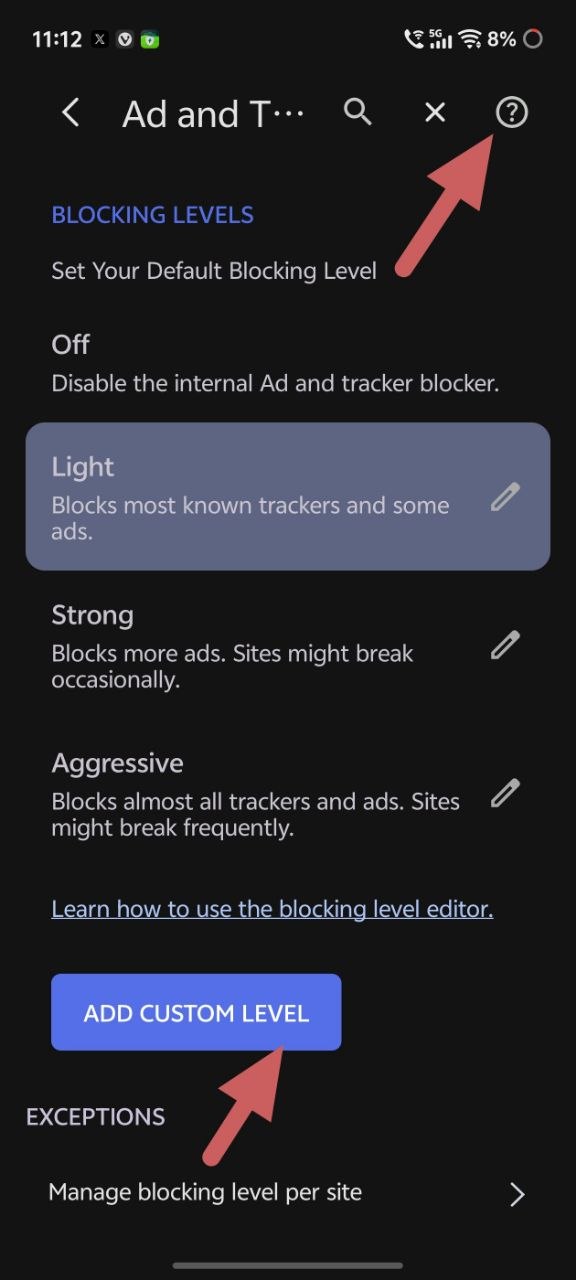
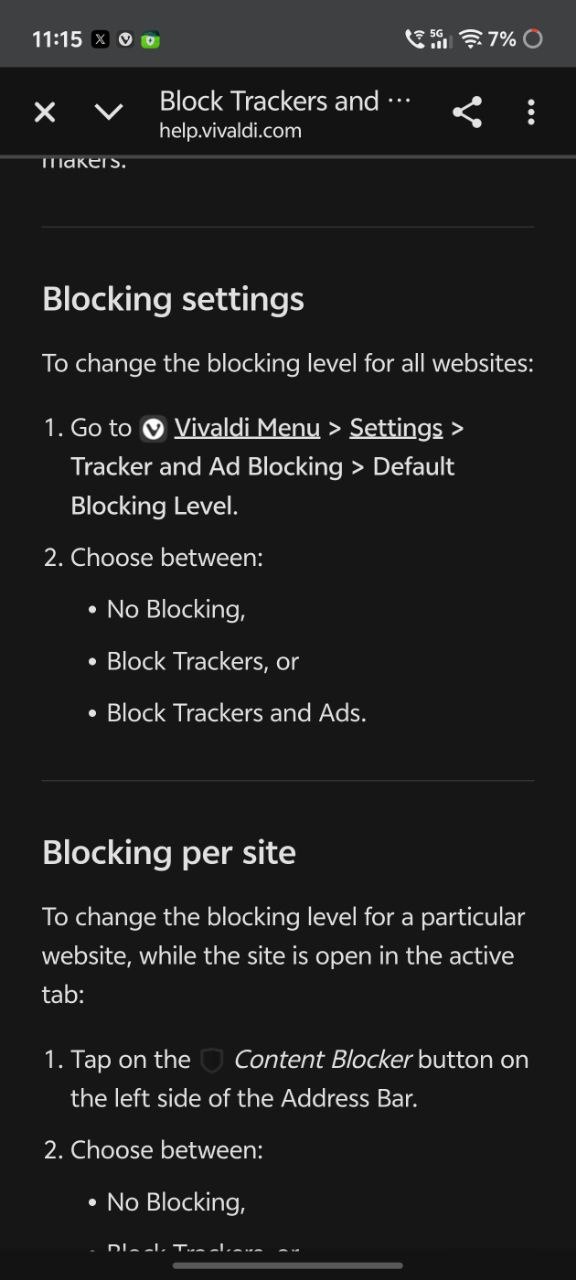
One of the major changes introduced with this snapshot is that the Ad Blocker gets a “Help” link: A direct link to a help page was added in the ad blocker settings. You can quickly find officially documented guidelines if something isn’t working as expected.
To be clear, this isn’t talking about the existing universal help page at the top-right (which is represented with a question-mark symbol on the snapshot version). It’s about the “Learn how to use…” link, which is located right below Blocking Levels. It offers a full explainer that has 7 separate items in the Contents list, complete with step-by-step instructions on how to use the feature.
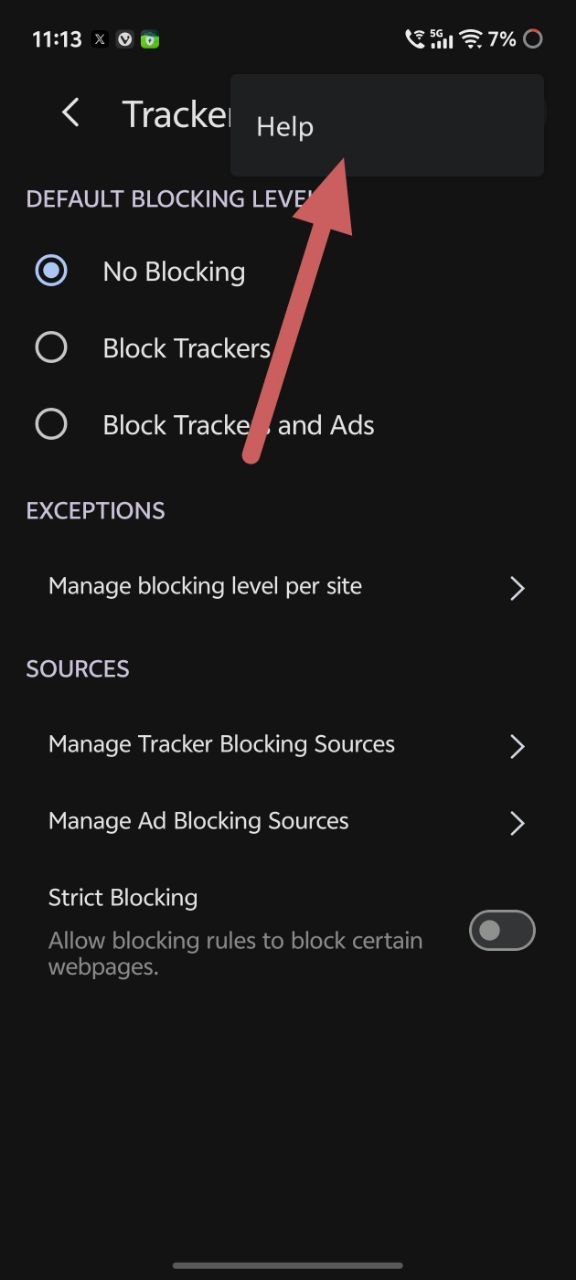
On the current stable version, the Help page is buried under “More options,” which is accessible via the three-dot menu at the top right. However, the dedicated explainers for the blocking level editor are missing entirely.
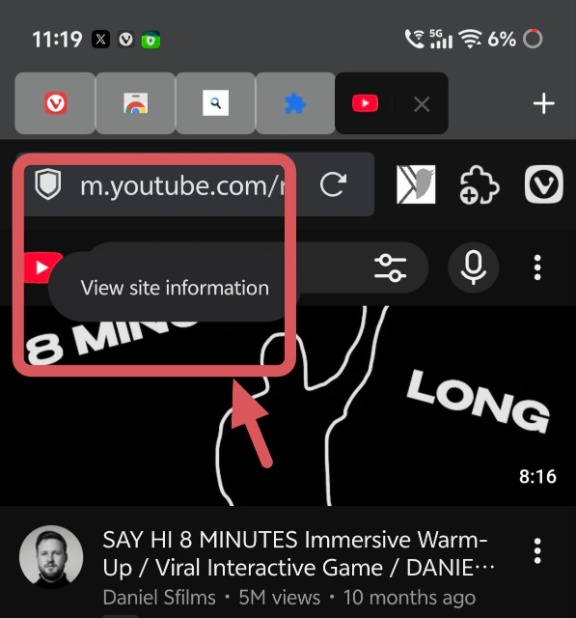
Furthermore, the long-press behavior has been simplified. If you long-press the ad blocker (Shield icon), which is located to the left of the address bar, it won’t show you any options now. It’ll just say “View site information.” Interestingly enough, this is the same behavior as the stable version in my case, and the old toggle doesn’t appear at all.
Other subtle changes in the update:
- Bookmark editing has been simplified. Earlier, it took a bunch of steps to create or edit a bookmark. Now, it’s much better.
- Extensions will continue to stay disabled even after a restart.
- The “Share” icon in the app menu was previously slightly misaligned. The spacing has been tweaked for a better look.
- In PWAs, the double toolbar won’t show up. Earlier, it used to appear, and it was unnecessary (a duplicate).
- New Tab shortcut works properly on tablets now.
- The “Send to your device” option from the main menu works properly. It’s worth noting that the feature requires you to use a Vivaldi account, since it relies on sync to work.
- There are a bunch of other fixes, including crash fixes, solutions for touch-response-related issues, Slack downloads, and more. There’s also an update to the underlying Chromium version to 156.0.8078.85.
Note: Snapshot versions are intended to be pre-release previews of upcoming fixes and features. It’s not recommended to use as your primary browser. We’ve briefly mentioned the main user-facing changes, but the entire list is rather long, and you can view the entire official changelog here.


Sudhanshu K
359 Posts
I have been a consumer technology enthusiast for over 5 years. Thanks to my experience in software beta testing and product reviews, I've understood and learnt a lot about what bugs and issues bother people, and I spend time trying to simplify their solutions. I cover smartphones, software, social media, apps, AI, and most consumer tech gadgets. Actively pursuing a Computer Science bachelor’s degree. I'm mostly active on Twitter/X (@TechWhirlUlt), drop a DM or tag me if you want to share info or connect!