





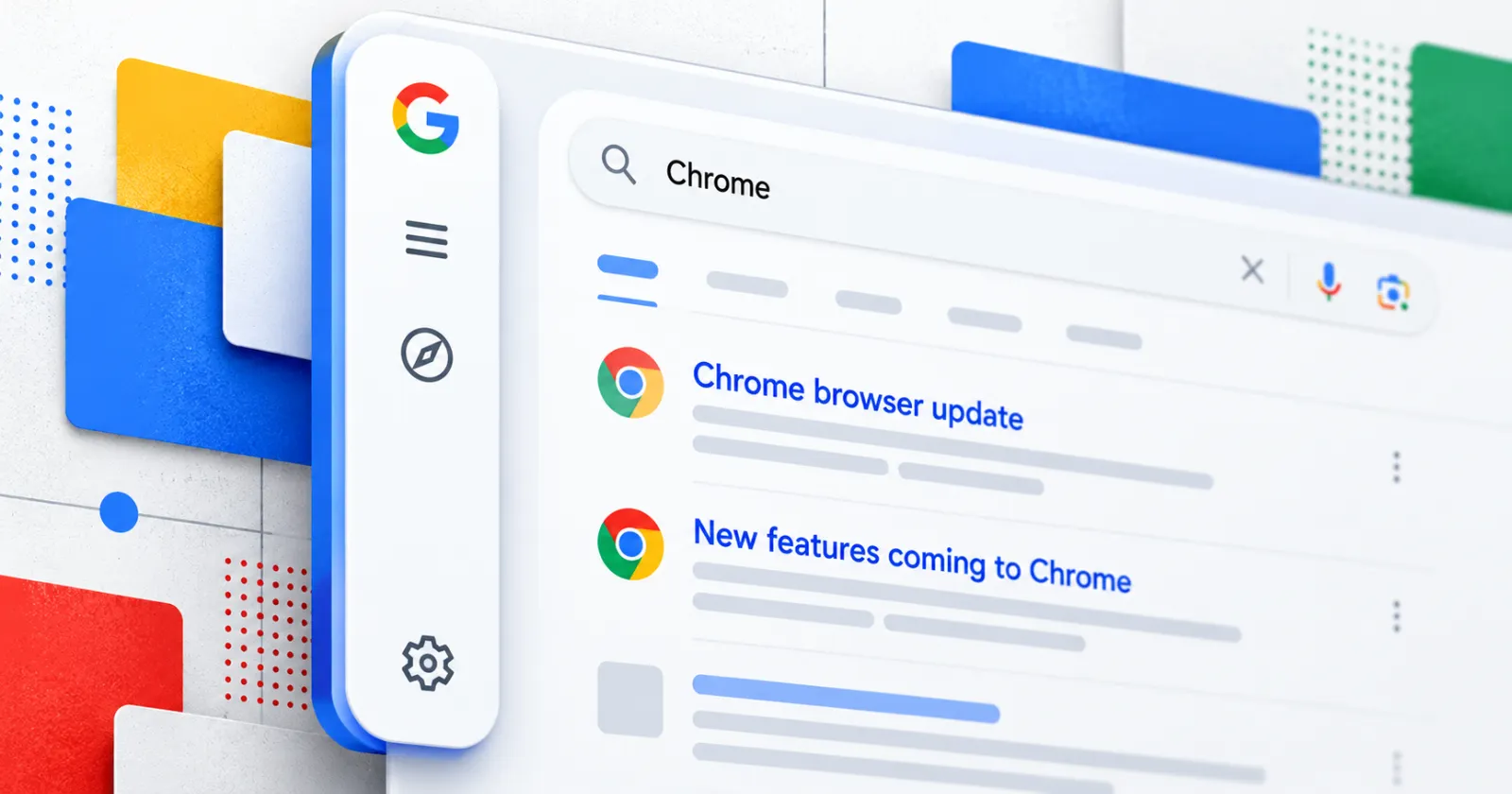
It seems like a new persistent sidebar is showing up on the left side of Google Search for some desktop Chrome users, and people are already fed up with how badly it breaks the page layout.
From what I could deduce after reading several comments and posts, if you keep your browser in a smaller window instead of full screen, this bar sits right over your search results and cuts off the text.
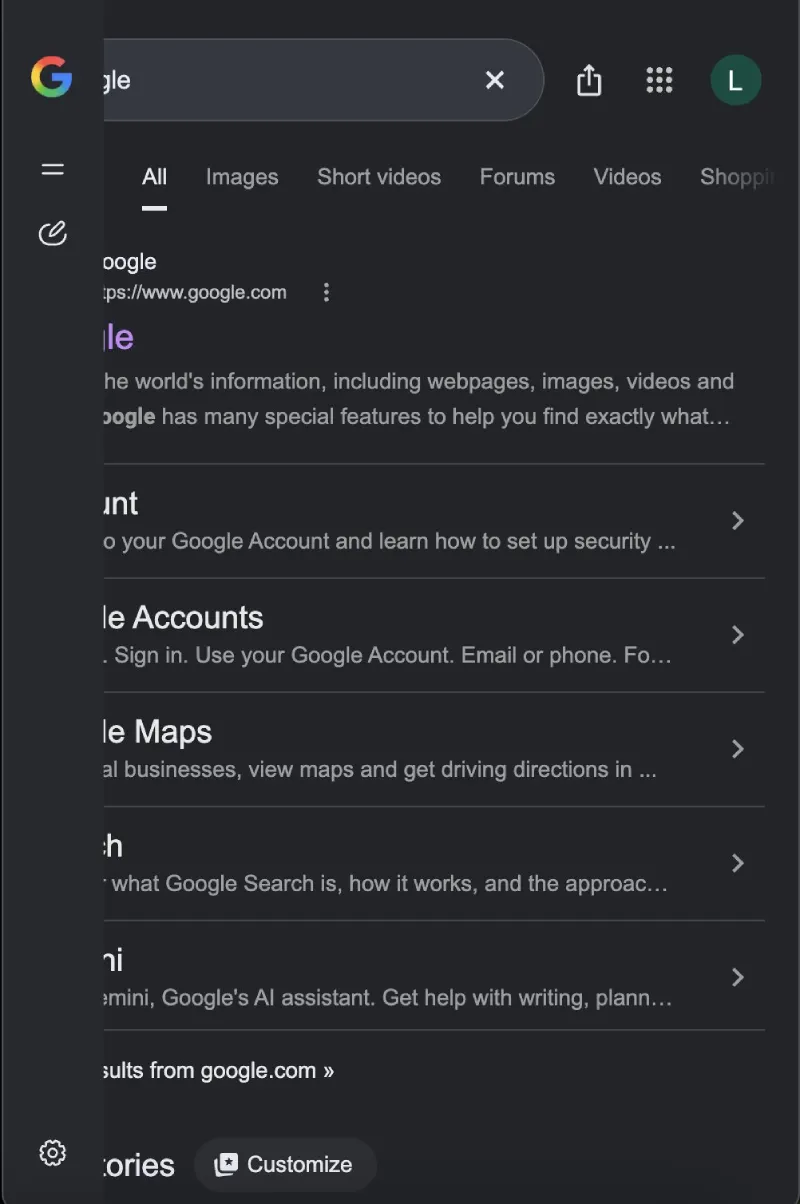
Search Engine Roundtable first covered this new sidebar, reporting that the change moves the vertical bar from AI Mode onto the main search results page. It packs a small Google icon, a button to start an AI chat, your past chat history, and a settings icon on the far left.
Even though Google has been busy rolling out seamless app integrations for Search AI Mode, forcing this sidebar onto regular search pages feels completely half-baked. Because the bar stays locked in place when you shrink your Chrome window, it ruins side-by-side multitasking.
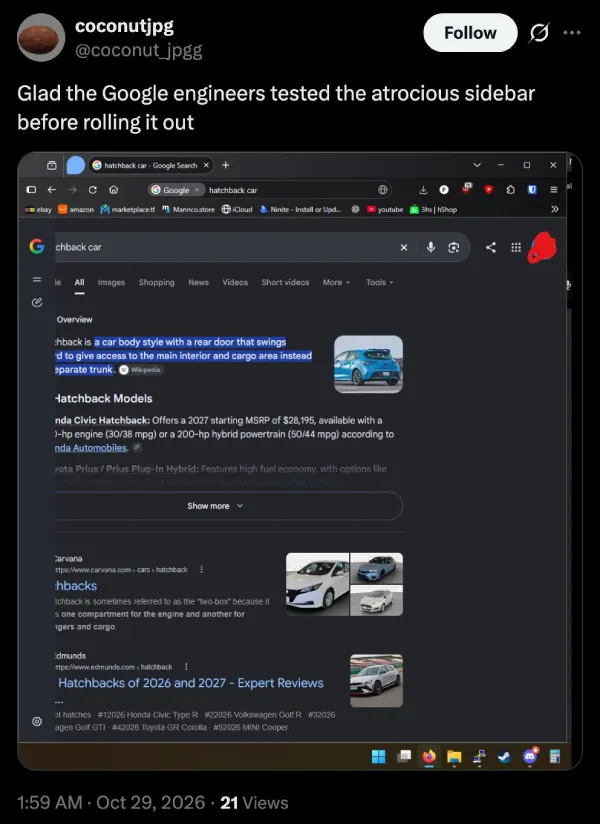
Multiple people have shared screenshots of the bar overlapping the Google logo and slicing off the left edge of every link. One user, coconutjpg on X, posted pictures of the broken layout and sarcastically wrote, “Glad the Google engineers tested the atrocious sidebar before rolling it out.”
Another user, reveries on X, shared a similar screenshot and asked Google to get the “stupid bulls**t sidebar” off their screen. Complaints are also piling up in a Reddit thread on r/chrome, where people say split-screen browsing is now unusable.
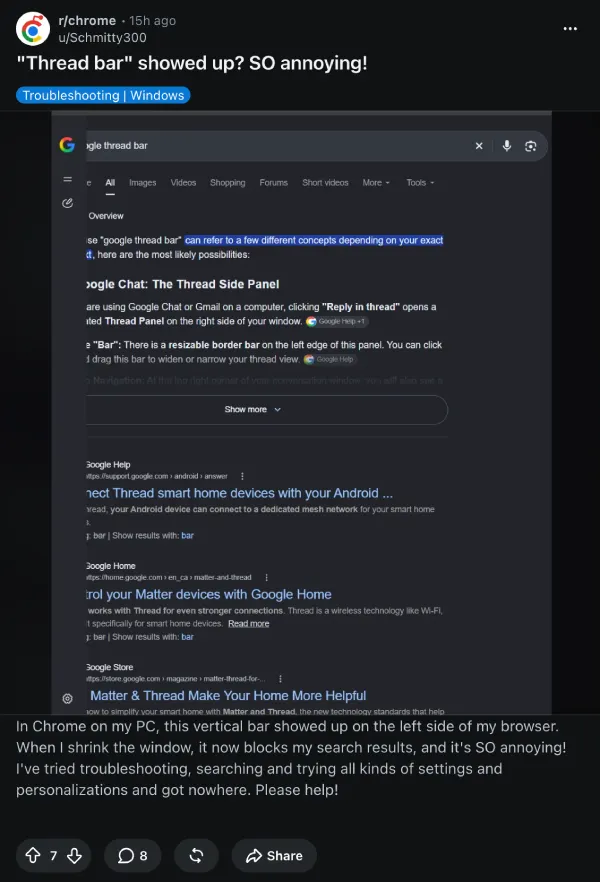
One Mac user there explained that putting Chrome in a 50/50 split next to a notes app is a mess, writing that “since this sidebar appeared, though, the search results are so cramped that they’re barely readable.” Folks over on r/browsers are also asking how to hide the “ugly sidebar” after it randomly appeared without an off switch.
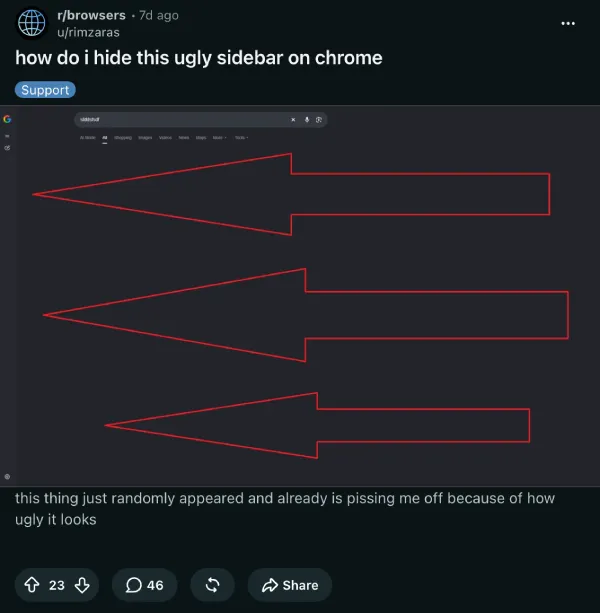
That said, I’m also using Chrome right now with the latest Chrome 156 build, but I do not see the new sidebar in my search results yet. So this is still either in an A/B test phase or gradually rolling out, though I really hope it is just an A/B test and Google never releases it.


Dwayne Cubbins
3160 Posts
I cover fast-moving stories across apps, online platforms, and everyday tech — phones, wearables, consoles, and whatever else people are fighting with this week. Bugs, rollouts, scams, policy enforcement, and the occasional internet-culture rabbit hole are all fair game. My goal is simple — make confusing tech news readable. When I'm not working, I'm working out or chilling with my dog. Got a tip? You can find me on X @dcubbins.