





Opera’s developer channel has received a new build, v140, bringing some visual polish and practical refinements. It focuses on making the first run (onboarding) smoother, gives the setup a cleaner look, and improves a lot under the hood.
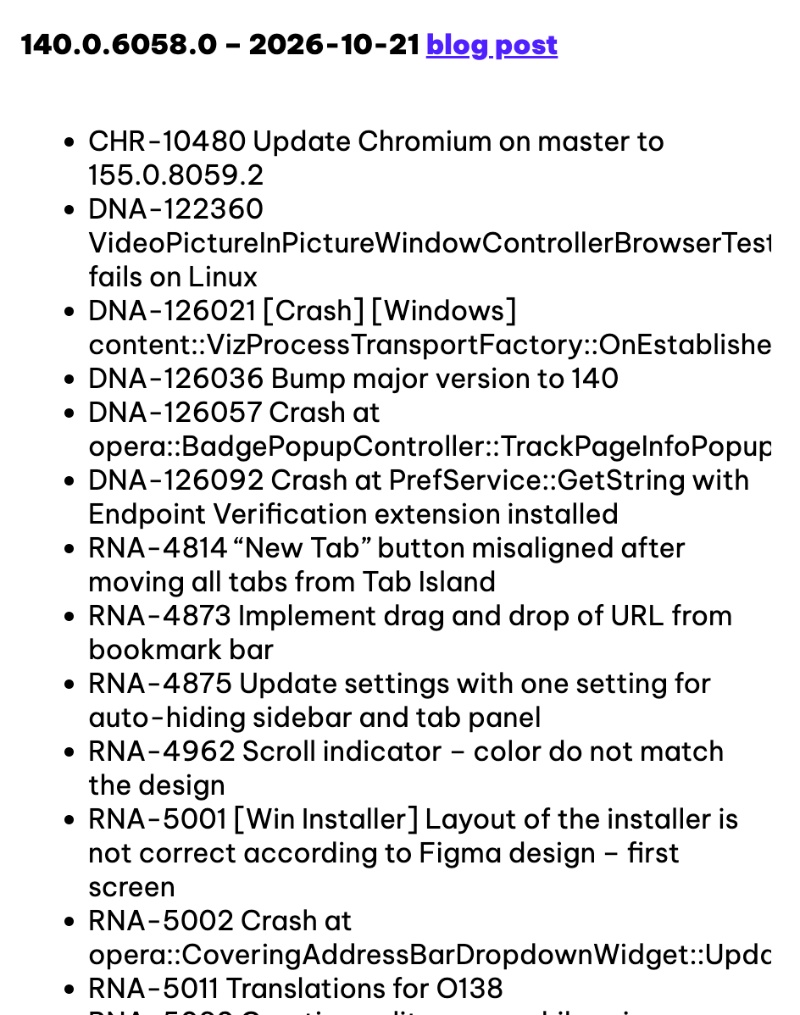
A partial screenshot that shows the changelog has been attached below, since the entire list is quite long. It was officially published in an Opera blog.
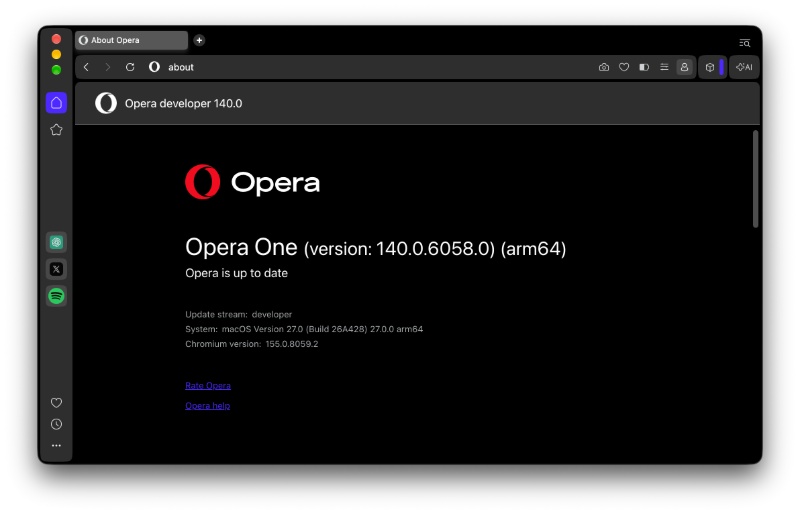
Head over to “About Opera,” and you’ll find the v140 Developer update ready to go.
Below is a simplified list of the most noticeable changes in Opera 140 Developer:
- The “Make Opera Yours” personalization widget has been refreshed: After installing the browser, the personalization panel is now smoother and has better theme selection, clearer text, and improved hover effects. It just makes browser customization feel nicer.
- New Opera logo on the welcome screen: The welcome screen now shows the updated logo instead of the old one.
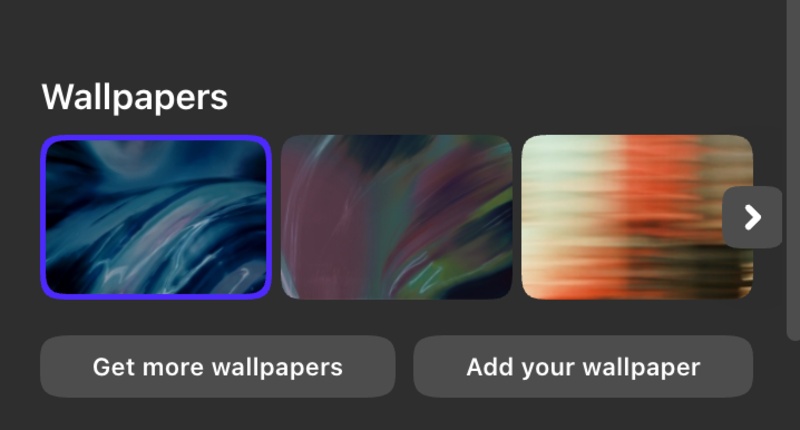
- Updated wallpapers: The new wallpaper options have been added to the browser’s onboarding. The default wallpaper for the Classic theme has also been refreshed.
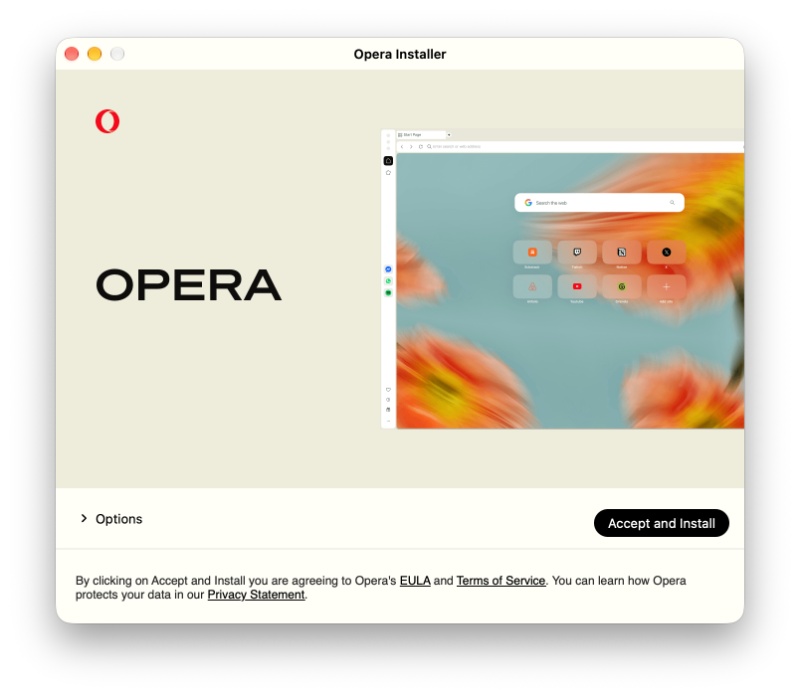
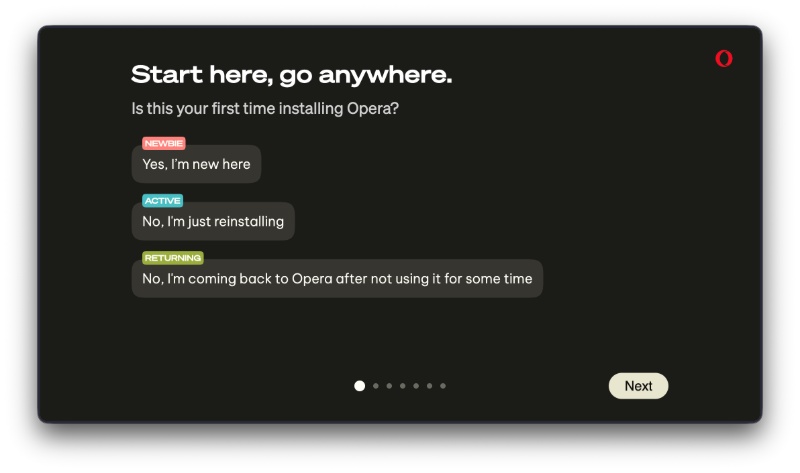
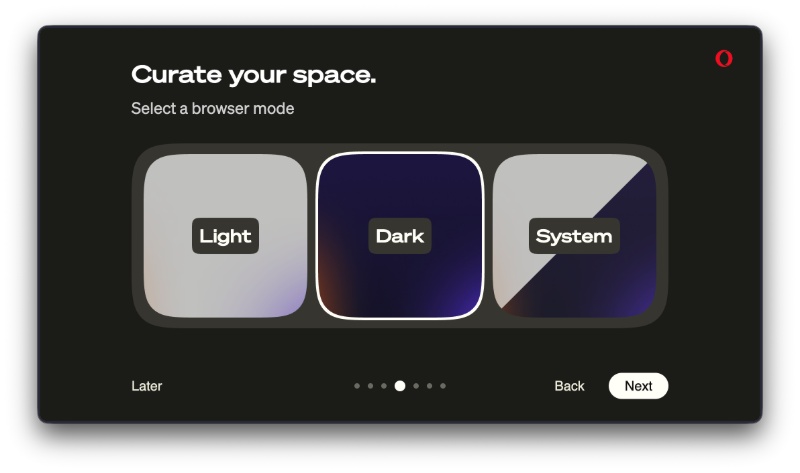
- The installer got a visual refresh: The installation screens look better in terms of layouts, colors, and controls. I reinstalled Opera Developer to check for this, and you can take a look at the screenshots below.
- For auto-hiding the sidebar and vertical tabs, you’ll find a setting to unifiy/combine them. If you use it, the sidebar will collapse along with the vertical tab strip.
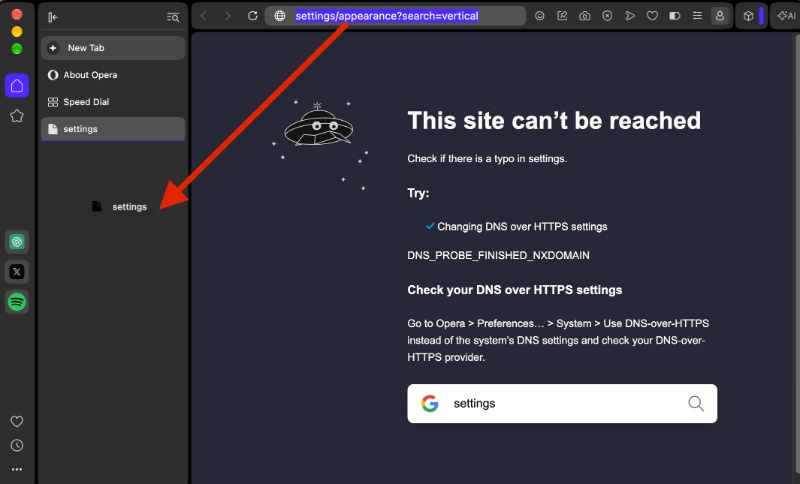
- You can drag and drop URLs from the bookmark bar.
- Bugs/issues with the AI side panel have been fixed.
- Glitches with split screen + chat panel have been resolved.
- Various other polishes to the onboarding and setup, crash fixes, UI polish, translation updates, minor visual tweaks, and Chromium has been updated to Chromium v155 for better security.
Note: We’ve only picked out the important, user-facing changes in this Developer version. The entire changelog is available here. Moreover, developer versions are prone to instability, so it’s not recommended as your main browser. The Linux packages aren’t available for now, and Opera says they’ll be provided soon.
Furthermore, the comment section of the official announcement post mentions some interesting information:
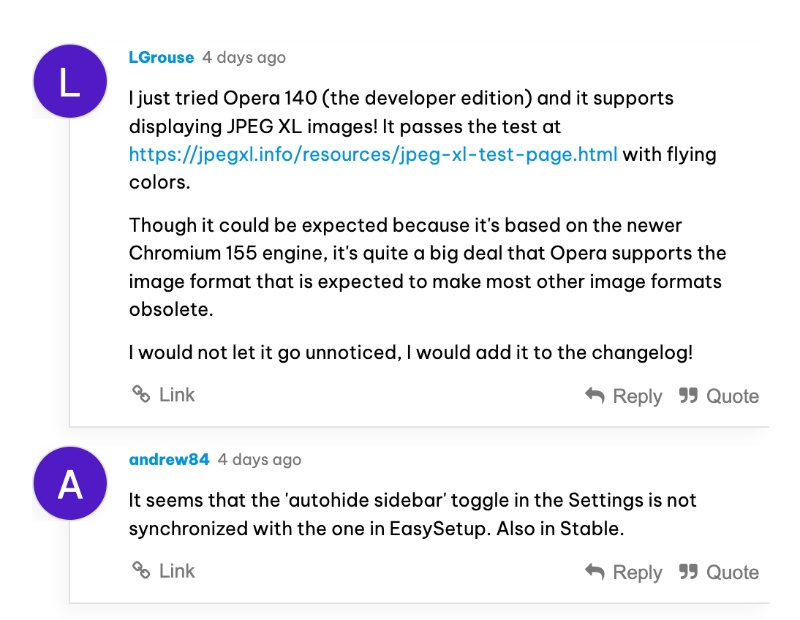
- It supports displaying the JPEG XL image format.
- The “autohide sidebar” toggle may not be synchronized with the one in EasySetup.
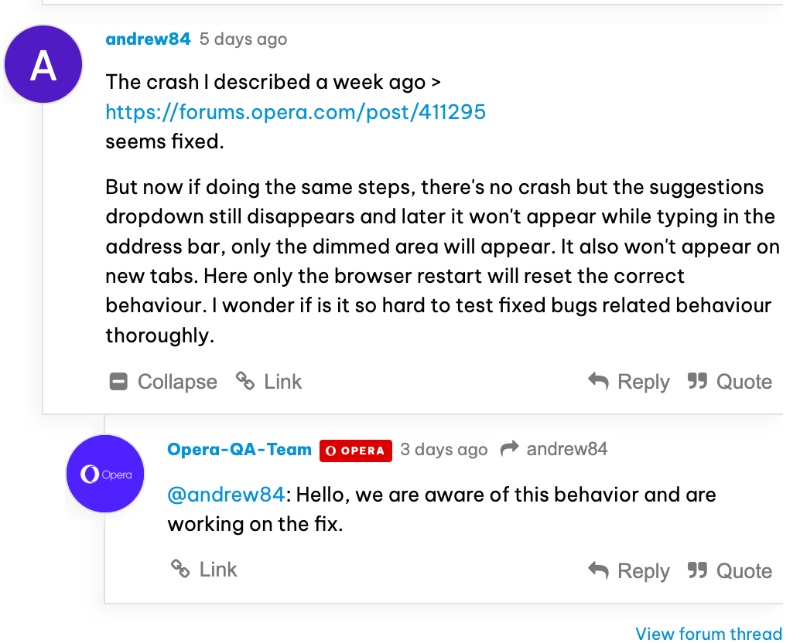
- Opera is aware of a specifically described crashing issue.


Sudhanshu K
348 Posts
I have been a consumer technology enthusiast for over 5 years. Thanks to my experience in software beta testing and product reviews, I've understood and learnt a lot about what bugs and issues bother people, and I spend time trying to simplify their solutions. I cover smartphones, software, social media, apps, AI, and most consumer tech gadgets. Actively pursuing a Computer Science bachelor’s degree. I'm mostly active on Twitter/X (@TechWhirlUlt), drop a DM or tag me if you want to share info or connect!