





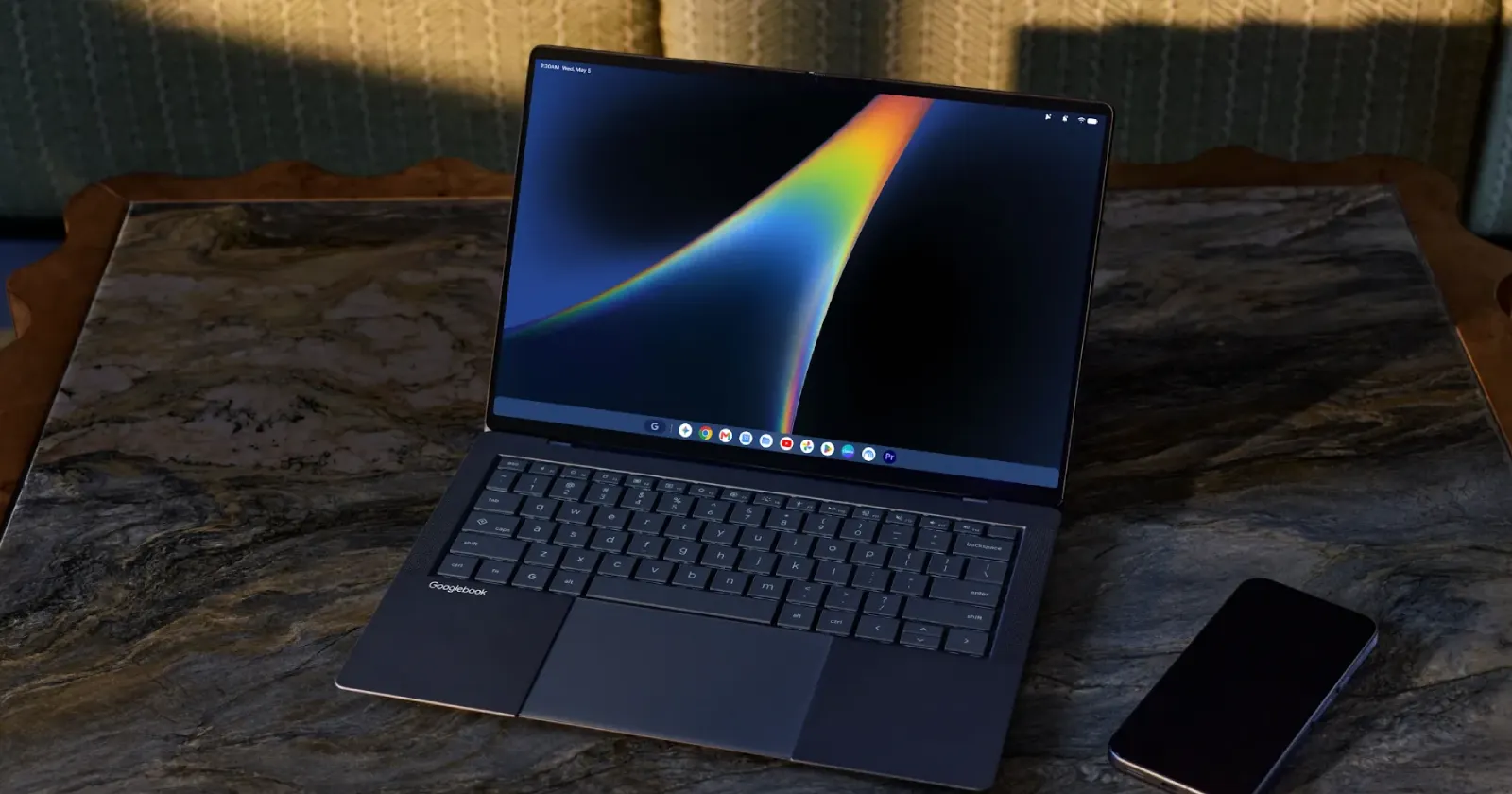
Google has released a fresh Chrome update, version M156, for Googlebooks through the Play Store. This new build is here to squash several annoying browser bugs that early buyers have been complaining about since day one.
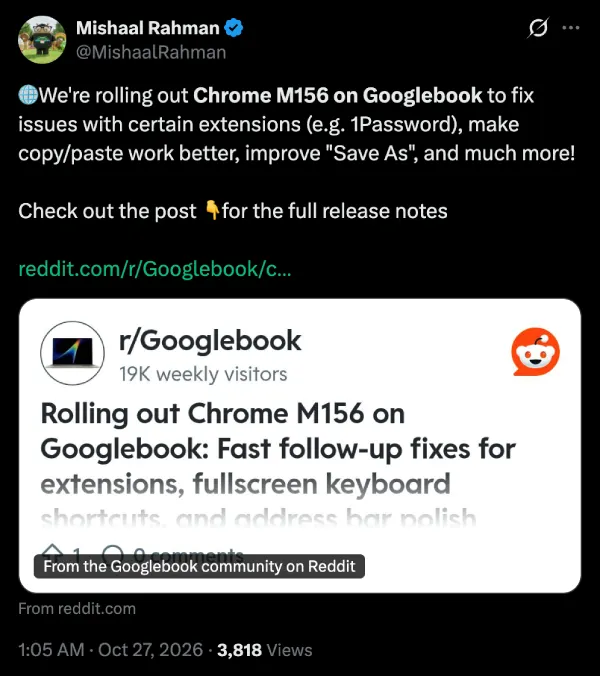
Google employee Mishaal Rahman shared the release details on X and Reddit earlier today, noting that the team is “working hard to address the top pain points you’ve raised.”
Just two weeks ago, the company shipped an update that brought true windowed web apps to Googlebook after people noticed regular websites were just opening as basic tabs.
One big fix that comes with the M156 update is related to password managers like 1Password. Before this patch, simply clicking into a text box or typing your master password inside an extension popup could crash the whole browser if you had a third-party autofill service turned on in the system settings.
Uninstalling extensions like Teleparty that open a goodbye page will also stop crashing all your open windows. And if you had a weird habit of dragging tabs between windows while your cursor was active in the address bar, that won’t blow up your browsing session anymore either.
Multitasking gets a major quality-of-life boost, too — especially if you use cloud gaming services like GeForce NOW. Fullscreen apps that lock your keyboard used to keep you stuck in the window, so you had to hold down the Escape key to get out. Now, Alt+Tab lets you switch windows just like you would on a regular computer.
You’ll also be able to copy large tables or several pages of text in Google Docs without running into a clipboard error. Those frustrating “Sign in with Google” popups on sites like Reddit or Canva can now be closed by clicking the X button. Plus, you’ll get a proper “Save As” prompt to rename downloads and choose where to save them, along with a fix for duplicate files that add numbers after the file extension and cause problems in the Files app.
Some big features are still missing in action, though. We already know Chrome on Googlebooks will soon support multiple user profiles, and Rahman reiterated that profile switching and tab group syncing are still being worked on alongside a fix for local Google Cast devices not showing up automatically.


Dwayne Cubbins
3152 Posts
I cover fast-moving stories across apps, online platforms, and everyday tech — phones, wearables, consoles, and whatever else people are fighting with this week. Bugs, rollouts, scams, policy enforcement, and the occasional internet-culture rabbit hole are all fair game. My goal is simple — make confusing tech news readable. When I'm not working, I'm working out or chilling with my dog. Got a tip? You can find me on X @dcubbins.