





Introducing Context Awareness. Your browser is now your second brain.
— Chanhee (@hiddnest) October 22, 2026
⋅ Remember everything on your screen
⋅ No need to explain your context every time
⋅ Saved privately on your device
⋅ Connect Aside as memory for your personal assistanthttps://t.co/08xrkg9IKV pic.twitter.com/wfBMwvqXHI
Aside co-founder Chanhee just announced Context Awareness on X, bringing one of the most interesting parts of the upcoming Aside v2 roadmap to users early. The feature turns the browser into a local memory bank that tracks everything on your screen, so you do not have to explain yourself to AI every time.
Instead of making you paste links or write long prompts, Aside quietly logs what you are doing across your tabs and saves it privately on your device.
In the demo clip, it tracks someone jumping between a Google Meet call, code reviews, and a Slack message they typed on Friday afternoon but closed without hitting send. When a user in the replies asked if it really remembers a reply you never sent, Chanhee simply answered “yeah”.
When you’re back on Monday and ask Aside to reply to that coworker, it’ll already know which files still need a review, what you decided on the call, and where you left off with the draft before the weekend.
You can also connect this memory to other personal assistants, so they know what you have been browsing, such as an apartment listing you liked earlier in the week. Chanhee noted that “for now, your agent can retrieve some summaries via ‘aside memory’ command,” though deeper coding agent support could follow.
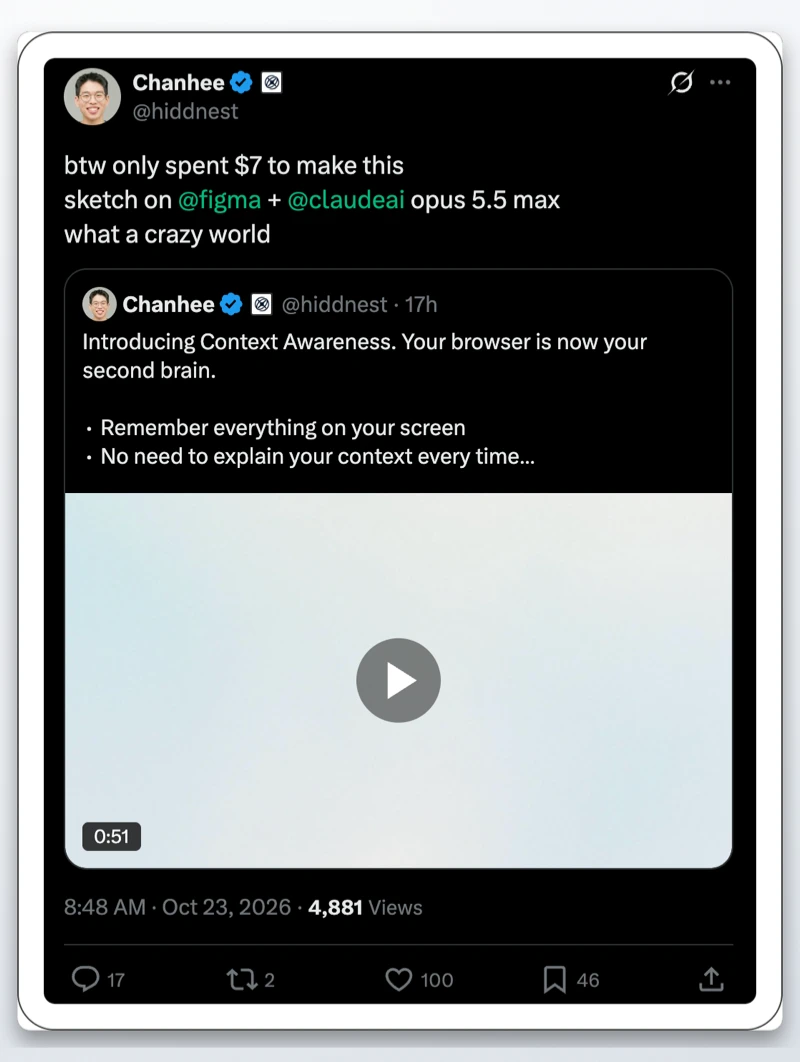
He even mentioned in a follow-up X post that he “only spent $7 to make this sketch” for the promo video by generating the animations through code using Figma and Claude Opus 5.5 Max.
This feature lands just days after the team promised an update to cut down bot detection across websites and hinted at a Windows on ARM build.

We stand out from the tech-media crowd because we break news stories; we mainly bring you stuff that you won’t find anywhere in the mainstream tech media. Our stories have been picked up by some of the world’s most popular websites and media outlets—more info is available here.

Dwayne Cubbins
3146 Posts
I cover fast-moving stories across apps, online platforms, and everyday tech — phones, wearables, consoles, and whatever else people are fighting with this week. Bugs, rollouts, scams, policy enforcement, and the occasional internet-culture rabbit hole are all fair game. My goal is simple — make confusing tech news readable. When I'm not working, I'm working out or chilling with my dog. Got a tip? You can find me on X @dcubbins.