





A new update has just arrived on the Midori browser, and it finally brings very intuitive gestures that drastically improve usability. There are some lighter improvements too, such as refinements to the ad blocker and some new wallpapers for the New Tab page.
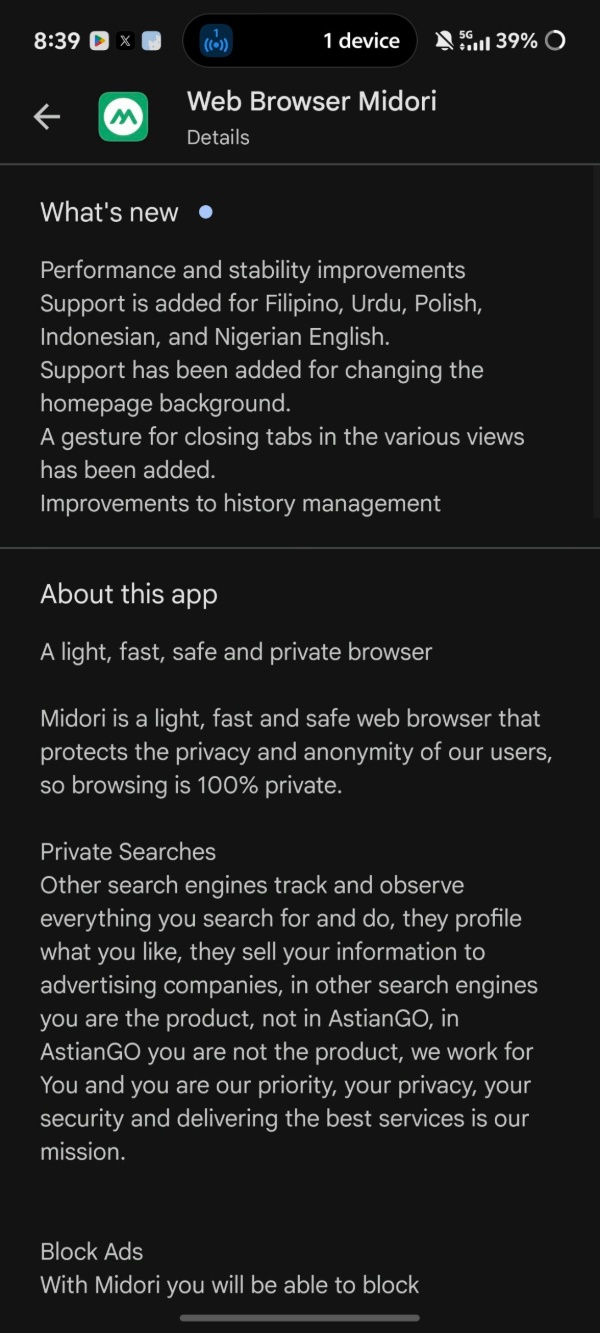
There are three major changes that have been introduced with this update, and the company published the entire Release Notes in a blog. We have attached an image that shows the changelog below.
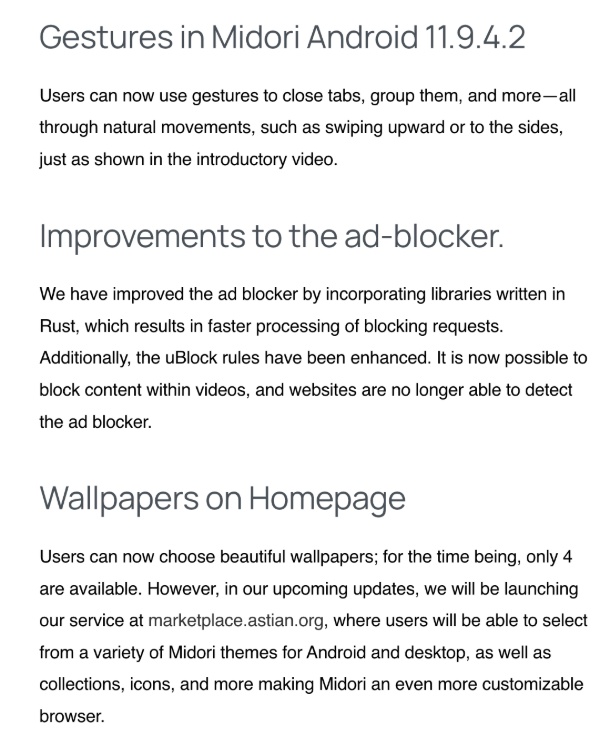
Here’s what’s exactly new, and how it impacts your experience:
- The gesture system: If you use gesture navigation, you’ll already be familiar with this. Every movement feels natural. Swipe up, and it’ll minimize your tab into Recents.
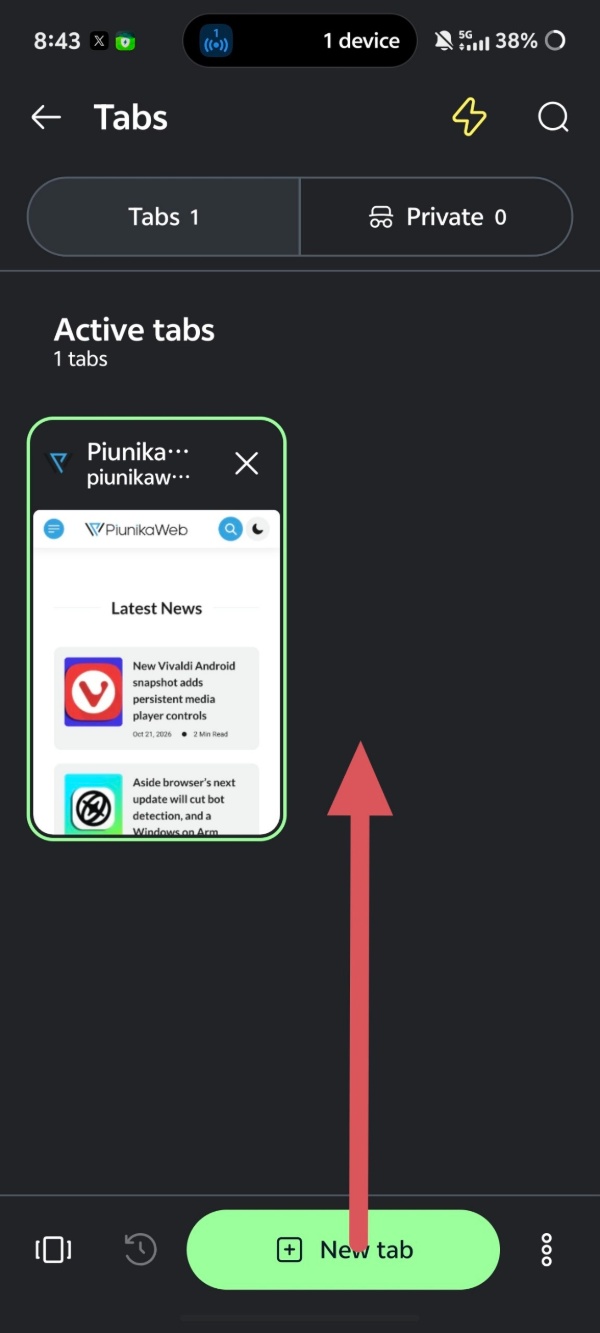
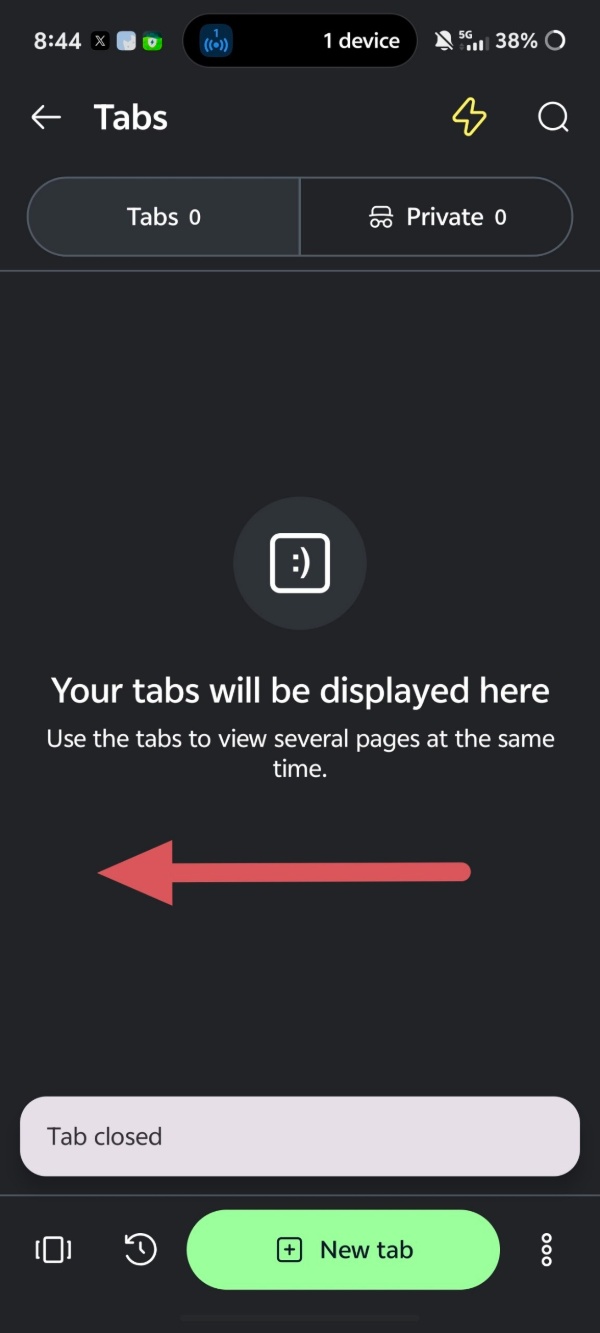
Swipe to the left or right, and the tab window closes.
Want to group tabs? Just long-press on a specific tab, and it’ll “rise” up. All you have to do is place it on top of another existing tab, and it’ll create a group automatically.
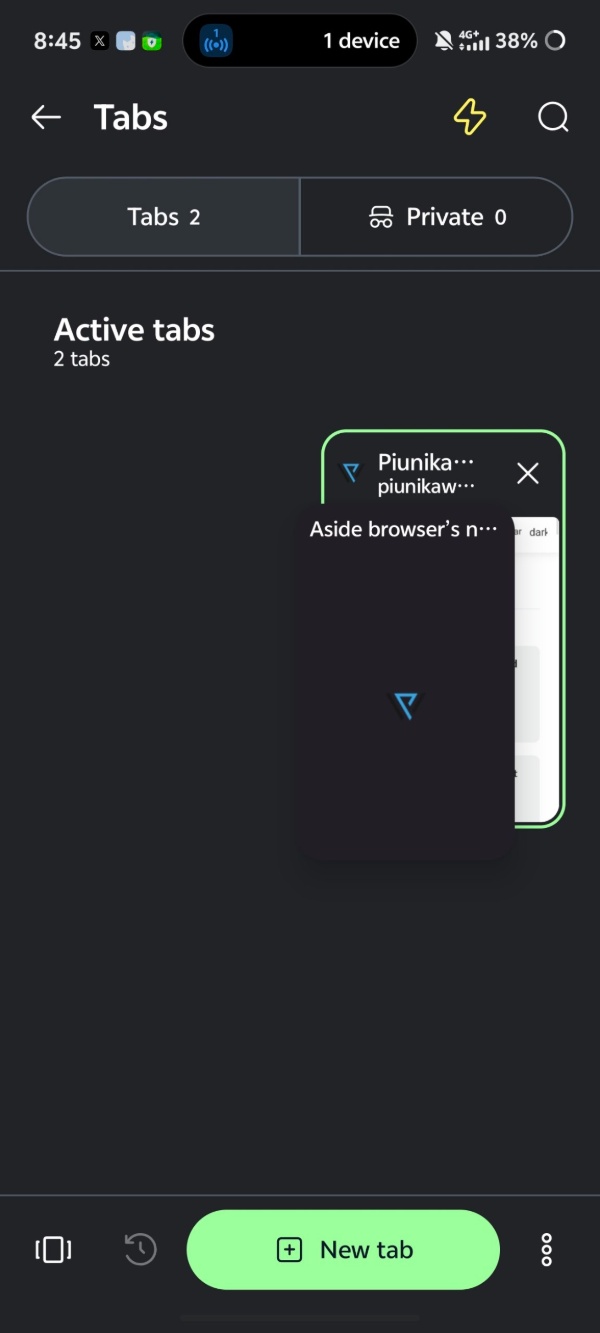
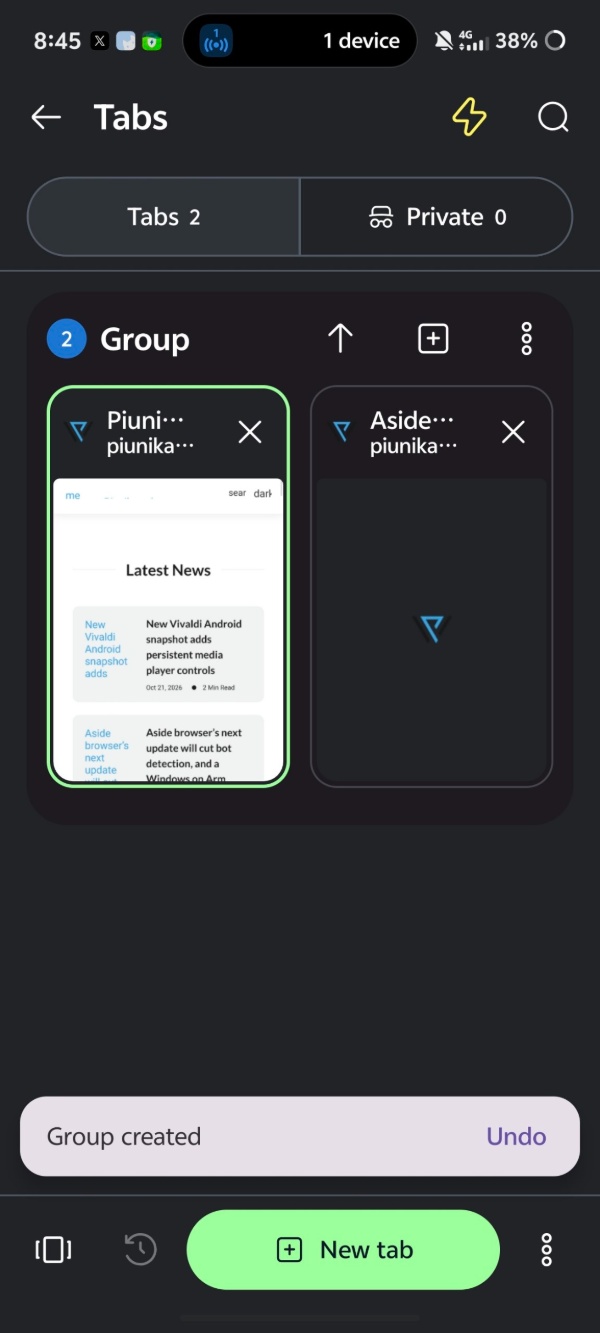
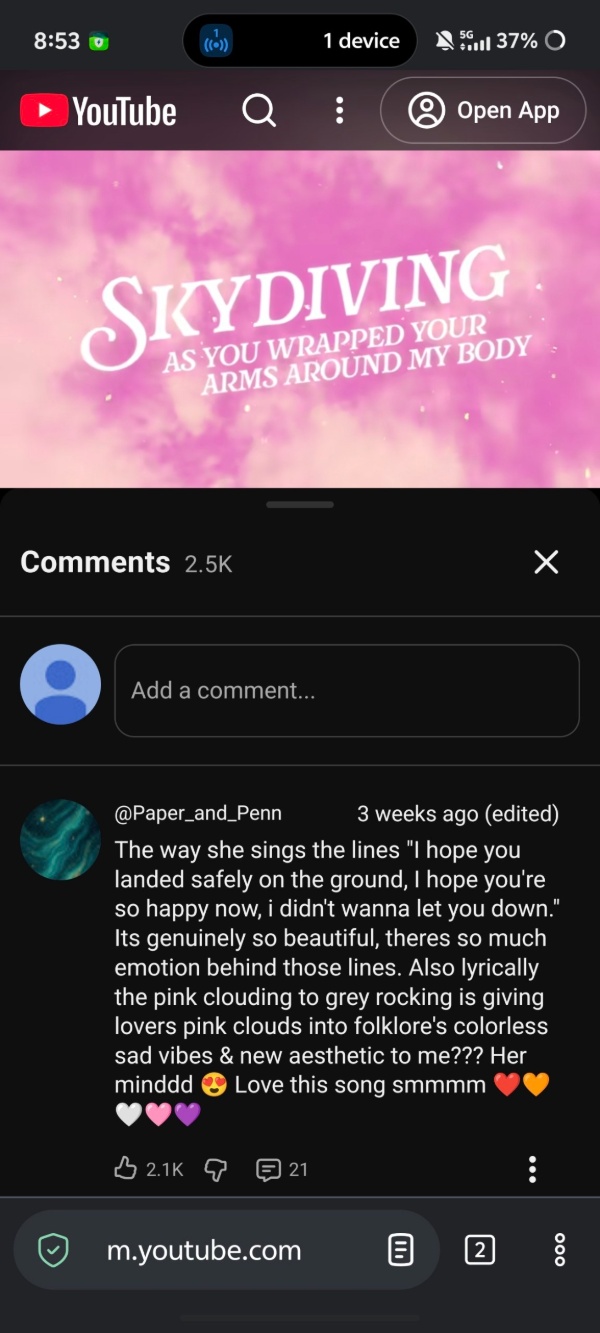
It’s really simple to get the hang of. However, a major criticism of the feature: None of this is animated, and it feels abrupt with missing transitions. It’s snappy, but not visually pleasing. - They have used Rust libraries to improve the built-in ad blocker. It can process requests faster now. However, these aren’t the major changes. The big one is that it can now effectively block YouTube/video ads entirely. I performed a test with a YouTube video, and sure enough, the video doesn’t display any ads whatsoever.
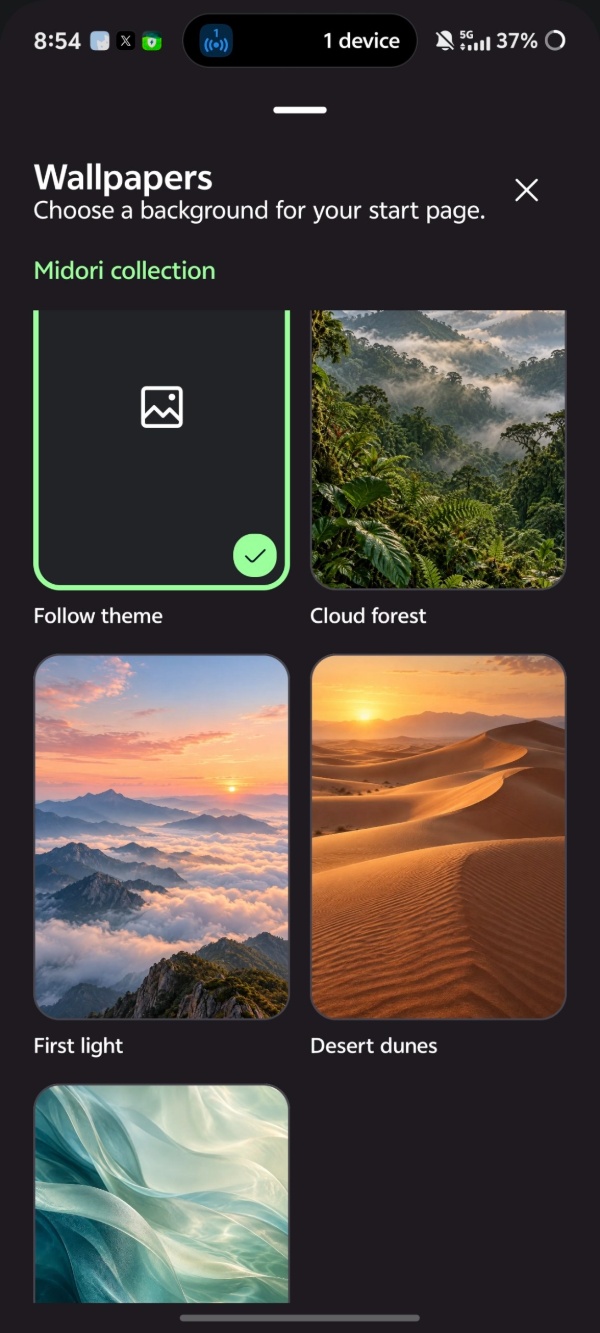
- If you’re bored of the 4 default available wallpapers for the New Tab page, you can visit this website to get some new themes to improve the customization. But this service is “upcoming,” and visiting that website returns a “can’t be reached” error. It’s unclear when these themes will be available, but they’re not present at the time of writing. Unfortunately, the same default four wallpapers show up for now.
You can find the entire list of changes in the official blog post. In the same attached link, Midori has also attached a video that shows all of the gestures in action.
Just as I was wrapping this up, I noticed that the changelog in the Release Notes section of the Google Play Store mentions a few other changes. There are performance improvements, support for more languages, and improvements to the history management as well, included in this same update.
In case you missed it, you now get various additional services within the browser with an Astian account. More on that here.


Sudhanshu K
341 Posts
I have been a consumer technology enthusiast for over 5 years. Thanks to my experience in software beta testing and product reviews, I've understood and learnt a lot about what bugs and issues bother people, and I spend time trying to simplify their solutions. I cover smartphones, software, social media, apps, AI, and most consumer tech gadgets. Actively pursuing a Computer Science bachelor’s degree. I'm mostly active on Twitter/X (@TechWhirlUlt), drop a DM or tag me if you want to share info or connect!