






Astian recently released the Midori v11.9.4 update on Android. It focuses on making some aspects of the browser easier to use. The entire update is centered around user-friendliness, changes to the main menu, some new ways of handling open tabs, improvements to password management, and more.
One of the biggest changes is how you view and organize your open tabs. The tab viewer now offers three different modes: Carousel, List, and Grid.
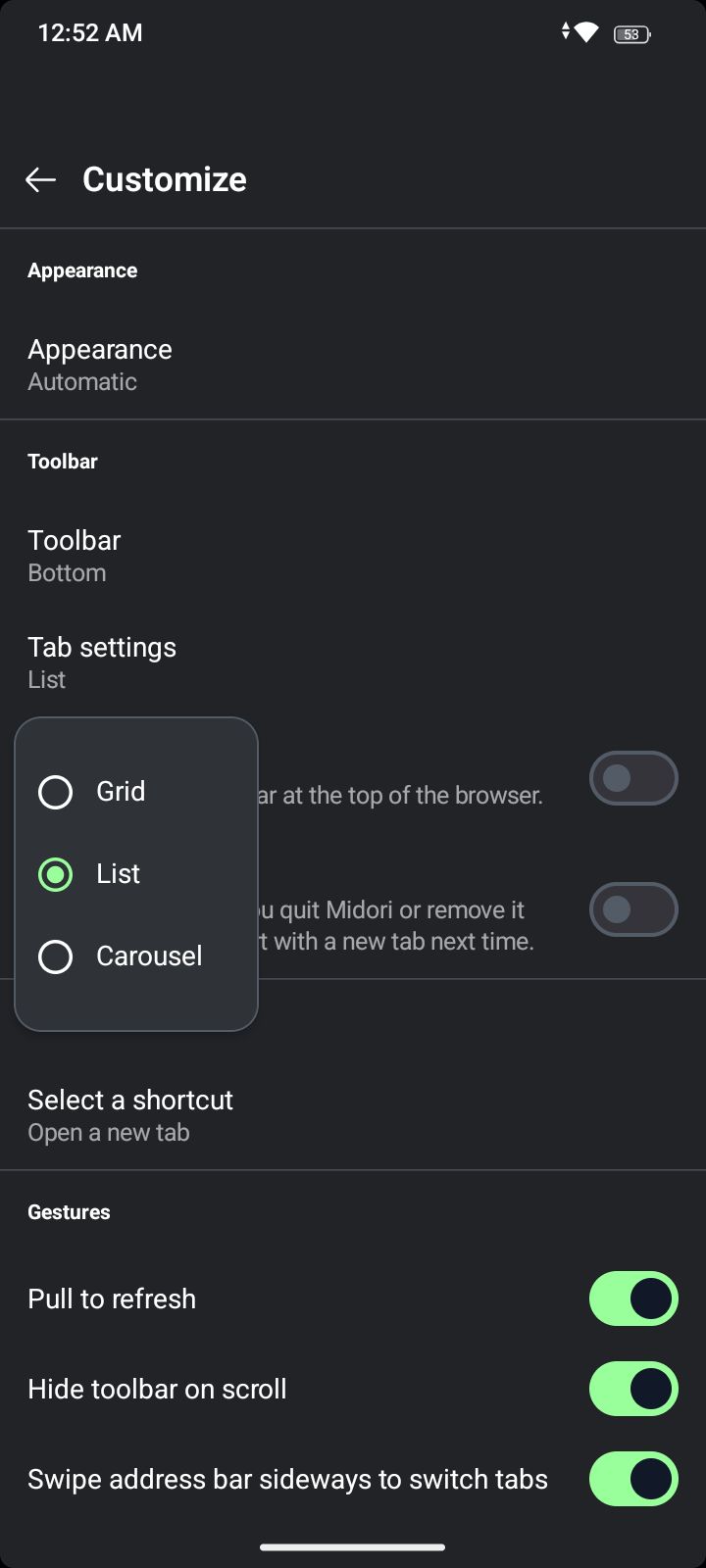
To access the feature, you’ll need to head over to Settings and then select the Tab customization option from there.
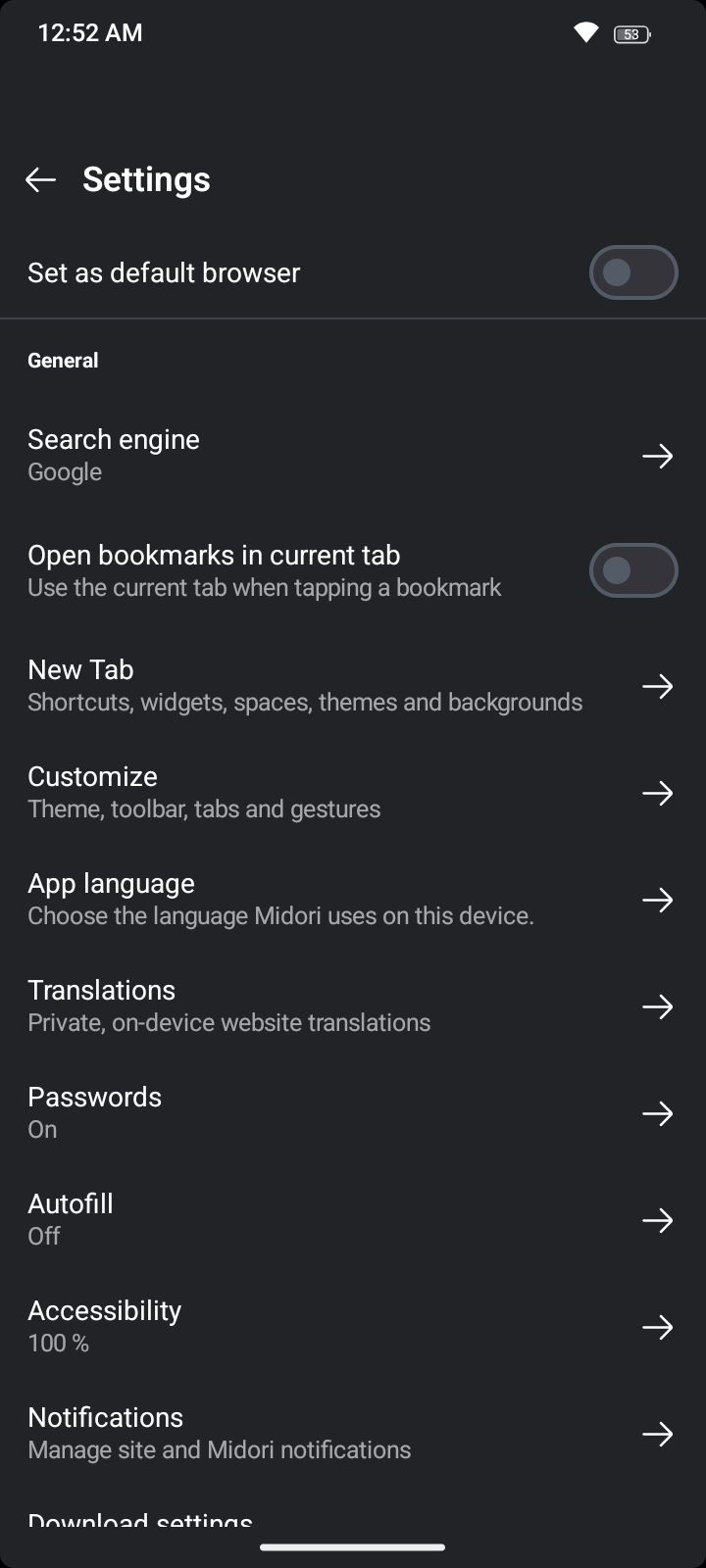
In Carousel mode, you can swipe through tabs as you flip through photos.
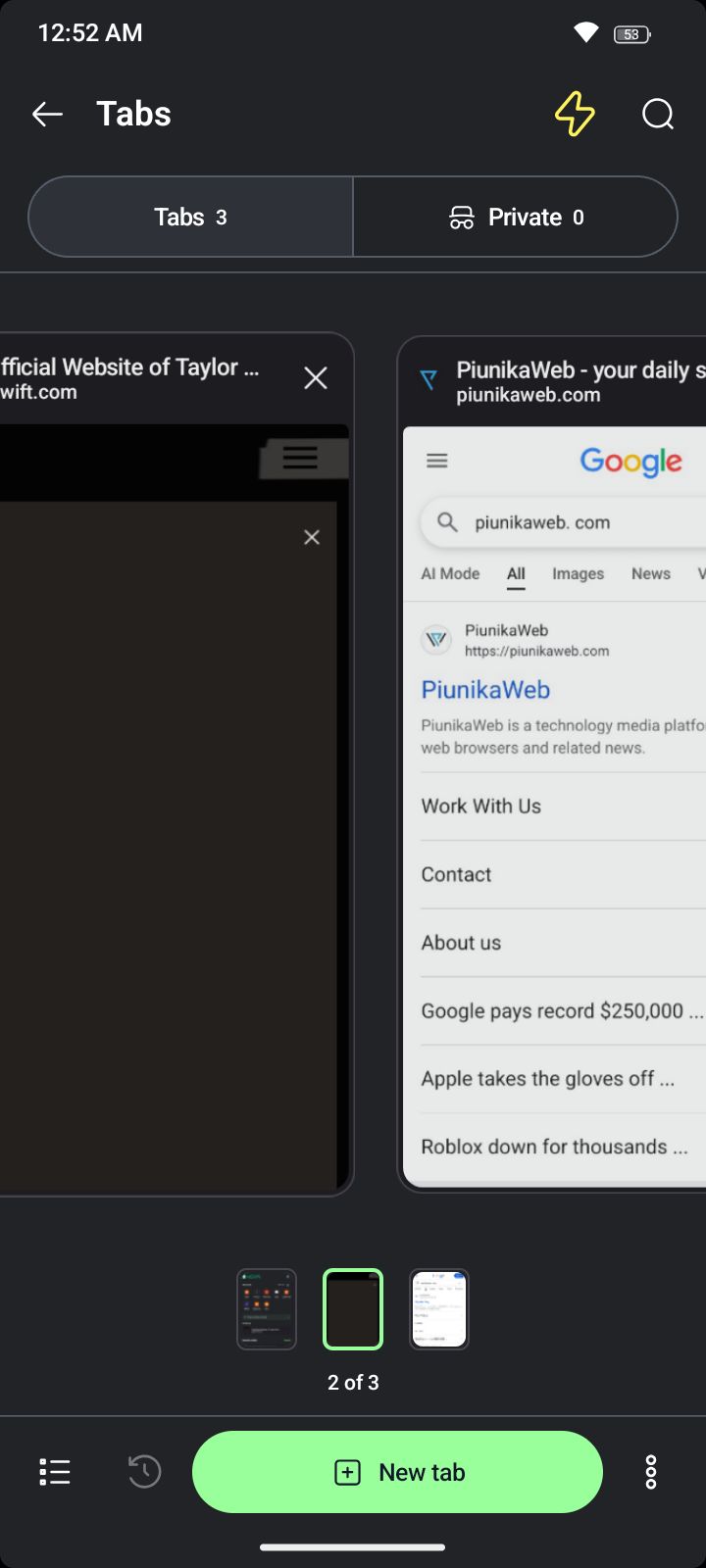
List mode… shows the tabs in a straightforward vertical list.
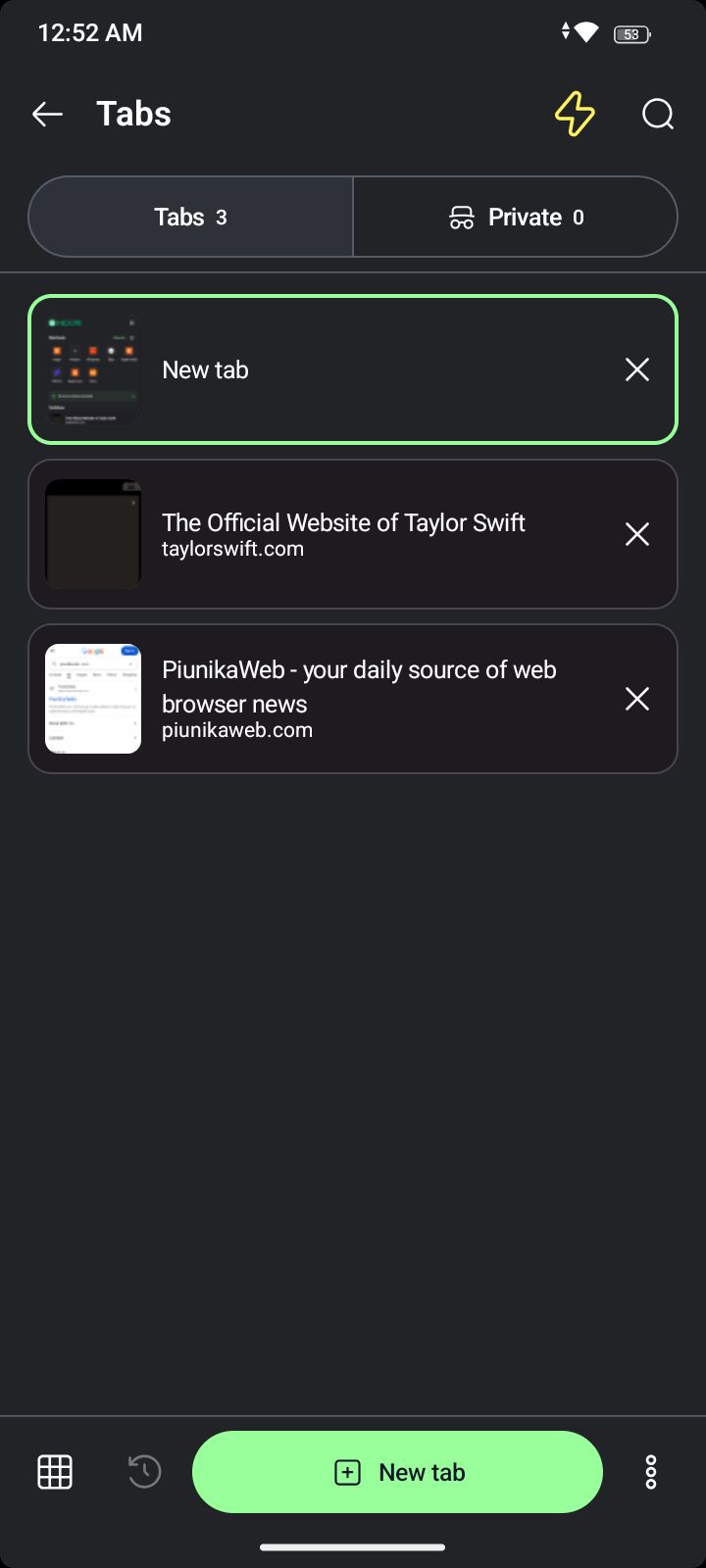
Finally, Grid mode displays the tabs as tiles. This is the default mode that’s enabled when you install the browser. Astian goes on to explain that these options improve the organization and management of your browser tabs overall.
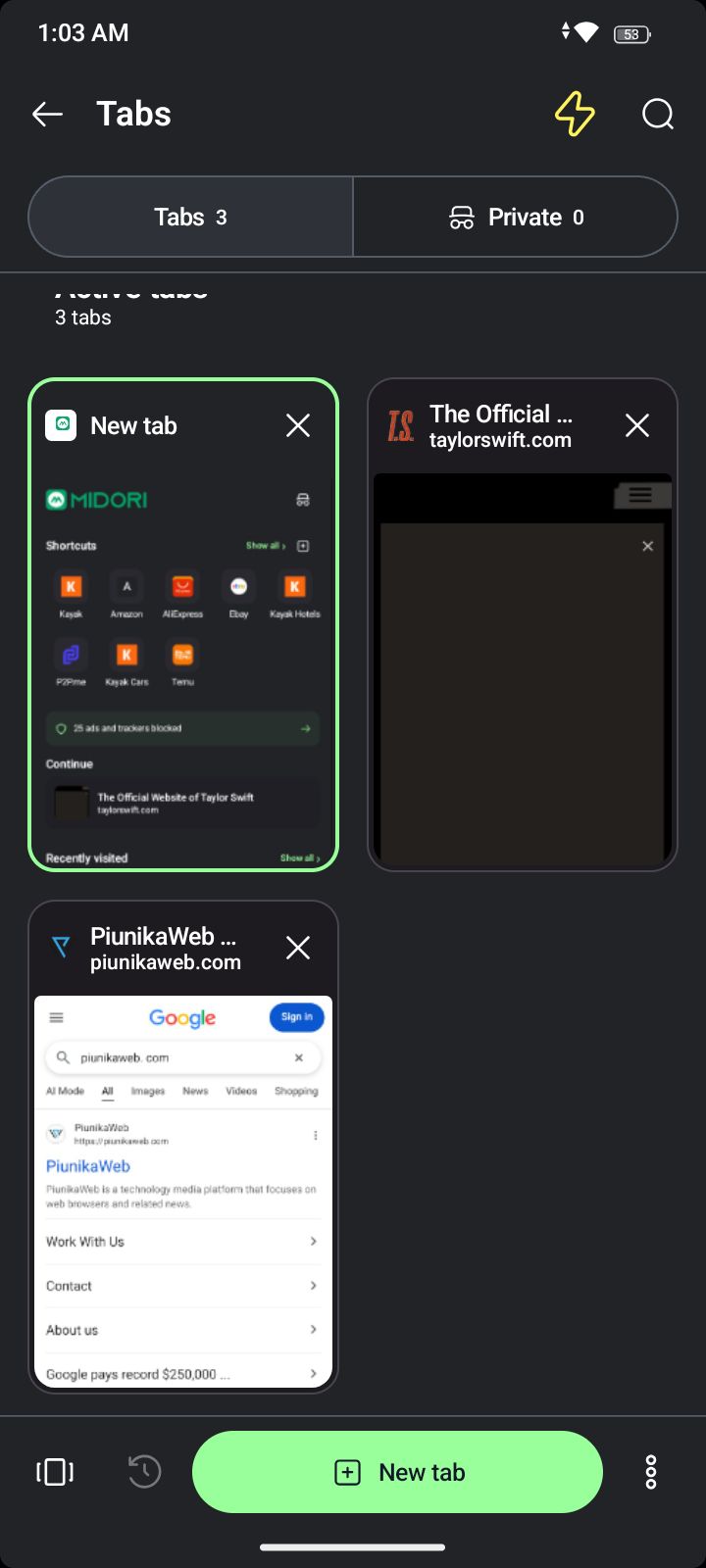
The latest version of Midori also uses memory more efficiently when you have a large number of tabs open, so the browser stays responsive and fast even if you have many pages active.
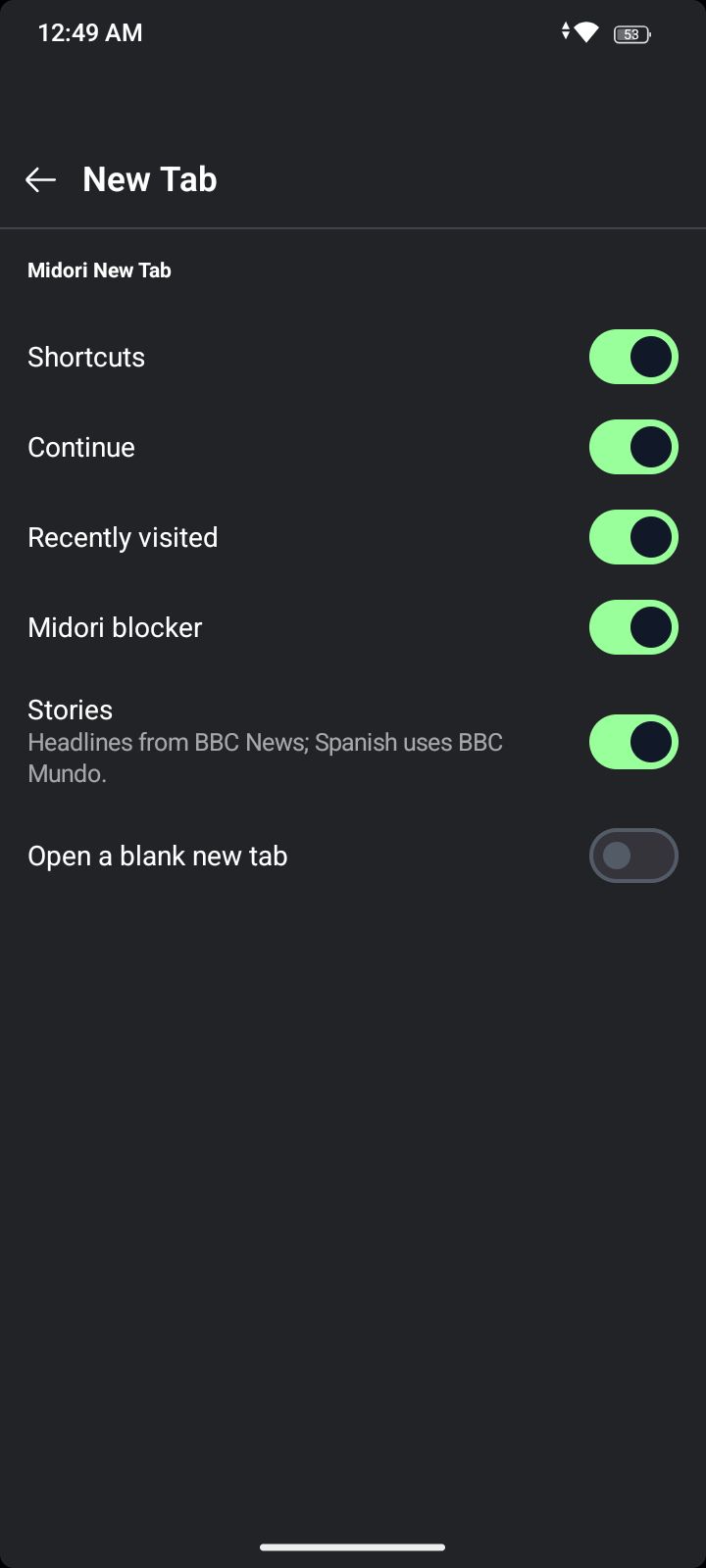
Furthermore, there are changes to the New Tab page. Previously, it relied on adapted code from the desktop version of Midori’s New Tab page. This approach was a potential security risk, so Asitan has switched to a fully native solution now. In future updates, the company is planning to add features such as custom wallpapers and color choices as well.
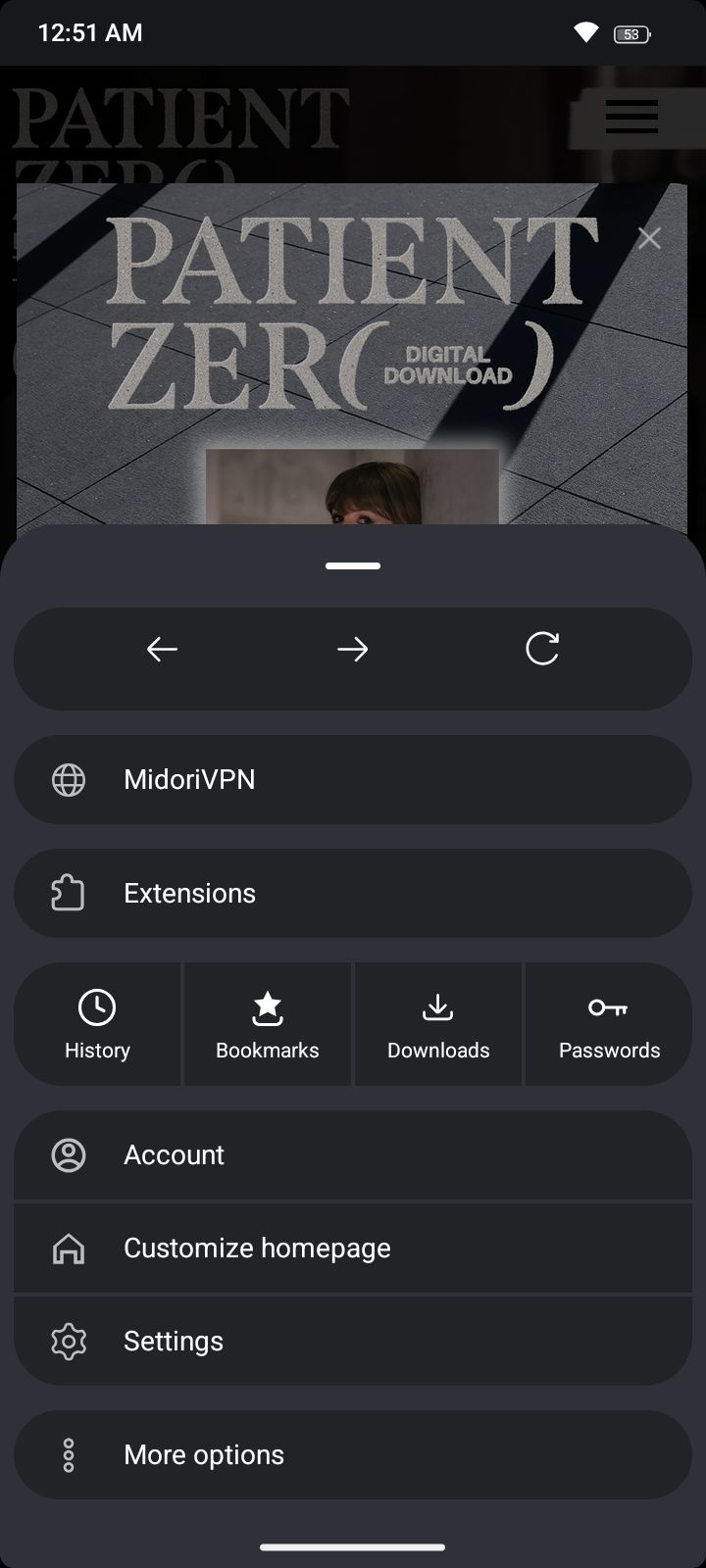
Moving to the main menu, it has also been redesigned to feel simpler. You can create an Astian account directly from the menu now. With an Astian account, you can enable sync; it’s a preview of Midori sync for both mobile and desktop. We previously covered a story on the various services Astian is planning to offer.
You can view the entire blog post about the update here. Curious about what the previous update added? More on that here.


Sudhanshu K
332 Posts
I have been a consumer technology enthusiast for over 5 years. Thanks to my experience in software beta testing and product reviews, I've understood and learnt a lot about what bugs and issues bother people, and I spend time trying to simplify their solutions. I cover smartphones, software, social media, apps, AI, and most consumer tech gadgets. Actively pursuing a Computer Science bachelor’s degree. I'm mostly active on Twitter/X (@TechWhirlUlt), drop a DM or tag me if you want to share info or connect!