






Mozilla rolled out Firefox DevTools MCP 0.10.6 a few days ago, giving AI assistants a much less annoying way to interact with your open browser tabs.
If you have not messed around with it yet, this tool basically acts as a bridge that lets AI agents like Claude or Cursor look inside Firefox and click around on your behalf. It fits right into the company’s wider strategy after Mozilla launched its new AI-era nonprofit earlier this year to coordinate these exact kinds of projects.
The headline addition in version 0.10.6 is a new print_page command that lets an AI assistant export whatever web page you are viewing directly into a PDF file.
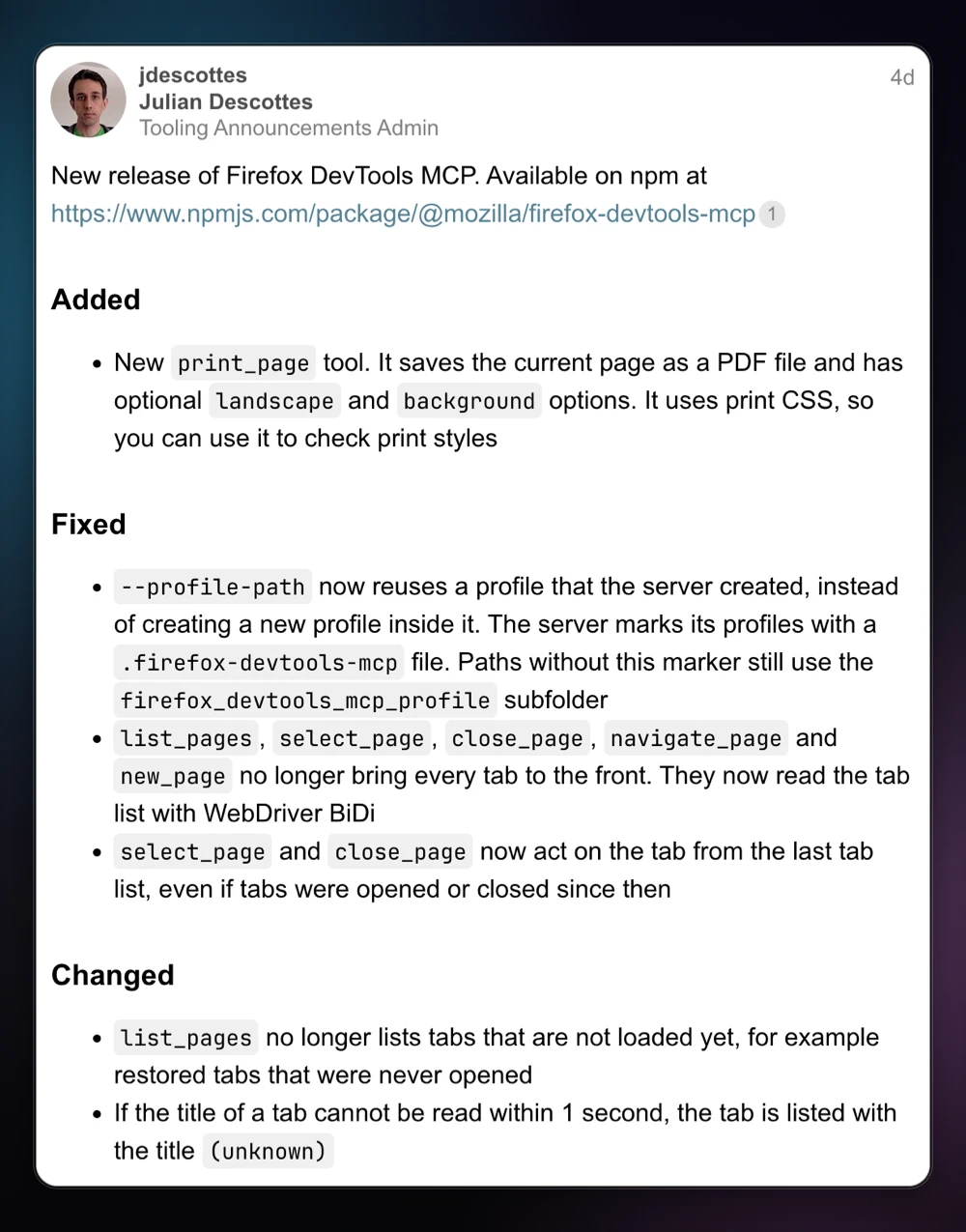
Mozilla developer Julian Descottes noted in the release announcement that it “saves the current page as a PDF file and has optional landscape and background options” while added support “uses print CSS, so you can use it to check print styles” without manually opening the print preview menu yourself.
What you will probably appreciate more in day-to-day use is how the tool handles background tabs now. Previously, asking an AI agent to list, navigate, or close pages would aggressively pull every single tab to the front of your screen.
The update also stops the tool from listing unloaded or restored tabs from old sessions that you have not actually clicked on yet. If a tab takes longer than a second to hand over its title, the server just labels it as unknown and moves on instead of getting stuck.
Mozilla also fixed one annoying issue with profile paths where the server kept generating new nested folders instead of reusing the existing browser profile it already made. Now it drops a tiny marker file inside the folder so it remembers to reuse the same spot next time.
Of course, letting bots poke around your browser comes with valid concerns, especially since we recently saw how a Firefox AI chatbot flaw could expose email login codes through a malicious website.


Dwayne Cubbins
3130 Posts
I cover fast-moving stories across apps, online platforms, and everyday tech — phones, wearables, consoles, and whatever else people are fighting with this week. Bugs, rollouts, scams, policy enforcement, and the occasional internet-culture rabbit hole are all fair game. My goal is simple — make confusing tech news readable. When I'm not working, I'm working out or chilling with my dog. Got a tip? You can find me on X @dcubbins.