





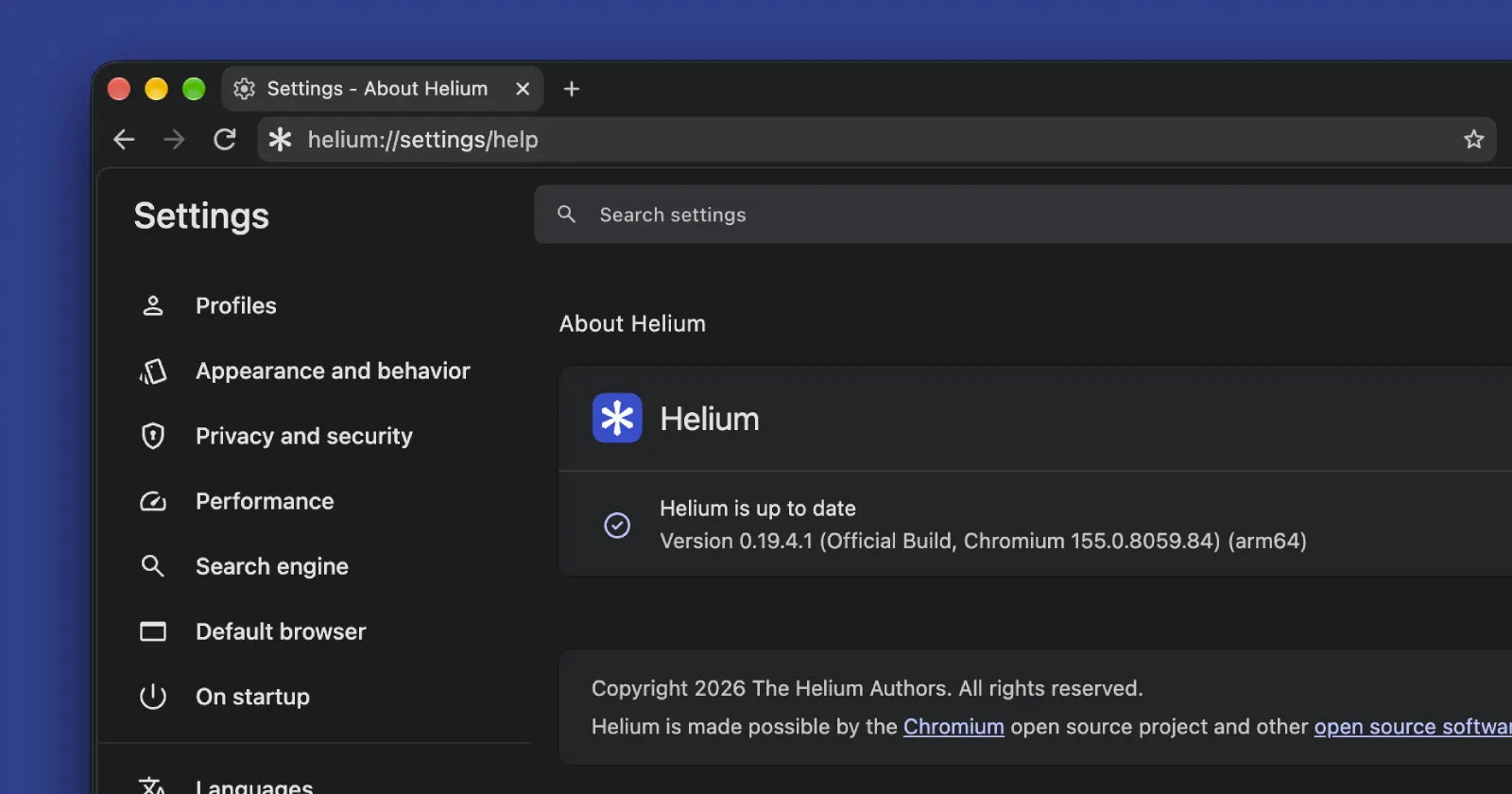
The developer behind the open-source Helium browser has rolled out version 0.19.4 on GitHub, shipping an upgraded Chromium engine alongside fixes for data syncing and everyday interface annoyances.
A big chunk of the work in this release focuses on the browser’s private vault feature, which handles syncing without relying on Google’s servers.
The changelog notes that the update is meant to “simplify the private vault protocol” and changes how the browser stores snapshots and small data updates in the background. This should make syncing across devices much less finicky, at least on paper.
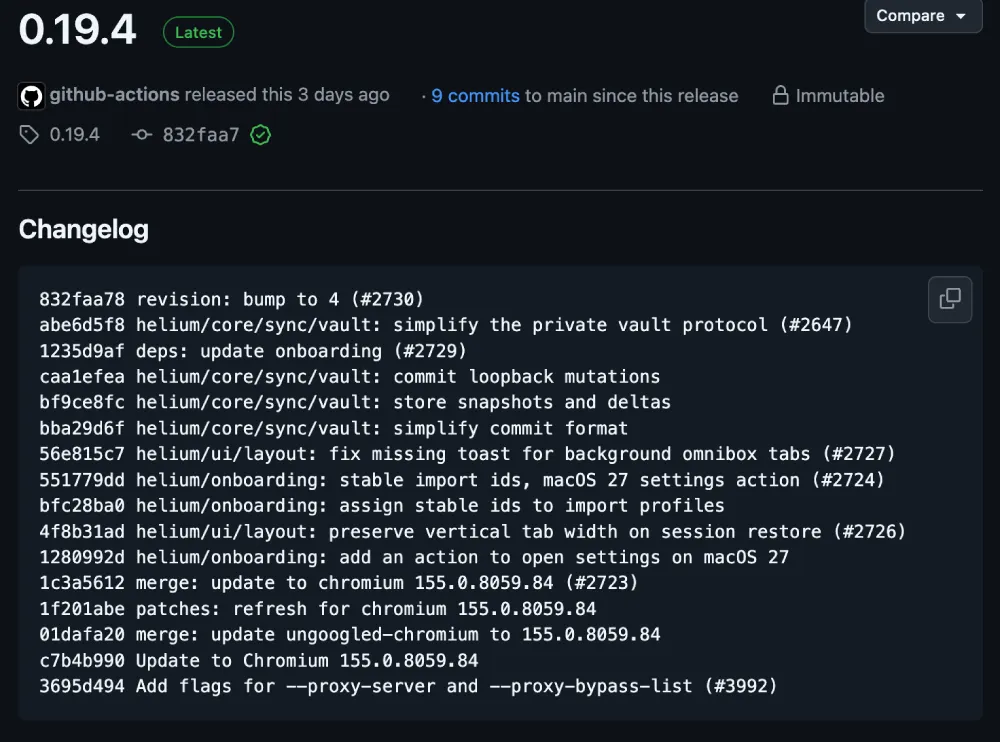
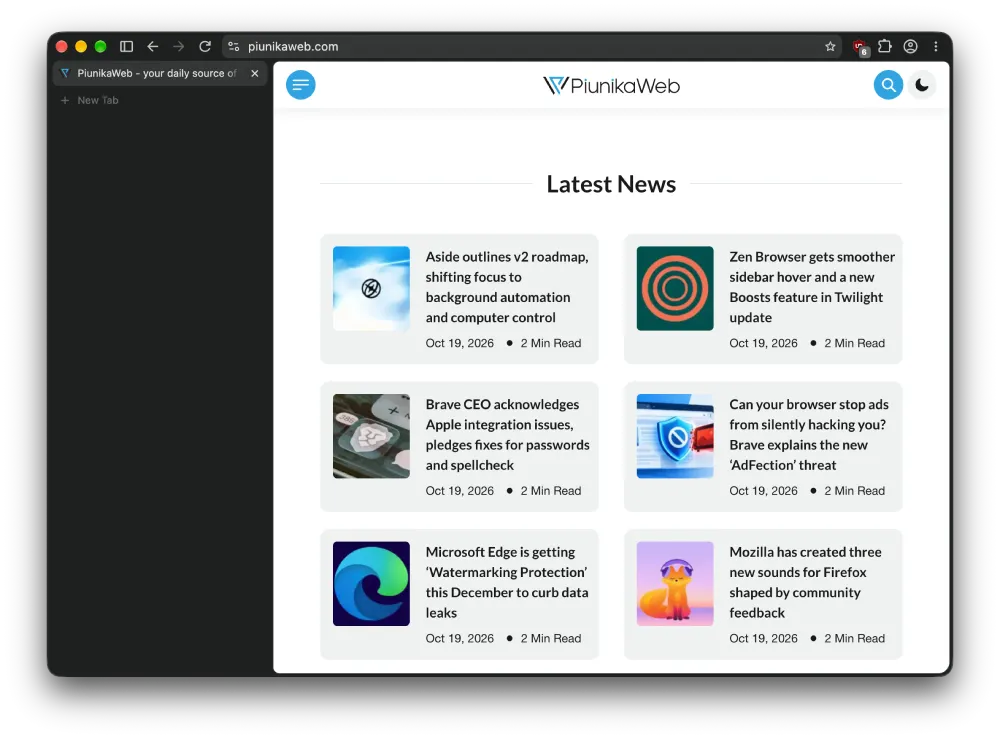
Anyone who relies on vertical tabs will probably care even more about one of the layout fixes included in this build. Reopening the browser used to reset the size of your tab sidebar at times, so this patch makes sure to “preserve vertical tab width on session restore” while also fixing a missing pop-up toast when you open background tabs from the address bar.
To test the claim, I made the sidebar wider than usual to see if it would reset. Despite closing opening and closing the browser many times, the sidebar width remained the same.
People setting up the browser on macOS 27 will also spot a new action during onboarding to jump straight into system settings, paired with a fix that keeps imported browser profiles from getting mixed up.
Doubling down on desktop polish makes plenty of sense right now, especially after the developer recently tested an iOS build before hitting reset on the mobile version because it just felt like a “cheaper Safari.”
Under the hood, the browser and its ungoogled-chromium patches have been bumped to Chromium 155.0.8059.84, and advanced users get new startup flags for custom proxy servers and bypass lists. Keeping an independent fork updated this fast takes real work, particularly after Google recently complicated things for developers by adding mandatory account verification for Chromium code search.


Dwayne Cubbins
3128 Posts
I cover fast-moving stories across apps, online platforms, and everyday tech — phones, wearables, consoles, and whatever else people are fighting with this week. Bugs, rollouts, scams, policy enforcement, and the occasional internet-culture rabbit hole are all fair game. My goal is simple — make confusing tech news readable. When I'm not working, I'm working out or chilling with my dog. Got a tip? You can find me on X @dcubbins.