






Google is working on a simpler way for Chrome users to remove multiple saved AI Skills in one go.
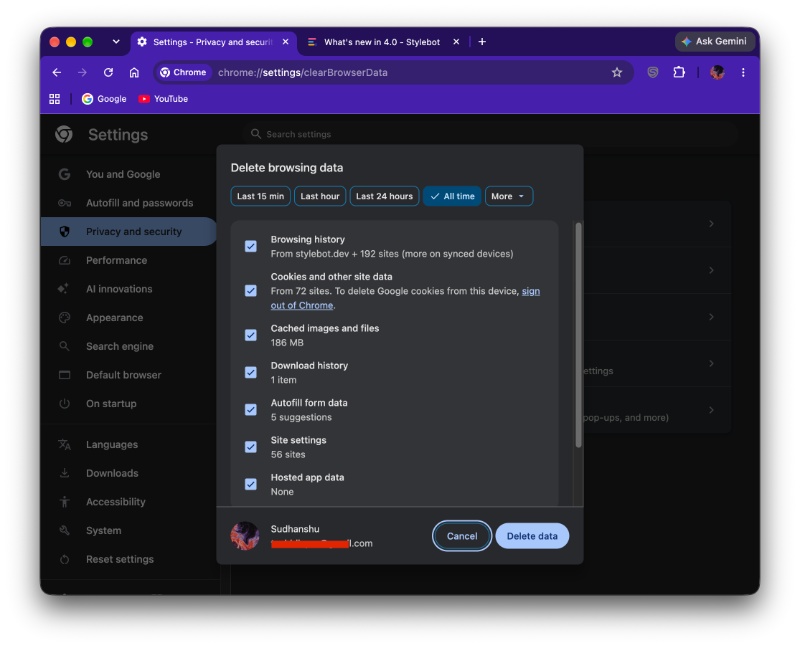
This information comes from a Chromium commit initially spotted by the folks at Windows Report. Google is working on adding a “Skills” checkbox to the “Delete browsing data” dialog in the browser, which would let you delete multiple saved entries at once.
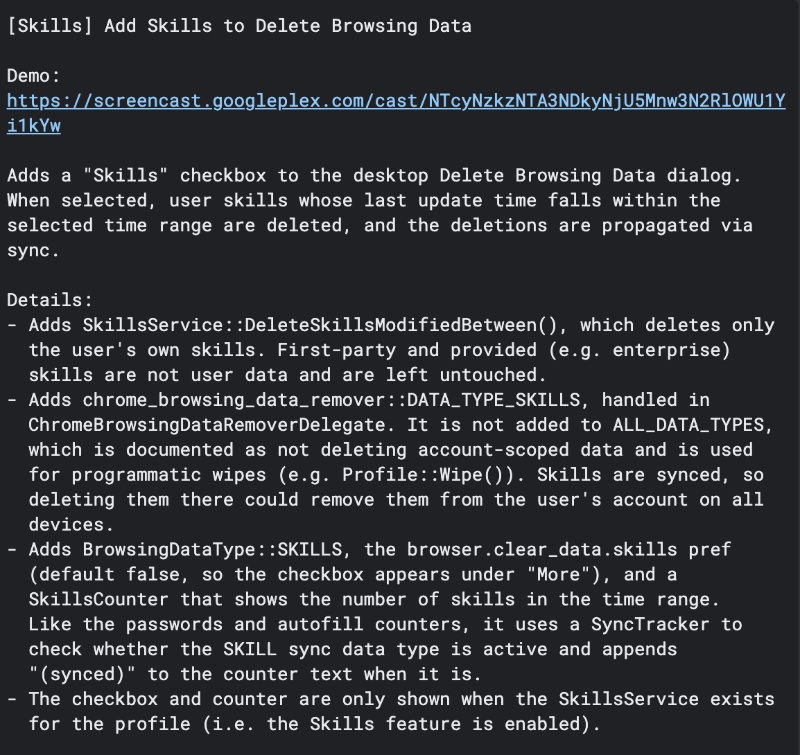
This option is not selected by default and will appear alongside the other data types Chrome already lets you clear. For example, you can already clear your history, cookies, and cache. Once the development of the feature is complete, AI Skills will join the list too.
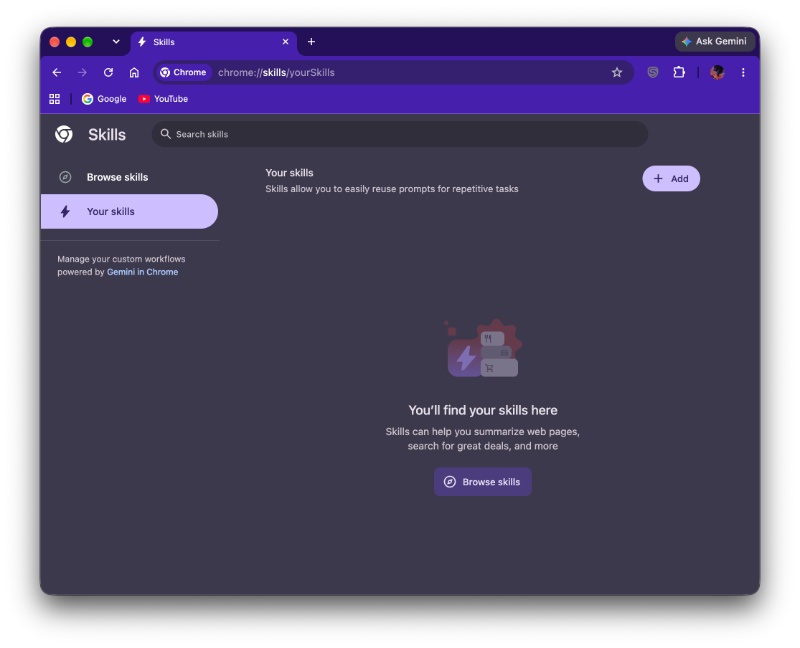
So, what exactly is an AI Skill? A Skill refers to saved AI prompts that users create in Chrome. These prompts can be reused for repeated tasks with Gemini in Chrome. Basically, people can save repetitive prompts; there’s no need to retype them.
While you can already manage or delete individual Skills on the dedicated page for Skills at chrome://skills/browse, this upcoming option lets you clear them all (or multiple Skills) at once.
Once this change goes live, users will no longer need to visit the Skills page separately and remove the entries one by one. Instead, they can choose how many they want to delete.
It’s worth noting that this option is only for user-created Skills. First-party Skills provided by Google and other enterprise-provided Skills are not treated as user data and will not be removed.
Furthermore, this feature is still in development. It has not yet rolled out to the stable version of Chrome; the ETA is unclear at the time of writing. You can read the entire commit here.
In other Chrome news, if you don’t like the navigation bar at the bottom, Google might let you remove it soon. More on that here.


Sudhanshu K
322 Posts
I have been a consumer technology enthusiast for over 5 years. Thanks to my experience in software beta testing and product reviews, I've understood and learnt a lot about what bugs and issues bother people, and I spend time trying to simplify their solutions. I cover smartphones, software, social media, apps, AI, and most consumer tech gadgets. Actively pursuing a Computer Science bachelor’s degree. I'm mostly active on Twitter/X (@TechWhirlUlt), drop a DM or tag me if you want to share info or connect!