





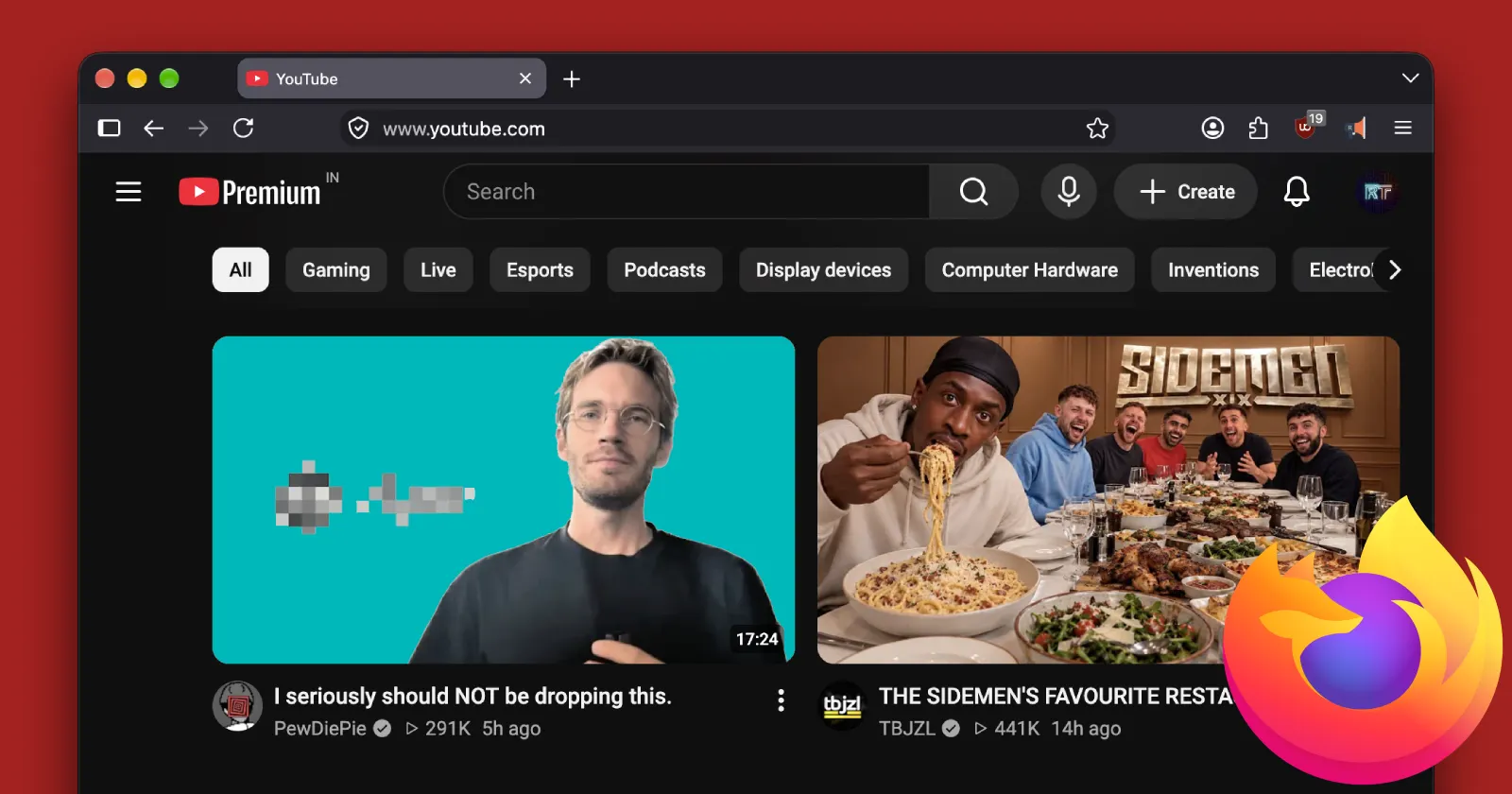
Mozilla released Firefox 157 a couple of days ago, with a major new UI overhaul. While that UI change is still the talk of the town, there’s something else that seems to have popped up that’s annoying users.
We have spotted a couple of active threads on the r/firefox subreddit where users are complaining about massive lag spikes in the browser coupled with absurdly high usage.
One big thread has over 400 upvotes, and the OP shared a screenshot showing Firefox hogging 1,737.4 MB of RAM with just a single YouTube tab open. Below that, you can see Genshin Impact also running and still consuming less memory than the browser with a single tab. Yikes!
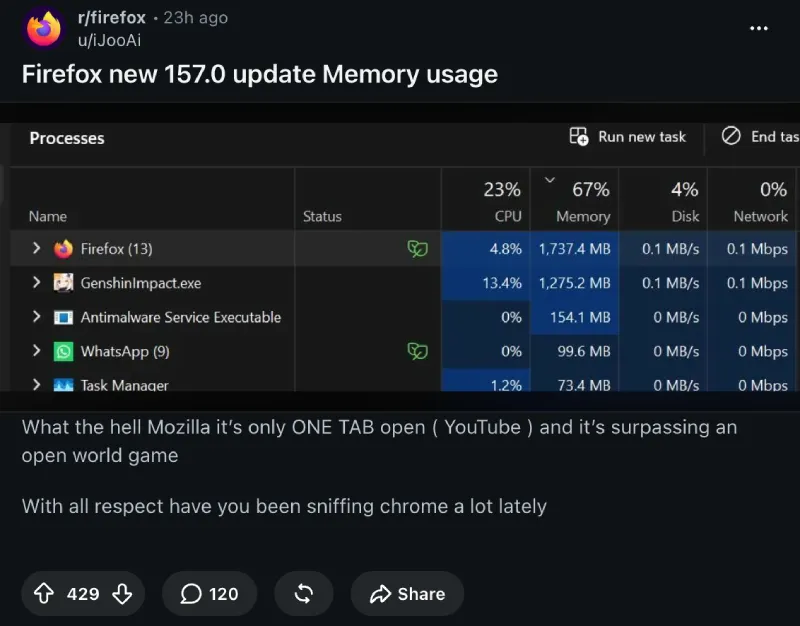
Then there’s another thread where the poster mentioned that the browser was lagging so much that they could barely even get a video to play.

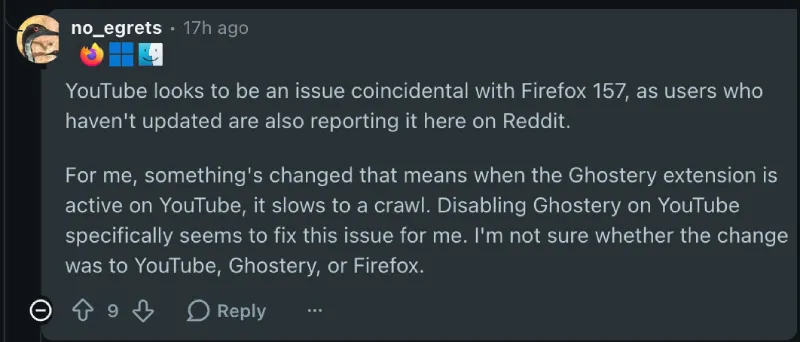
After digging through the comments to figure out what was really going on, we noticed most affected users started pointing fingers at one specific culprit. A surprisingly large number of people reported having the Ghostery privacy extension installed, and disabling it immediately got rid of the lag spikes.
One commenter wrote, “Disabling Ghostery on YouTube specifically seems to fix this issue for me.” Soon after, others joined in confirming the same experience.
Affected users even confirmed that the browser and YouTube worked just fine with other extensions like uBlock Origin installed. So Ghostery is the only extension that seems to be causing the issue.
The issue also doesn’t seem to be caused by the Firefox 157 update itself. Instead, it seems coincidental and not a bug in the update.
This doesn’t necessarily mean Ghostery is entirely at fault. YouTube frequently rolls out under-the-hood script changes targeting ad blockers, and an unannounced tweak on Google’s end could easily clash with an extension or the way the latest browser build handles background scripts.
Neither Mozilla nor the team behind Ghostery have shared any official word yet about what is going on behind the scenes. Until someone pushes an update or explains the clash, disabling or pausing Ghostery on YouTube seems to be your best bet if you want to watch videos without cooking your RAM.
Disclaimer: PiunikaWeb has not independently verified the potential workaround and issue reported here. The information shared in the article is based on user reports and discussions.


Dwayne Cubbins
3070 Posts
I cover fast-moving stories across apps, online platforms, and everyday tech — phones, wearables, consoles, and whatever else people are fighting with this week. Bugs, rollouts, scams, policy enforcement, and the occasional internet-culture rabbit hole are all fair game. My goal is simple — make confusing tech news readable. When I'm not working, I'm working out or chilling with my dog. Got a tip? You can find me on X @dcubbins.