






The latest update to the Midori browser on Android brings optimization enhancements and overall bug fixes. There are no notable new user-facing features this time around, and the update focuses on improving the user experience.
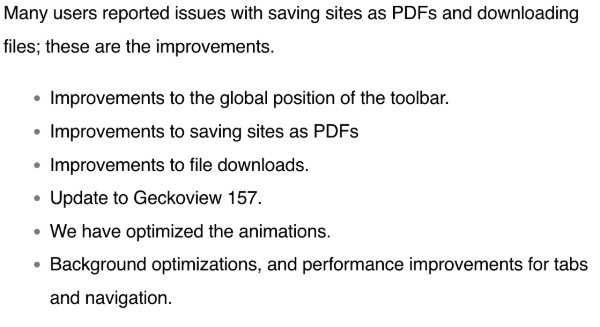
The Astian group posted an official blog with the changelog, titled “Improved stability…,” and I’ve attached a screenshot of the relevant changes below.
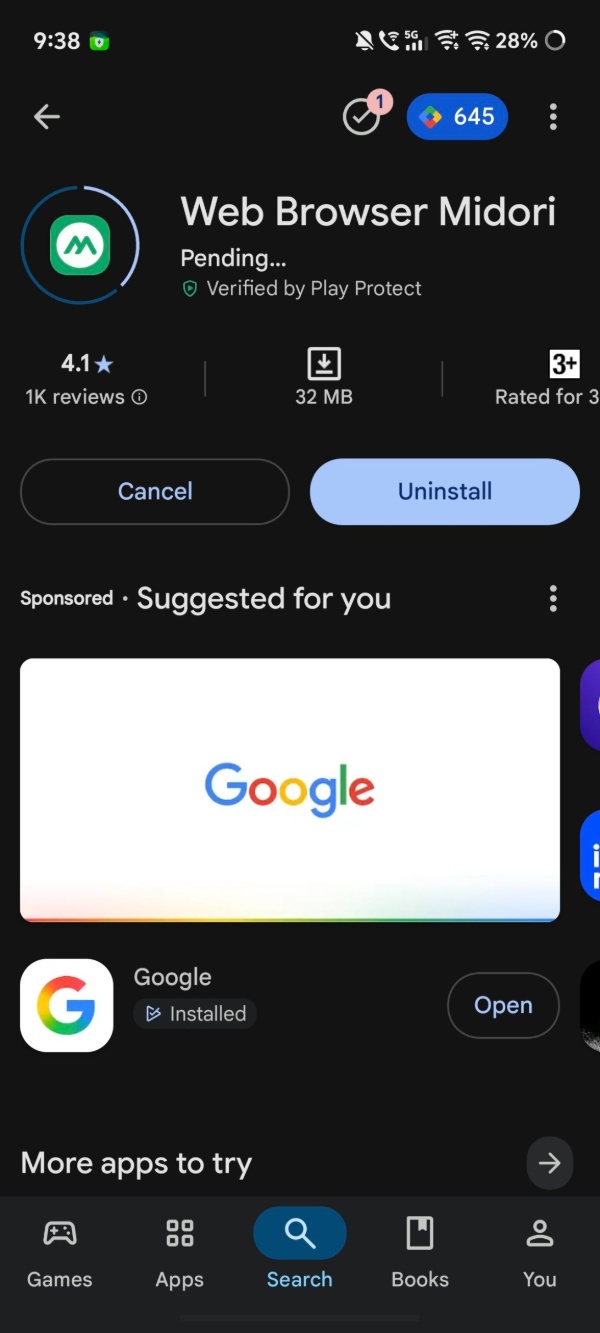
As soon as I opened the Play Store page for the Midori browser, the update was waiting for me.
Here’s a summary of the bug fixes/improvements in this update:
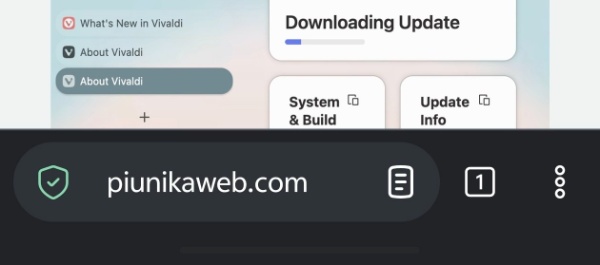
- The global position of the toolbar has now been improved. It doesn’t cut into content or look awkward in some cases anymore.
- Various bugs with saving sites as PDFs have been addressed.
- Bugs with file downloading have been fixed.
- Update to Geckoview v157.
- Animation optimizations and improvements: I’ve observed that the browser is snappier and faster now.
- Background efficiency/performance improvements to keep it running smoothly.
The entire changelog (blog post) is available here for you to read here. To update your browser, head over to the Google Play Store and tap on “Update.”
This update, as mentioned before, is quite light on features. The previous update included HTTPS connections by default, introduced a Reading Mode, and also included some UI design improvements. Since the previous update was focused on features, it makes sense to release an optimization/stability patch this time.
In other Midori browser news, you can now find Astian official services within the browser. To access these first-party services such as sync, VPN, cloud, and calendar, you’ll need an Astian account. More on that here.


Sudhanshu K
302 Posts
I have been a consumer technology enthusiast for over 5 years. Thanks to my experience in software beta testing and product reviews, I've understood and learnt a lot about what bugs and issues bother people, and I spend time trying to simplify their solutions. I cover smartphones, software, social media, apps, AI, and most consumer tech gadgets. Actively pursuing a Computer Science bachelor’s degree. I'm mostly active on Twitter/X (@TechWhirlUlt), drop a DM or tag me if you want to share info or connect!