





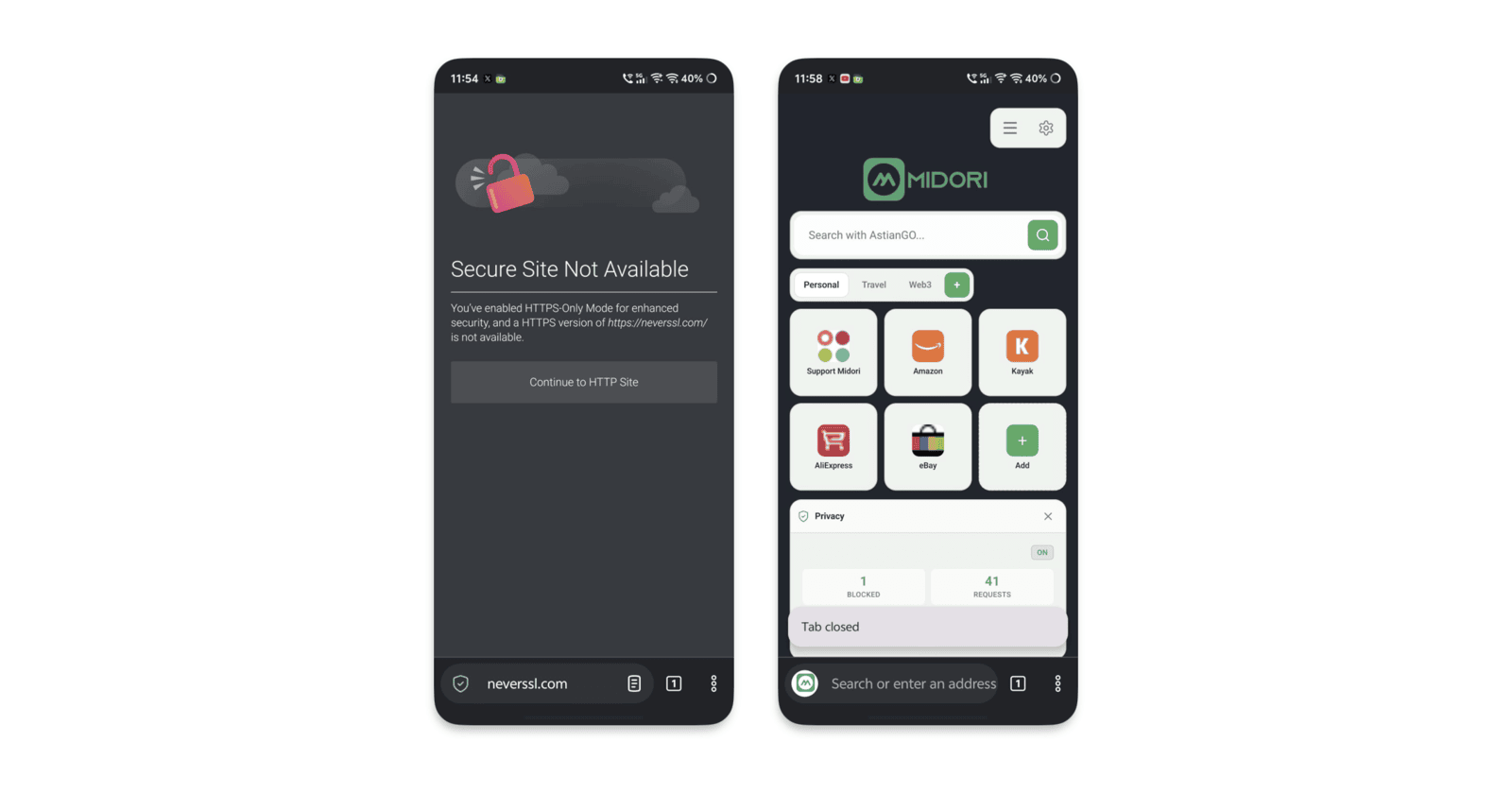
The Astian company is on a roll, with updates to the Midori browsers almost every few days on both Android and desktop. The previous v11.9.2.3 update on Android came out just a few days ago, and the next version, v11.9.2.4, is already here.
As usual, the information was published in an official blog post, and you can view a screenshot from the announcement below.
I’ve checked for the v11.9.2.4 update, and the “Update” button showed up as soon as I opened the Midori browser page on the Google Play Store.
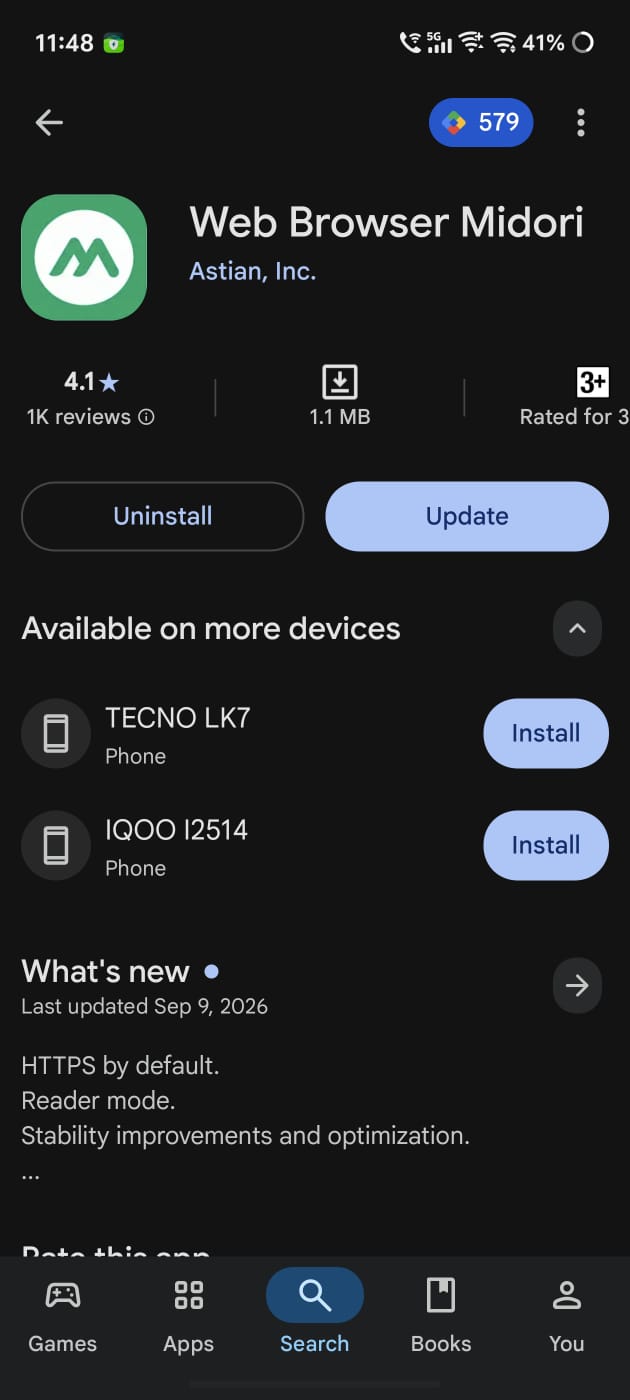
Here’s a summary of the changes introduced with this update:
- HTTPS connections by default: Midori now tries to open every site as “https://” instead of the unencrypted “http:/”” standard. Since HTTP can be snooped on public Wi-Fi, HTTPS is much safer and more secure. It’s not the first browser to do this; Chrome, Firefox, and Brave have had their own implementation for years. Midori is playing catch-up here.Websites that only work on HTTP will now issue a warning, offering the option to proceed with a warning.
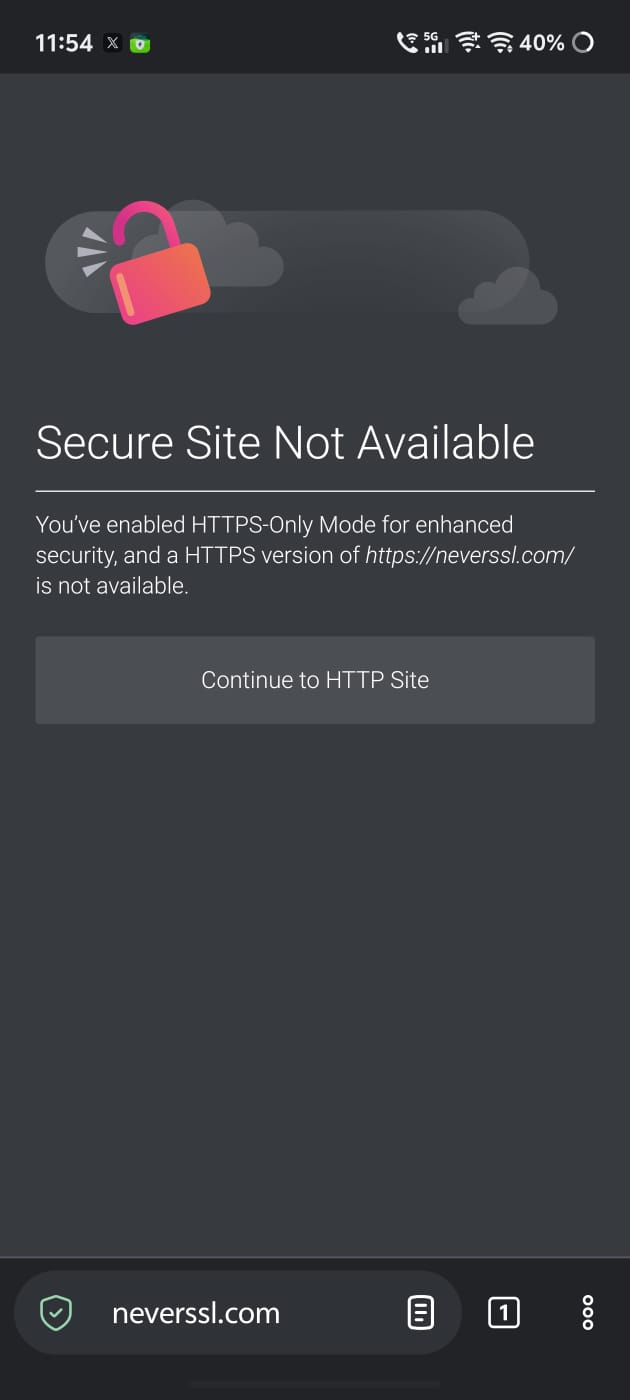
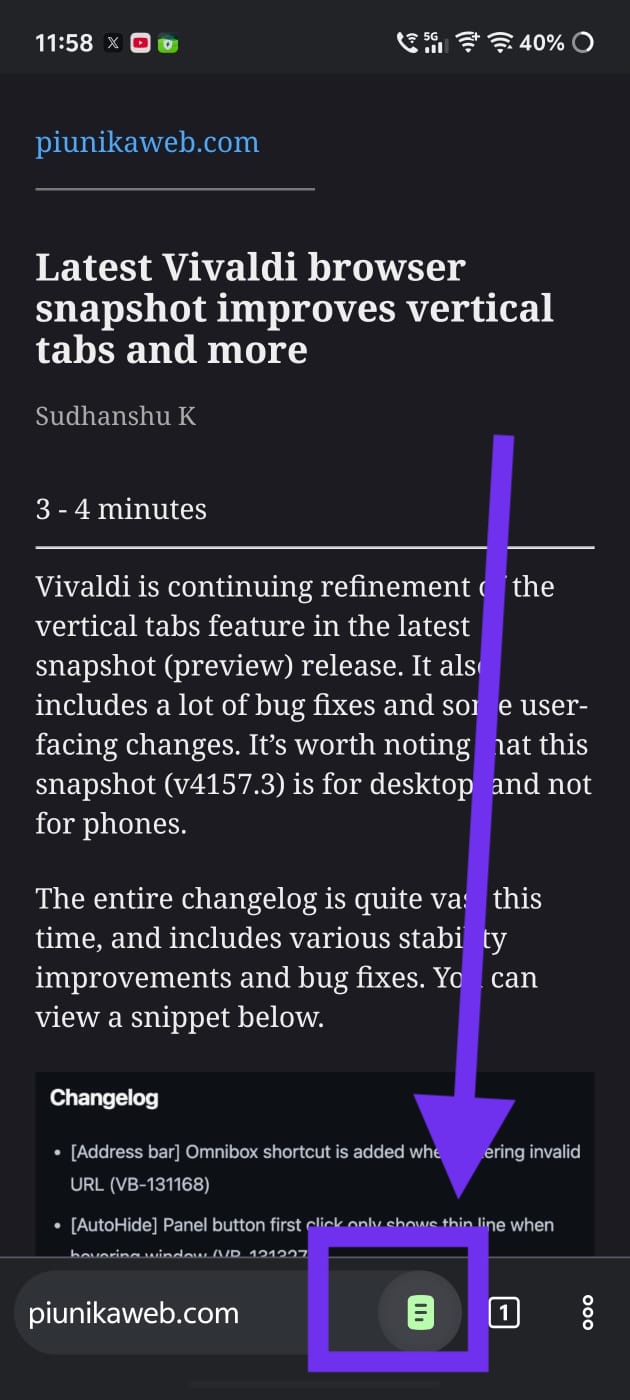
- Reading Mode: It provides a clean view and removes ads, sidebars, pop-ups, and other junk. Midori removed it in an earlier version for some reason, but it’s up and running now. Just tap on the icon that’s at the extreme right of the address bar.
- Scrolling bug fix: Sites used to jump away and glitch out sometimes. It won’t happen very often now.
- Improved UI design for navigation bar and tab control: There are softer colors, less contrast, and some minor changes to the design to make it appear more flattering.
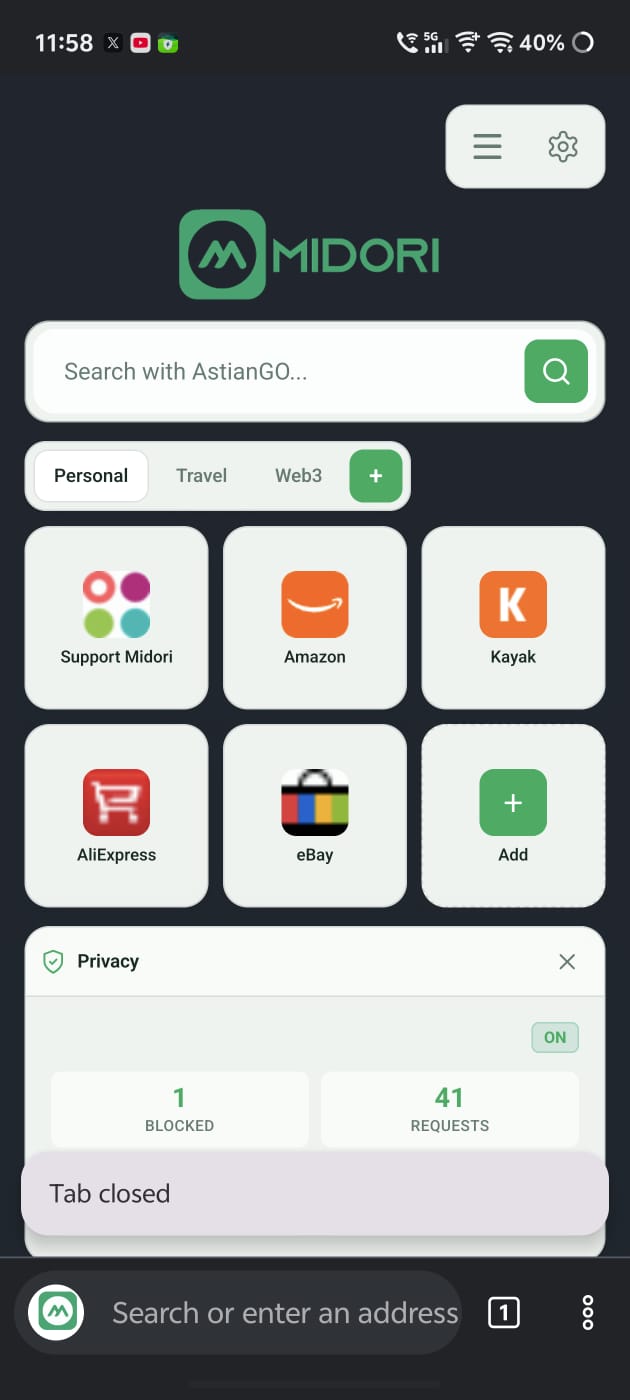
- Optimized animations for things like opening a tab, switching tabs, and other activities. It’s noticeable.
- Better efficiency and performance overall.
While the current version introduces new user-facing features, the previous update brought better performance optimization and a faster startup time. We covered that here. You’ll start to notice a pattern here. The version before that was another feature drop, introducing tab groups and a built-in VPN. So, if one update brings new features, the next one focuses on refinements and optimization.
Progress on the desktop hasn’t been slow either. The company recently announced support for a built-in ad blocker with v11.9.2 on the desktop version.
The official blog post is available here. If you haven’t updated yet, you can find the download/update link on the Google Play Store.


Sudhanshu K
321 Posts
I have been a consumer technology enthusiast for over 5 years. Thanks to my experience in software beta testing and product reviews, I've understood and learnt a lot about what bugs and issues bother people, and I spend time trying to simplify their solutions. I cover smartphones, software, social media, apps, AI, and most consumer tech gadgets. Actively pursuing a Computer Science bachelor’s degree. I'm mostly active on Twitter/X (@TechWhirlUlt), drop a DM or tag me if you want to share info or connect!
Next article View Article
