





On the New Tab page of the Chrome browser, Google has been aggressively pushing its AI features powered by Gemini. Two common features are AI Mode, which kicks you into a Gemini window instead of the usual Google Search. The other is image generation using the Nano Banana models. However, a lot of people don’t like to see these on the New Tab page, and this article explains how you can turn them off.
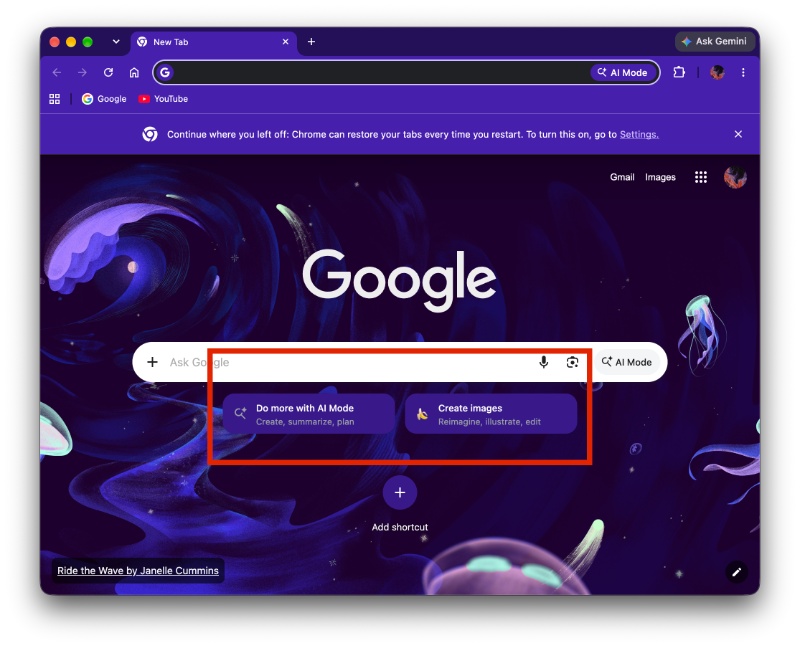
It sits right below the Google Search bar (not the address bar). The placement is above your shortcuts, and it’s “present” enough to be considered shoehorning by many people. It was likely added in a recent update, since I found the two buttons appearing there only after I updated Chrome to the latest version. You can view the screenshot of these buttons below.
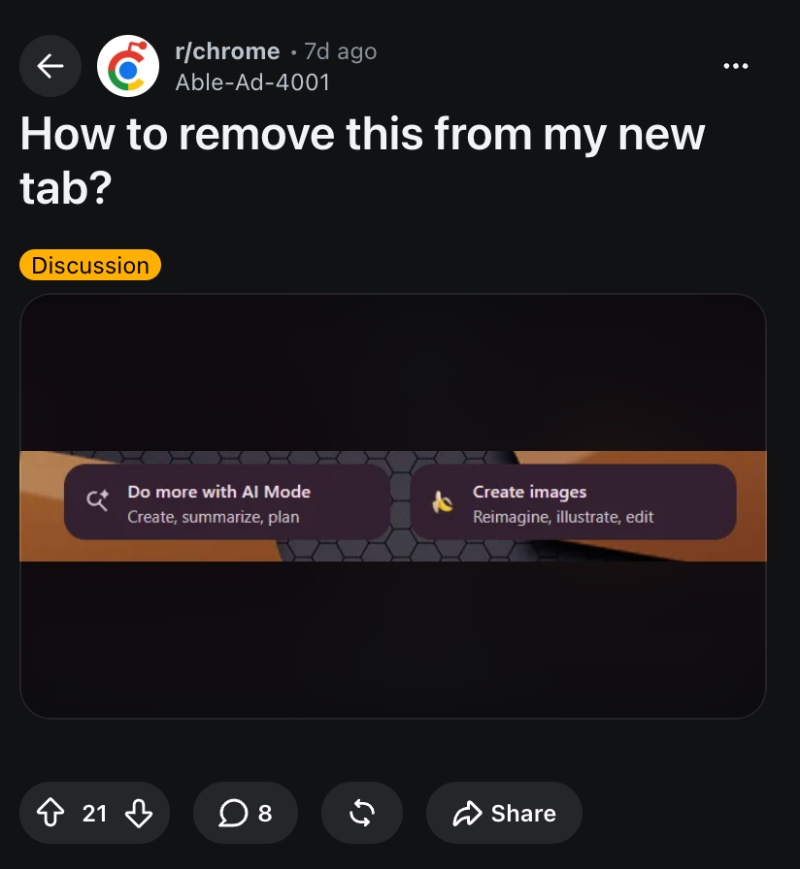
It’s not just me complaining about these buttons; I’ve attached a post on r/chrome complaining about the exact same thing.
It’s worth noting that some people might genuinely find these useful if they directly want to use “Ask AI” instead of using the search bar, or want a shortcut to image generation. If you don’t fall under this group and want to remove these two buttons, follow these steps:
- Type chrome://flags/ in the address bar.
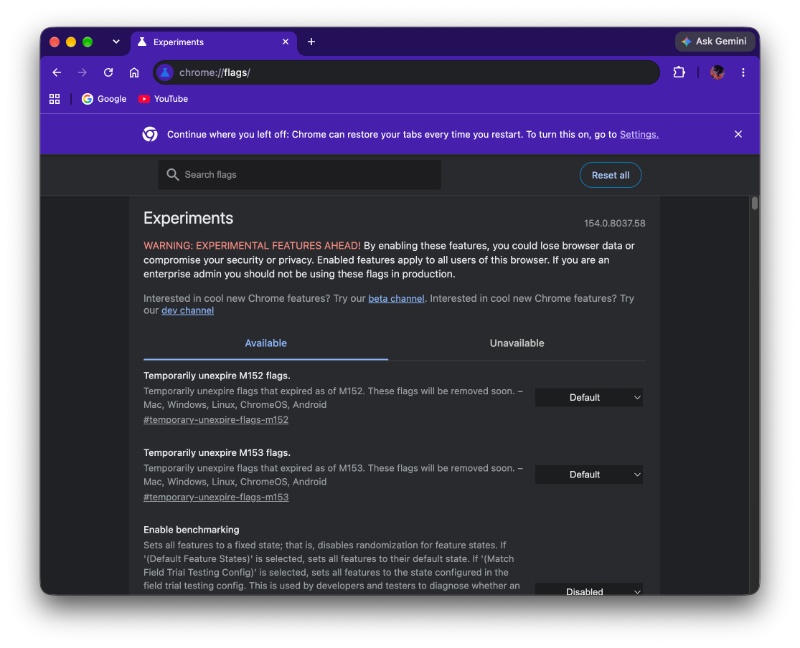
- Search for “NTP compose box” in the search bar.
- It’s set to “default,” which you’ll have to change to “disabled.”
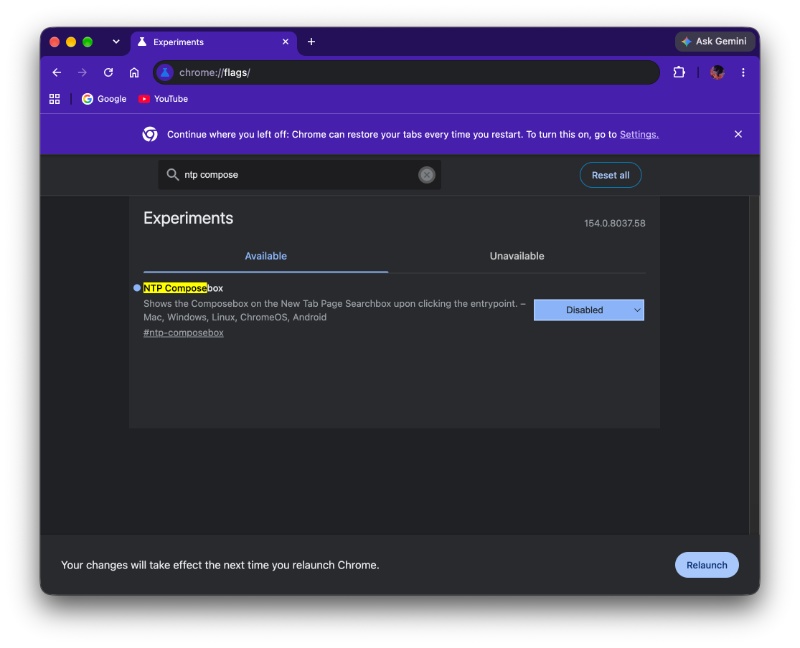
- Restart the browser.
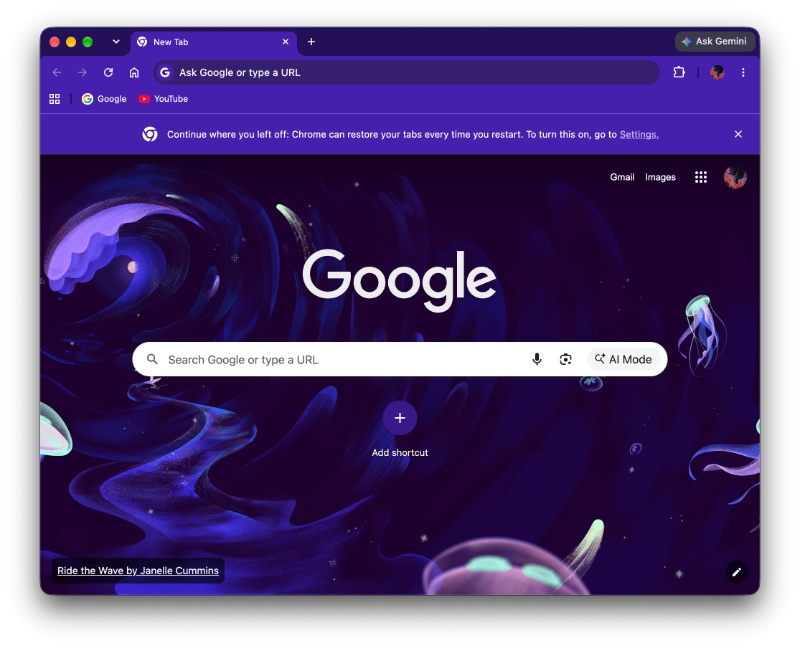
Sure enough, the “Ask AI” button and the image generation button both disappear from the New Tab page. It goes back to showing your search bar and shortcuts right below it. The only potential problem with this workaround is that it relies on a flag. Google could remove this flag anytime, which would break the solution.
In other Chrome news, Google is testing an update system that patiently waits for your desk break. More on that here. The company is also marketing some new features that were added to Chrome with recent updates, like web audio analysis, custom quizzes, and more, which are geared to students. We covered that here.


Sudhanshu K
296 Posts
I have been a consumer technology enthusiast for over 5 years. Thanks to my experience in software beta testing and product reviews, I've understood and learnt a lot about what bugs and issues bother people, and I spend time trying to simplify their solutions. I cover smartphones, software, social media, apps, AI, and most consumer tech gadgets. Actively pursuing a Computer Science bachelor’s degree. I'm mostly active on Twitter/X (@TechWhirlUlt), drop a DM or tag me if you want to share info or connect!