





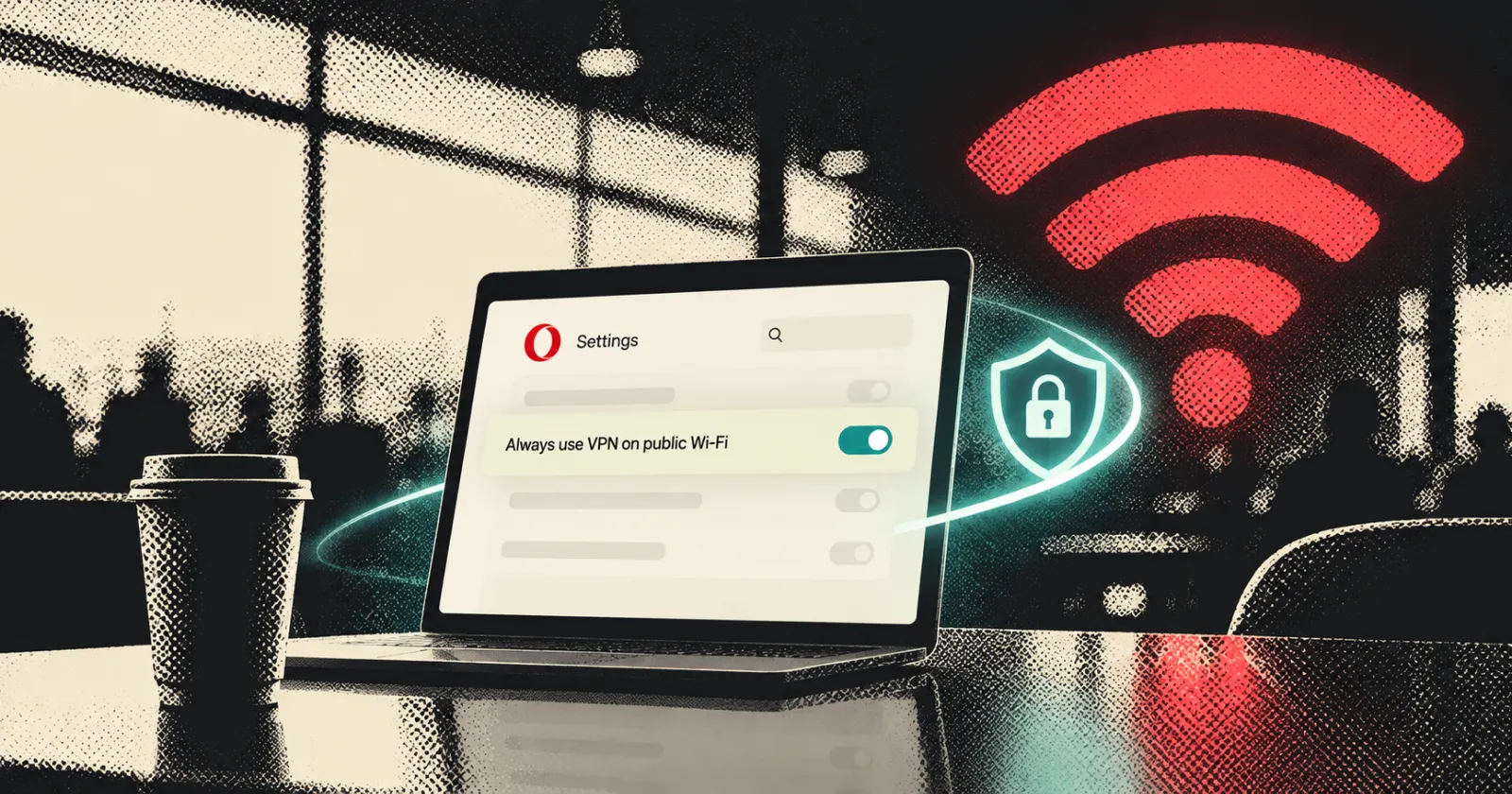
Opera now has a feature that is useful for people who use cafes, airports, or libraries. Its free built-in VPN automatically turns on as soon as you connect to a public Wi-Fi network, so you won’t be left at risk if you forget to turn it on manually.
It’s a neat addition, since browsing on public networks is one of the riskiest things one could do without a VPN. Plus, these are the times when most of us forget to use a VPN. So Opera aims to compensate for that oversight.
However, there’s a key point to note: the feature is not enabled by default. You have to go to the settings yourself and turn it on; otherwise, Opera will never perform any automatic actions. The company presents this as a positive feature rather than a mistake, stating that “privacy should always be in your hands, which is why you’ll need to manually enable the feature in your browser settings.”
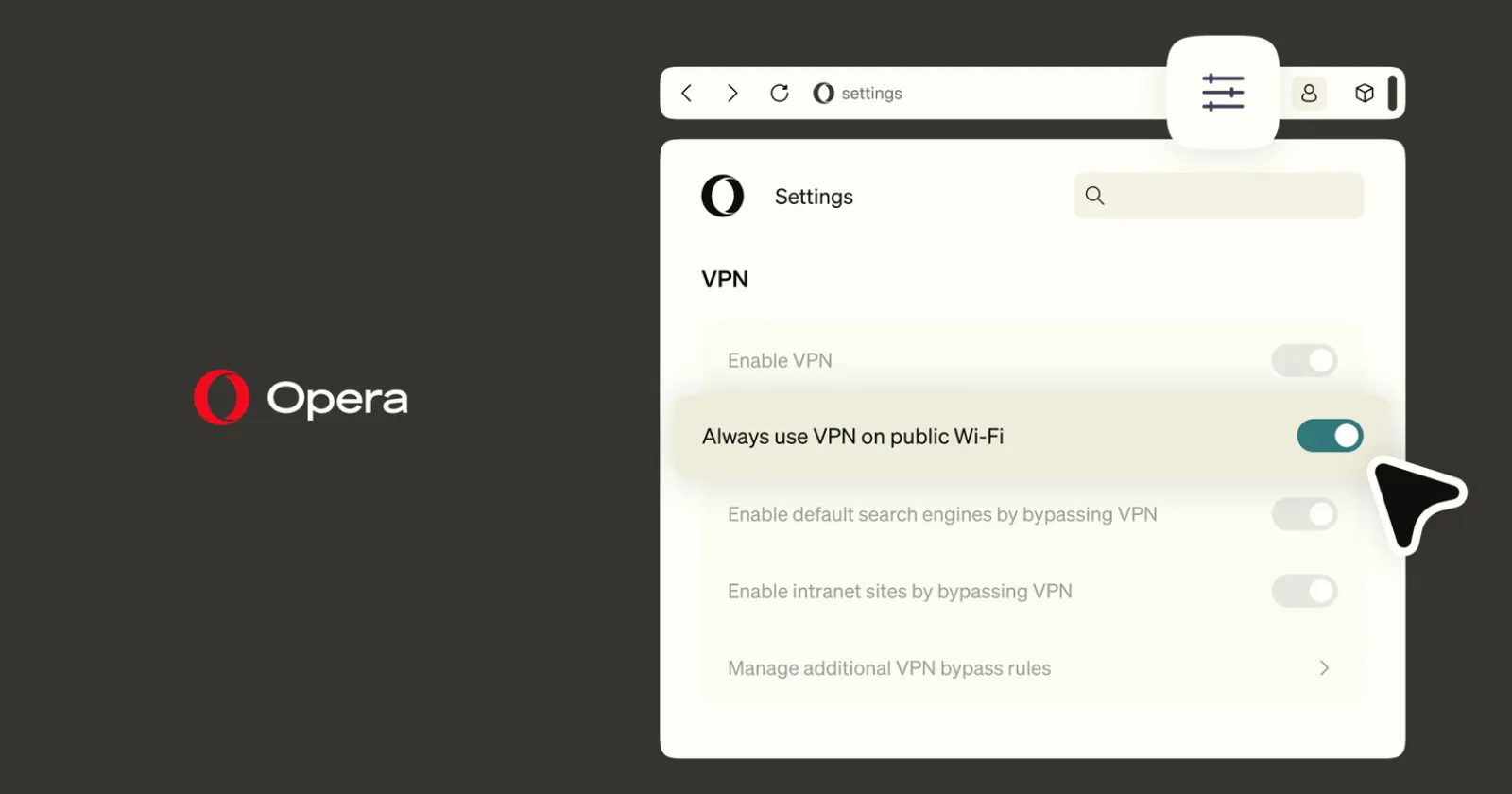
If you usually expect new features to work right after an update, this one is different. It stays in the VPN section until you turn it on. Opera has been doing this lately, offering useful options that you need to find and enable yourself. The company recently highlighted this when it showed Android users features they might have missed.
Once you turn it on, it’s easy to use. When you connect to a network, Opera checks if it’s public or private. The VPN turns on only if you need it. When you leave that network, the VPN disconnects and will turn on again the next time you join a public network. You’ll see the VPN button in your tab bar change color when it’s active.
Opera says its network checks do not mean it is watching your web activity. The company points to an independent audit of its no-log policy by Deloitte and states, “Your browsing is strictly your business.”
The feature is rolling out gradually, starting with users in the United States and France before becoming available elsewhere.
This is a great new feature, and the free VPN remains one of the top reasons to use Opera. Meanwhile, the browser recently received an update that changed how it handles vertical tabs. We covered the details here. As for the new auto-VPN, just keep in mind that you need to turn it on to be protected.


Dwayne Cubbins
3055 Posts
I cover fast-moving stories across apps, online platforms, and everyday tech — phones, wearables, consoles, and whatever else people are fighting with this week. Bugs, rollouts, scams, policy enforcement, and the occasional internet-culture rabbit hole are all fair game. My goal is simple — make confusing tech news readable. When I'm not working, I'm working out or chilling with my dog. Got a tip? You can find me on X @dcubbins.