





How to win an argument with an iPhone user 😏 https://t.co/RAQ5D31i9v
— Opera (@opera) September 23, 2026
The Opera browser on Android has several interesting features that go beyond the basic ones, and the company has recently published a post explaining how you can make the most of the browser. This article breaks down my experience with these features and whether it’s actually worth using Opera because of them.
The official Opera account published an X Article. To promote it, they also put out a post saying, “How to win an argument with an iPhone user.” The article gives 5 ways to get the most out of the browser.
The first major features that the article talks about center around Start Page customization.
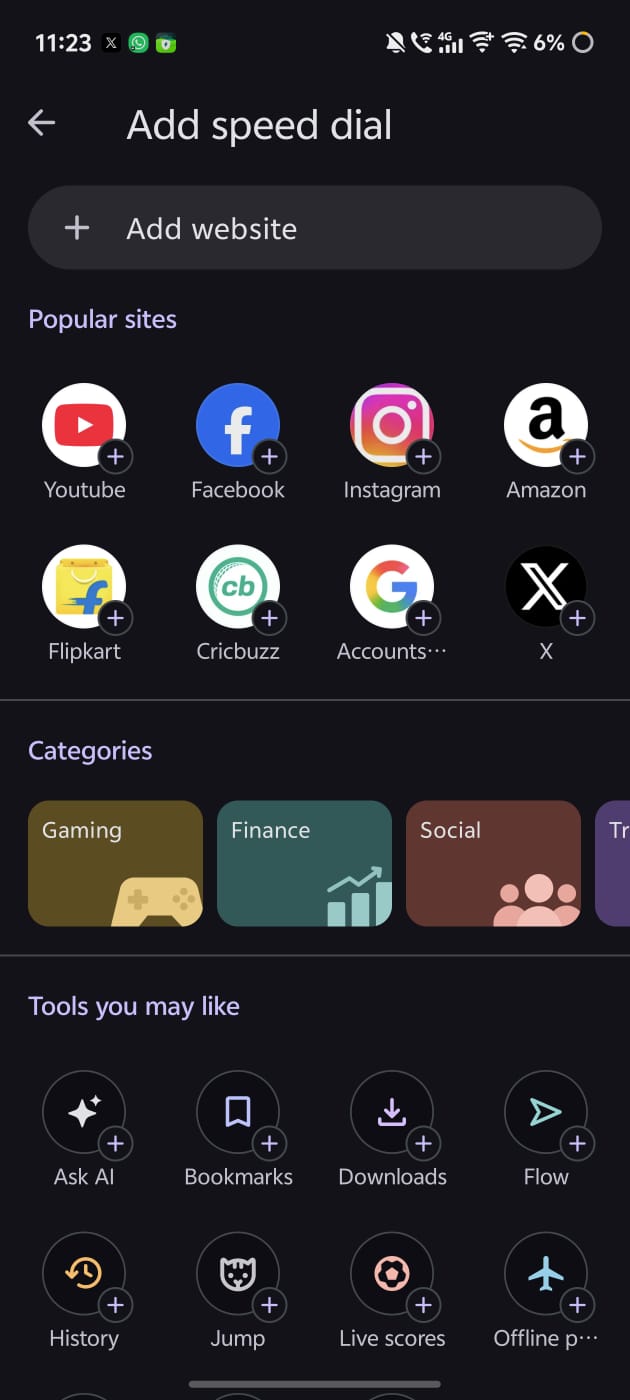
- Speed dial shortcuts can be added, changed, and customized.
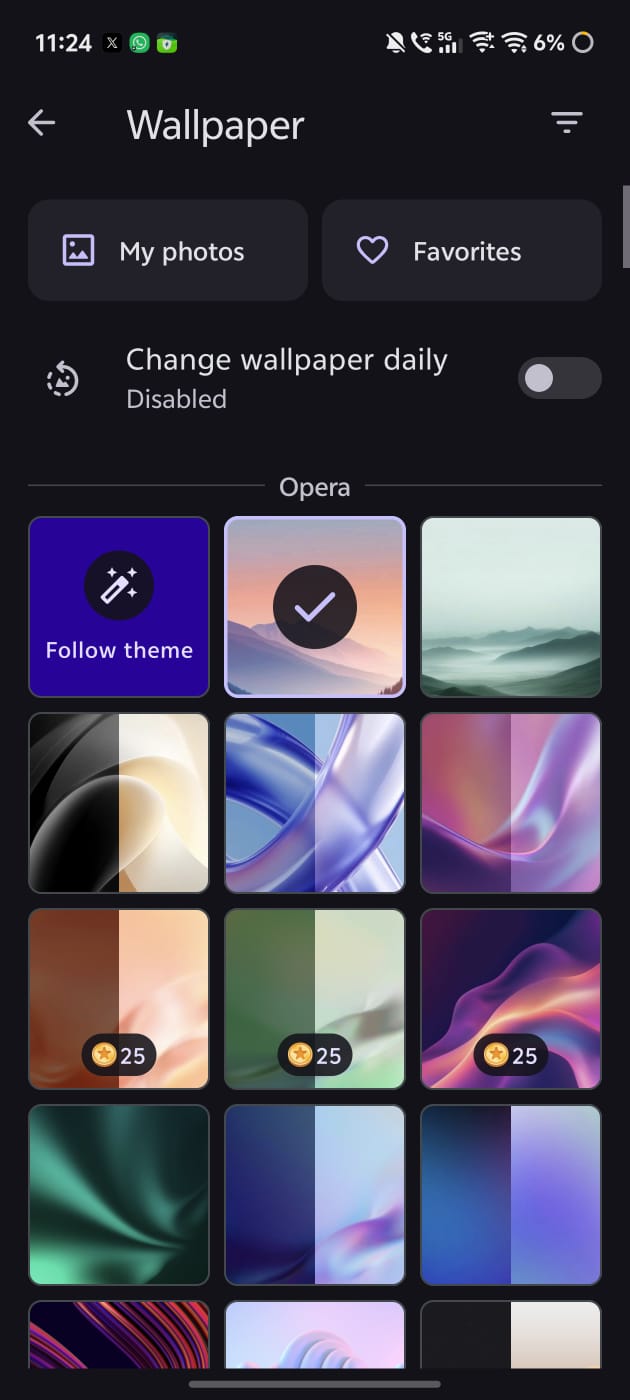
- You can customize your wallpaper by selecting a default/official one or using your own image. The option is available in the top-right corner; you need to click on the three-line hamburger menu.
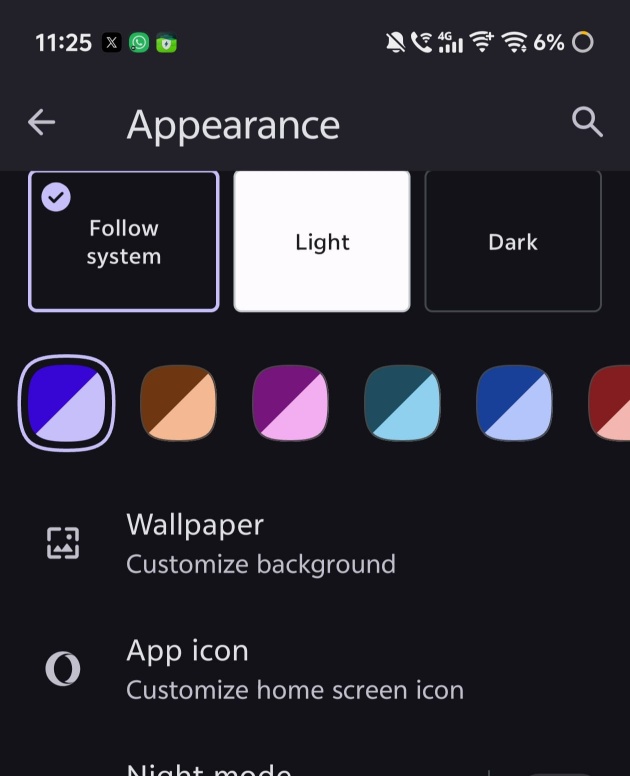
- You can pick between light and dark mode from Appearance Settings (or set it as the system default).
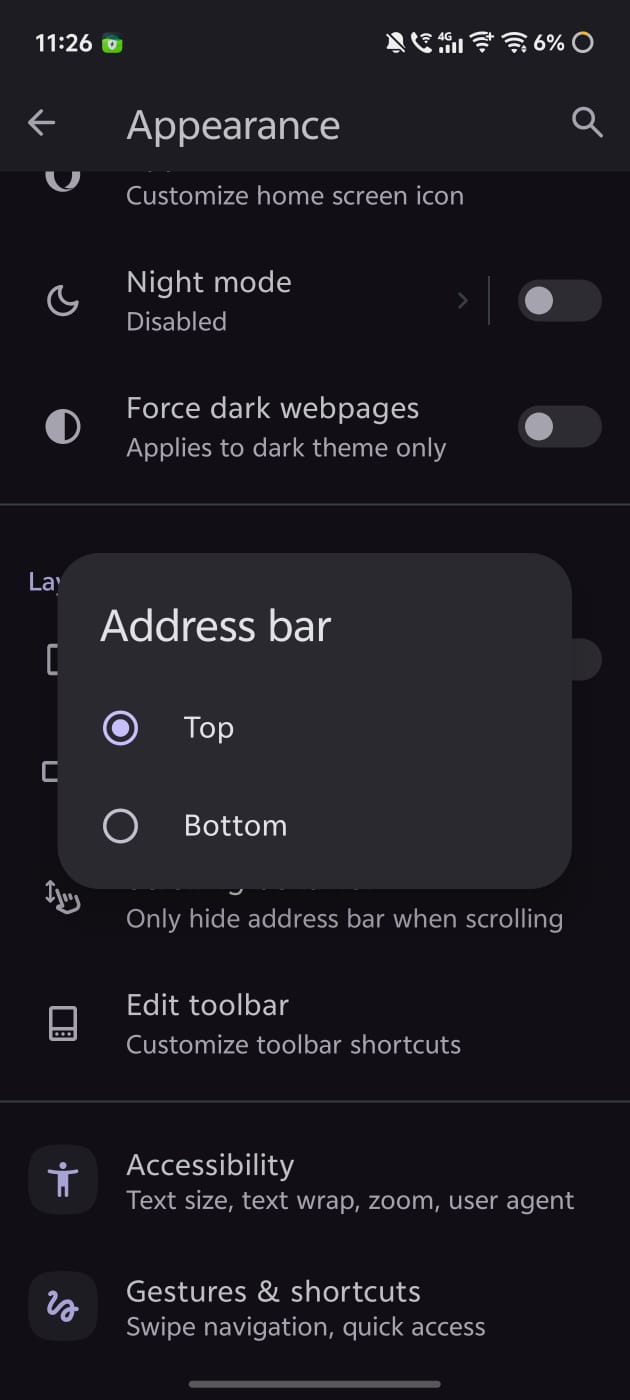
- The address bar can be moved to either the top or the bottom.
Moving on, the post talks about the free VPN that Opera offers. While VPN Pro is an optional upgrade, the free version is already unlimited and requires no separate subscription or app. You don’t even need an Opera account to use it. To enable it, head over to Settings -> VPN.
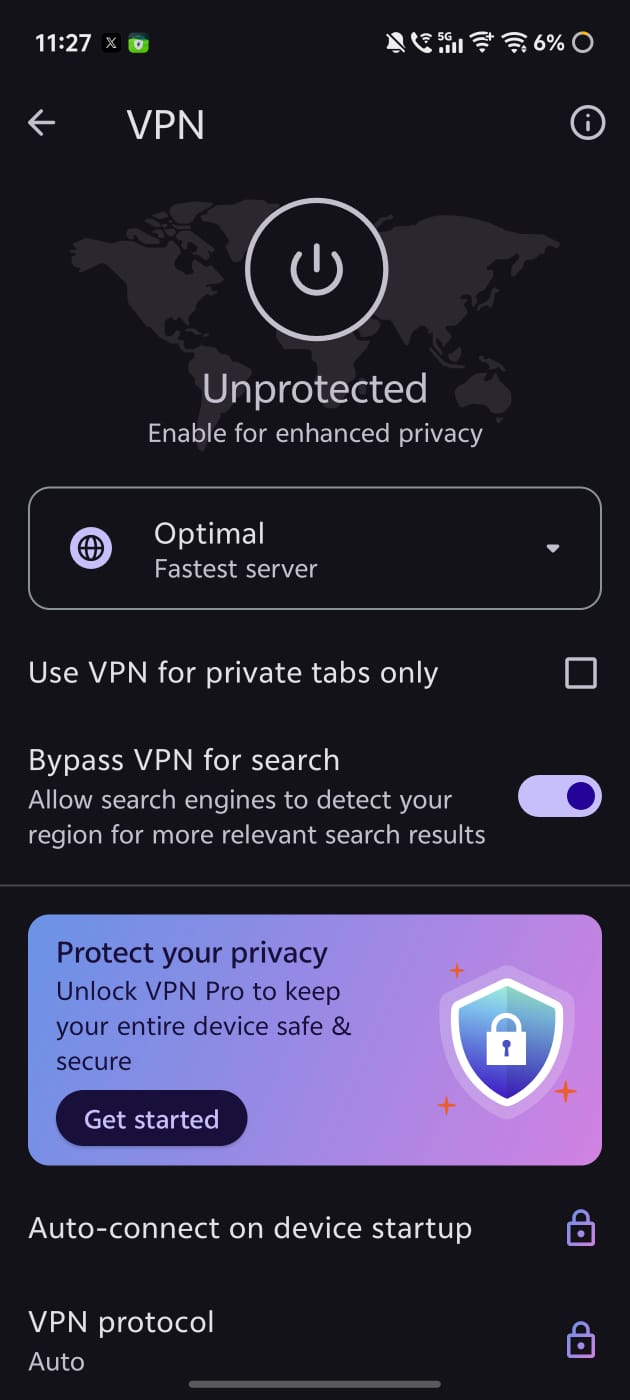
It’s nice that the browser doesn’t require a restart to enable the VPN. The only “drawback” of the free version is that it’s not a system-wide VPN. It only applies within Opera.
The next advertised feature is the built-in ad blocker. It filters out trackers and blocks ads.
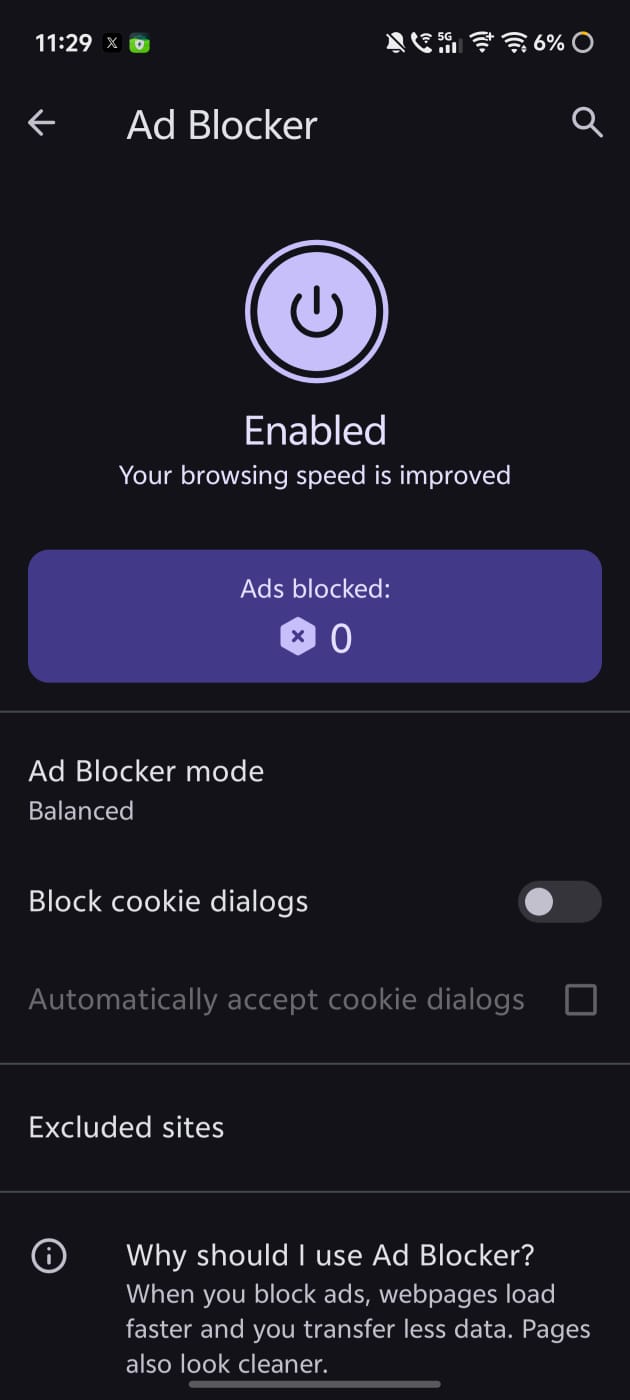
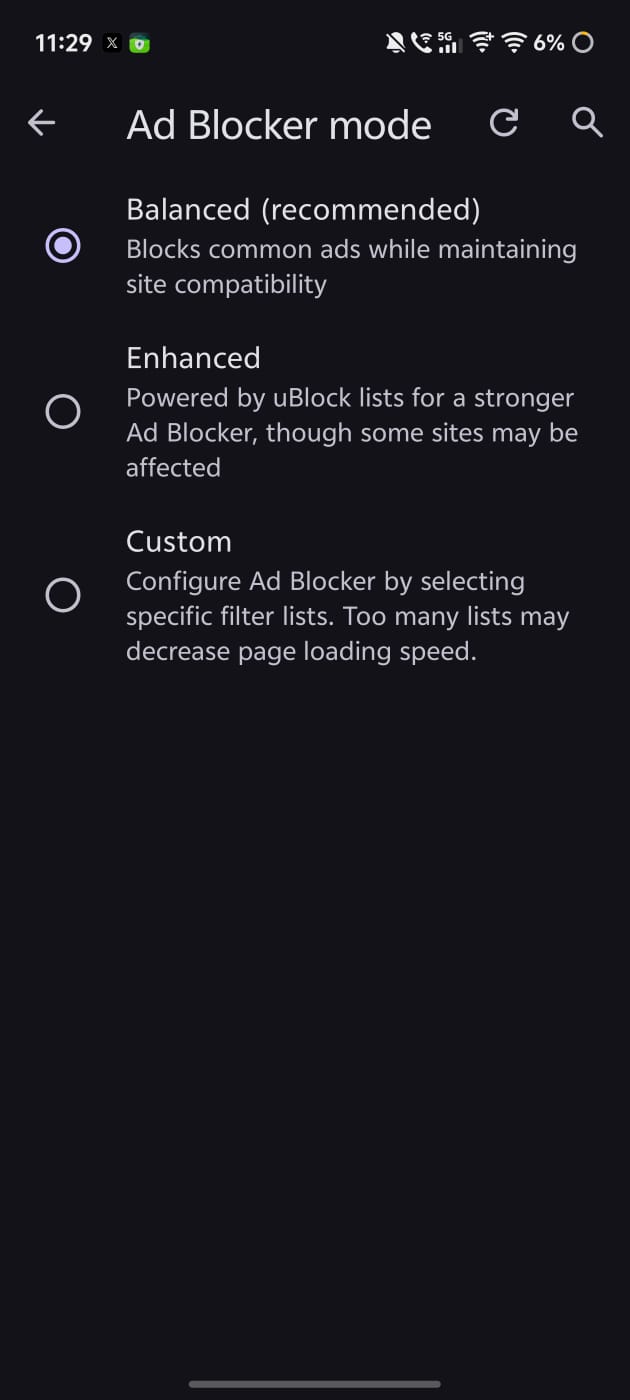
It also features three different modes and specific filter lists.
One major advantage of this ad blocker: Video ads are blocked too. You can watch YouTube without ads.
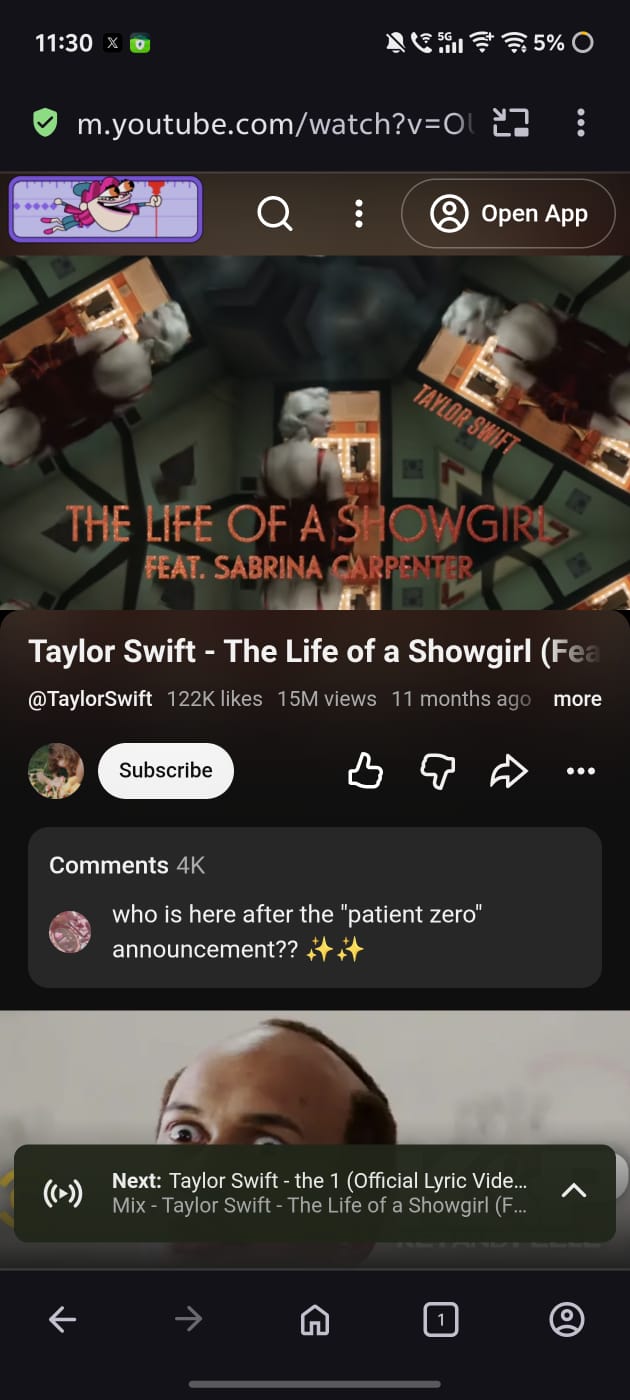
After the ad blocker, the article talks about the Ask AI feature. Opera AI reads the page and summarizes it for you.
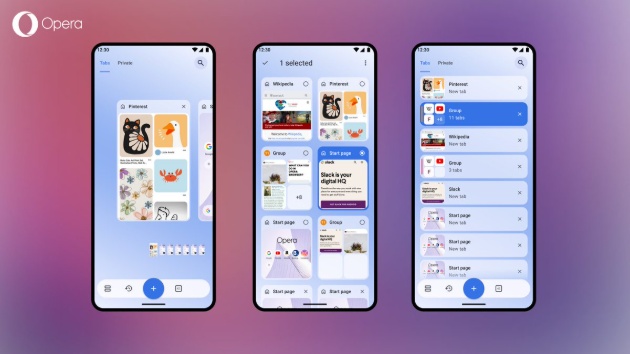
The final feature that the post discusses is the Tab Gallery. This is a genuinely useful organization feature. It displays the various tabs that you have open. You can view them as a Carousel, a Grid, or a List. Long-pressing a tab and dragging it creates Tab Groups (Islands). If you accidentally closed something, you can get it back via “Recently closed.” There’s also tab search if you’re lost.
All in all, Opera has done a good job of summarizing the features it brings to the table and makes a strong case to switch over. However, the competition remains strong, and options like Brave are enticing as well.
More recently, Mozilla has made its case about how Firefox can be used as a serious work tool. More on that here.

We stand out from the tech-media crowd because we break news stories; we mainly bring you stuff that you won’t find anywhere in the mainstream tech media. Our stories have been picked up by some of the world’s most popular websites and media outlets—more info is available here.

Sudhanshu K
301 Posts
I have been a consumer technology enthusiast for over 5 years. Thanks to my experience in software beta testing and product reviews, I've understood and learnt a lot about what bugs and issues bother people, and I spend time trying to simplify their solutions. I cover smartphones, software, social media, apps, AI, and most consumer tech gadgets. Actively pursuing a Computer Science bachelor’s degree. I'm mostly active on Twitter/X (@TechWhirlUlt), drop a DM or tag me if you want to share info or connect!
Next article View Article
Chrome now analyzes web audio, generates custom quizzes and remembers where you left off
In a recent blog post, Google put the spotlight on a series of useful new features for Chrome that came to the browser with recent updates. While the company is...
Sep 25, 2026 2 Min Read